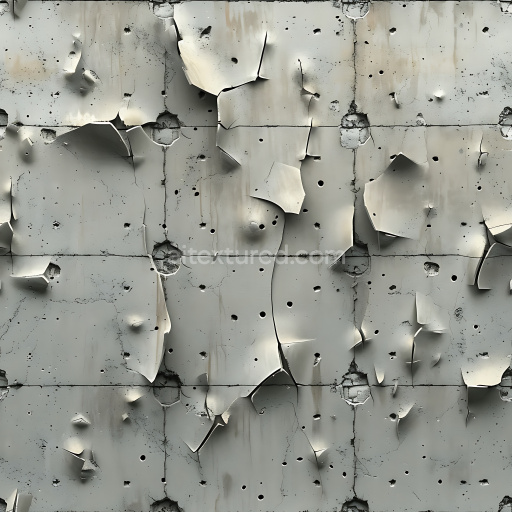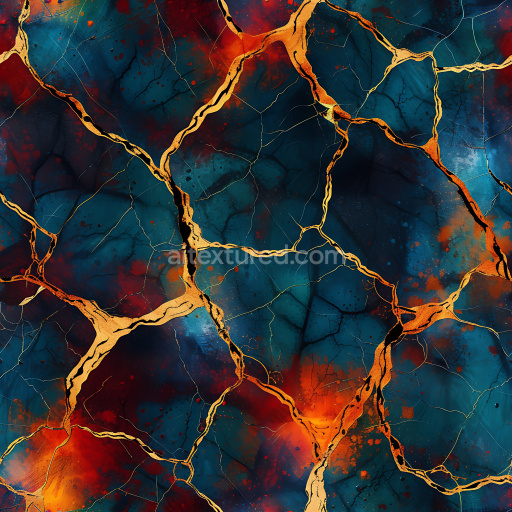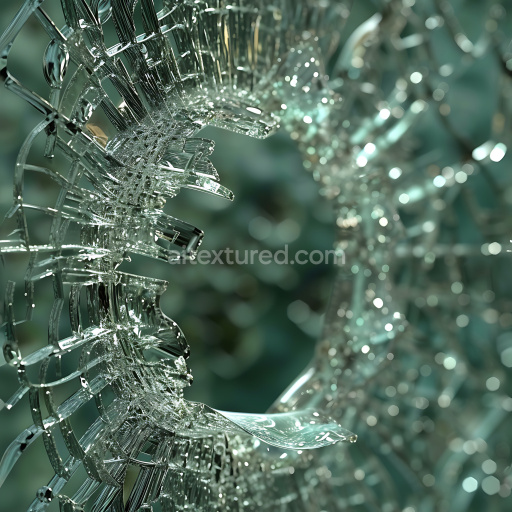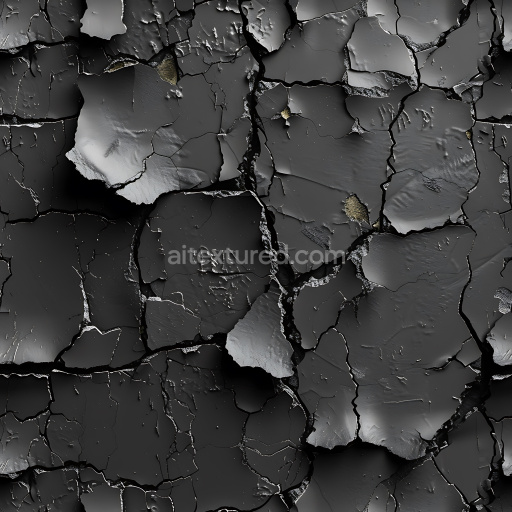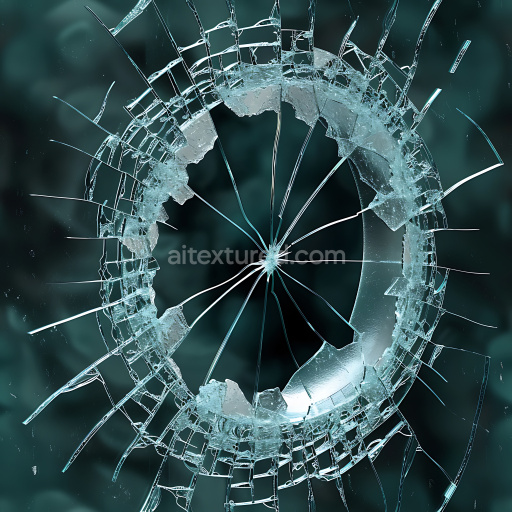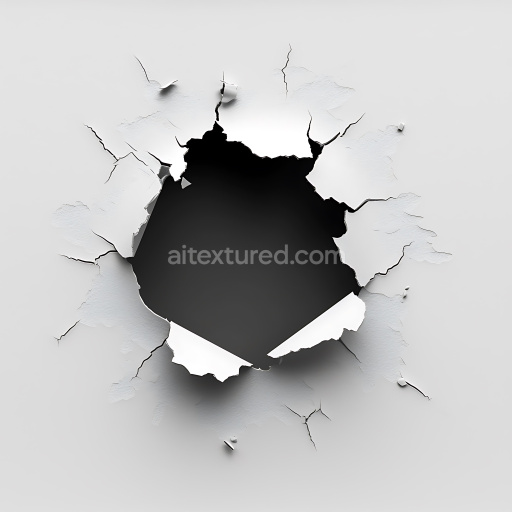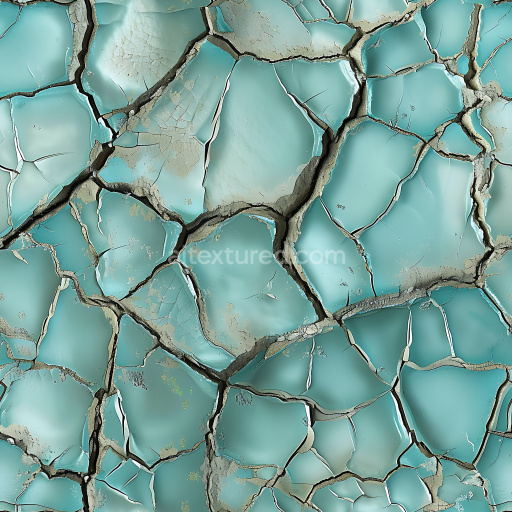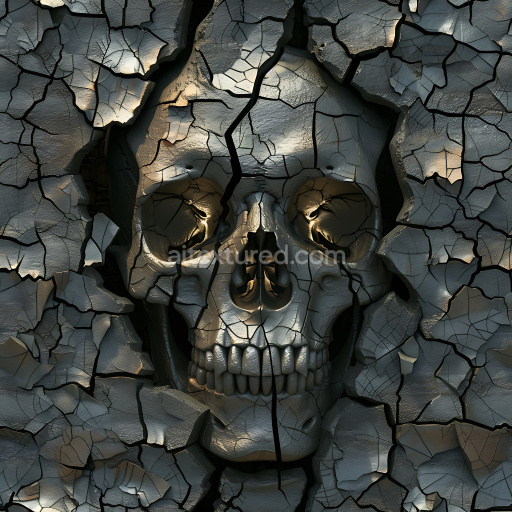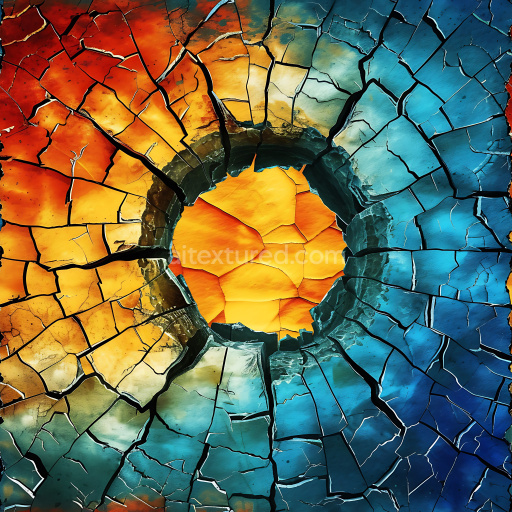
Cracked White Plaster PBR Texture with Jagged Hole and Fractures

Seamless texture (tileable) · PNG, WEBP, PBR ZIP. License: AITextured Free Commercial License (FCL) v1.1. Free personal and commercial use. Raw resale, standalone redistribution, mirroring/scraping, competing asset packs, and AI/ML training are not allowed without written permission. Attribution is not required, but appreciated..
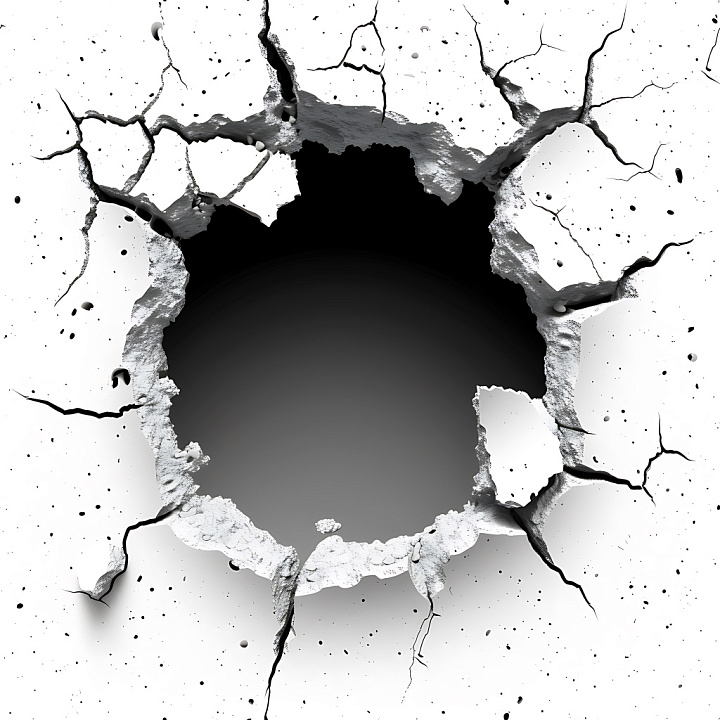
Cracked White Plaster with Jagged Hole and Fractures seamless PBR texture preview

Texture Info

IDcracked-seamless-pbr-cracked-white-plaster-wall-texture-4k-5
CategoryCracked & Holes
FormatsPNG, WEBP, PBR ZIP
Size1k (1024x1024px), 2k (2048x2048px), 4k (4096x4096px), 8k (8192x8192px)
ColorsRGB
TileableYes
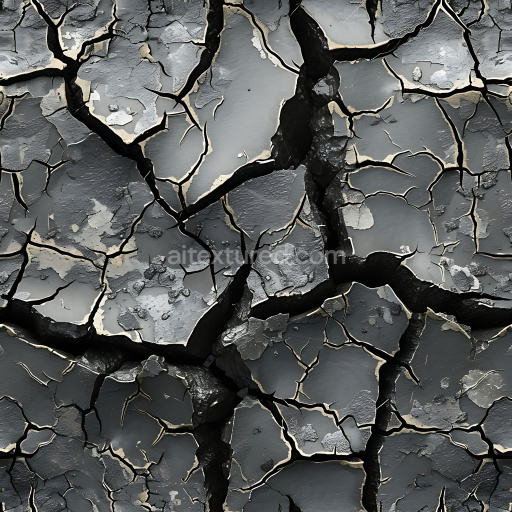
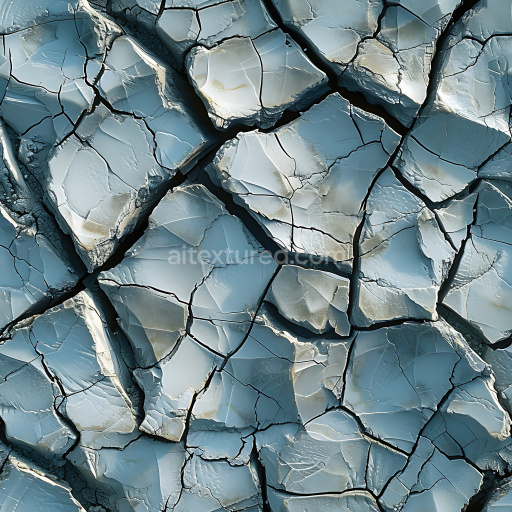
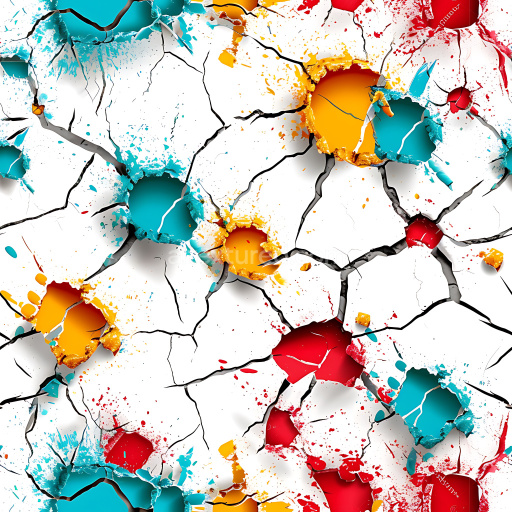
This seamless PBR texture showcases a white-painted plaster surface suffering severe damage characterized by a large central jagged hole surrounded by a network of prominent, sharp fractures and fine cracks. The material is plaster, evident from the smooth, dense yet brittle surface that has broken away with rough, uneven edges revealing depth and subtle relief around the hole margins. Small scattered chips and tiny pits add additional realism to the worn plaster effect. The cracked pattern has a semi-radial orientation with cracks extending outward from the hole's irregular perimeter, creating a dynamic and chaotic cracked appearance. The stark contrast between the clean, bright white plaster and the deep black void inside the hole emphasizes the fractured nature and thickness of the plaster material. This texture has a dry, dusty, and brittle feel typical of old deteriorated plaster walls. It is perfectly tileable and optimized as a 4K PBR-ready resource compatible with Blender, Unreal Engine, Unity, 3ds Max, Cinema 4D, and other 3D software. Use cases include rubble-strewn environments, industrial ruins, abandoned buildings, or realistic damage effects on walls and props in architectural visualizations, cinematic VFX, or game levels. Its unique presentation of a large broken plaster hole with detailed cracks makes it a valuable asset for creating immersive post-apocalyptic or interior damage scenes where authentic surface wear and structural damage are required. The texture's high resolution and physically based rendering setup ensure detailed shading and surface interaction under different lighting conditions, enhancing realism in renders and real-time engines.

Best Uses for This Texture

  • 3D environment surfaces
  • Game art and realtime rendering
  • Archviz and product visualization
  • WebGL previews and material studies
  • Blender, Unreal Engine and Unity workflows

Using This PBR Texture in Blender

Import the texture maps into Blender with sRGB color space for albedo/base color and Non-Color for normal, roughness, metallic, AO, height, and ORM maps. Connect normal maps through a Normal Map node, then adjust UV scale with a Mapping node so the material repeats naturally on your model.

  • Albedo -> Principled BSDF Base Color
  • Roughness -> Roughness, Metallic -> Metallic
  • Normal -> Normal Map node -> Normal
  • Height -> Bump or Displacement depending on render setup

For the full step-by-step setup, see How to Use Seamless Textures in Blender. Browse related material examples in wood, concrete, and metal.

FAQ

Is this texture seamless and tileable?

Yes. This texture is designed as a seamless tileable PBR material, so it can repeat across large surfaces without visible borders.

Which resolutions and formats are available?

You can download PNG/WEBP versions and use 1K, 2K, 4K and 8K download options when available on the page.

Can I use it in Blender, Unreal Engine and Unity?

Yes. The download options and engine-mapped ZIP workflow are designed for Blender, Unreal Engine, Unity Standard, URP and HDRP material pipelines.

Is commercial use allowed?

Yes. The texture is available under the AITextured free commercial license. Review the license page for redistribution and AI-training restrictions.

AITEXTURED Tools

Build, preview, and export seamless PBR materials. Generate full map sets from a single image, inspect them in a real-time WebGL viewer, and re-package maps for Unreal, Unity, and Blender—directly in your browser.