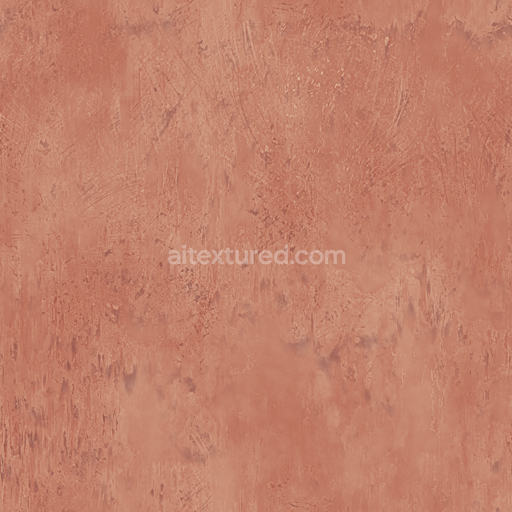
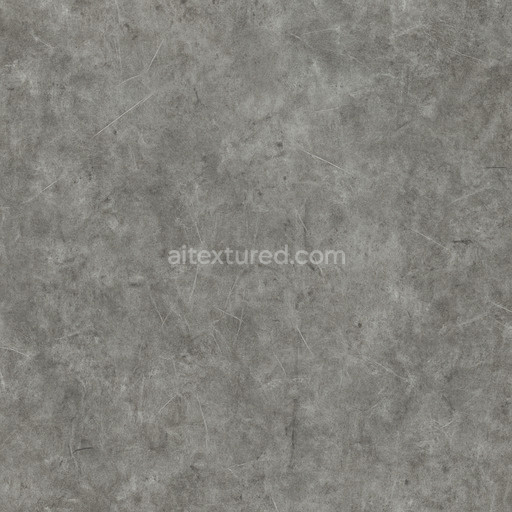
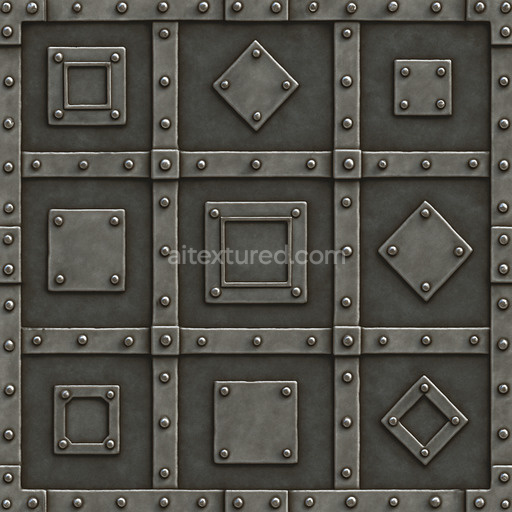
Bronze Metal Panel Pattern - Seamless PBR Texture
Seamless texture (tileable) · PNG, WEBP, PBR ZIP. License: AITextured Free Commercial License (FCL) v1.1. Free personal and commercial use. Raw resale, standalone redistribution, mirroring/scraping, competing asset packs, and AI/ML training are not allowed without written permission. Attribution is not required, but appreciated..
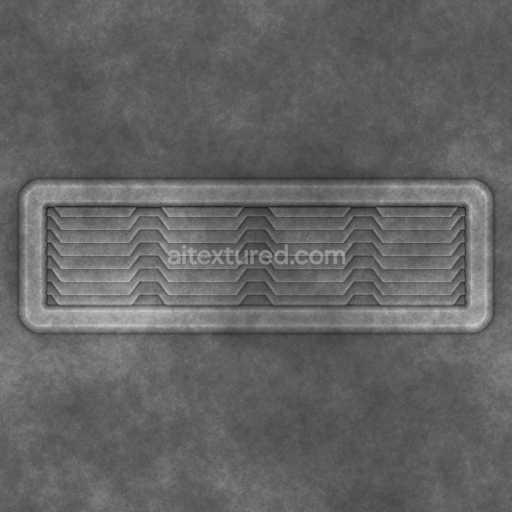
| ID | archviz-metal-metallic-substance-designer-vent |
|---|---|
| Category | Metal |
| Formats | PNG, WEBP, PBR ZIP |
| Size | 1k (1024x1024px), 2k (2048x2048px), 4k (4096x4096px), 8k (8192x8192px) |
| Color | sRGB |
| Tileable | Yes |
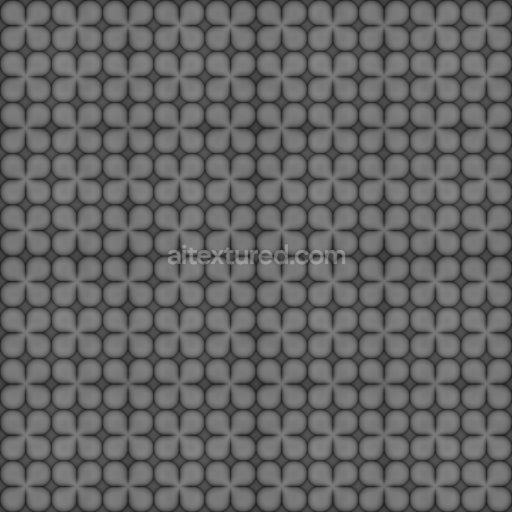
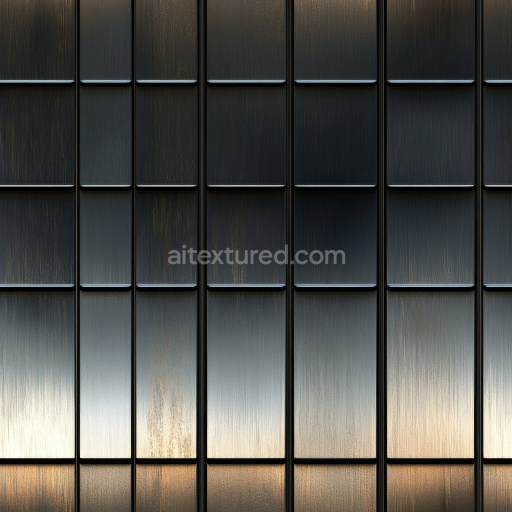
This Archviz Metal Metallic Substance Designer Vent texture is expertly crafted to represent a high-quality metal surface commonly found in architectural visualization projects. The material simulates a robust metallic substrate typical of industrial vents characterized by a brushed metal finish with subtle oxidization and fine grain orientation that conveys realistic wear and weathering. The metal base features a cool gray tone enhanced with slight color variations from oxide layers producing a visually consistent and natural metallic appearance. Adhesive residues or minor surface imperfections are subtly integrated adding authenticity without disrupting the seamless tiling. The texture’s porosity is nearly smooth reflecting its polished yet industrial nature which is ideal for close-up architectural renders and large-scale environments alike.
In physically based rendering (PBR) workflows this seamless texture set includes all essential maps such as BaseColor (Albedo) Normal Roughness Metallic Ambient Occlusion and Height/Displacement. The BaseColor captures the nuanced metal pigmentation and oxide coloration while the Metallic map defines the material’s fully metallic nature with precise values. The Roughness channel portrays the brushed surface finish balancing reflectivity and light diffusion to simulate real-world metal. Normal and Height maps provide detailed surface relief for enhanced depth and interaction with light perfect for parallax effects or micro-displacement. Ambient Occlusion adds subtle shadowing in crevices emphasizing the vent’s geometry and enhancing realism. This texture is designed at up to 8K resolution to ensure crisp detail and fidelity in high-end visualization software making it fully compatible with Blender Unreal Engine and Unity projects.
For optimal results in archviz and game engines it’s recommended to adjust UV scale carefully to maintain the balance between surface detail and tiling repetition especially for large vent surfaces. Fine-tuning the Roughness map can help achieve the desired metal reflectivity depending on lighting conditions while subtle height or parallax mapping can add convincing depth without heavy performance costs. This texture is prepared to seamlessly integrate into physically based rendering pipelines supporting both real-time and offline renderers. Color space and gamma should be verified to match your project setup for consistent color response. Attribution is appreciated but not mandatory reflecting the material’s professional curation and quality assurance suitable for diverse visualization and game engine workflows.
Import the texture maps into Blender with sRGB color space for albedo/base color and Non-Color for normal, roughness, metallic, AO, height, and ORM maps. Connect normal maps through a Normal Map node, then adjust UV scale with a Mapping node so the material repeats naturally on your model.
For the full step-by-step setup, see How to Use Seamless Textures in Blender. Browse related material examples in wood, concrete, and metal.
Yes. This texture is designed as a seamless tileable PBR material, so it can repeat across large surfaces without visible borders.
You can download PNG/WEBP versions and use 1K, 2K, 4K and 8K download options when available on the page.
Yes. The download options and engine-mapped ZIP workflow are designed for Blender, Unreal Engine, Unity Standard, URP and HDRP material pipelines.
Yes. The texture is available under the AITextured free commercial license. Review the license page for redistribution and AI-training restrictions.



Build, preview, and export seamless PBR materials. Generate full map sets from a single image, inspect them in a real-time WebGL viewer, and re-package maps for Unreal, Unity, and Blender—directly in your browser.
AI text-to-texture: type a prompt and get a seamless, tileable base image ready for PBR workflows (great starting point for materials).
Create a full PBR set (Normal, Roughness, AO, Metallic, etc.) from a single image. Seamless and tiling-friendly.
Instant WebGL viewer: inspect materials on a sphere, plane, and cube. Check tiling and lighting in real time.
Re-packages maps per engine: Unreal (BaseColor + ORM), Unity (Mask/MetallicSmoothness), Blender (separate channels).
PNG ↔ JPG ↔ SVG: fast convert, SVG rasterize, embed/trace options, quality & background controls.