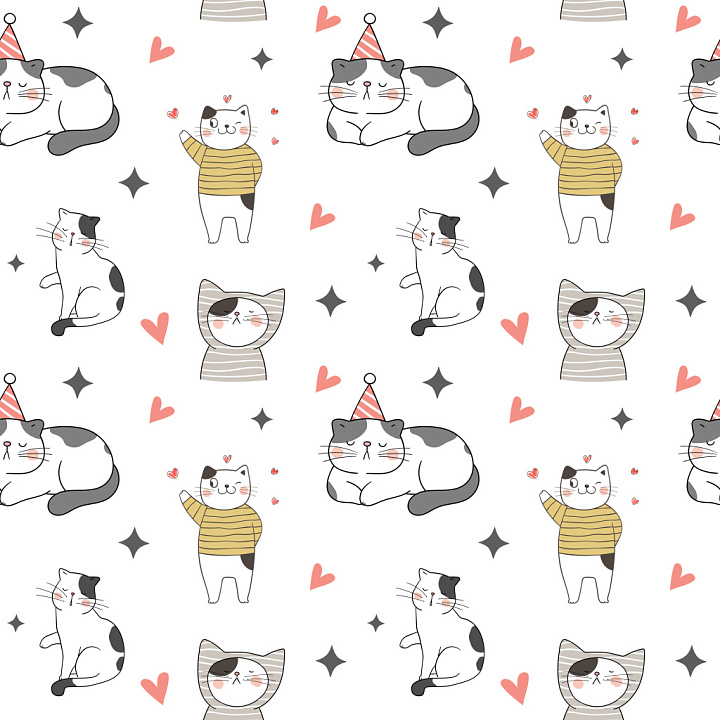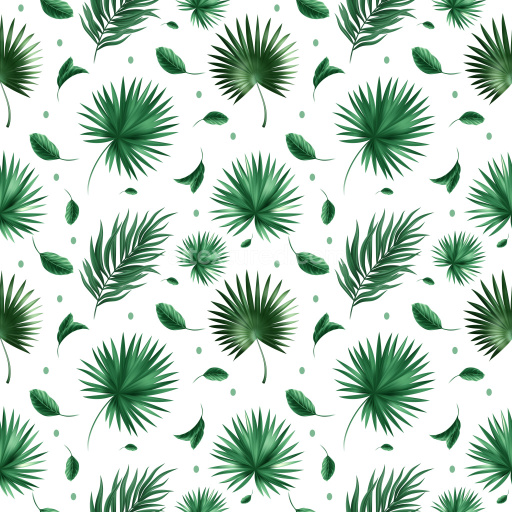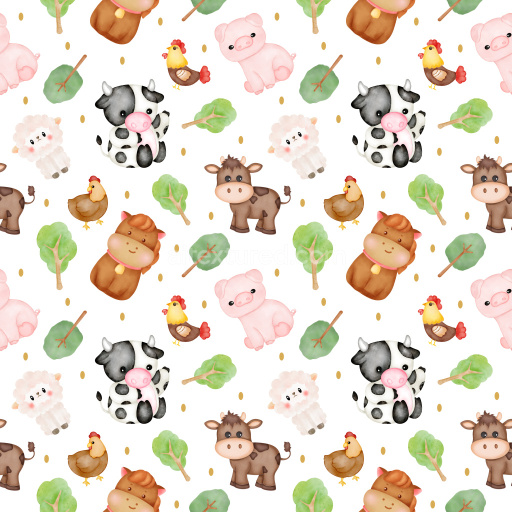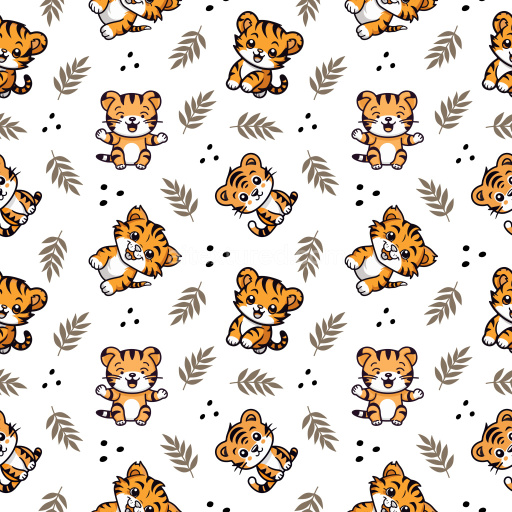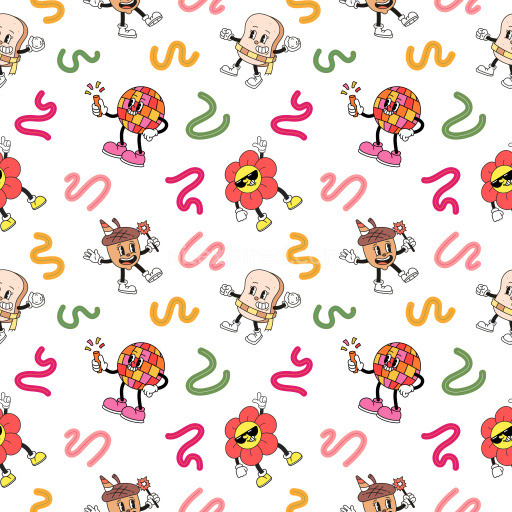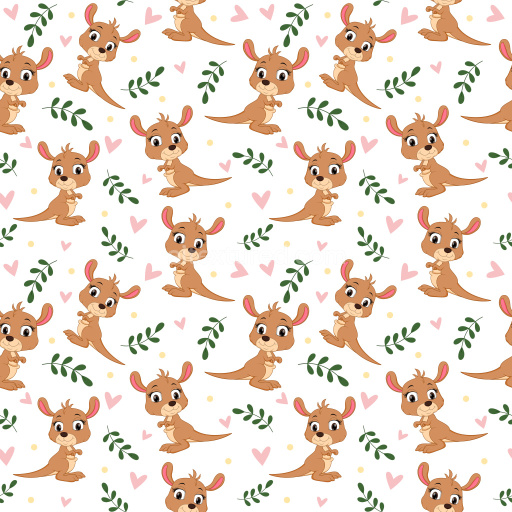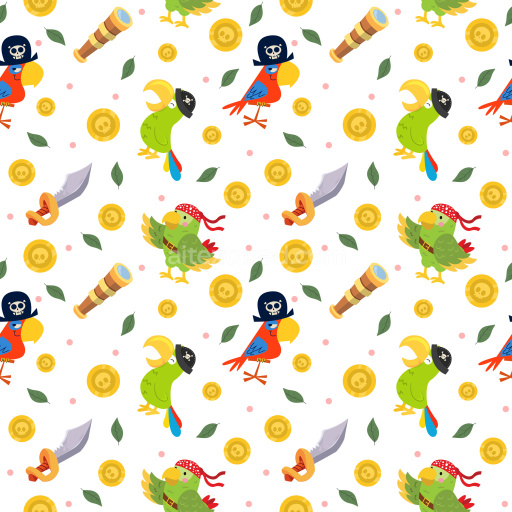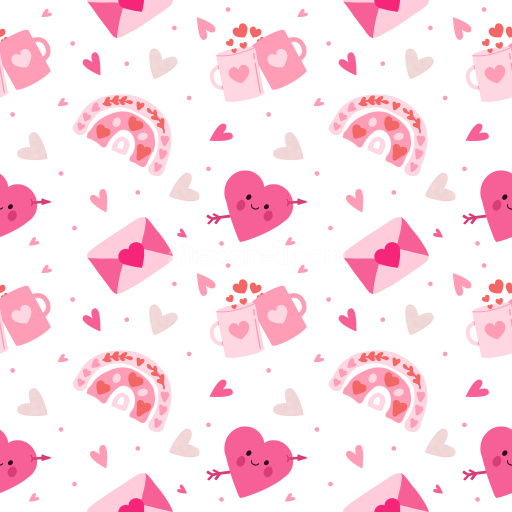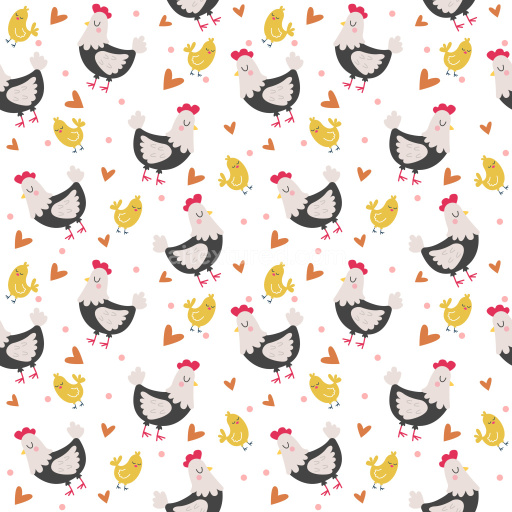
This seamless 3D pattern PBR texture showcases a delightful collection of hand-drawn cat characters arranged in a balanced, repeating tile. The cats are rendered in a simplistic, cartoonish style with clean linework and soft pastel colors—mainly muted greys, whites, gentle yellows, and subtle pinks. Each feline character has distinct personalities through their poses and accessories: one cat wears a striped sweater waving cheerfully, another sports a party hat while resting, and others sit or pose tranquilly. Interspersed throughout are small decorative motifs like coral-pink hearts and charcoal-gray star shapes, adding playful accents without overwhelming the airy white background. The linework is smooth and light, with minimal shading to maintain a flat, illustrative feel reminiscent of whimsical children’s book art or casual graphic patterns.
The pattern’s spacing is open yet rhythmically balanced, ensuring ease of tiling with no harsh edges or abrupt cuts. This tileable repeat creates a fun, festive atmosphere that is perfect for applications demanding a soft yet quirky visual impact. PBR-ready styling means it’s optimized for physically-based rendering workflows across Blender, Unreal Engine, Unity, 3ds Max, and Cinema 4D. Use this texture in 3D character outfits, playful interior décor mockups, children’s room wallpapers, textile printing for apparel or accessories, stylized packaging designs, or game asset surfaces requiring a cute, approachable aesthetic.
Its seamless format easily adapts to large surface areas without noticeable repetition artifacts, bringing a lighthearted charm to stylized interior scenes, editorial backgrounds, or branding visuals. The hand-drawn quality paired with gentle pastel tones suits interior design projects targeting youthful spaces or product renderings aimed at pet lovers and playful markets. Overall, this texture stands out through its endearing character motifs, soft visual rhythm, and friendly illustrative style, making it a versatile asset for both creative and commercial 3D content production.
How to Use These Seamless PBR Textures in Blender
This quick guide shows how to connect a seamless PBR texture set in Blender using
Principled BSDF. The workflow works for tileable materials used in
Blender, Unreal Engine, Unity, archviz, and game environments.
What Is Included
albedo or base color for the visible surface color
normal for fine surface relief
roughness for gloss and reflectivity control
metallic for metal or dielectric response
ao for ambient occlusion in cavities
height for bump, parallax, or displacement
ORM packed maps for optimized real-time workflows
Example node layout for a standard PBR material in Blender.
Quick Start
Open the Shader Editor and create a new material.
Add an Image Texture node for each map you want to use.
Set Color Space to sRGB for Albedo and to Non-Color for Normal, Roughness, Metallic, AO, Height, and ORM.
Connect the maps to the matching inputs on Principled BSDF.
Recommended Connections
Albedo -> Base Color
Roughness -> Roughness
Metallic -> Metallic
Normal -> Normal Map node -> Normal
Height -> Bump or Displacement, depending on your render setup
Add an Image Texture node before assigning the downloaded maps.
Using ORM Maps
If your download includes a packed ORM texture, split its RGB channels:
R = AO, G = Roughness, B = Metallic.
This is useful for Unreal Engine and other optimized real-time pipelines.
Tiling and UV Scale
Because these textures are seamless, you can repeat them across large surfaces without
visible seams. Use a Mapping node to increase or reduce tiling density
on floors, walls, terrain, props, and modular assets.
Common Mistakes
Using sRGB on non-color maps
Connecting a Normal map directly without a Normal Map node
Overdriving Height or Bump values so the surface looks unnatural
Ignoring texture scale, which makes seamless materials look repetitive
Load the downloaded texture set and wire the maps to Principled BSDF.
Build, preview, and export seamless PBR materials. Generate full map sets from a single image, inspect them in a real-time WebGL viewer, and re-package maps for Unreal, Unity, and Blender—directly in your browser.