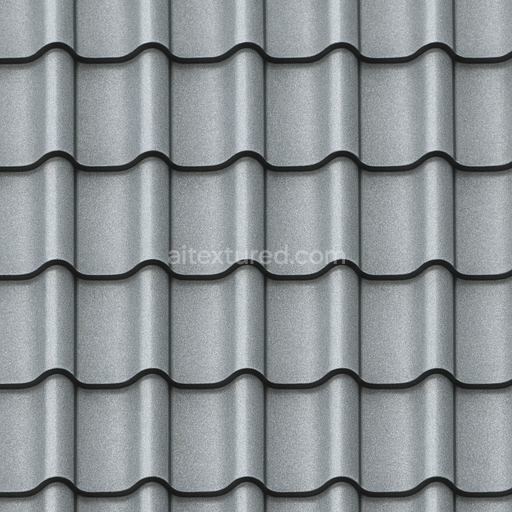
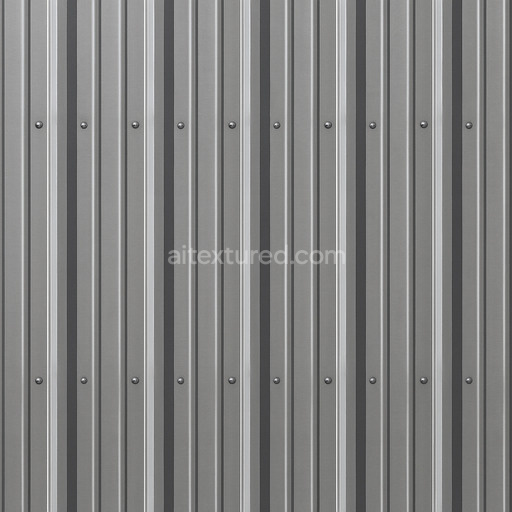
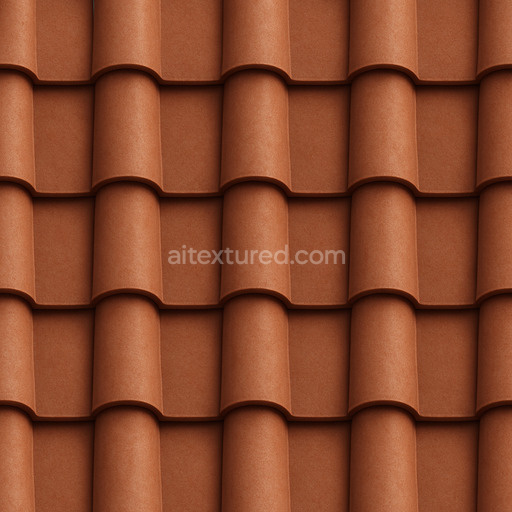
Patterned Metal Roofing Seamless Texture
Seamless texture (tileable) · PNG, WEBP, PBR ZIP.
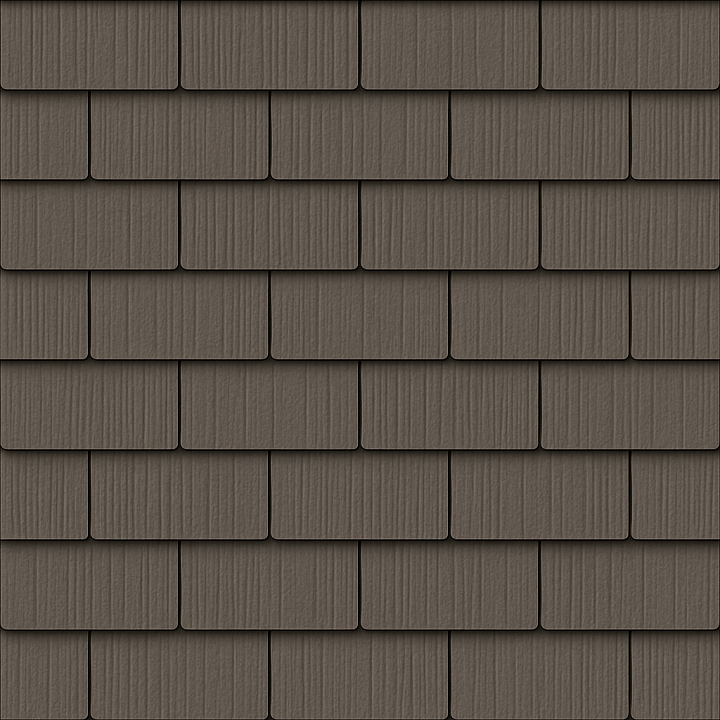
| ID | synthetic-shingle-roof-texture-seamless |
|---|---|
| Category | Roofing |
| Formats | PNG, WEBP, PBR ZIP |
| Size | 1k (1024x1024px), 2k (2048x2048px), 4k (4096x4096px), 8k (8192x8192px) |
| Tileable | Yes |
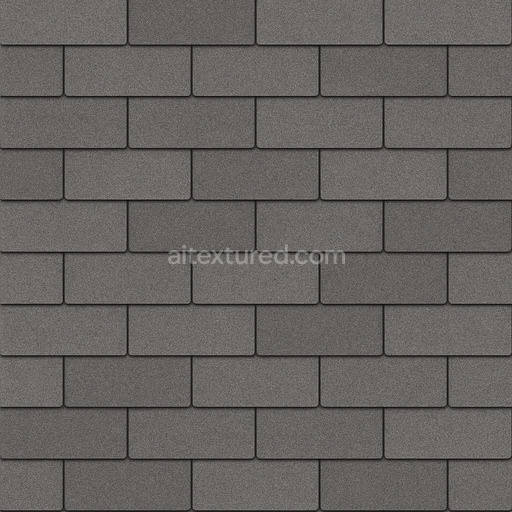
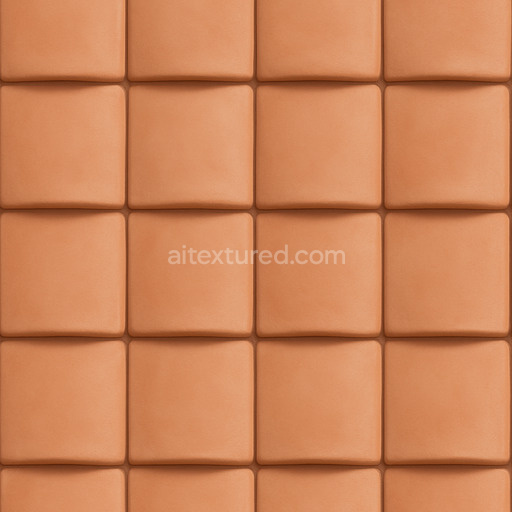
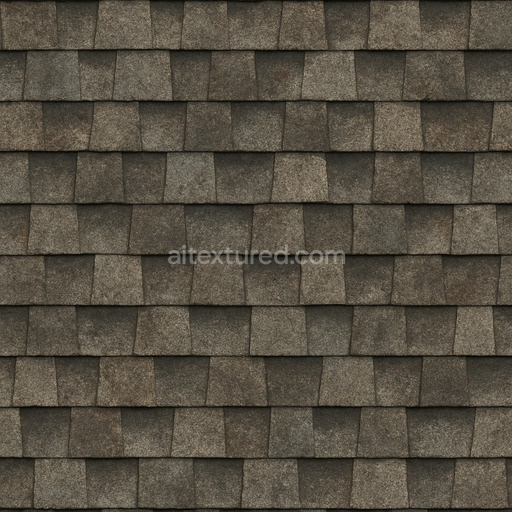
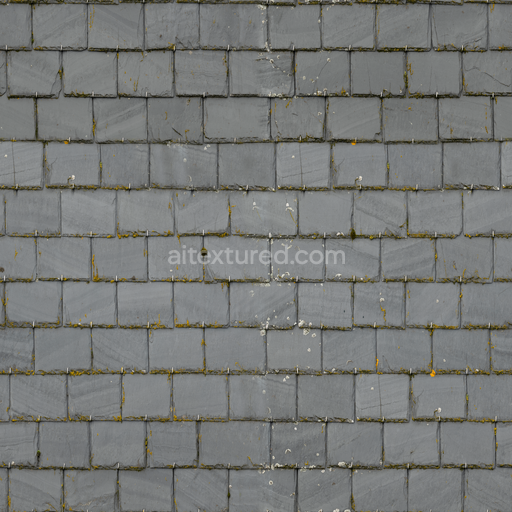
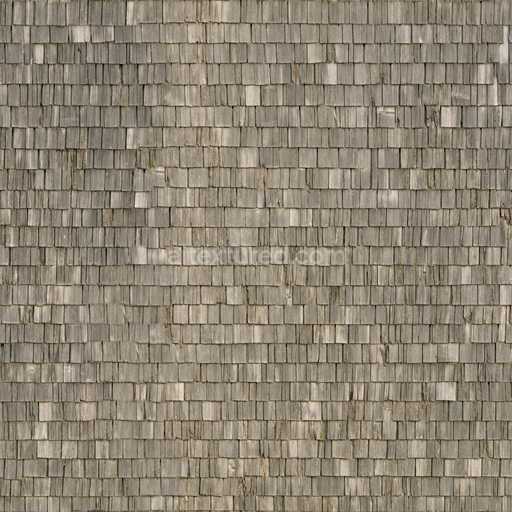
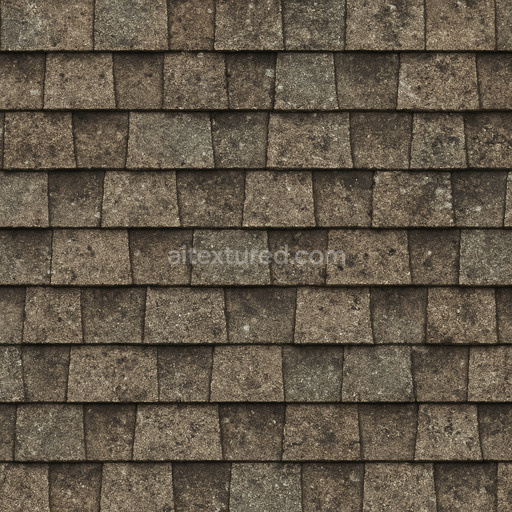
The Synthetic Shingle Roof Texture Seamless high resolution up to 8K is an expertly crafted generated texture designed to emulate the complex materials and layered composition typical of modern synthetic roofing shingles. These shingles often consist of polymer-based substrates combined with mineral fillers and binders that create a durable weather-resistant surface. The texture captures subtle fiber orientations and aggregate distributions reflecting the slight surface roughness and porosity found in synthetic composites. Pigments and oxide layers embedded within the material provide natural color variation and UV resistance while the surface finish balances a matte appearance with soft highlights mimicking the brushed or slightly textured coating commonly applied to synthetic shingles for enhanced longevity and aesthetic appeal.
This seamless synthetic shingle roof texture high resolution up to 8K is meticulously mapped across all primary PBR channels to deliver realism and versatility in 3D workflows. The BaseColor/Albedo channel portrays the nuanced pigmentation and layered color effects that result from mineral and polymer blends. The Normal map encodes fine grain and fiber directionality contributing to the tactile feeling of the shingles. Roughness values reflect the semi-matte finish showing moderate light diffusion consistent with weathered synthetic materials. The Metallic channel remains near zero as these shingles are non-metallic composites while Ambient Occlusion enhances the subtle shadowing between overlapping shingle edges. Height or Displacement maps reveal gentle surface undulations and seam depth adding dimensionality without exaggeration essential for accurate architectural visualization or environment art.
With its tileable synthetic shingle roof texture seamless high resolution up to 8K format this PBR material integrates smoothly into Blender Unreal Engine and Unity supporting accelerated roofing workflows and producing predictable repeatable results across large surfaces without visible seams. When applying this texture maintaining consistent texel density and uniform UV layouts is crucial to prevent stretching and distortion ensuring that the shingles’ scale and detail remain authentic. Additionally fine-tuning roughness can help adapt the appearance to different lighting environments from crisp daylight to overcast conditions enhancing the natural believable look of synthetic roofing materials in any 3D preview or concept prototyping scenario.
The synthetic shingle roof texture seamless high resolution up to 8K offers a highly detailed realistic PBR appearance ideal for roofing textures with generated enhancements ensuring seamless synthetic shingle roof texture seamless high resolution up to 8K quality and material accuracy.
Import the texture maps into Blender with sRGB color space for albedo/base color and Non-Color for normal, roughness, metallic, AO, height, and ORM maps. Connect normal maps through a Normal Map node, then adjust UV scale with a Mapping node so the material repeats naturally on your model.
For the full step-by-step setup, see How to Use Seamless Textures in Blender. Browse related material examples in wood, concrete, and metal.
Yes. This texture is designed as a seamless tileable PBR material, so it can repeat across large surfaces without visible borders.
Use the download controls on this page: they expose the available PNG, WEBP or engine ZIP choices and supported resolutions for this asset.
Use the engine ZIP choices to package compatible source maps for Blender, Unreal Engine or Unity, then verify the imported material in the target application.
Commercial-use permission is not verified for this record. Confirm the original source and license before production use.

Generate maps from existing images, preview materials, convert channels, and package compatible inputs for Blender, Unity, and Unreal Engine.
Choose a verified workflow for generating maps, previewing tiling, converting channels, or starting from the texture catalog.
Derive Normal, Roughness, AO, Metallic, Height and optional ORM maps from one or more source images, then review the results.
Instant WebGL viewer: inspect materials on a sphere, plane, and cube. Check tiling and lighting in real time.
Re-packages maps per engine: Unreal (BaseColor + ORM), Unity (Mask/MetallicSmoothness), Blender (separate channels).
PNG ↔ JPG ↔ SVG: fast convert, SVG rasterize, embed/trace options, quality & background controls.