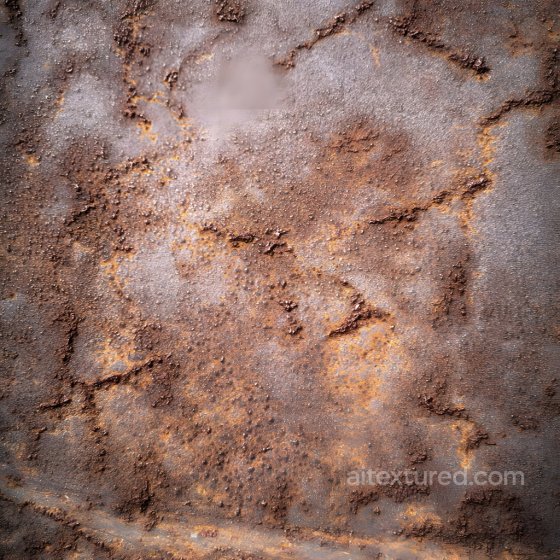
Free Seamless Rust PBR Textures
Browse free tileable rust PBR materials for 3D rendering, games, archviz and product visualization. Download PNG/WEBP maps in available resolutions for Blender, Unreal Engine and Unity.
Select by:
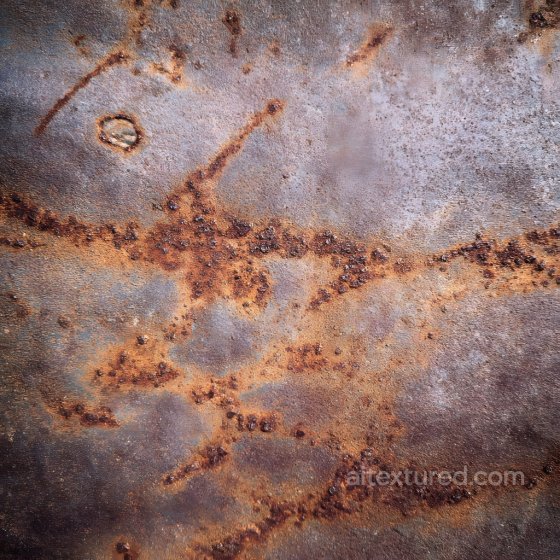
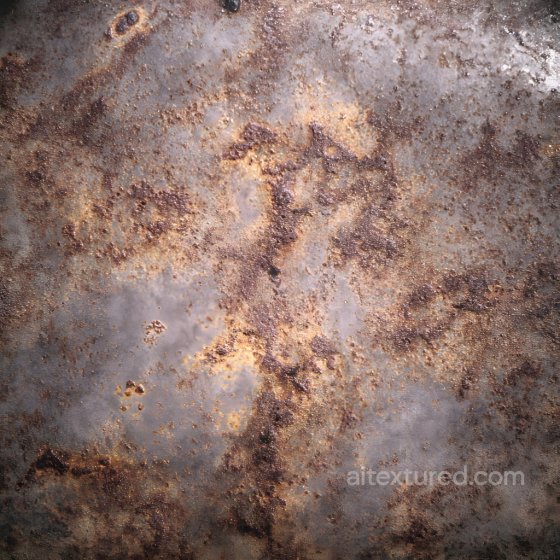
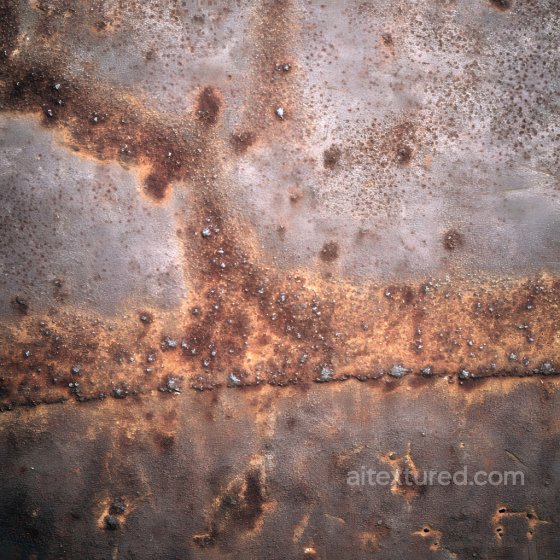
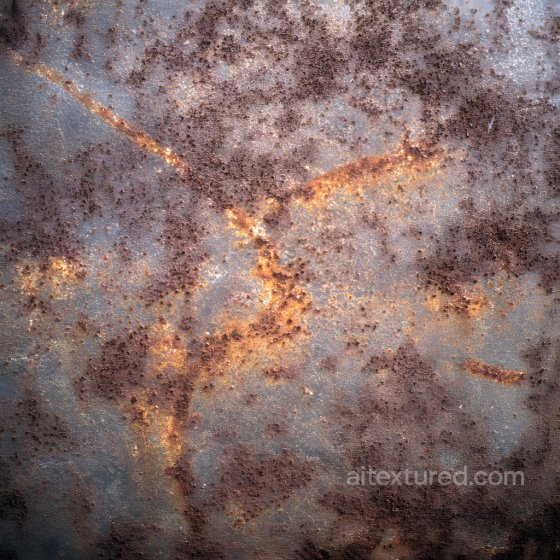
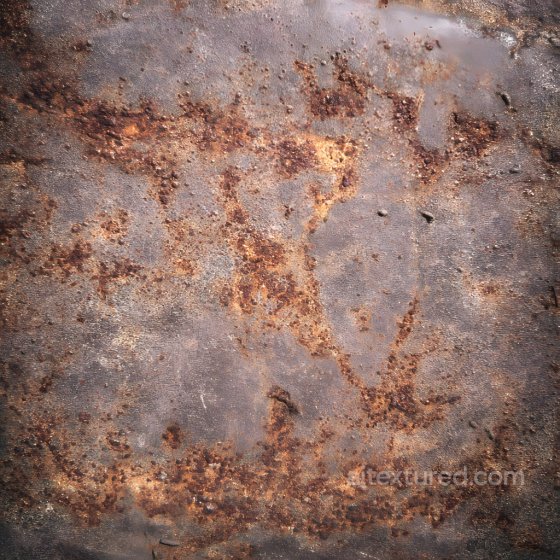
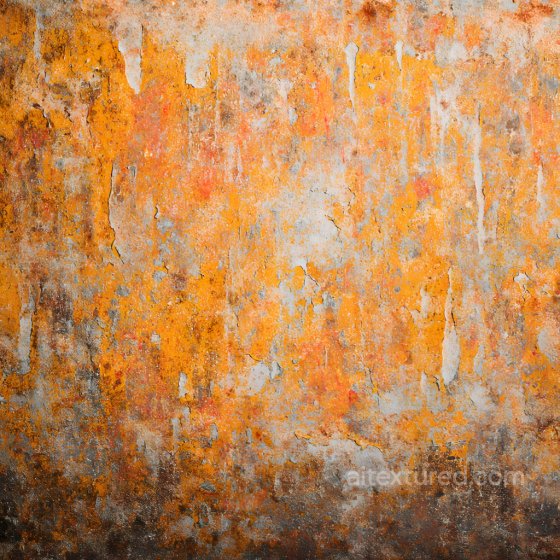
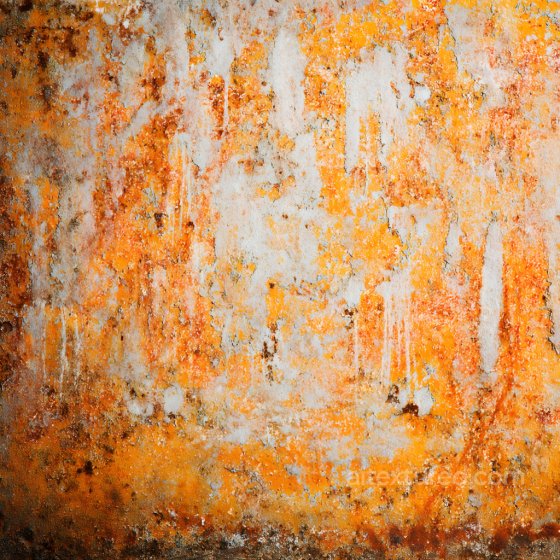
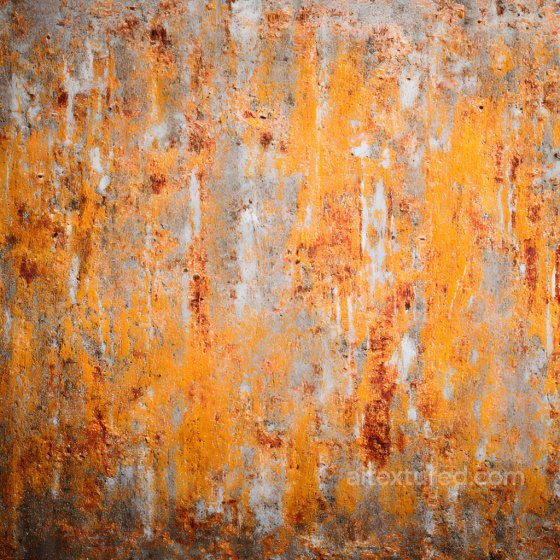
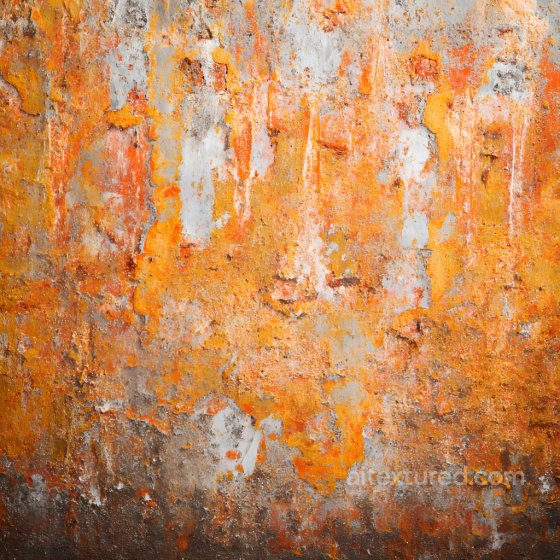
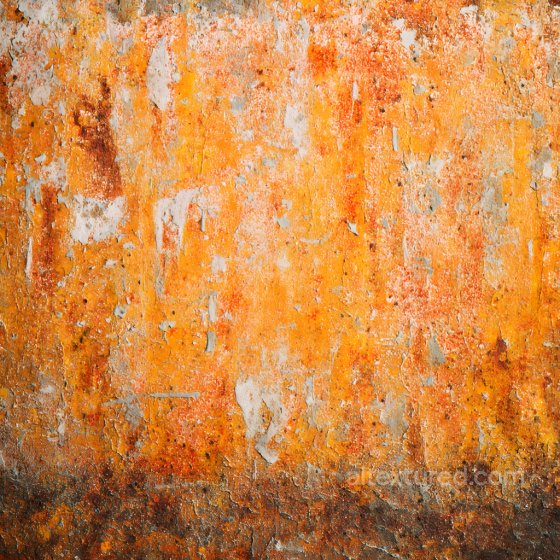
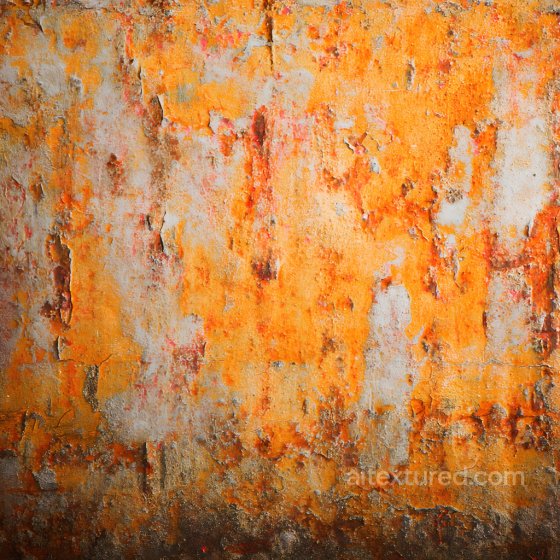
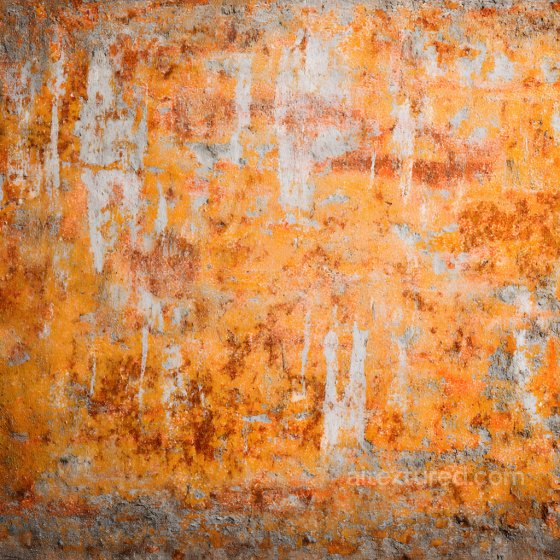
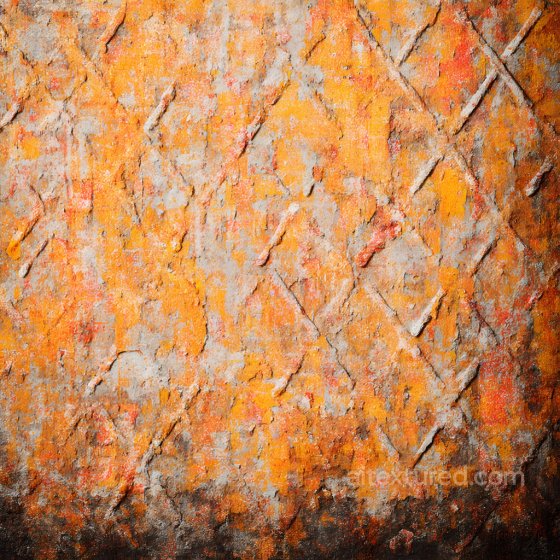
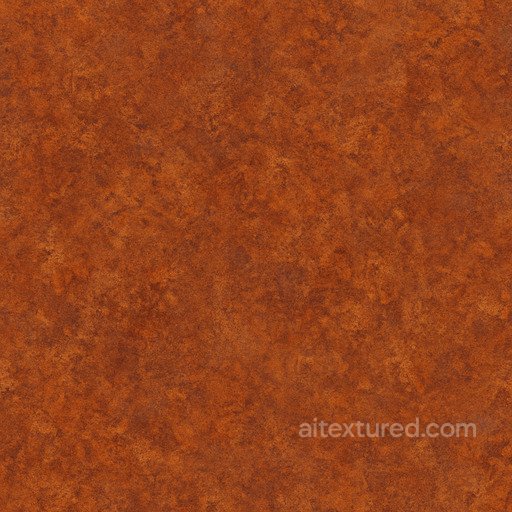
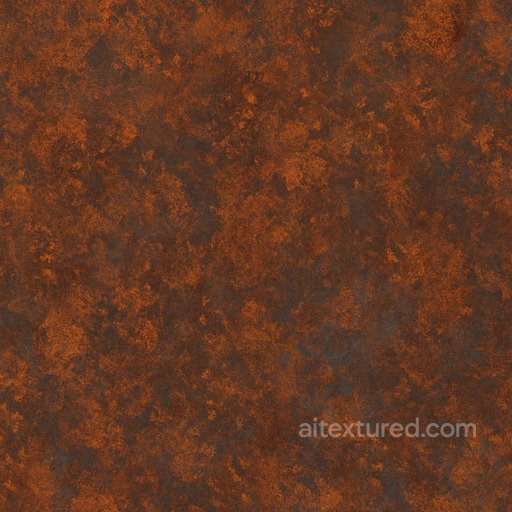
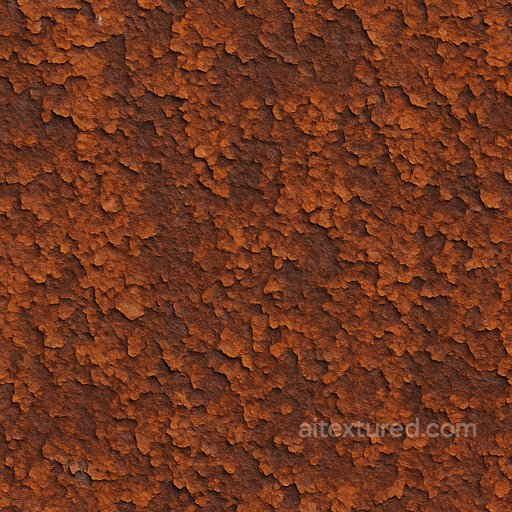
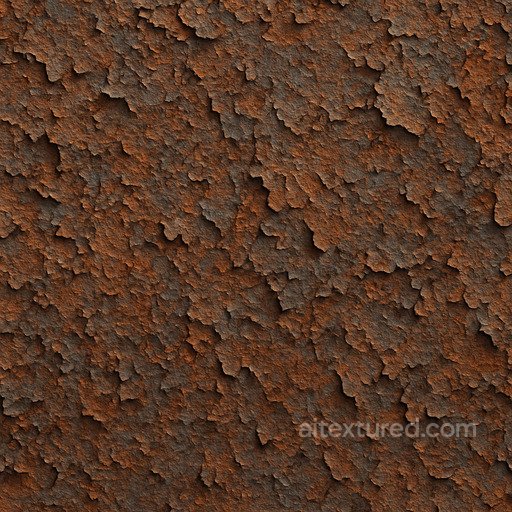
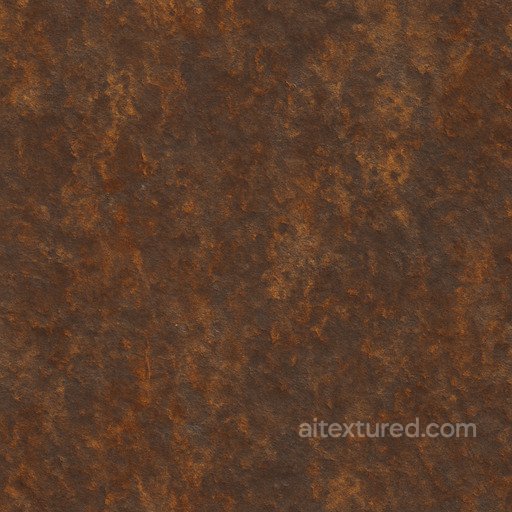
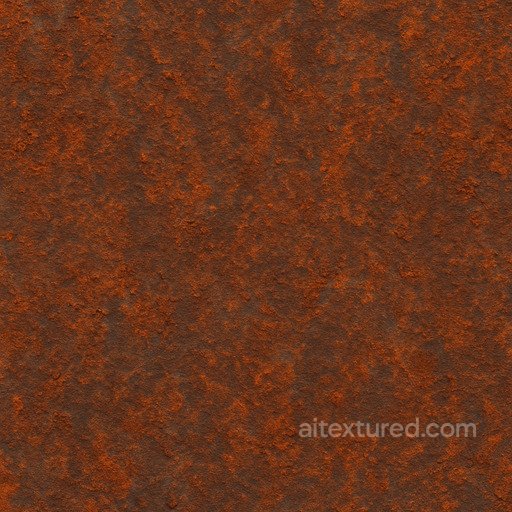
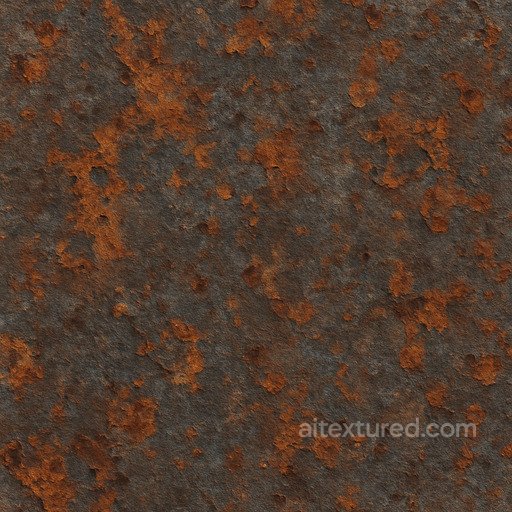
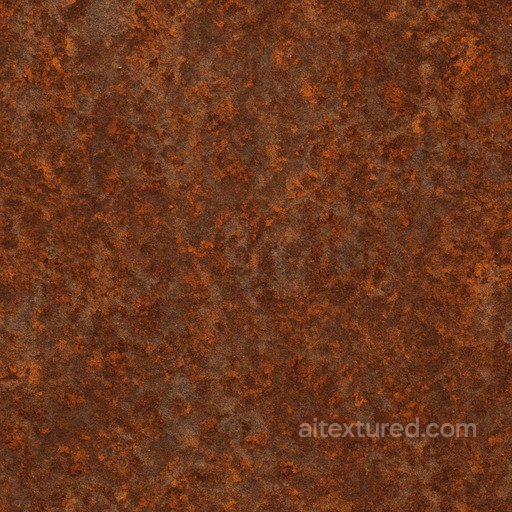
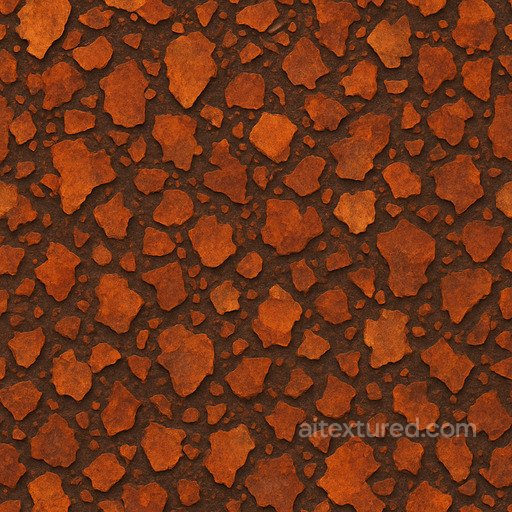
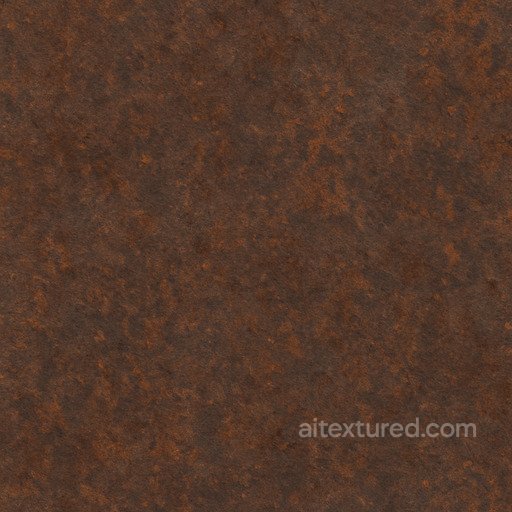
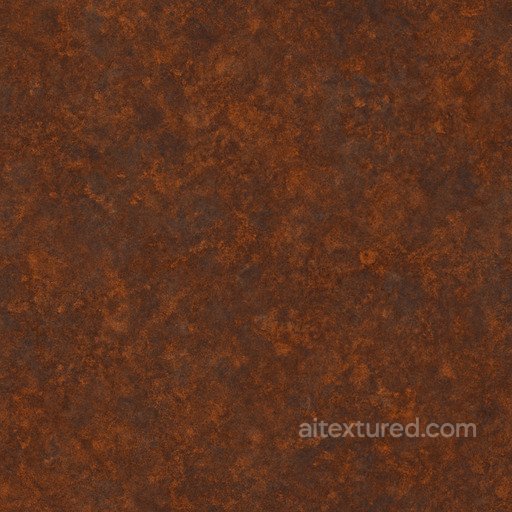
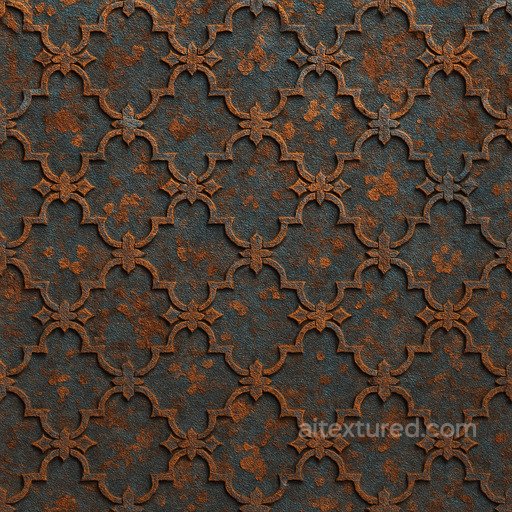
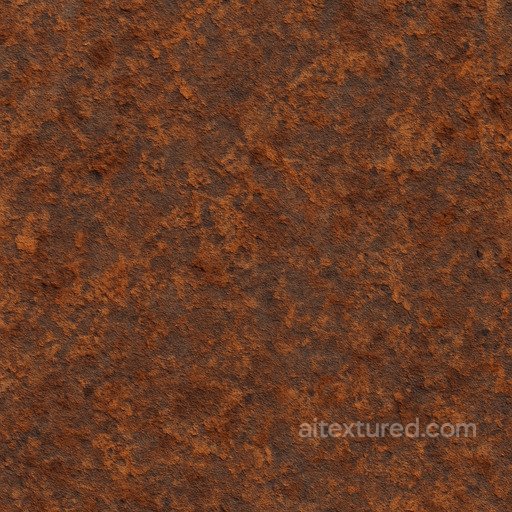
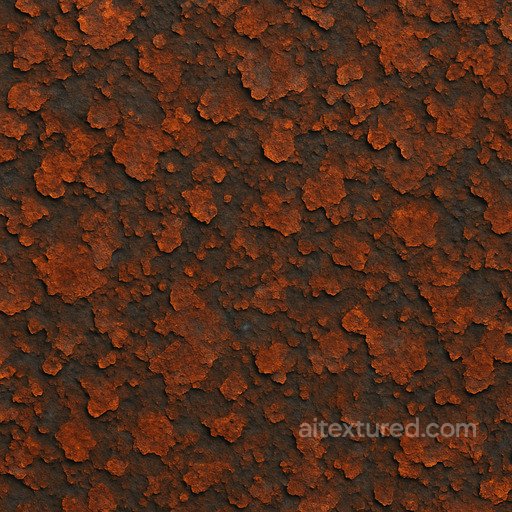
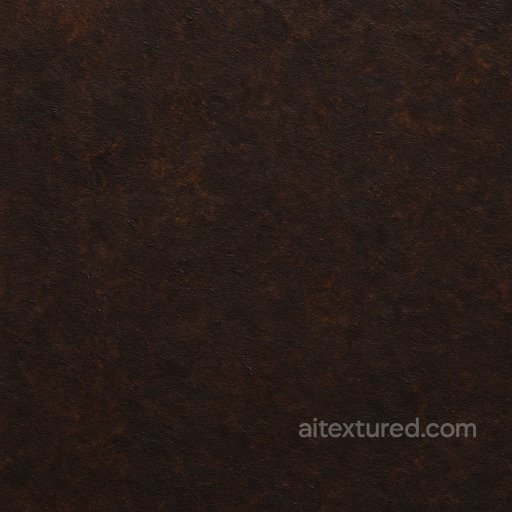
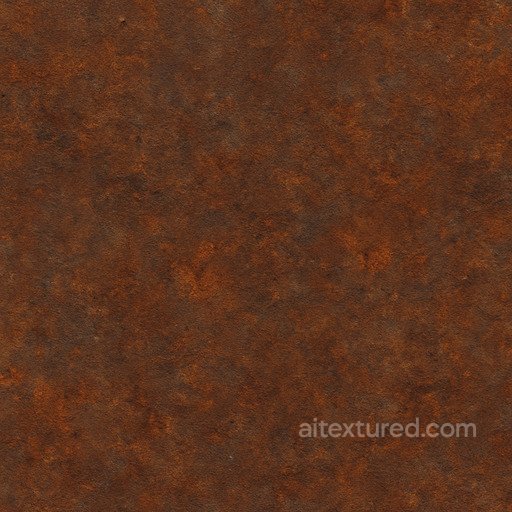
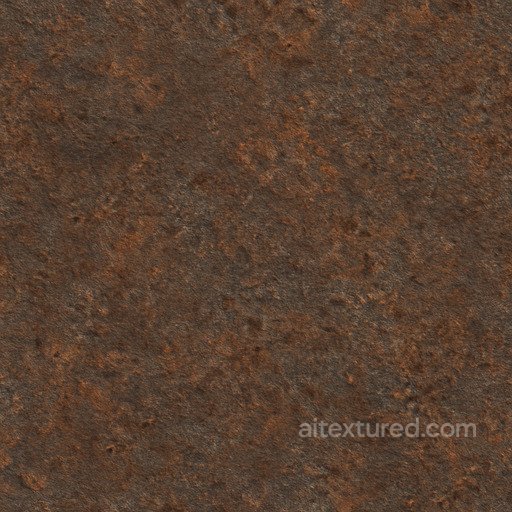
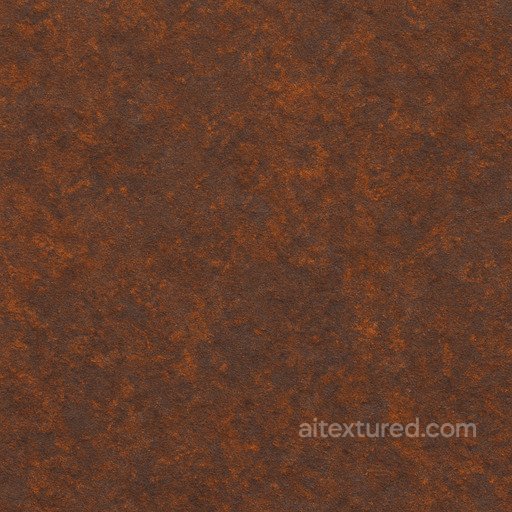
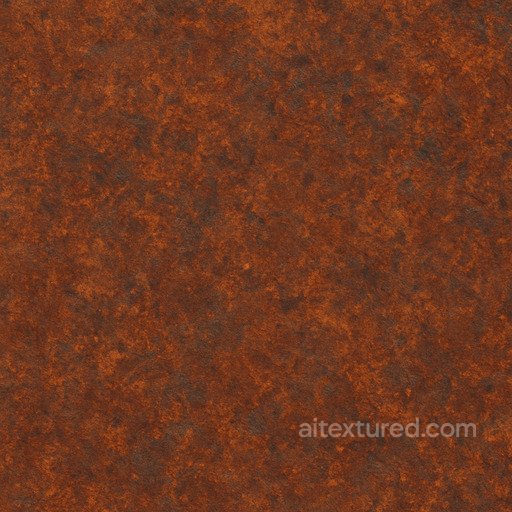
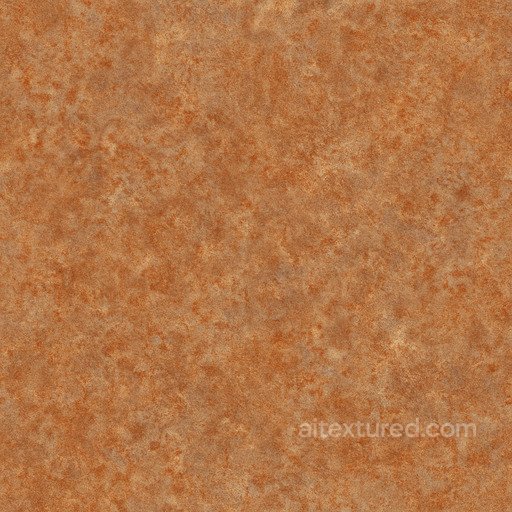
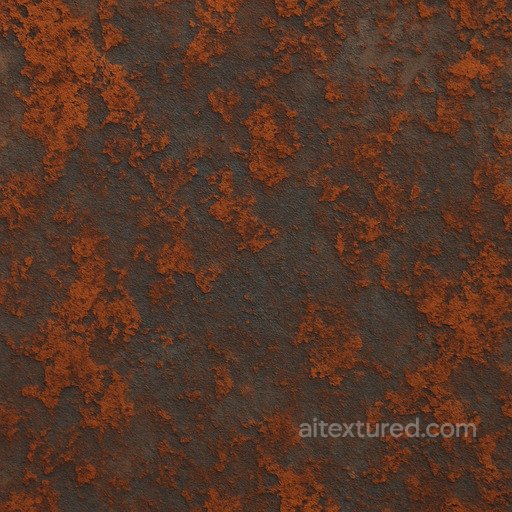
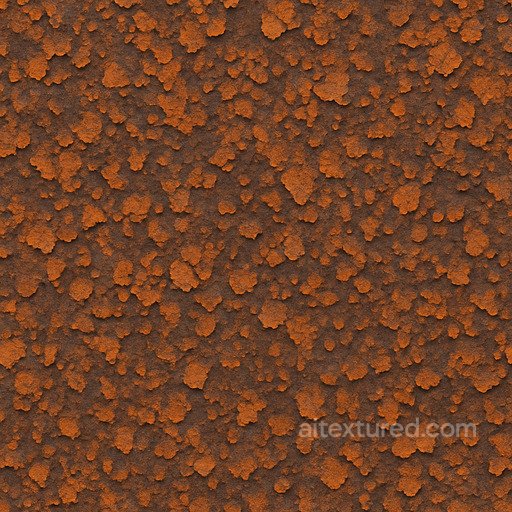
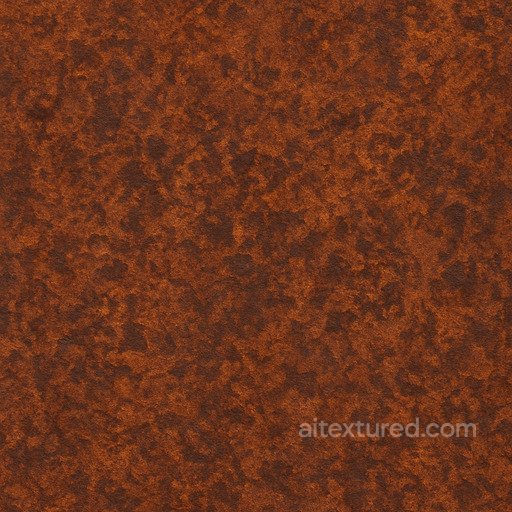
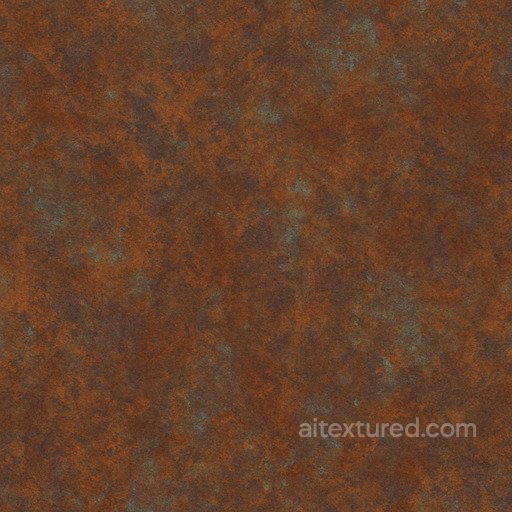
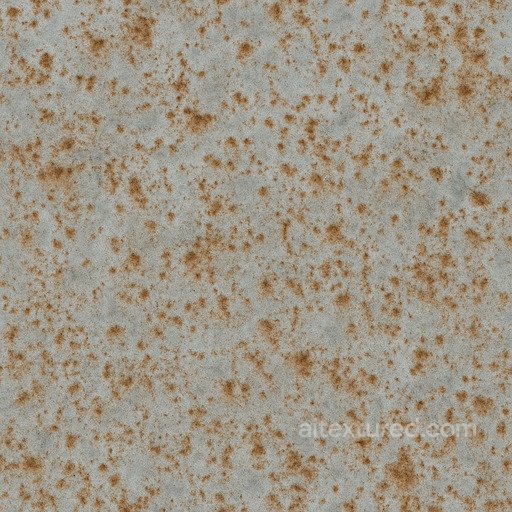
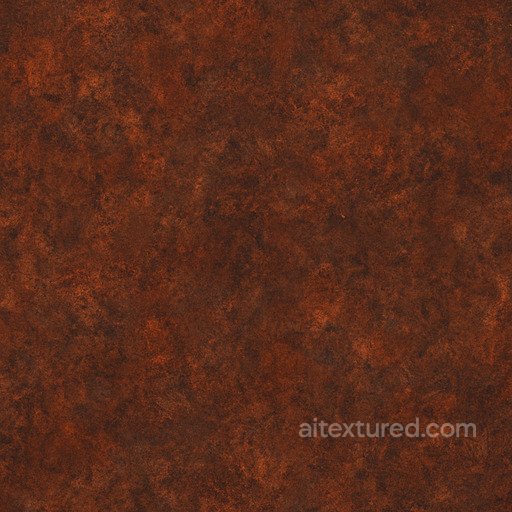
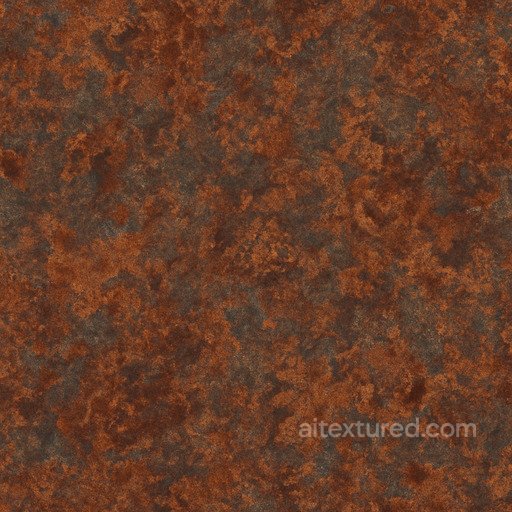
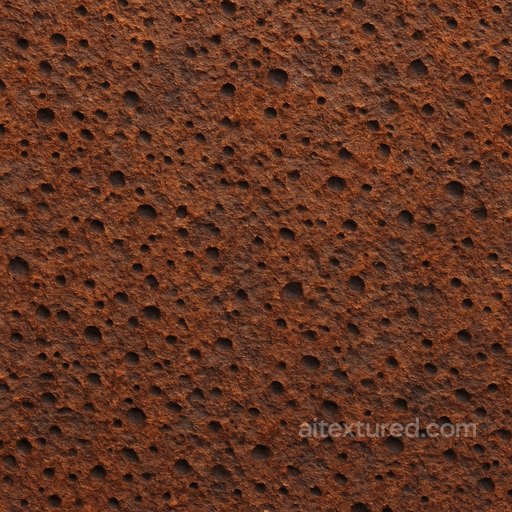
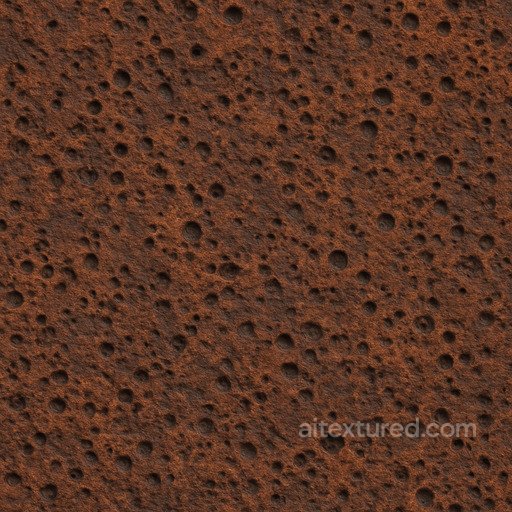
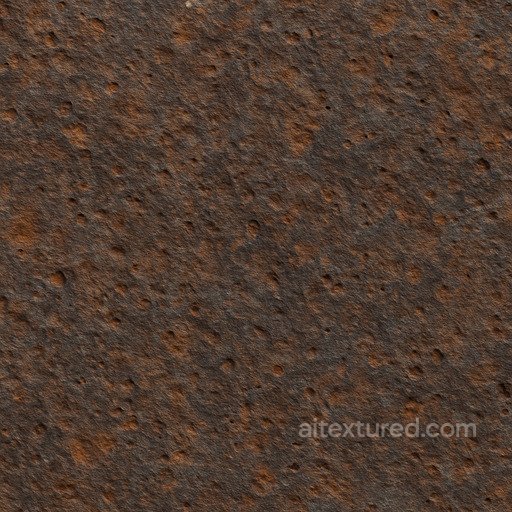
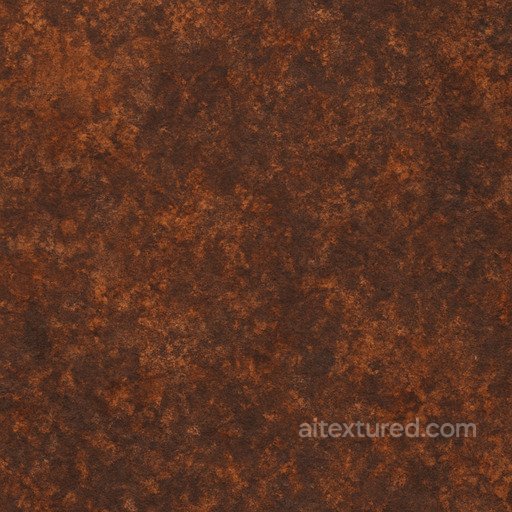
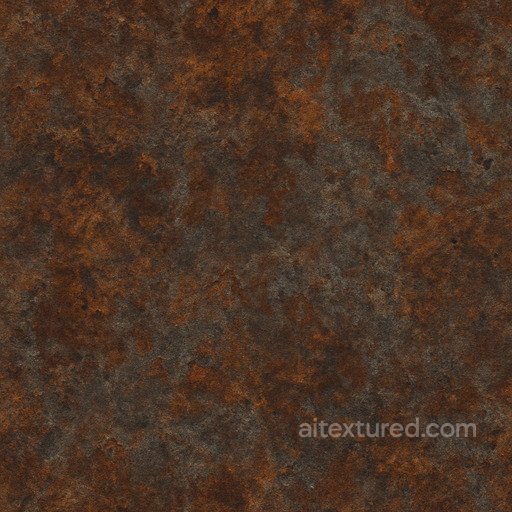
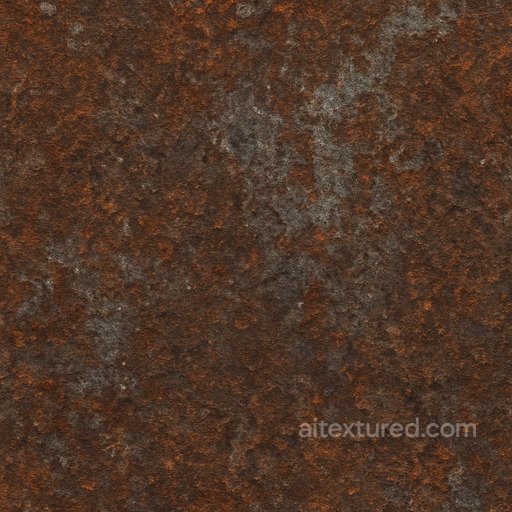
Rust textures capture the unique and complex appearance of oxidized metal surfaces, offering a wide range of detailed and realistic options for creative projects. These seamless, tileable PBR textures are designed to replicate the natural process of corrosion on steel, iron, and other metals, featuring flaky, pitted, and rough patterns that convey the passage of time. Typically available in resolutions up to 8K, these rusted surfaces include comprehensive texture maps such as BaseColor (Albedo), Normal, Roughness, Metallic, Ambient Occlusion, and Height/Displacement, enabling an authentic and immersive look whether applied to industrial or stylized environments.
The rust category encompasses a variety of effects, from light, weathered patinas to heavy, dark grunge layers that emphasize the aged and flaky nature of corroded metal. These textures suit both photorealistic and artistic approaches, allowing creators to build detailed and patterned surfaces that enhance the visual storytelling of worn steel or iron objects. The inclusion of height and displacement maps further supports the creation of tactile, three-dimensional appearances, ideal for close-up renders and dynamic lighting scenarios.
Ready for integration in popular 3D software and game engines such as Blender, Unity, and Unreal Engine, these rusted materials streamline the workflow for artists and developers seeking to add authenticity to their scenes. A practical tip when using rust textures is to combine multiple layers with varying roughness and metallic values to simulate uneven corrosion and flake buildup, achieving a more natural and industrial finish that avoids repetitive or artificial results.
Source and license status varies by asset; review the detail page before use.
Rust Texture FAQ
Are these rust textures seamless?
Tiling support varies by asset. Open a texture page and use the tiled preview to check seams and repetition before production use.
Can I use these textures in Blender, Unreal Engine and Unity?
Map availability varies by asset. Review the map list, then use the engine mapper when target-specific packing is required.
Which maps are included?
Depending on the asset, downloads may include base color, normal, roughness, ambient occlusion, height and packed engine maps.
Are the textures free for commercial projects?
Check the license block on each texture page before using an asset in commercial production.
Explore More Texture Resources
Related texture categories
Texture workflow tools
AITextured Tools
Generate maps from existing images, preview materials, convert channels, and package compatible inputs for Blender, Unity, and Unreal Engine.
PBR Material Tools
Choose a verified workflow for generating maps, previewing tiling, converting channels, or starting from the texture catalog.
Input: image or existing maps → Output: preview, PBR maps, or engine-ready package
Explore tools
PBR Texture Generator
Derive Normal, Roughness, AO, Metallic, Height and optional ORM maps from one or more source images, then review the results.
Input: PNG/JPG/WEBP → Output: Normal, Roughness, AO, Height, Metallic, ORM ZIP
Create PBR maps
Online Texture Preview
Instant WebGL viewer: inspect materials on a sphere, plane, and cube. Check tiling and lighting in real time.
Input: material maps → Output: interactive render and tiling check
Preview material
Unity / Unreal / Blender Mapper
Re-packages maps per engine: Unreal (BaseColor + ORM), Unity (Mask/MetallicSmoothness), Blender (separate channels).
Input: PBR maps → Output: Blender, Unreal, Unity channel packages
Convert maps
Image Converter
PNG ↔ JPG ↔ SVG: fast convert, SVG rasterize, embed/trace options, quality & background controls.
Input: PNG/JPG/SVG → Output: converted image format
Convert images