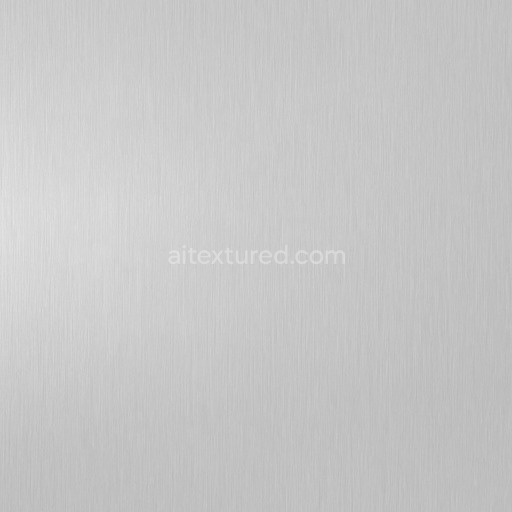
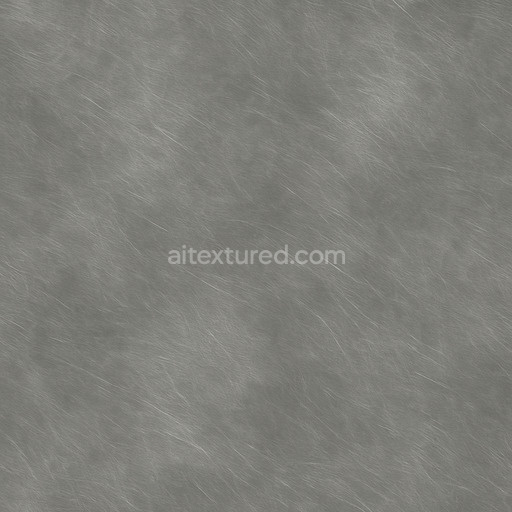
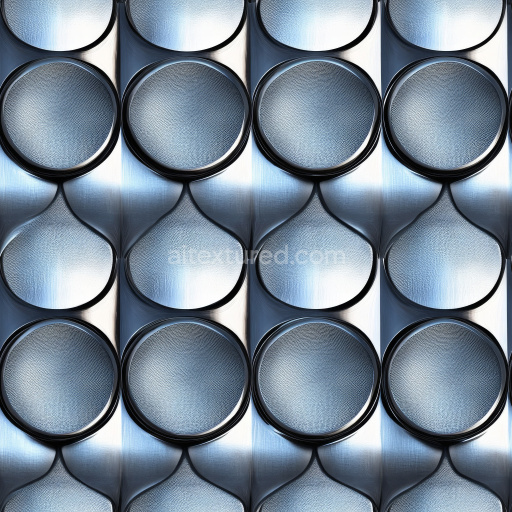
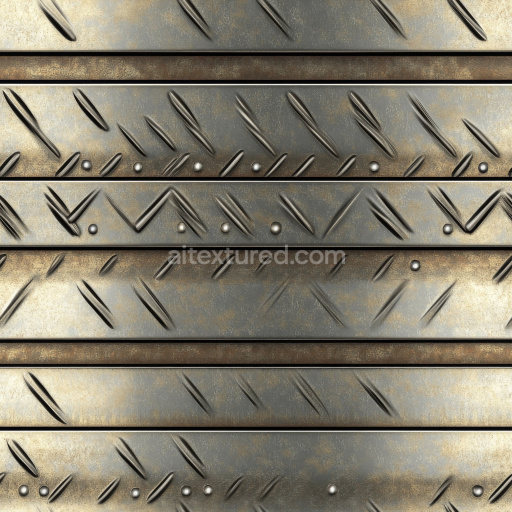
Smooth Aluminum Seamless Texture
Seamless texture (tileable) · PNG, WEBP, PBR ZIP.
| ID | corrugated-cargo-container-free-pbr |
|---|---|
| Category | Metal |
| Formats | PNG, WEBP, PBR ZIP |
| Size | 1k (1024x1024px), 2k (2048x2048px), 4k (4096x4096px), 8k (8192x8192px) |
| Tileable | Yes |
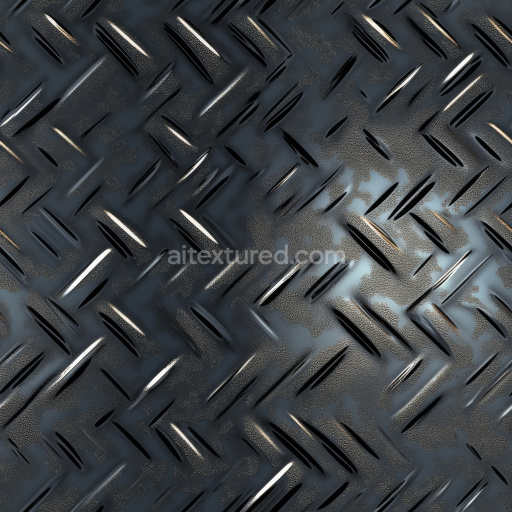
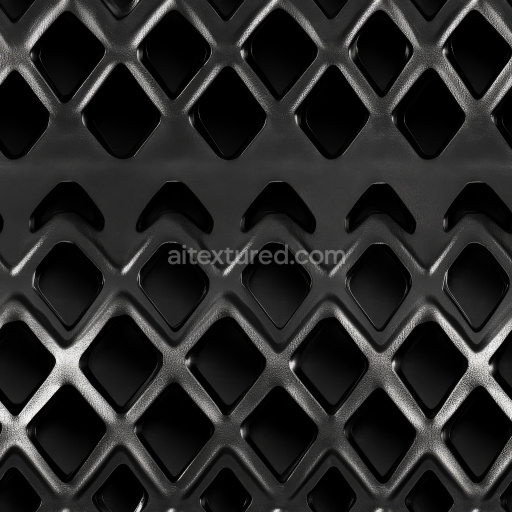
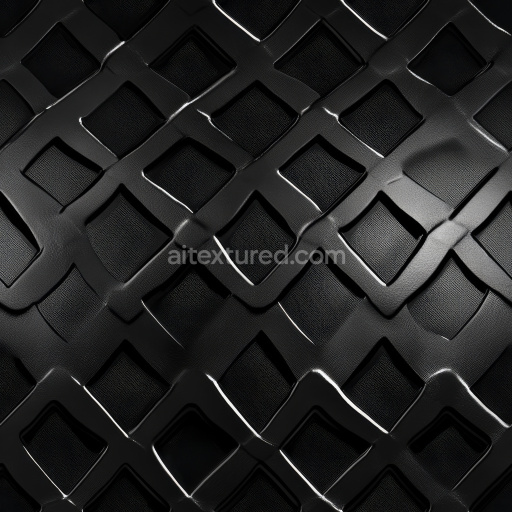
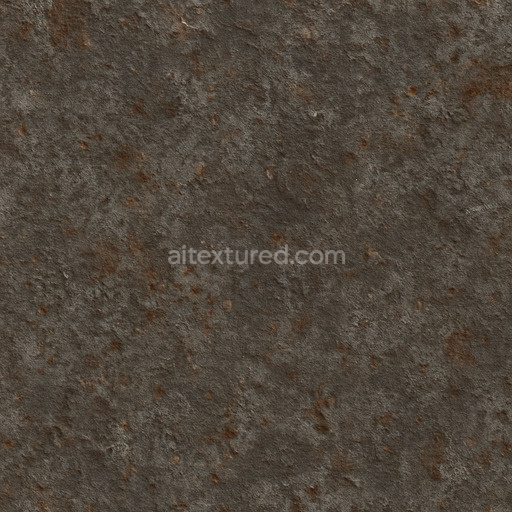
The Corrugated Cargo Container texture is a meticulously crafted, seamless PBR material designed to authentically replicate the industrial surface of typical shipping containers. Its base substrate is primarily metal, specifically corrugated steel panels that provide essential structural strength and durability. This metal surface is often coated with a protective oxide layer, formed either through natural weathering or intentional industrial coating processes, which introduces subtle variations in color and reflectivity across the surface. The texture’s finish strikes a balanced appearance between slightly oxidized and brushed metal, revealing fine grain orientation that runs along the ridges and valleys of the corrugation. Weathering effects such as mild rust patches and worn paint add realistic porosity and surface imperfections, enhancing the tactile authenticity and depth of the container’s exterior surfaces.
In terms of PBR channels, the BaseColor (Albedo) map accurately captures the faded, industrial hues typical of cargo containers, blending muted reds, blues, and greens with exposed metal and rust patches. The Normal map accentuates the depth and fine details of the corrugated pattern, creating convincing light interplay on the ridges and crevices. Roughness maps are carefully calibrated to reflect varied surface finishes—contrasting rough, weathered areas with smoother painted sections—while the Metallic map emphasizes the steel base’s conductive properties, ensuring realistic reflections. Ambient Occlusion enhances subtle shadows within the corrugations and welded seams, adding dimensionality and realism. Meanwhile, the Height or Displacement map provides gentle relief, which can be finely adjusted for parallax effects to increase perceived three-dimensionality without adding heavy geometry.
This texture is available in up to 8K resolution, ensuring exceptional detail and quality for high-end rendering workflows. It is optimized for seamless application in 3D environments and is fully compatible with Blender, Unreal Engine, and Unity, making it ideal for projects requiring realistic industrial surfaces. For best results, adjusting the UV scale to match the real-world dimensions of standard cargo containers helps maintain proper texture detail and prevents distortion. Additionally, tuning the roughness parameter allows flexible simulation of different weathering stages, from freshly painted to heavily aged surfaces, enhancing versatility across diverse visual contexts.
Import the texture maps into Blender with sRGB color space for albedo/base color and Non-Color for normal, roughness, metallic, AO, height, and ORM maps. Connect normal maps through a Normal Map node, then adjust UV scale with a Mapping node so the material repeats naturally on your model.
For the full step-by-step setup, see How to Use Seamless Textures in Blender. Browse related material examples in wood, concrete, and metal.
Yes. This texture is designed as a seamless tileable PBR material, so it can repeat across large surfaces without visible borders.
Use the download controls on this page: they expose the available PNG, WEBP or engine ZIP choices and supported resolutions for this asset.
Use the engine ZIP choices to package compatible source maps for Blender, Unreal Engine or Unity, then verify the imported material in the target application.
Commercial-use permission is not verified for this record. Confirm the original source and license before production use.


Generate maps from existing images, preview materials, convert channels, and package compatible inputs for Blender, Unity, and Unreal Engine.
Choose a verified workflow for generating maps, previewing tiling, converting channels, or starting from the texture catalog.
Derive Normal, Roughness, AO, Metallic, Height and optional ORM maps from one or more source images, then review the results.
Instant WebGL viewer: inspect materials on a sphere, plane, and cube. Check tiling and lighting in real time.
Re-packages maps per engine: Unreal (BaseColor + ORM), Unity (Mask/MetallicSmoothness), Blender (separate channels).
PNG ↔ JPG ↔ SVG: fast convert, SVG rasterize, embed/trace options, quality & background controls.