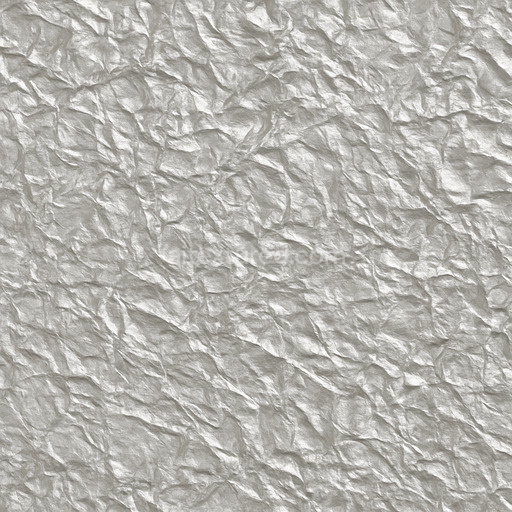
Foil Laminated Paper Reflective
Seamless texture (tileable) · PNG, WEBP, PBR ZIP.
| ID | shiny-paper-texture-with-colorful-spangles-free-pbr |
|---|---|
| Category | Paper |
| Formats | PNG, WEBP, PBR ZIP |
| Size | 1k (1024x1024px), 2k (2048x2048px), 4k (4096x4096px), 8k (8192x8192px) |
| Tileable | Yes |
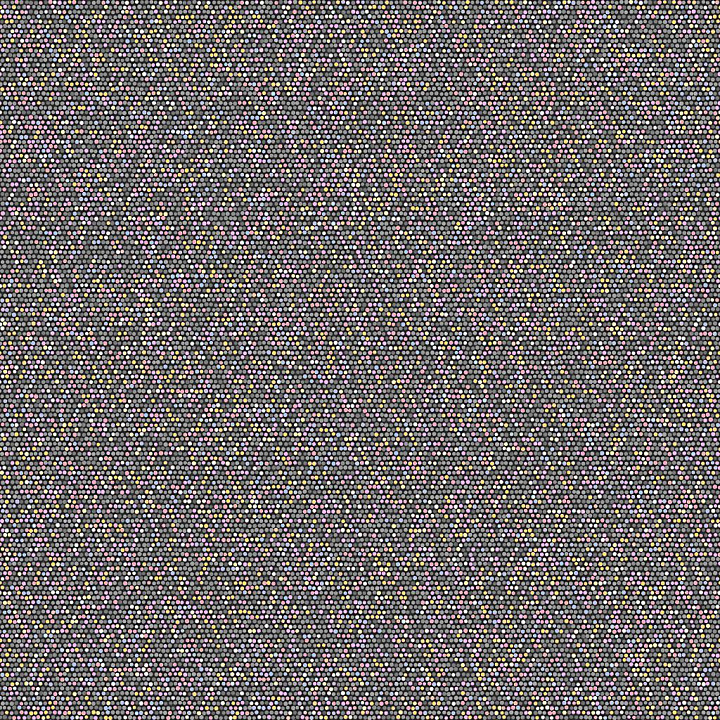
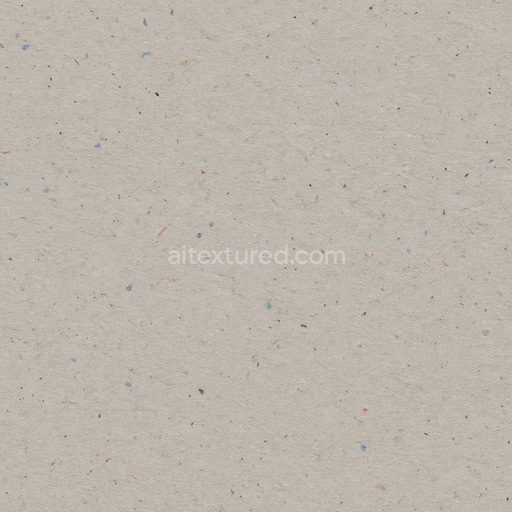
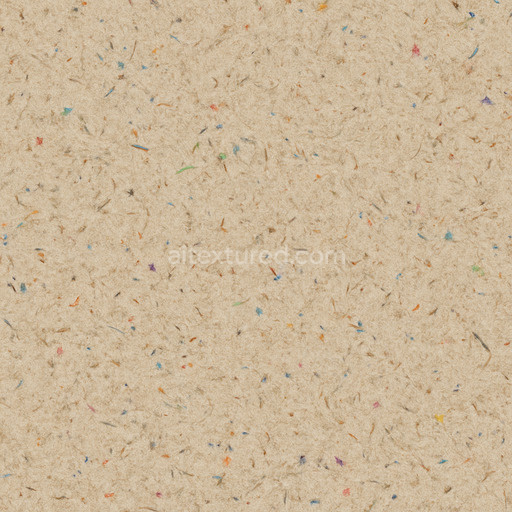
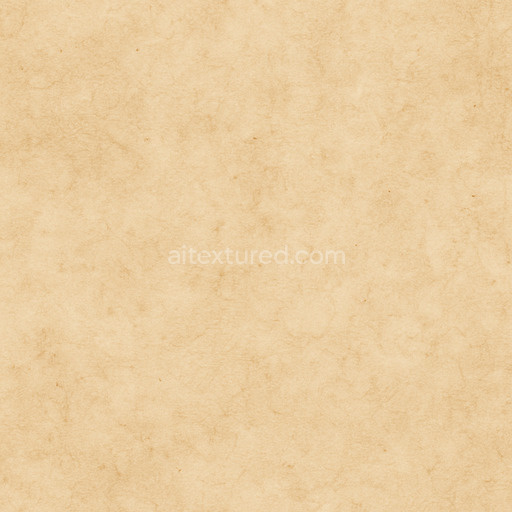
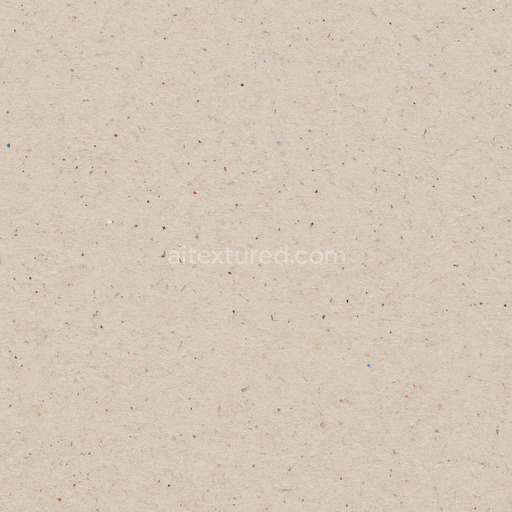
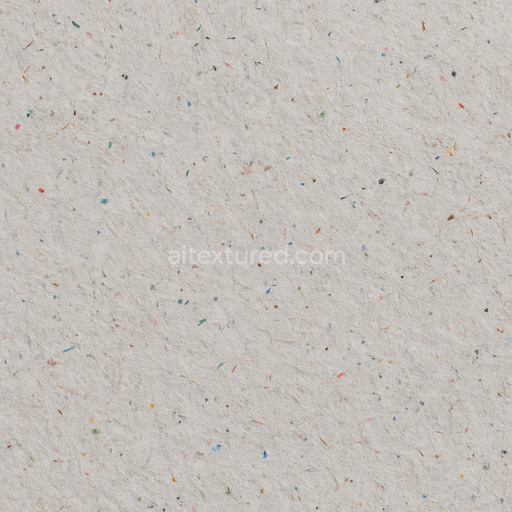
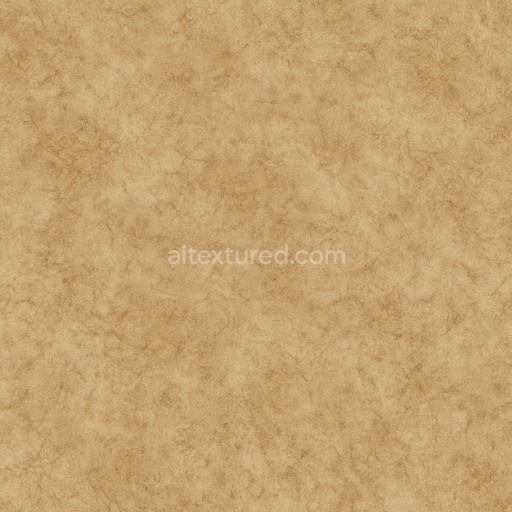
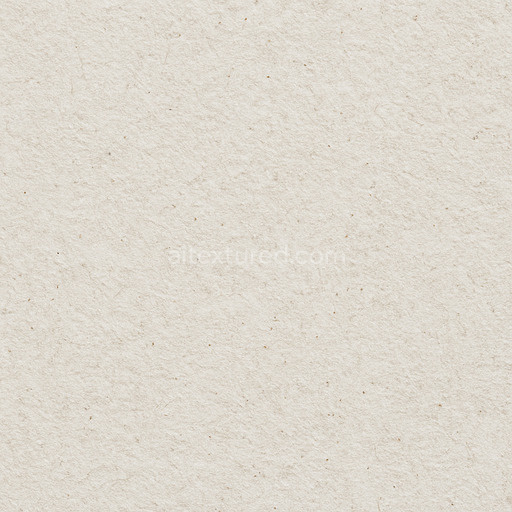
This high-quality seamless PBR texture showcases a shiny paper surface intricately embedded with vibrant, colorful spangles that create a visually striking and dynamic material ideal for a wide range of digital design projects. The base substrate mimics an organic paper fiber composition characterized by fine, naturally arranged fibers bound together with subtle adhesive layers that maintain the structural integrity while allowing a slight natural porosity. This delicate fiber network contributes to the tactile, slightly textured feel beneath the polished finish. Scattered across the surface are small, reflective spangle aggregates, each adding intricate detail and a unique sparkle effect that enhances the overall vibrancy and visual interest of the texture. The glossy, polished surface finish accentuates the reflective qualities of the spangles while preserving the subtle fibrous texture of the paper base, resulting in a harmonious balance between shine and natural material depth.
Within the physically based rendering (PBR) workflow, this texture’s material aspects are precisely captured across multiple channels to ensure realistic and immersive rendering. The BaseColor (Albedo) channel reflects the warm, neutral tones of the paper substrate combined with the vivid hues of the colorful spangles, delivering a vibrant yet natural palette. The Normal map conveys the delicate grain orientation of the paper fibers alongside subtle embossing created by the spangle inclusions, providing convincing surface relief and depth. Roughness is finely balanced to combine areas of glossy shine on the polished paper and spangles with softer matte regions where the organic fiber texture is more pronounced, allowing nuanced light interaction. The Metallic channel remains minimal, consistent with the organic nature of the paper, while capturing slight specular highlights from the metallic spangles. Ambient Occlusion enhances the perception of depth around the fibers and spangles, emphasizing the intricate surface detail, and the Height (Displacement) map subtly accentuates surface relief for enhanced tactile realism when used with displacement or parallax shading techniques.
Rendered at an impressive resolution of up to 8K, this texture is optimized for use in popular platforms such as Blender, Unreal Engine, and Unity, guaranteeing crisp detail and realistic material response in both real-time and offline rendering environments. To achieve the best visual fidelity, adjusting the UV scale is recommended to maintain an optimal balance between the fine fiber detail of the paper and the sparkling effect of the colorful spangles. Additionally, fine-tuning the roughness parameter allows designers to control the overall shine level, adapting the material’s appearance to suit different lighting scenarios and artistic needs. This versatile shiny paper texture with colorful spangles is perfect for creating decorative papers, luxury packaging designs, or any stylized surfaces requiring a rich interplay of organic texture and iridescent highlights.
Import the texture maps into Blender with sRGB color space for albedo/base color and Non-Color for normal, roughness, metallic, AO, height, and ORM maps. Connect normal maps through a Normal Map node, then adjust UV scale with a Mapping node so the material repeats naturally on your model.
For the full step-by-step setup, see How to Use Seamless Textures in Blender. Browse related material examples in wood, concrete, and metal.
Yes. This texture is designed as a seamless tileable PBR material, so it can repeat across large surfaces without visible borders.
Use the download controls on this page: they expose the available PNG, WEBP or engine ZIP choices and supported resolutions for this asset.
Use the engine ZIP choices to package compatible source maps for Blender, Unreal Engine or Unity, then verify the imported material in the target application.
Commercial-use permission is not verified for this record. Confirm the original source and license before production use.


Generate maps from existing images, preview materials, convert channels, and package compatible inputs for Blender, Unity, and Unreal Engine.
Choose a verified workflow for generating maps, previewing tiling, converting channels, or starting from the texture catalog.
Derive Normal, Roughness, AO, Metallic, Height and optional ORM maps from one or more source images, then review the results.
Instant WebGL viewer: inspect materials on a sphere, plane, and cube. Check tiling and lighting in real time.
Re-packages maps per engine: Unreal (BaseColor + ORM), Unity (Mask/MetallicSmoothness), Blender (separate channels).
PNG ↔ JPG ↔ SVG: fast convert, SVG rasterize, embed/trace options, quality & background controls.