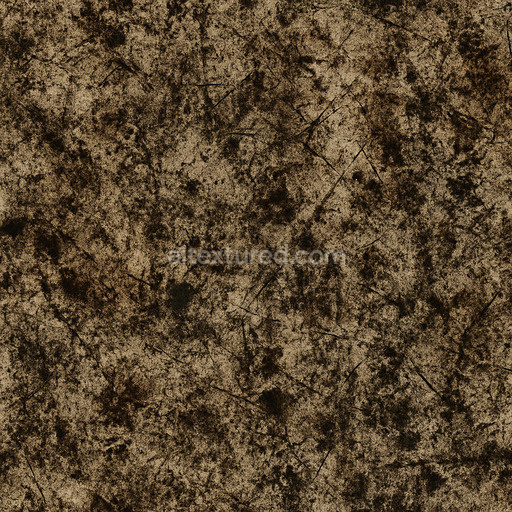
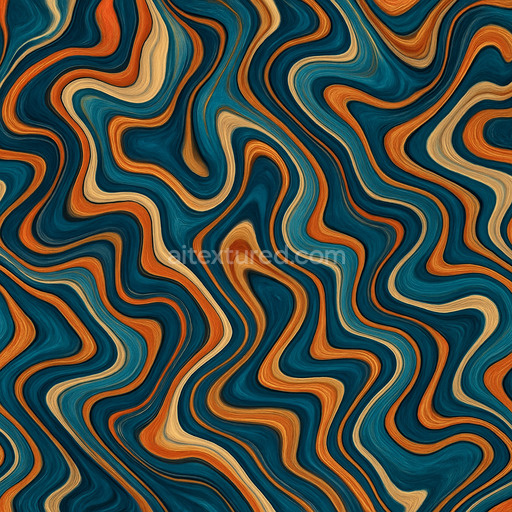
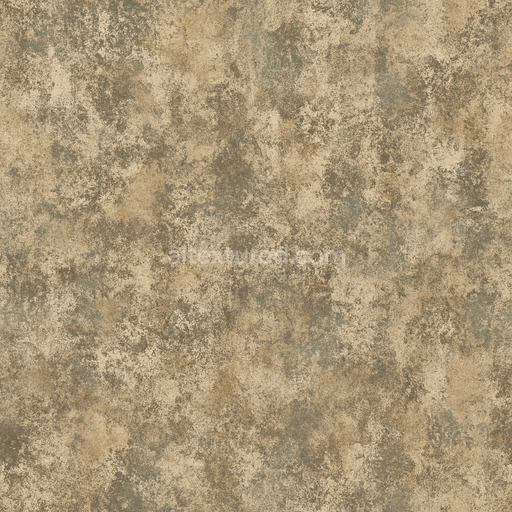
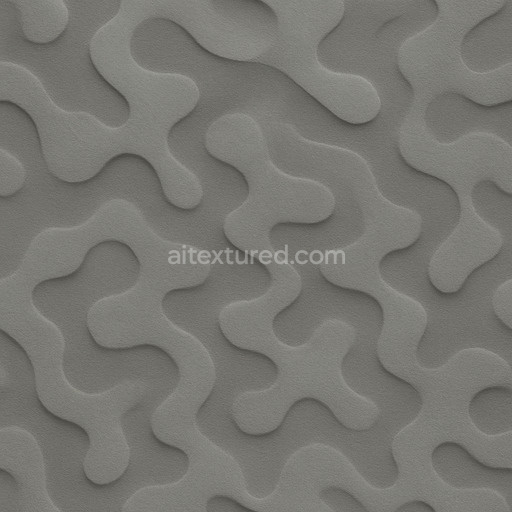
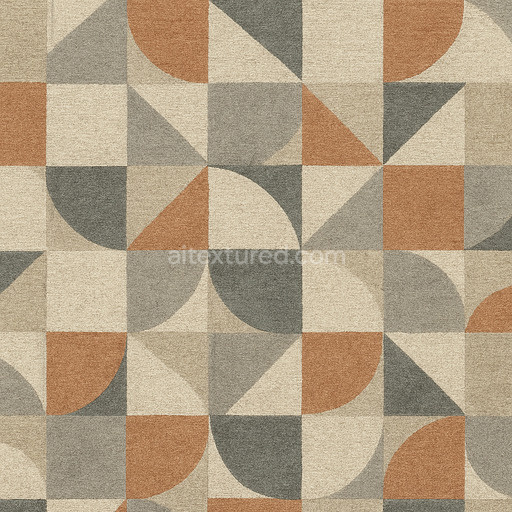
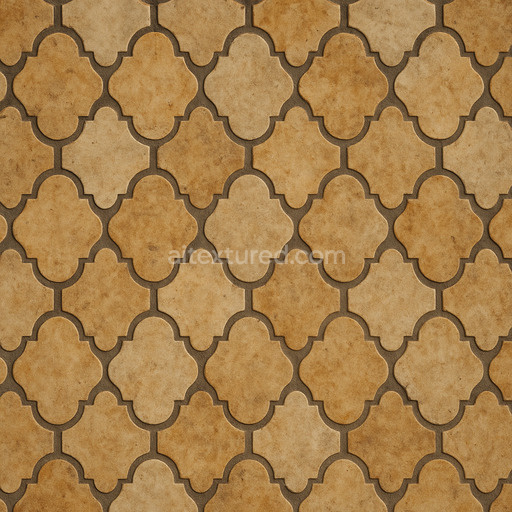
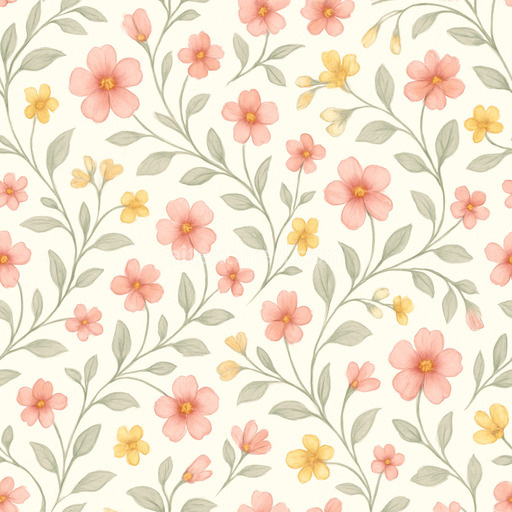
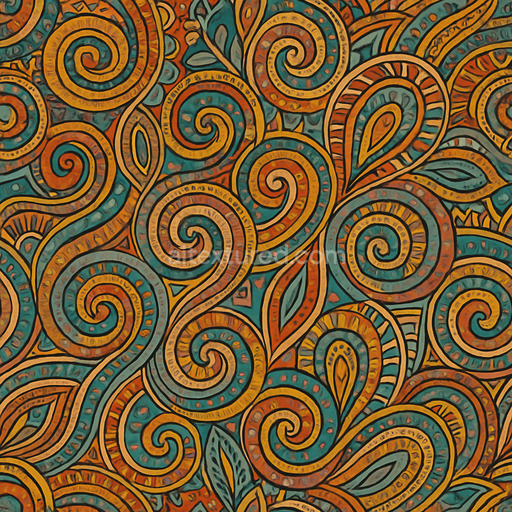
Dirty Abstract Pattern Seamless Texture
Seamless texture (tileable) · PNG, WEBP, PBR ZIP.
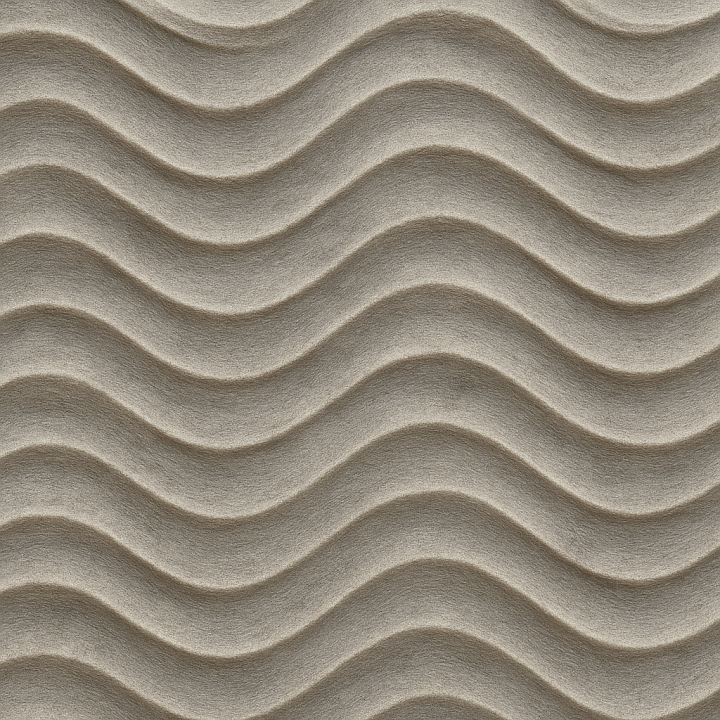
| ID | wave-sine-pattern-flowing |
|---|---|
| Category | Patterns |
| Formats | PNG, WEBP, PBR ZIP |
| Size | 1k (1024x1024px), 2k (2048x2048px), 4k (4096x4096px), 8k (8192x8192px) |
| Tileable | Yes |
The Wave Sine Pattern Flowing texture is a meticulously crafted seamless tile designed to evoke the graceful movement of continuous sine waves flowing elegantly across a smooth refined surface. This texture mimics a high-grade polymer composite substrate where microscopic mineral fillers are expertly blended with a durable flexible binder that ensures structural stability without any visible porosity or signs of wear. The base material's finish is softly polished with a subtle translucency allowing light to penetrate slightly beneath the surface and create a gentle sense of depth and fluidity. A delicate brushed grain orientation complements the flowing wave pattern guiding the eye naturally along its undulating paths. Carefully applied pigments and layered oxides enhance the BaseColor (Albedo) channel with rich nuanced shading while the Normal map adds tactile detail by simulating gentle ridges and troughs reinforcing the realistic sensation of movement across the surface.
Across the full PBR spectrum this tileable wave sine pattern flowing texture delivers a comprehensive material solution optimized for photorealistic rendering. The Roughness map balances the surface’s soft glossiness producing a diffused shine that avoids harsh reflections and highlights the smooth continuous wave forms. A subtle Metallic channel introduces a faint polymer-metal composite reflectivity adding visual complexity without detracting from the organic flow of the pattern. Ambient Occlusion enhances the intersections and crevices between waves deepening spatial perception in 3D environments while the Height/Displacement map provides fine surface relief to enable realistic parallax and displacement effects. This layered detail increases dimensionality transforming flat surfaces into dynamic tactile planes. Designed for scalability up to 8K resolution the texture maintains crisp high-fidelity detail on expansive surfaces making it an excellent choice for architectural visualization immersive game environments product mockups and sophisticated interior design projects.
Optimized for seamless integration with leading 3D software such as Blender Unreal Engine and Unity the PBR texture wave sine pattern flowing supports efficient workflows and real-time 3D preview functionality. Its carefully tuned texture maps prevent common issues like visible seams or repetitive pattern artifacts delivering a stable and visually appealing surface breakup that complements various materials and lighting conditions. For enhanced control adjusting the UV scale can tailor the density of the wave pattern relative to your scene’s dimensions while fine-tuning the Roughness map allows you to shift between a glossier or more matte finish depending on the desired reflectivity. Incorporating the Height or Displacement map with subtle parallax effects further enriches the realism by adding tactile depth making this seamless wave sine pattern flowing texture a versatile and reliable solution for any project requiring naturalistic flowing patterns across a broad range of surfaces.
Import the texture maps into Blender with sRGB color space for albedo/base color and Non-Color for normal, roughness, metallic, AO, height, and ORM maps. Connect normal maps through a Normal Map node, then adjust UV scale with a Mapping node so the material repeats naturally on your model.
For the full step-by-step setup, see How to Use Seamless Textures in Blender. Browse related material examples in wood, concrete, and metal.
Yes. This texture is designed as a seamless tileable PBR material, so it can repeat across large surfaces without visible borders.
Use the download controls on this page: they expose the available PNG, WEBP or engine ZIP choices and supported resolutions for this asset.
Use the engine ZIP choices to package compatible source maps for Blender, Unreal Engine or Unity, then verify the imported material in the target application.
Commercial-use permission is not verified for this record. Confirm the original source and license before production use.
Generate maps from existing images, preview materials, convert channels, and package compatible inputs for Blender, Unity, and Unreal Engine.
Choose a verified workflow for generating maps, previewing tiling, converting channels, or starting from the texture catalog.
Derive Normal, Roughness, AO, Metallic, Height and optional ORM maps from one or more source images, then review the results.
Instant WebGL viewer: inspect materials on a sphere, plane, and cube. Check tiling and lighting in real time.
Re-packages maps per engine: Unreal (BaseColor + ORM), Unity (Mask/MetallicSmoothness), Blender (separate channels).
PNG ↔ JPG ↔ SVG: fast convert, SVG rasterize, embed/trace options, quality & background controls.