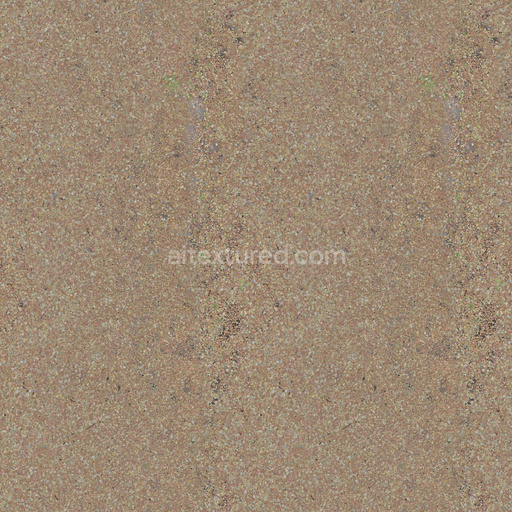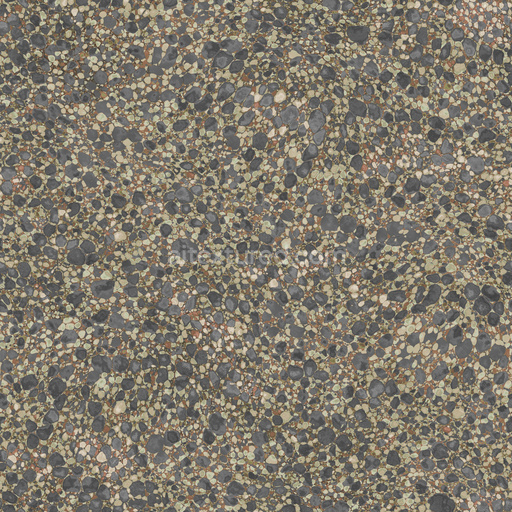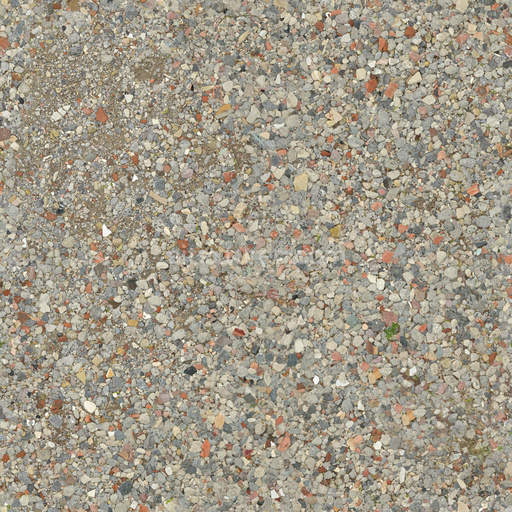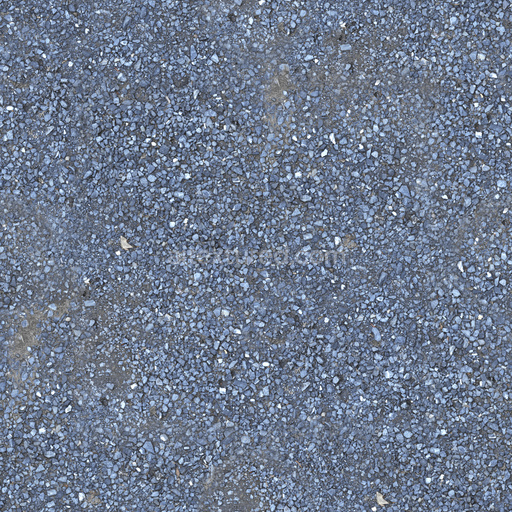
Seamless Gravel 008 by Textures - PBR 3D Texture (8K ready)
Seamless texture (tileable) · PNG, WEBP, PBR ZIP.
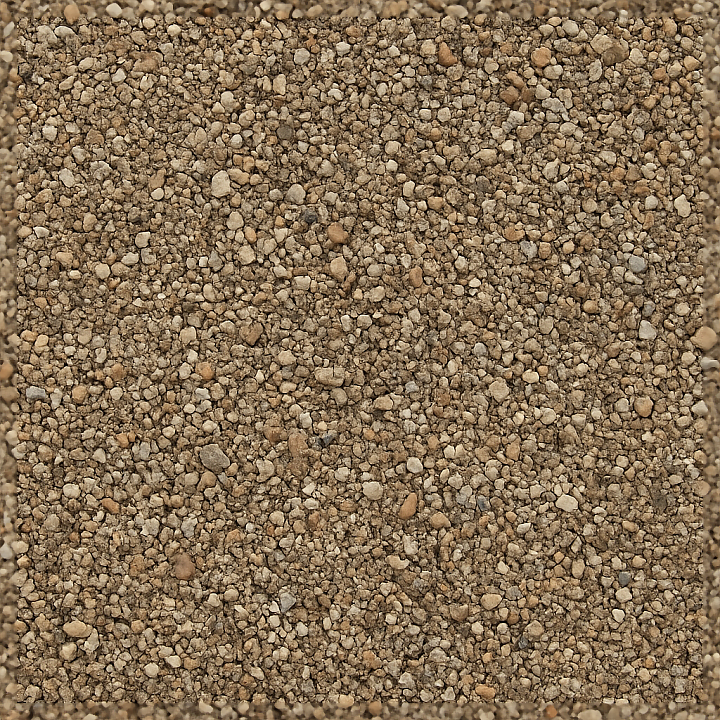
| ID | seamless-3d-texture-pbr-8k-of-gravel-path-surface-with-mixed-gravel-and-earth-tones |
|---|---|
| Category | Gravel |
| Formats | PNG, WEBP, PBR ZIP |
| Size | 1k (1024x1024px), 2k (2048x2048px), 4k (4096x4096px), 8k (8192x8192px) |
| Tileable | Yes |
This seamless 3D texture in pristine 8K resolution expertly captures a highly realistic gravel path surface characterized by a natural blend of mixed gravel fragments embedded within a compacted earth substrate. The base material predominantly consists of fine mineral soil particles and organic earth matter tightly bound to form a cohesive granular foundation that acts as a natural binder holding together diverse gravel aggregates. These aggregates range in size from small smooth pebbles to larger irregular coarse grains exhibiting a mix of angular and rounded shapes that contribute to the texture’s authentic granular appearance. The surface finish is distinctly unpolished and weathered reflecting the slightly dusty matte quality typical of outdoor gravel paths exposed to natural elements foot traffic and environmental wear. Subtle porosity and fine crevices resulting from typical weathering effects enhance the tactile realism while the texture’s seamless tiling ensures no visible repetition or artifacts when applied across large surfaces.
The color palette is dominated by earthy tones featuring muted browns soft ochres and natural grays that accurately represent the mineral composition and weathered stone colors found in outdoor gravel paths. Pigmentation within the gravel includes translucent quartz-like grains alongside darker basaltic fragments creating a richly varied BaseColor (Albedo) channel that adds depth and visual interest. The Normal map captures intricate micro-relief details such as the uneven surfaces of individual gravel grains and the fine texture of the soil substrate while the Height/Displacement map precisely defines the surface topology enabling realistic depth and parallax occlusion effects in both real-time and offline rendering workflows. The Roughness map is calibrated to reflect the naturally matte non-reflective qualities of unpolished gravel and earth with the Metallic channel left flat to emphasize the purely mineral and organic composition. Ambient Occlusion enhances shadowing within crevices and between gravel fragments greatly improving overall depth perception and volumetric realism.
Optimized for seamless tiling and high fidelity this 3D texture is fully compatible and ready for use in Blender Unreal Engine and Unity projects that demand realistic outdoor environments and granular surfaces. Its natural blend of mixed gravel and earthy tones integrates seamlessly into landscape designs garden paths or rugged terrain models providing authentic surface detail at up to 8K resolution. For best results adjusting the UV scale is recommended to maintain appropriately sized gravel fragments relative to the scene dimensions. Additionally fine-tuning the roughness parameter can simulate a range of conditions from dry dusty surfaces to slightly damp gravel enhancing versatility. Combining the height map with normal maps and enabling parallax occlusion mapping will further enrich surface relief and depth delivering convincing realism under dynamic lighting conditions.
Import the texture maps into Blender with sRGB color space for albedo/base color and Non-Color for normal, roughness, metallic, AO, height, and ORM maps. Connect normal maps through a Normal Map node, then adjust UV scale with a Mapping node so the material repeats naturally on your model.
For the full step-by-step setup, see How to Use Seamless Textures in Blender. Browse related material examples in wood, concrete, and metal.
Yes. This texture is designed as a seamless tileable PBR material, so it can repeat across large surfaces without visible borders.
Use the download controls on this page: they expose the available PNG, WEBP or engine ZIP choices and supported resolutions for this asset.
Use the engine ZIP choices to package compatible source maps for Blender, Unreal Engine or Unity, then verify the imported material in the target application.
Commercial-use permission is not verified for this record. Confirm the original source and license before production use.
Generate maps from existing images, preview materials, convert channels, and package compatible inputs for Blender, Unity, and Unreal Engine.
Choose a verified workflow for generating maps, previewing tiling, converting channels, or starting from the texture catalog.
Derive Normal, Roughness, AO, Metallic, Height and optional ORM maps from one or more source images, then review the results.
Instant WebGL viewer: inspect materials on a sphere, plane, and cube. Check tiling and lighting in real time.
Re-packages maps per engine: Unreal (BaseColor + ORM), Unity (Mask/MetallicSmoothness), Blender (separate channels).
PNG ↔ JPG ↔ SVG: fast convert, SVG rasterize, embed/trace options, quality & background controls.