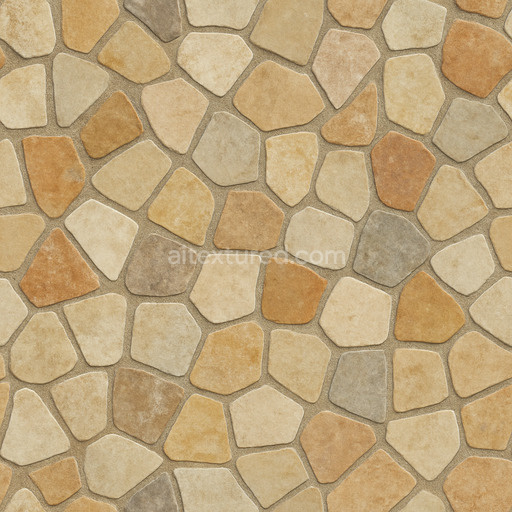
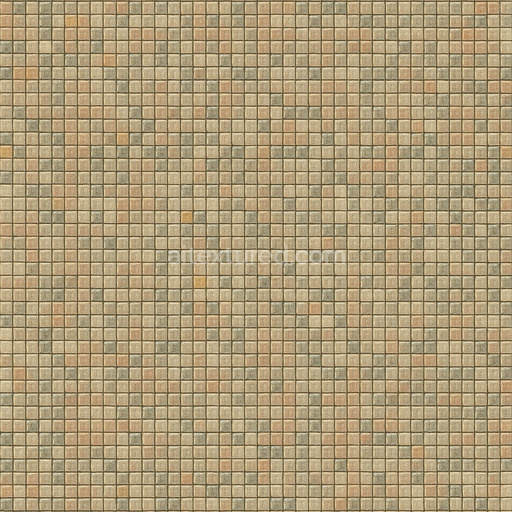
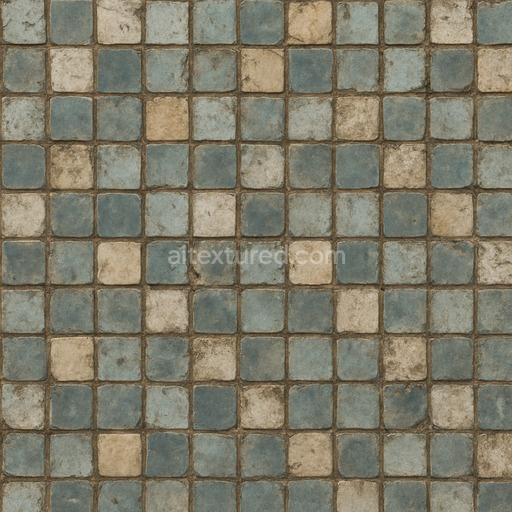
Natural Mosaic Tile Seamless Texture
Seamless texture (tileable) · PNG, WEBP, PBR ZIP. License: AITextured Free Commercial License (FCL) v1.1. Free personal and commercial use. Raw resale, standalone redistribution, mirroring/scraping, competing asset packs, and AI/ML training are not allowed without written permission. Attribution is not required, but appreciated..

| ID | archviz-ceramic-substance-designer-tiles |
|---|---|
| Category | Ceramic-tile |
| Formats | PNG, WEBP, PBR ZIP |
| Size | 1k (1024x1024px), 2k (2048x2048px), 4k (4096x4096px), 8k (8192x8192px) |
| Color | sRGB |
| Tileable | Yes |
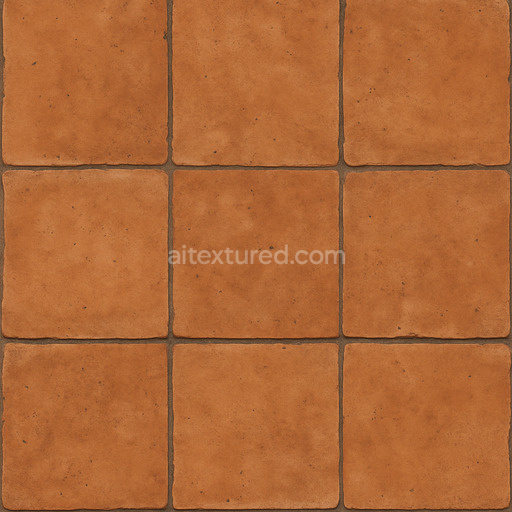
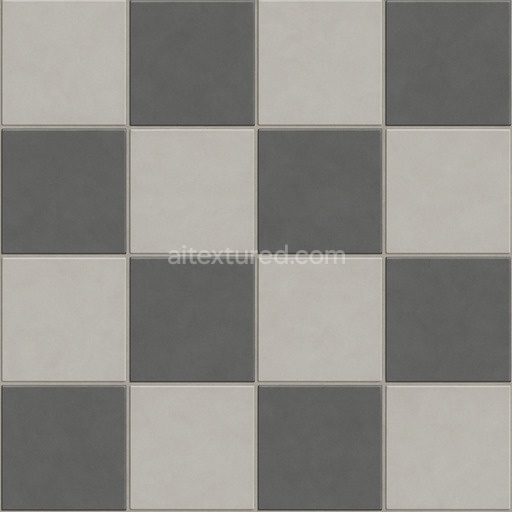
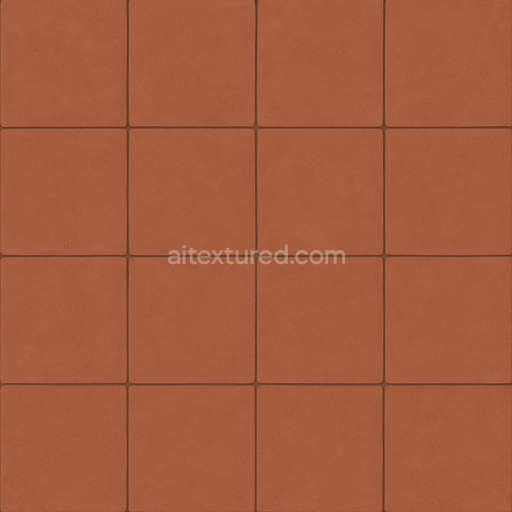
This Archviz Ceramic Substance Designer Tiles texture is meticulously crafted to replicate the authentic composition and appearance of high-quality ceramic surfaces ideal for architectural visualization game engines and both real-time and offline rendering workflows. The base material is primarily composed of fine mineral clays combined with subtle binders that create a durable smooth foundation. Carefully balanced aggregates contribute to a uniform grain orientation and low porosity resulting in a polished surface that retains slight natural imperfections to enhance realism. The color is achieved through oxide-based pigments yielding consistent true-to-life hues that maintain their vibrancy seamlessly across the entire tile surface.
The texture’s composition is expertly translated into physically based rendering (PBR) channels for optimal realism. The BaseColor map captures the ceramic’s characteristic soft tones and subtle color variations while the Normal map defines delicate surface relief including tile edges and fine details. The Roughness channel controls the ceramic’s glossy finish balancing reflections to avoid excessive shine. Since ceramics are non-metallic the Metallic channel remains neutral and Ambient Occlusion adds realistic depth by simulating shadowing in crevices and grout lines. Height and Displacement maps emphasize the subtle elevation differences between tiles and grout enhancing tactile perception especially in close-up visualizations.
Offered at up to 8K resolution this seamless ceramic tile texture ensures crisp detail on expansive architectural surfaces without visible repetition making it suitable for floors walls and decorative elements in diverse archviz and game environments. It is fully optimized and compatible with popular 3D software such as Blender Unreal Engine and Unity facilitating straightforward integration into various rendering pipelines. For best results adjusting the UV scale during application is recommended to maintain realistic tile proportions relative to the scene. Additionally fine-tuning the Roughness map can simulate various surface finishes from freshly polished to lightly worn ceramics while using Height or Parallax maps enhances depth perception and material authenticity in close-up or interactive real-time settings.
Import the texture maps into Blender with sRGB color space for albedo/base color and Non-Color for normal, roughness, metallic, AO, height, and ORM maps. Connect normal maps through a Normal Map node, then adjust UV scale with a Mapping node so the material repeats naturally on your model.
For the full step-by-step setup, see How to Use Seamless Textures in Blender. Browse related material examples in wood, concrete, and metal.
Yes. This texture is designed as a seamless tileable PBR material, so it can repeat across large surfaces without visible borders.
You can download PNG/WEBP versions and use 1K, 2K, 4K and 8K download options when available on the page.
Yes. The download options and engine-mapped ZIP workflow are designed for Blender, Unreal Engine, Unity Standard, URP and HDRP material pipelines.
Yes. The texture is available under the AITextured free commercial license. Review the license page for redistribution and AI-training restrictions.


Build, preview, and export seamless PBR materials. Generate full map sets from a single image, inspect them in a real-time WebGL viewer, and re-package maps for Unreal, Unity, and Blender—directly in your browser.
AI text-to-texture: type a prompt and get a seamless, tileable base image ready for PBR workflows (great starting point for materials).
Create a full PBR set (Normal, Roughness, AO, Metallic, etc.) from a single image. Seamless and tiling-friendly.
Instant WebGL viewer: inspect materials on a sphere, plane, and cube. Check tiling and lighting in real time.
Re-packages maps per engine: Unreal (BaseColor + ORM), Unity (Mask/MetallicSmoothness), Blender (separate channels).
PNG ↔ JPG ↔ SVG: fast convert, SVG rasterize, embed/trace options, quality & background controls.