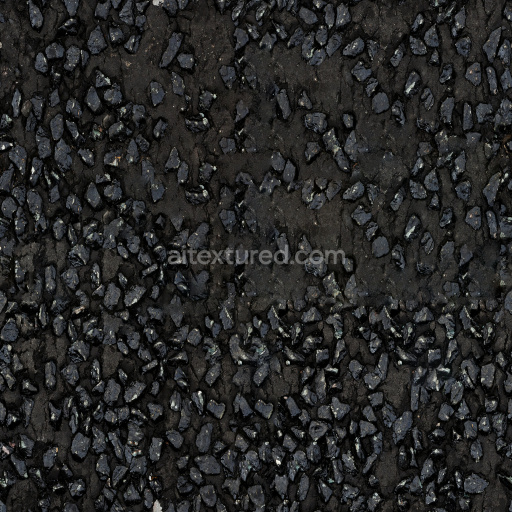
Free Seamless Asphalt Texture Download
Seamless texture (tileable) · PNG, WEBP, PBR ZIP.
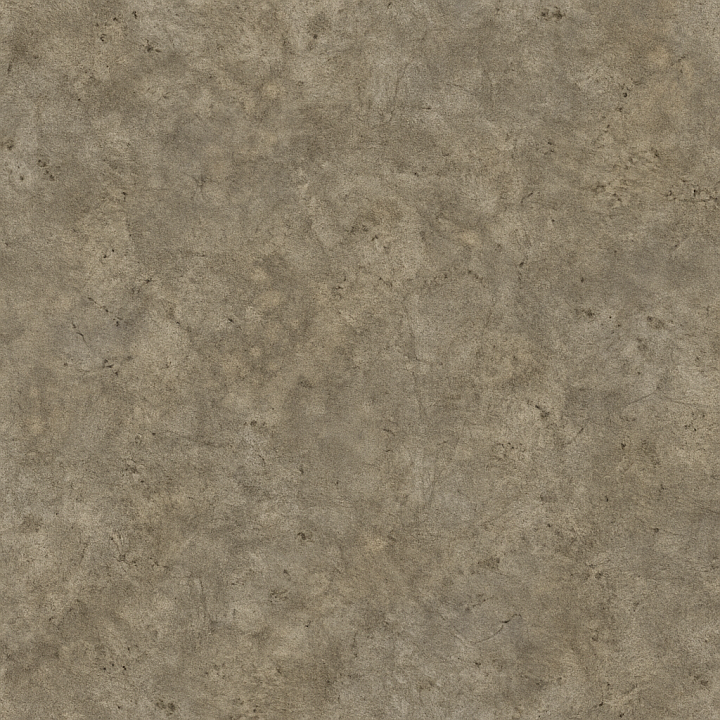
| ID | ancient-concrete-seamless-texture |
|---|---|
| Category | Concrete |
| Formats | PNG, WEBP, PBR ZIP |
| Size | 1k (1024x1024px), 2k (2048x2048px), 4k (4096x4096px), 8k (8192x8192px) |
| Tileable | Yes |
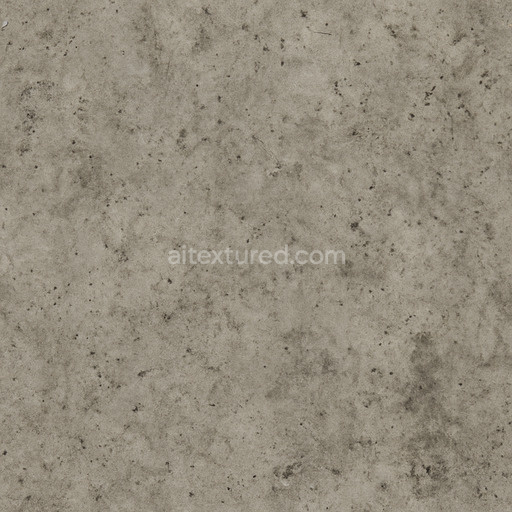
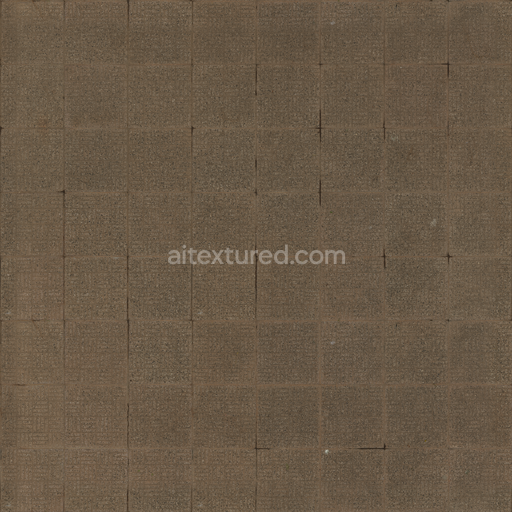
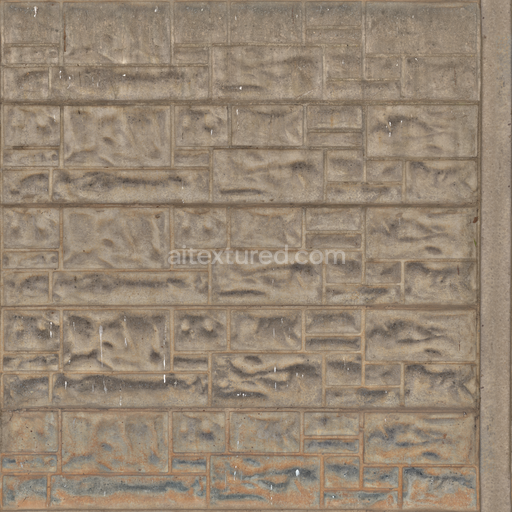
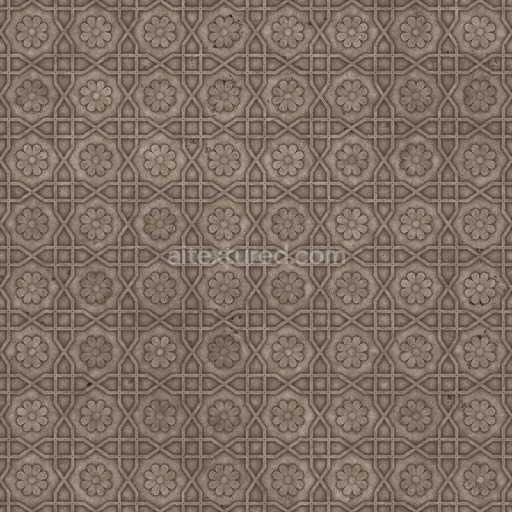
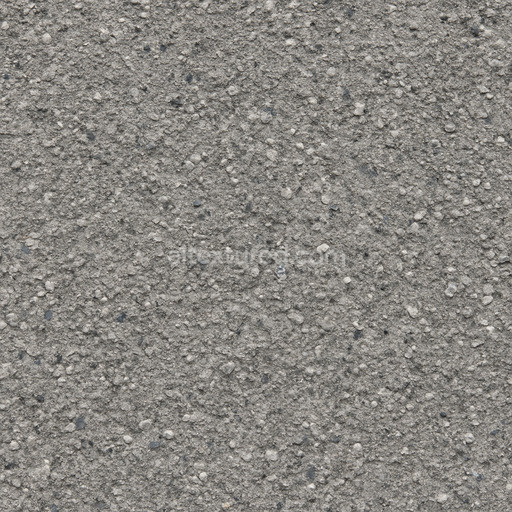
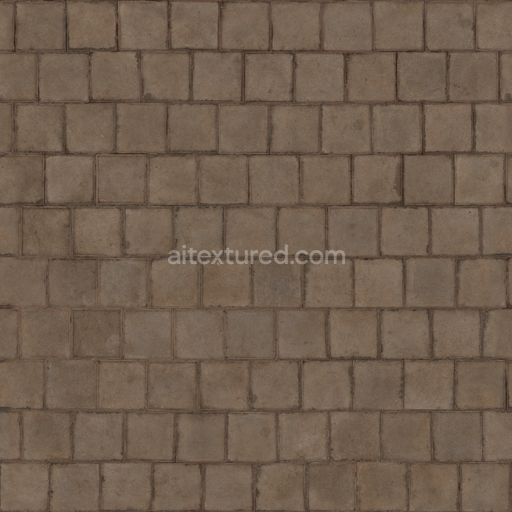
The Ancient Concrete Seamless Texture is a meticulously generated material designed to replicate the complex composition of aged concrete surfaces with exceptional fidelity. Its base substrate mimics a mineral-rich cementitious matrix combined with fine aggregates including sand and small stone fragments that have naturally bonded over time with subtle calcium silicate hydrate binders. This combination creates a robust weathered surface characterized by micro-cracks slight porosity and accumulated mineral deposits that evoke an authentic sense of historical wear. The texture’s coloration reflects muted gray tones interspersed with faint oxide stains and organic discolorations simulating natural pigmentation and subtle iron oxide layering common in ancient concrete structures. The finish appears matte with a softly roughened surface affected by decades of exposure avoiding overly polished or artificial glossiness.
In physically based rendering (PBR) workflows this tileable ancient concrete seamless texture delivers comprehensive channel detail to achieve realistic material responses. The BaseColor (Albedo) map captures nuanced color shifts and mineral inclusions providing an organic variegation essential for believable concrete visuals. The Normal map emphasizes the fine micro-roughness and subtle surface imperfections highlighting the grain orientation and aggregate relief without exaggeration. Roughness values are calibrated to represent a predominantly matte weathered finish with selective smooth patches while the Metallic channel remains minimal to reflect concrete’s non-metallic nature. Ambient Occlusion enhances crevices and cracks for depth and the Height/Displacement map adds convincing surface breakup and dimensionality supporting parallax effects for enhanced realism.
This seamless ancient concrete seamless texture is optimized at up to 8K resolution ensuring crisp detail even on expansive UV islands common in architectural visualization game environments product mockups and interior staging. Its seamless tiling capability guarantees flawless repetition making it ideal for integration in Blender Unreal Engine and Unity pipelines where predictability and high fidelity are essential. For best results it is recommended to combine this PBR material with a subtle ambient occlusion layer and a light normal pass to enrich surface breakup without oversharpening. Adjusting the UV scale to moderate levels prevents pattern repetition and preserves the natural randomness of ancient concrete surfaces while fine-tuning roughness can simulate varying weathering degrees across different scene elements.
The generated ancient concrete seamless texture offers highly detailed concrete textures with a realistic PBR appearance allowing for an accurate 3D preview of weathered material surfaces.
Import the texture maps into Blender with sRGB color space for albedo/base color and Non-Color for normal, roughness, metallic, AO, height, and ORM maps. Connect normal maps through a Normal Map node, then adjust UV scale with a Mapping node so the material repeats naturally on your model.
For the full step-by-step setup, see How to Use Seamless Textures in Blender. Browse related material examples in wood, concrete, and metal.
Yes. This texture is designed as a seamless tileable PBR material, so it can repeat across large surfaces without visible borders.
Use the download controls on this page: they expose the available PNG, WEBP or engine ZIP choices and supported resolutions for this asset.
Use the engine ZIP choices to package compatible source maps for Blender, Unreal Engine or Unity, then verify the imported material in the target application.
Commercial-use permission is not verified for this record. Confirm the original source and license before production use.


Generate maps from existing images, preview materials, convert channels, and package compatible inputs for Blender, Unity, and Unreal Engine.
Choose a verified workflow for generating maps, previewing tiling, converting channels, or starting from the texture catalog.
Derive Normal, Roughness, AO, Metallic, Height and optional ORM maps from one or more source images, then review the results.
Instant WebGL viewer: inspect materials on a sphere, plane, and cube. Check tiling and lighting in real time.
Re-packages maps per engine: Unreal (BaseColor + ORM), Unity (Mask/MetallicSmoothness), Blender (separate channels).
PNG ↔ JPG ↔ SVG: fast convert, SVG rasterize, embed/trace options, quality & background controls.