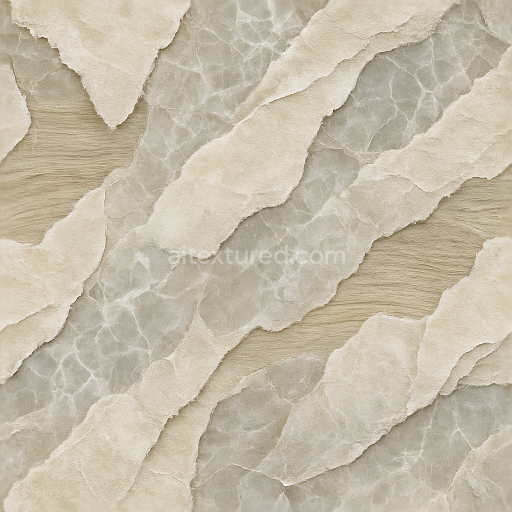
Torn Edges Peeling Layers Paper Fibers Wood Grain Abstract Stone Veins
Seamless texture (tileable) · PNG, WEBP, PBR ZIP.
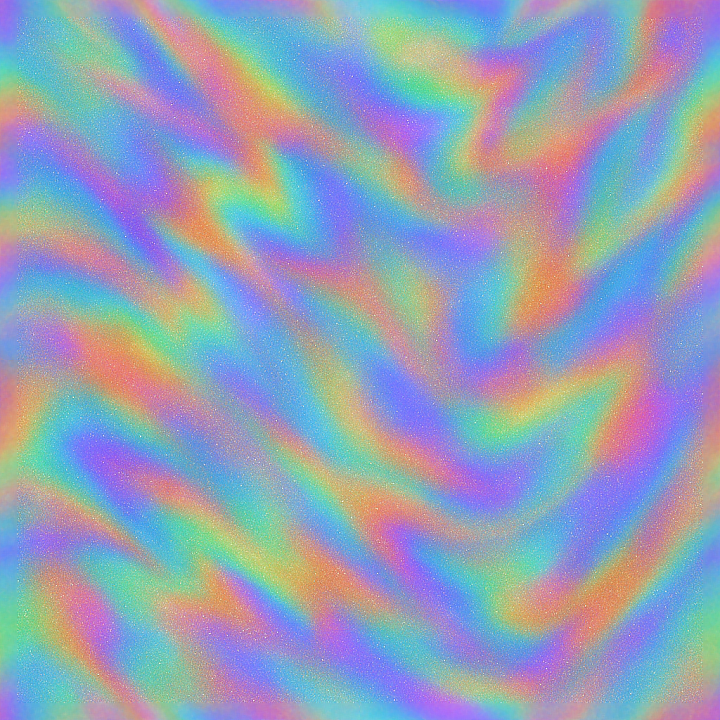
| ID | seamless-3d-texture-pbr-8k-reflective-diffuse-glimmer-shine-sparkle-prismatic-chromatic-holographic |
|---|---|
| Category | Abstract |
| Formats | PNG, WEBP, PBR ZIP |
| Size | 1k (1024x1024px), 2k (2048x2048px), 4k (4096x4096px), 8k (8192x8192px) |
| Tileable | Yes |
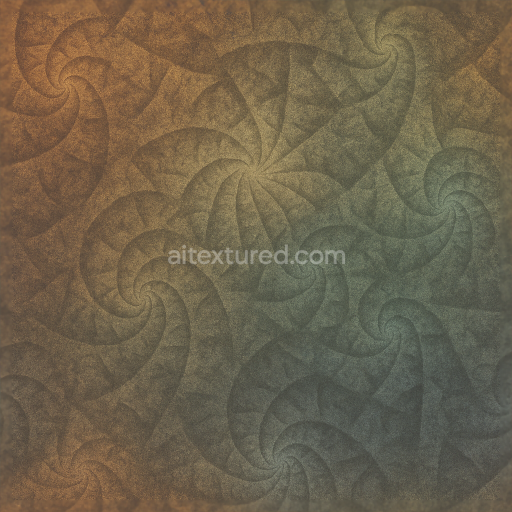
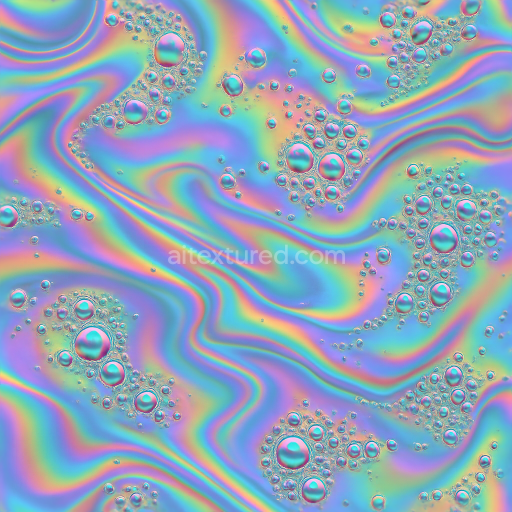
This seamless 3D PBR texture at an impressive 8K resolution presents a highly detailed abstract surface reminiscent of a prismatic, kaleidoscopic mosaic. The underlying material suggests a composite substrate combining a smooth, polished polymer base with embedded microscopic crystalline aggregates. These aggregates create intricate angular facets that generate a dynamic interplay of light reflection and diffusion across the surface. The geometric form is best described as an irregular tessellation of multifaceted polygonal shapes, blending subtle curvature with sharp edges to evoke a holographic, psychedelic visual complexity. The polished finish accentuates the reflective qualities, while fine surface imperfections introduce a delicate diffuse scattering effect that softens glare and enhances realism.
From a compositional standpoint, the base substrate functions as a transparent or lightly tinted resin binder, which holds a dense distribution of prismatic pigment particles and micro-glass fibers. These inclusions produce the characteristic chromatic dispersion and glimmering sparkle observed in the diffuse and reflective channels. The texture exhibits minimal porosity, resulting in a smooth, continuous surface with negligible weathering or wear. Colorants are carefully layered within the binder to achieve a shifting spectrum of chromatic highlights, which contribute to the holographic and psychedelic appearance. This complex layering is captured across multiple PBR maps: the BaseColor (Albedo) conveys vibrant, shifting hues; the Normal map encodes fine surface details and micro-facet orientations; Roughness defines areas of glossy shine versus subtle matte diffusion; Metallic is tuned low to simulate non-metallic, glass-like reflections; Ambient Occlusion enhances depth perception in recessed tessellation edges; and Height/Displacement maps deliver subtle relief that emphasizes the multifaceted geometry.
Optimized for high-fidelity rendering workflows, this texture is fully compatible with Blender, Unreal Engine, and Unity, ensuring versatility across diverse 3D projects. The 8K resolution preserves intricate detail even at close camera proximity, making it ideal for photorealistic abstract materials or futuristic surfaces requiring both visual complexity and dynamic light interaction. When applying this texture, it is advisable to carefully adjust the UV scale to maintain the balance between pattern repetition and overall surface continuity. Additionally, fine-tuning the roughness channel can help control the intensity of the glimmer and shine effects, allowing for customization from subtle iridescence to bold reflective sparkle. Incorporating the height map with normal blending can further enhance the tactile realism by emphasizing the textured facets without introducing harsh displacement artifacts.
Import the texture maps into Blender with sRGB color space for albedo/base color and Non-Color for normal, roughness, metallic, AO, height, and ORM maps. Connect normal maps through a Normal Map node, then adjust UV scale with a Mapping node so the material repeats naturally on your model.
For the full step-by-step setup, see How to Use Seamless Textures in Blender. Browse related material examples in wood, concrete, and metal.
Yes. This texture is designed as a seamless tileable PBR material, so it can repeat across large surfaces without visible borders.
Use the download controls on this page: they expose the available PNG, WEBP or engine ZIP choices and supported resolutions for this asset.
Use the engine ZIP choices to package compatible source maps for Blender, Unreal Engine or Unity, then verify the imported material in the target application.
Commercial-use permission is not verified for this record. Confirm the original source and license before production use.

Generate maps from existing images, preview materials, convert channels, and package compatible inputs for Blender, Unity, and Unreal Engine.
Choose a verified workflow for generating maps, previewing tiling, converting channels, or starting from the texture catalog.
Derive Normal, Roughness, AO, Metallic, Height and optional ORM maps from one or more source images, then review the results.
Instant WebGL viewer: inspect materials on a sphere, plane, and cube. Check tiling and lighting in real time.
Re-packages maps per engine: Unreal (BaseColor + ORM), Unity (Mask/MetallicSmoothness), Blender (separate channels).
PNG ↔ JPG ↔ SVG: fast convert, SVG rasterize, embed/trace options, quality & background controls.