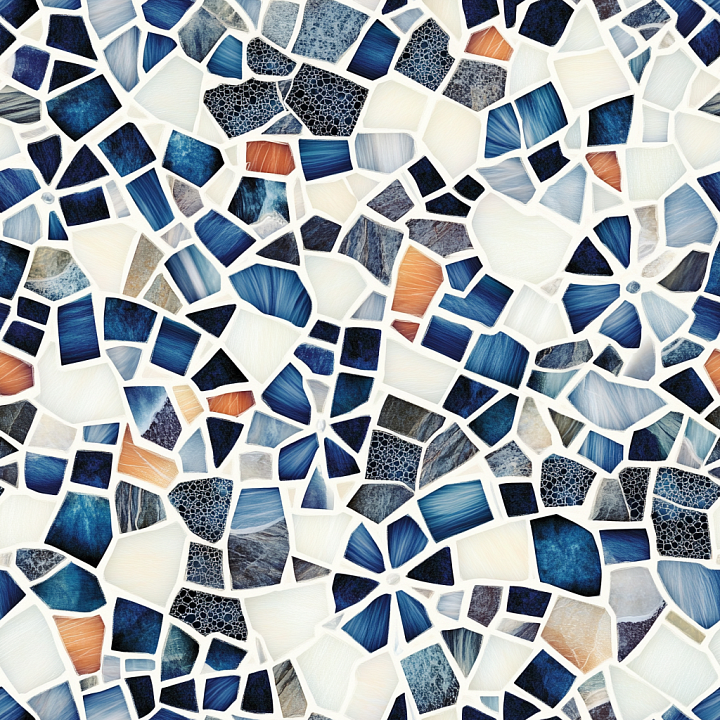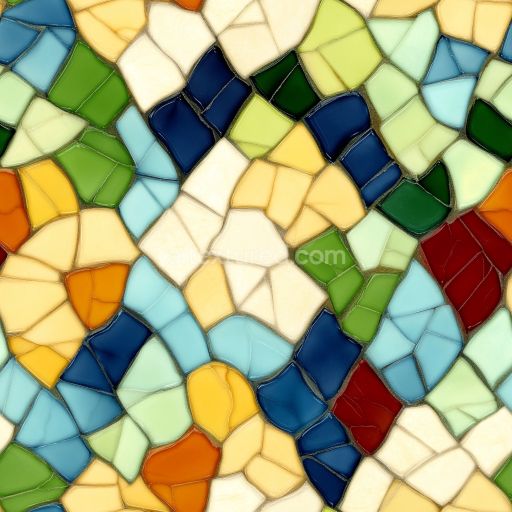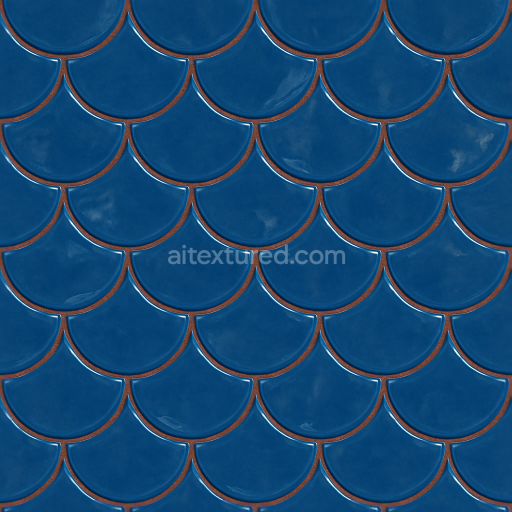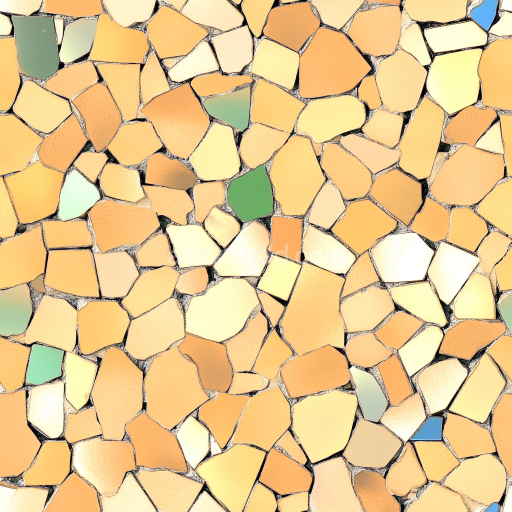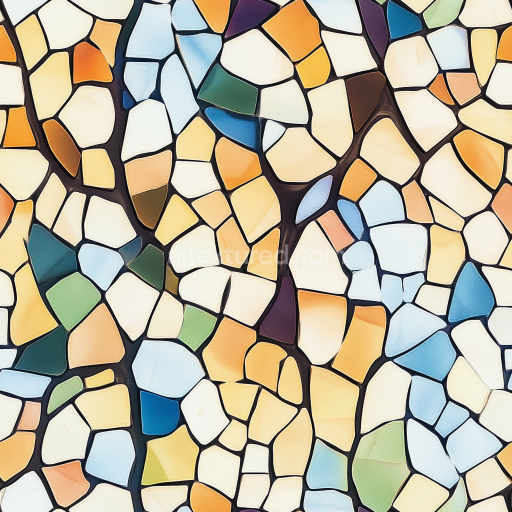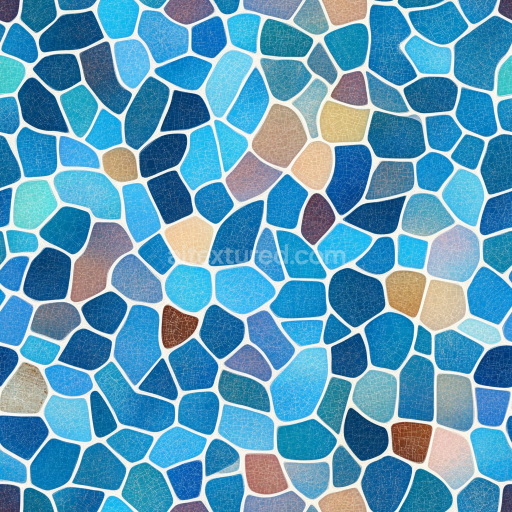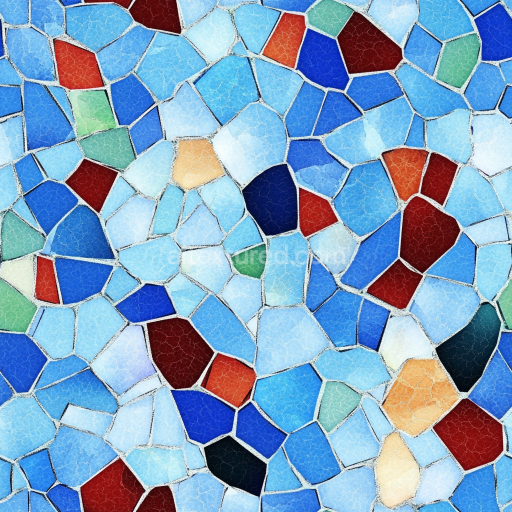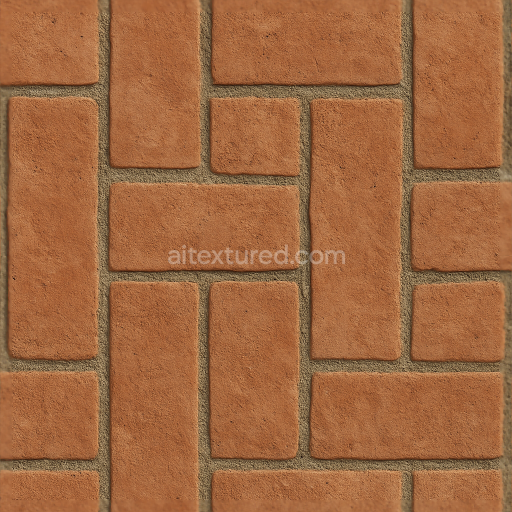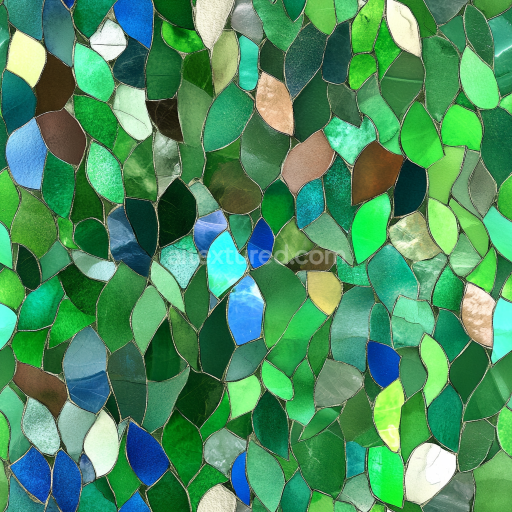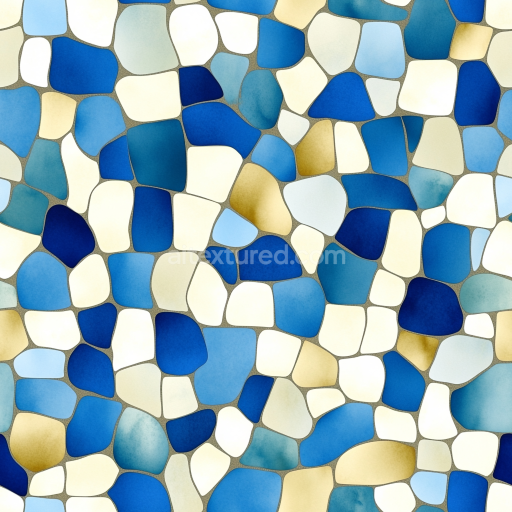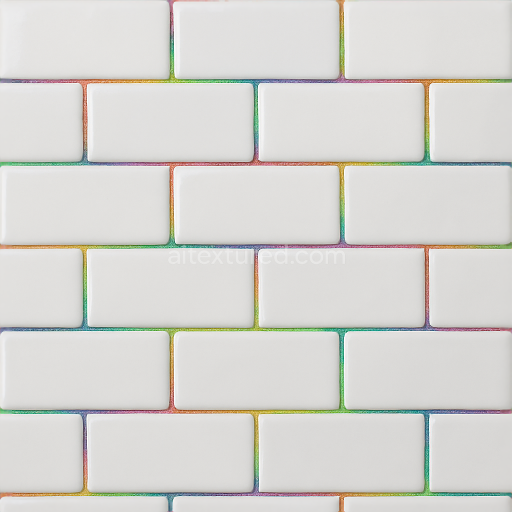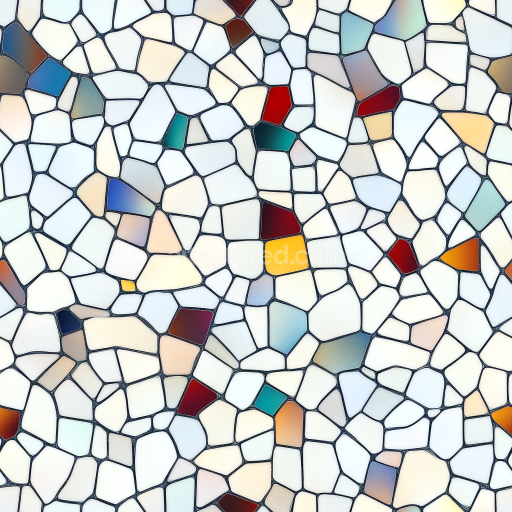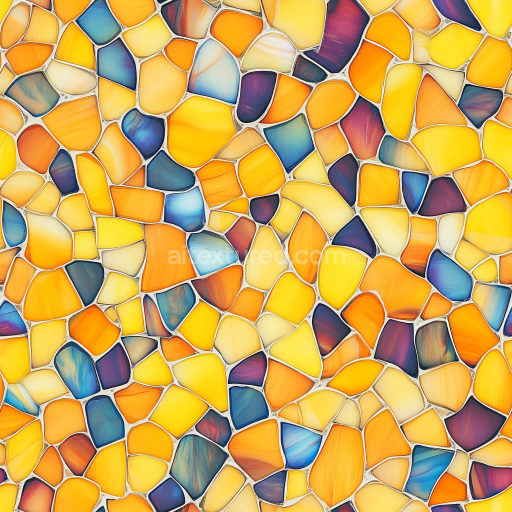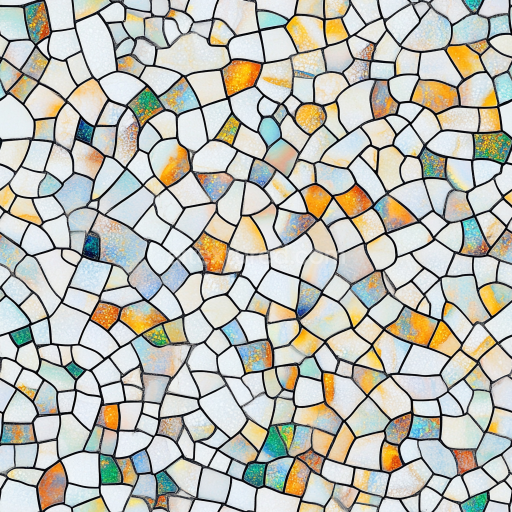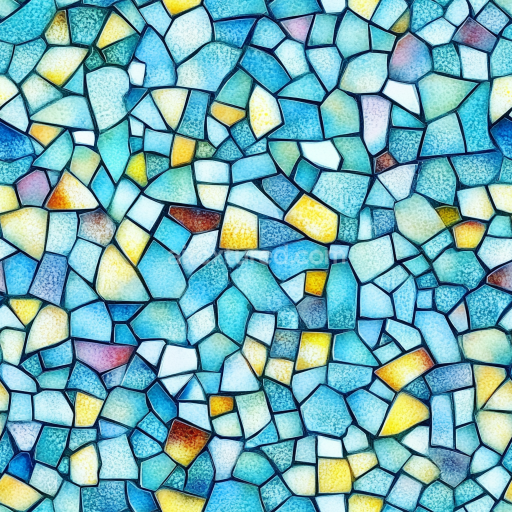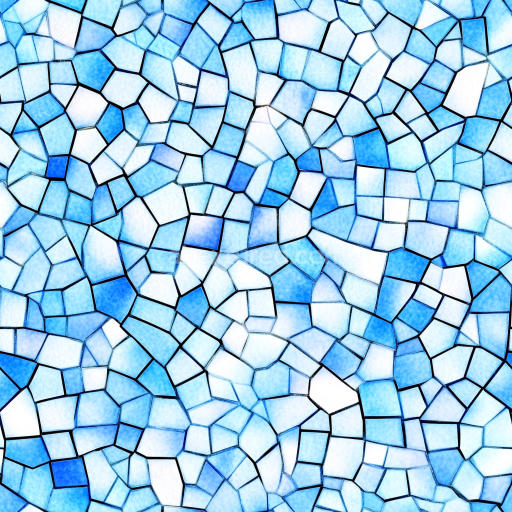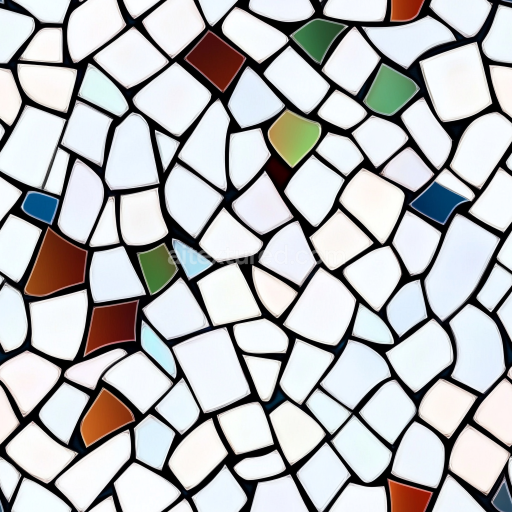
This seamless 3D mosaic PBR texture showcases an artistic blend of irregular stone chip fragments arranged in a freeform pattern. The chips vary in size and shape, ranging from angular shards to slightly rounded pieces, creating a dynamic tessellation across the surface. A white grout with visible depth and fine edge detail crisply separates each fragment, enhancing the overall rhythmic layout and lending a handcrafted feel. The tile material appears to be polished stone or ceramic with a subtly glossy finish that exhibits delicate reflections and soft highlights — suggesting a smooth, high-quality surface ideal for interior decoration.
The color palette centers on deep navy and cobalt blues interspersed with warm burnt orange accents and assorted neutral hues including delicate greys, off-whites, and stone-like patterns. These colors combine for a balanced Mediterranean-inspired aesthetic that evokes coastal environments and vibrant courtyards. Some chips feature unique textures such as crackled or veined stone patterns, while others display fine brush-stroke effects or smooth color gradients adding ample visual interest and realism.
Designed as a seamless, tileable PBR ready texture, it is optimized for 3D artists working in Blender, Unreal Engine, Unity, 3ds Max, Cinema 4D, and similar platforms. This mosaic texture works superbly for stylized architecture, bathroom or kitchen backsplashes, decorative floors, pool surrounds, or feature walls in interior and exterior scenes. Its detailed material properties ensure believable surface interaction with light, making it perfect for photorealistic visualization, game assets, or product rendering needing a splash of Mediterranean charm and artisanal mosaic artistry.
Best Uses for This Texture
seasonal mosaic materials
stylized game props and level dressing
Blender, Unreal Engine and Unity materials
packaging mockups, textile prints and decorative surfaces
tileable backgrounds for archviz, motion graphics and product renders
How to Use These Seamless PBR Textures in Blender
This quick guide shows how to connect a seamless PBR texture set in Blender using
Principled BSDF. The workflow works for tileable materials used in
Blender, Unreal Engine, Unity, archviz, and game environments.
What Is Included
albedo or base color for the visible surface color
normal for fine surface relief
roughness for gloss and reflectivity control
metallic for metal or dielectric response
ao for ambient occlusion in cavities
height for bump, parallax, or displacement
ORM packed maps for optimized real-time workflows
Example node layout for a standard PBR material in Blender.
Quick Start
Open the Shader Editor and create a new material.
Add an Image Texture node for each map you want to use.
Set Color Space to sRGB for Albedo and to Non-Color for Normal, Roughness, Metallic, AO, Height, and ORM.
Connect the maps to the matching inputs on Principled BSDF.
Recommended Connections
Albedo -> Base Color
Roughness -> Roughness
Metallic -> Metallic
Normal -> Normal Map node -> Normal
Height -> Bump or Displacement, depending on your render setup
Add an Image Texture node before assigning the downloaded maps.
Using ORM Maps
If your download includes a packed ORM texture, split its RGB channels:
R = AO, G = Roughness, B = Metallic.
This is useful for Unreal Engine and other optimized real-time pipelines.
Tiling and UV Scale
Because these textures are seamless, you can repeat them across large surfaces without
visible seams. Use a Mapping node to increase or reduce tiling density
on floors, walls, terrain, props, and modular assets.
Common Mistakes
Using sRGB on non-color maps
Connecting a Normal map directly without a Normal Map node
Overdriving Height or Bump values so the surface looks unnatural
Ignoring texture scale, which makes seamless materials look repetitive
Load the downloaded texture set and wire the maps to Principled BSDF.
Build, preview, and export seamless PBR materials. Generate full map sets from a single image, inspect them in a real-time WebGL viewer, and re-package maps for Unreal, Unity, and Blender—directly in your browser.