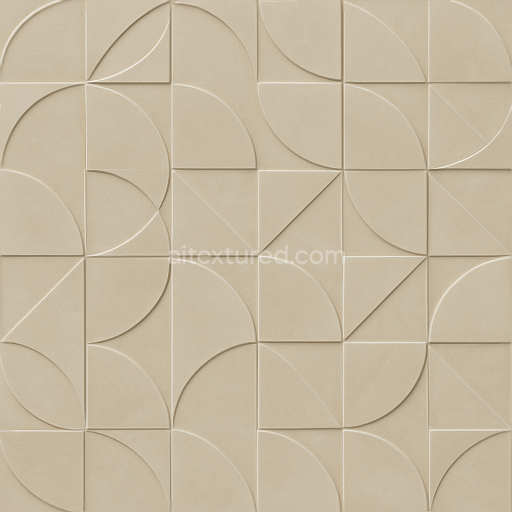
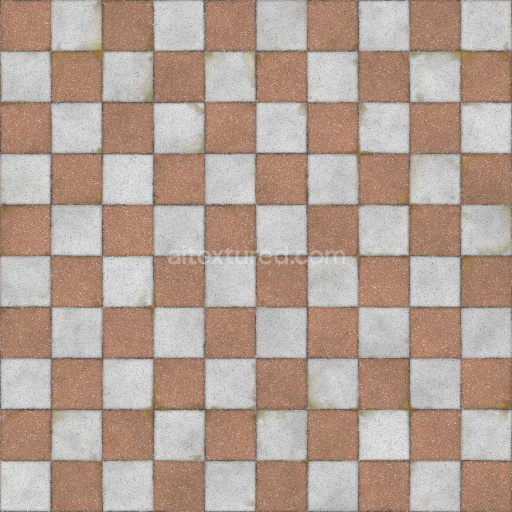
Seamless 8K PBR 3D Texture Of Polished Ceramic Tile With Embossed Geometric Pattern
Seamless texture (tileable) · PNG, WEBP, PBR ZIP.
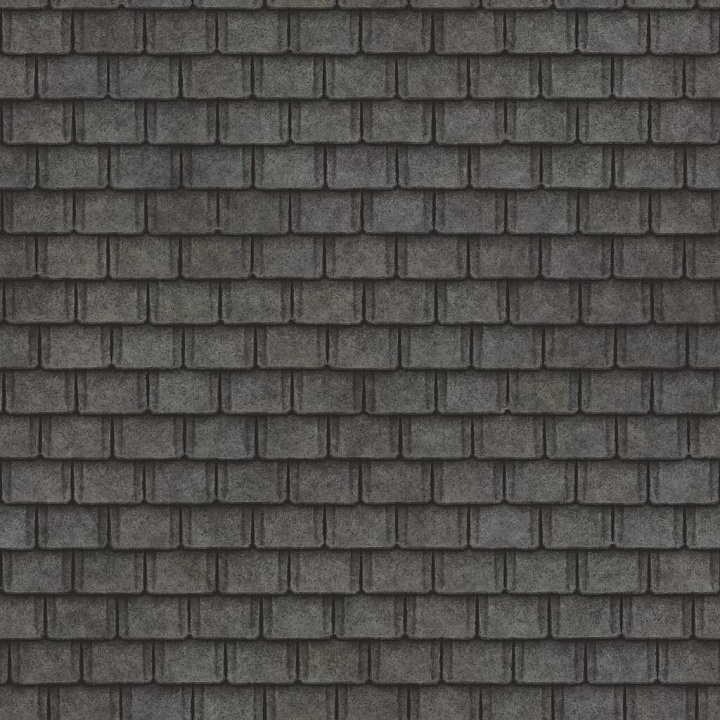
| ID | square-asphalt-rooftop-texture-free-pbr |
|---|---|
| Category | Tile |
| Formats | PNG, WEBP, PBR ZIP |
| Size | 1k (1024x1024px), 2k (2048x2048px), 4k (4096x4096px), 8k (8192x8192px) |
| Tileable | Yes |
The Square Asphalt Rooftop Texture (Rooftop 0010) features a carefully crafted composition that mimics traditional asphalt roofing tiles arranged in a precise square pattern. The base substrate is primarily mineral-based asphalt, composed of bitumen binders combined with aggregates such as crushed stone and sand, creating a durable yet uneven surface typical of aged roofing materials. Organic inclusions like moss and accumulated dirt contribute to natural weathering effects, enhancing the tactile realism. This texture captures subtle variations in porosity and surface roughness, reflecting years of exposure to environmental factors, resulting in patches of discoloration and slight surface erosion.
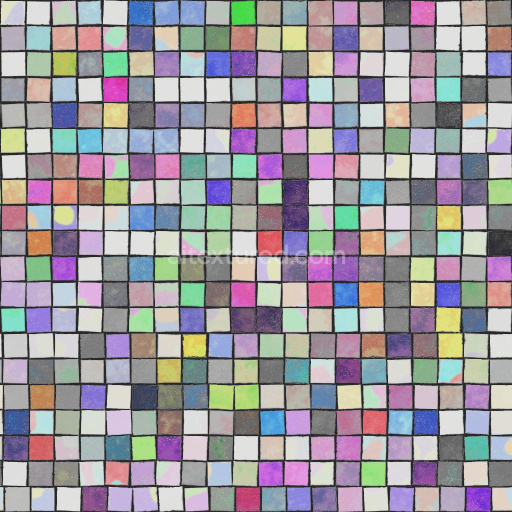
In terms of material properties, the texture's surface finish is matte with a slightly granular feel, typical of asphalt shingles that have been exposed to the elements over time. The color palette is dominated by dark gray and black hues with hints of greenish moss and earth tones from dirt deposits, achieved through a mix of natural pigments and weathered oxide layers. These details are efficiently conveyed in the PBR channels: the BaseColor/Albedo map portrays the overall color variation and organic growth; the Normal map emphasizes the subtle unevenness and tile edges; Roughness controls the diffuse reflection, highlighting the worn, non-glossy finish; Metallic remains near zero reflecting the non-metallic nature of asphalt; Ambient Occlusion enhances depth perception around tile joints and crevices; and the Height/Displacement map provides realistic surface depth for enhanced parallax effects.
This texture is supplied in high-resolution 8K format, making it ideal for close-up renders and detailed architectural visualization workflows. It is fully compatible and optimized for Blender, Unreal Engine, and Unity, ensuring seamless integration across various 3D platforms and game engines. For best results, it is recommended to carefully adjust the UV scale to maintain realistic tile proportions and to fine-tune roughness values to control the subtle light scattering caused by the moss and dirt accumulation. Additionally, employing height or parallax mapping can greatly enhance the perception of the uneven asphalt surface, adding an extra layer of depth and authenticity to rooftop scenes.
Import the texture maps into Blender with sRGB color space for albedo/base color and Non-Color for normal, roughness, metallic, AO, height, and ORM maps. Connect normal maps through a Normal Map node, then adjust UV scale with a Mapping node so the material repeats naturally on your model.
For the full step-by-step setup, see How to Use Seamless Textures in Blender. Browse related material examples in wood, concrete, and metal.
Yes. This texture is designed as a seamless tileable PBR material, so it can repeat across large surfaces without visible borders.
Use the download controls on this page: they expose the available PNG, WEBP or engine ZIP choices and supported resolutions for this asset.
Use the engine ZIP choices to package compatible source maps for Blender, Unreal Engine or Unity, then verify the imported material in the target application.
Commercial-use permission is not verified for this record. Confirm the original source and license before production use.





Generate maps from existing images, preview materials, convert channels, and package compatible inputs for Blender, Unity, and Unreal Engine.
Choose a verified workflow for generating maps, previewing tiling, converting channels, or starting from the texture catalog.
Derive Normal, Roughness, AO, Metallic, Height and optional ORM maps from one or more source images, then review the results.
Instant WebGL viewer: inspect materials on a sphere, plane, and cube. Check tiling and lighting in real time.
Re-packages maps per engine: Unreal (BaseColor + ORM), Unity (Mask/MetallicSmoothness), Blender (separate channels).
PNG ↔ JPG ↔ SVG: fast convert, SVG rasterize, embed/trace options, quality & background controls.