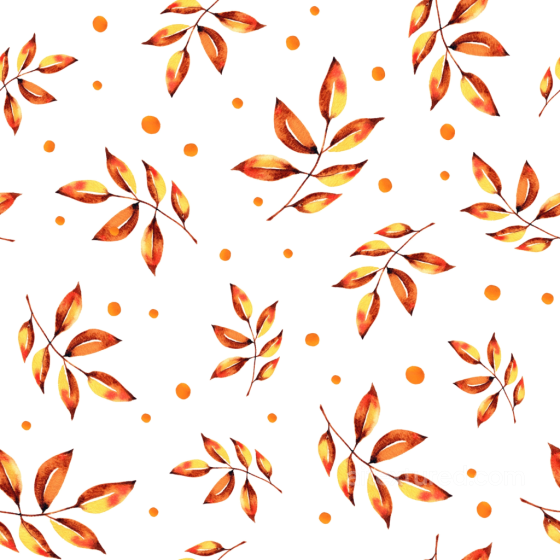
Free Seamless Autumn Leaves PBR Textures
Browse free tileable autumn leaves PBR materials for 3D rendering, games, archviz and product visualization. Download PNG/WEBP maps in available resolutions for Blender, Unreal Engine and Unity.
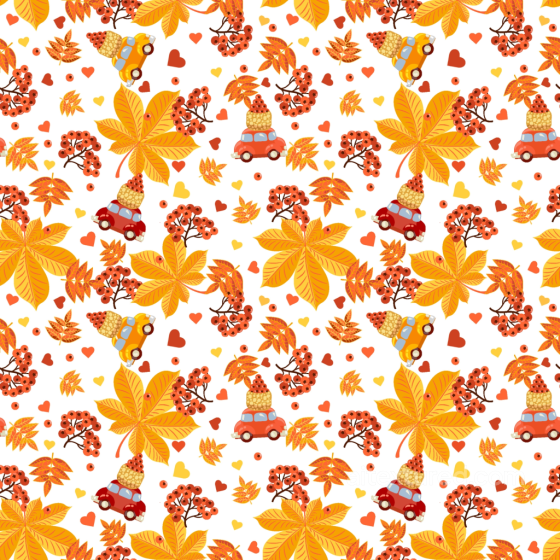
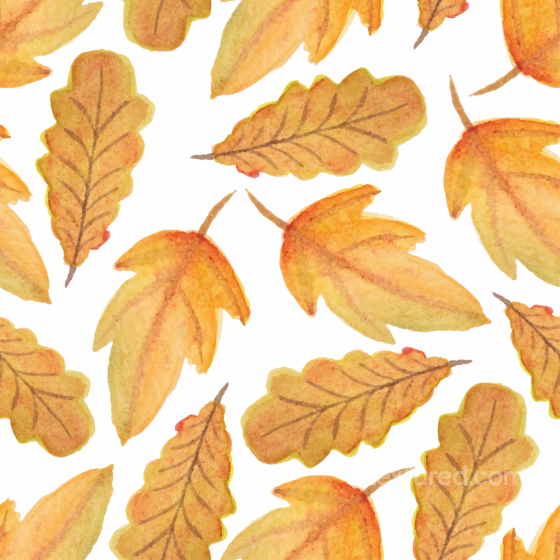
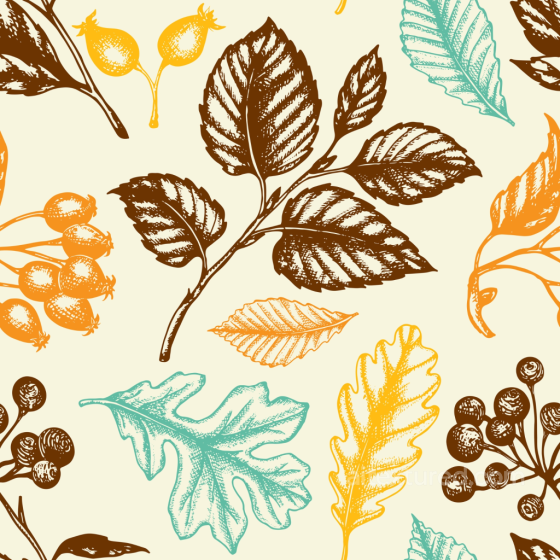
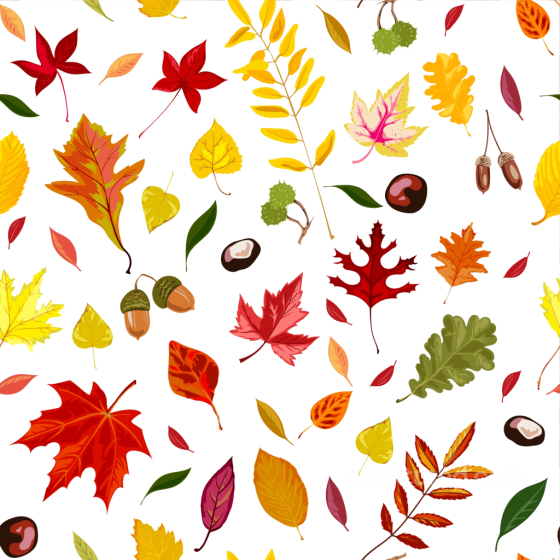
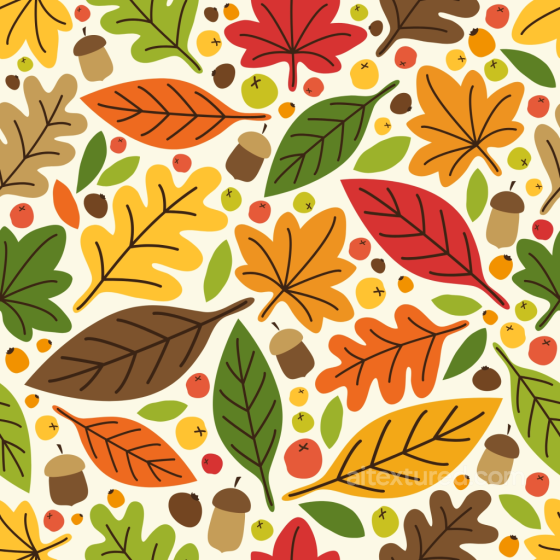
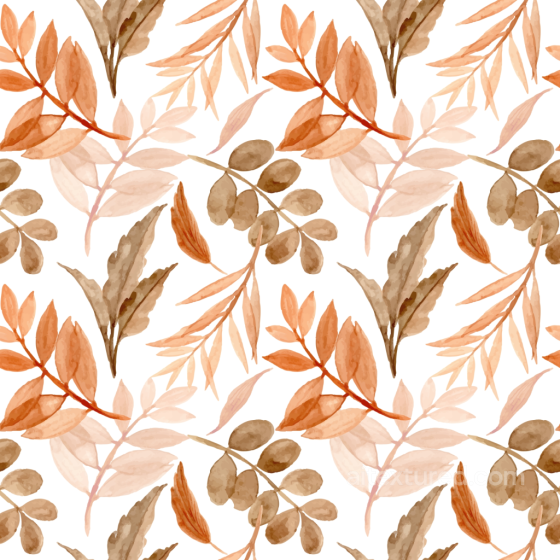
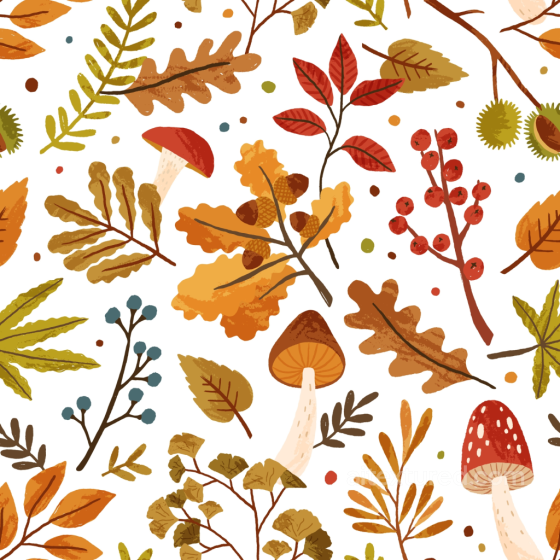
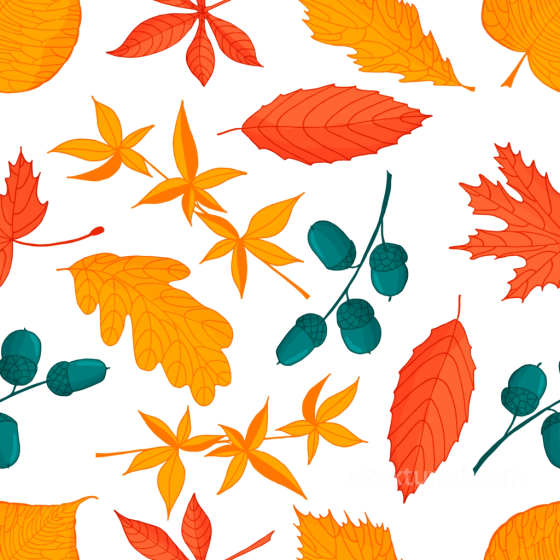
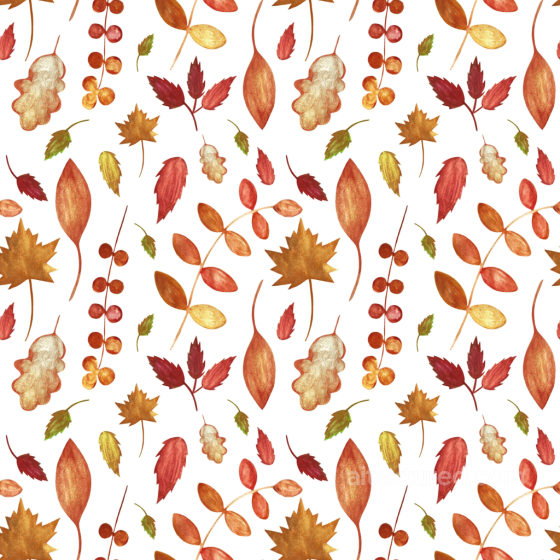
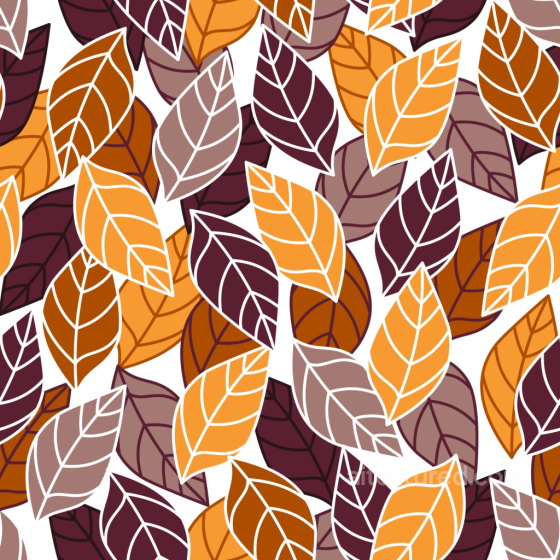
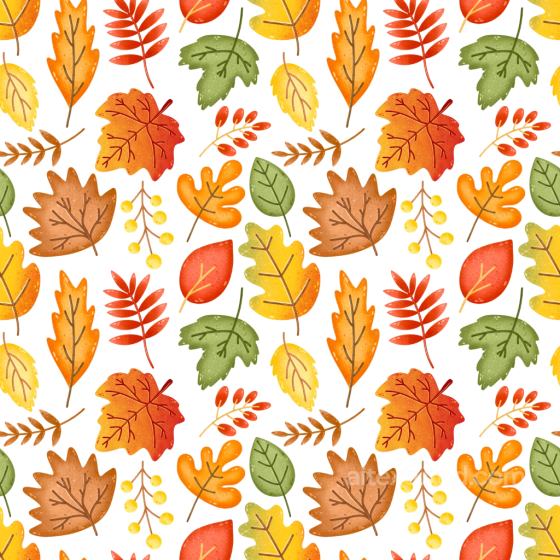
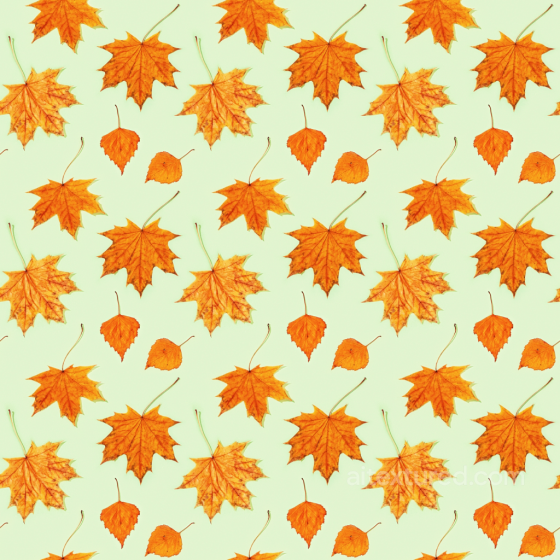
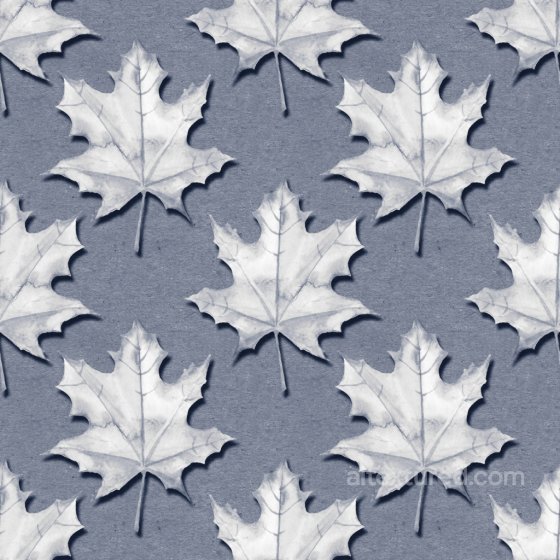

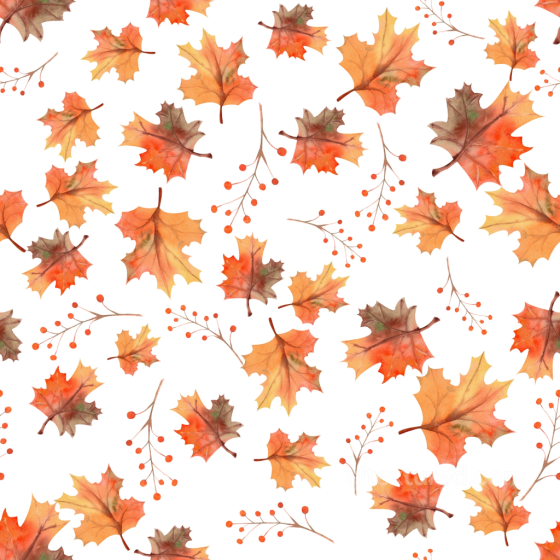
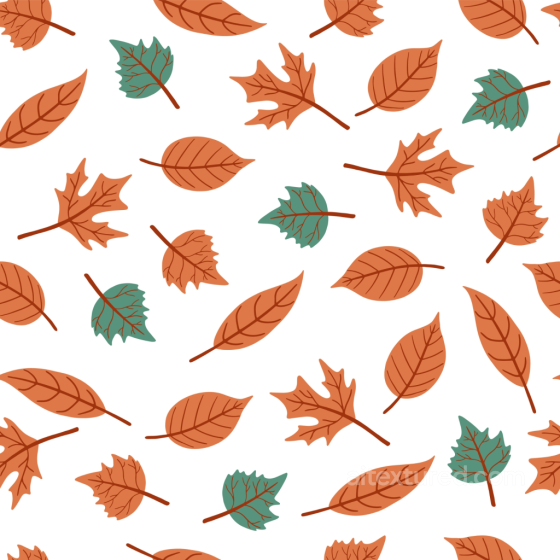
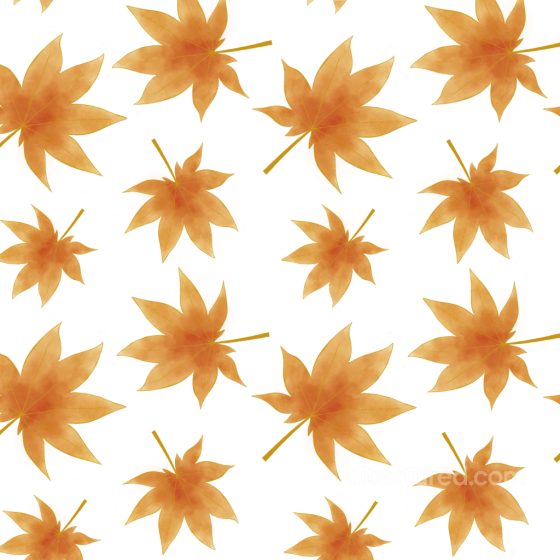
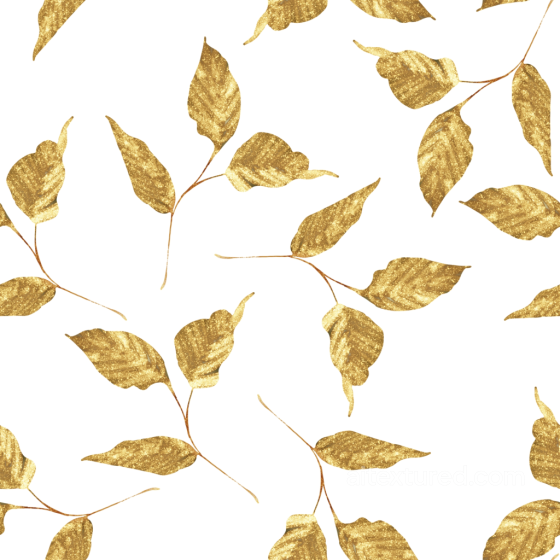
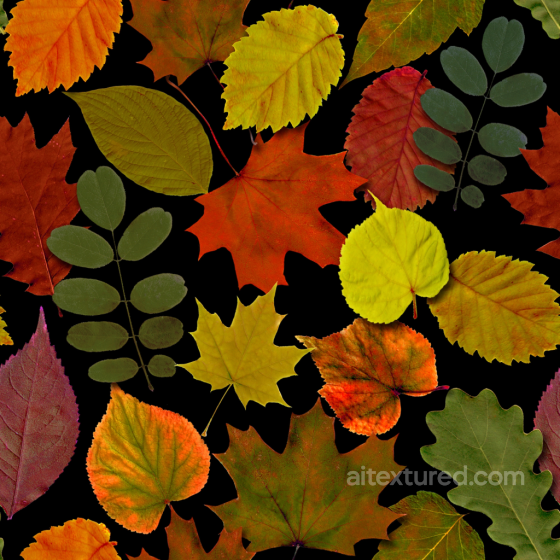
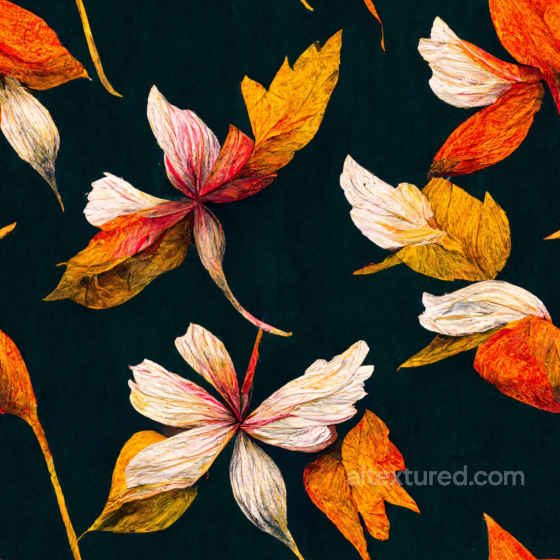
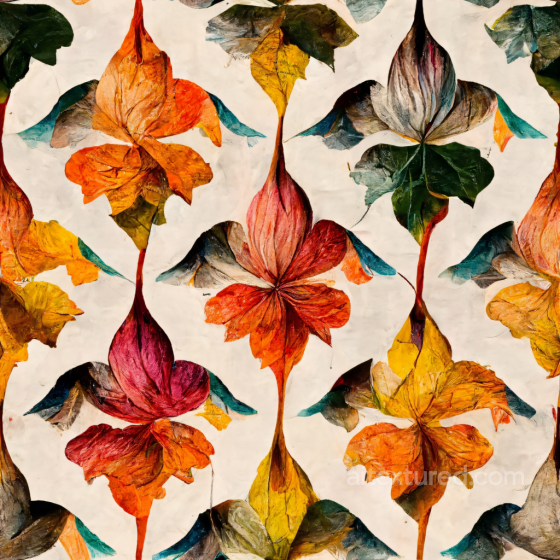
The Autumn Leaves collection captures seasonal ground cover with layered foliage and organic debris for believable forest paths, parks, and garden beds. Expect mixes of maple, oak, birch, and chestnut leaves at different stages—fresh, dry/crunchy, and rain-darkened/wet—combined with twigs, acorns, pine needles, bark chips, moss, small stones, and soil. Every texture is seamless/tileable and prepared for a metal-rough PBR workflow, ready to drop into Blender, Unreal Engine, and Unity.
Each entry includes consistently named maps: BaseColor (Albedo), Normal, Roughness, Ambient Occlusion, and Height/Displacement where available. Resolutions range from 1K–8K in PNG/WEBP; albedo is sRGB, scalar maps are linear. Normal maps default to OpenGL (convert to DirectX if required). Some sets provide wet variants or puddle interplay to match rainy shots and overcast lighting.
Use these materials to build forest floors, park walkways, garden edges, fallen-leaf beds under trees, and set-dressing layers for stills and realtime. For convincing results:
-
Keep real-world UV scale (e.g., average leaf 6–12 cm); align texel density across terrain and props.
-
Combine AO + Roughness to emphasize veins, curled edges, and micro-shadowing inside piles; slightly lower roughness in damp areas.
-
Add Height/Parallax for close-ups to accentuate leaf curl and overlap; clamp displacement depth to avoid self-intersection.
-
Blend multiple variations with splat/weight maps or vertex painting to break repetition; add a subtle detail normal for micro-grain.
-
For rainy scenes, layer a clear-coat or increased specular on the top surface; keep cavities rougher to preserve contrast.
Source and license status varies by asset; review the detail page before use.
Autumn Leaves Texture FAQ
Are these autumn leaves textures seamless?
Tiling support varies by asset. Open a texture page and use the tiled preview to check seams and repetition before production use.
Can I use these textures in Blender, Unreal Engine and Unity?
Map availability varies by asset. Review the map list, then use the engine mapper when target-specific packing is required.
Which maps are included?
Depending on the asset, downloads may include base color, normal, roughness, ambient occlusion, height and packed engine maps.
Are the textures free for commercial projects?
Check the license block on each texture page before using an asset in commercial production.
Explore More Texture Resources
Related texture categories
Texture workflow tools
AITextured Tools
Generate maps from existing images, preview materials, convert channels, and package compatible inputs for Blender, Unity, and Unreal Engine.
PBR Material Tools
Choose a verified workflow for generating maps, previewing tiling, converting channels, or starting from the texture catalog.
Input: image or existing maps → Output: preview, PBR maps, or engine-ready package
Explore tools
PBR Texture Generator
Derive Normal, Roughness, AO, Metallic, Height and optional ORM maps from one or more source images, then review the results.
Input: PNG/JPG/WEBP → Output: Normal, Roughness, AO, Height, Metallic, ORM ZIP
Create PBR maps
Online Texture Preview
Instant WebGL viewer: inspect materials on a sphere, plane, and cube. Check tiling and lighting in real time.
Input: material maps → Output: interactive render and tiling check
Preview material
Unity / Unreal / Blender Mapper
Re-packages maps per engine: Unreal (BaseColor + ORM), Unity (Mask/MetallicSmoothness), Blender (separate channels).
Input: PBR maps → Output: Blender, Unreal, Unity channel packages
Convert maps
Image Converter
PNG ↔ JPG ↔ SVG: fast convert, SVG rasterize, embed/trace options, quality & background controls.
Input: PNG/JPG/SVG → Output: converted image format
Convert images