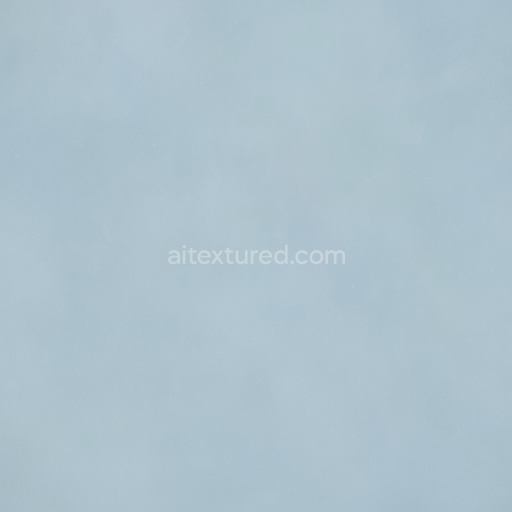
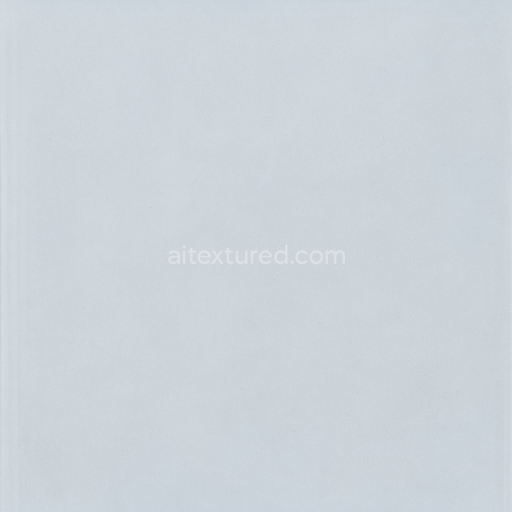
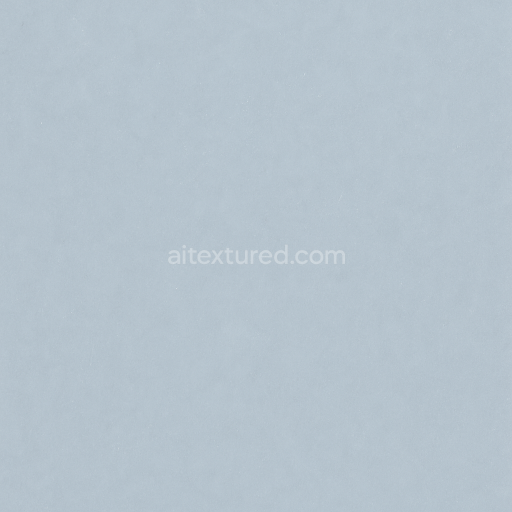
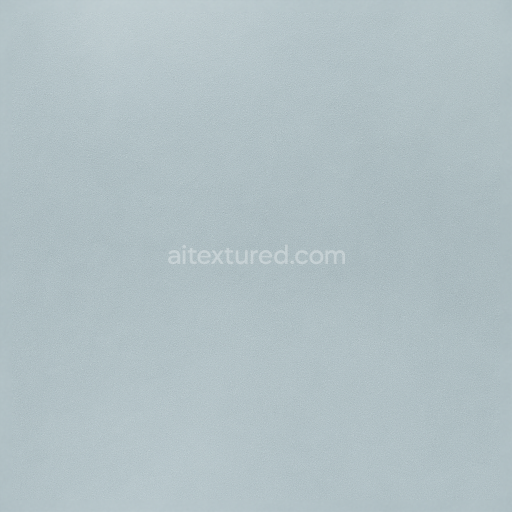
Showing Glass Flat Surface With Crystal Clear And Flawless PBR In 8K
Seamless texture (tileable) · PNG, WEBP, PBR ZIP.
| ID | seamless-3d-texture-showcasing-glass-reflection-and-optical-clarity-pbr-in-8k-resolution |
|---|---|
| Category | Clear transparent glass |
| Formats | PNG, WEBP, PBR ZIP |
| Size | 1k (1024x1024px), 2k (2048x2048px), 4k (4096x4096px), 8k (8192x8192px) |
| Tileable | Yes |
This seamless 3D texture represents a pure, transparent glass material characterized by exceptional optical clarity and natural reflectivity. The base substrate is a high-grade silica glass, renowned for its chemical stability and minimal impurities, resulting in a perfectly clear medium without inherent coloration. The glass is polished to a mirror-like smoothness, eliminating surface roughness and minimizing light scattering. This polished finish is achieved through a meticulous manufacturing process that removes microscopic surface irregularities, ensuring the material exhibits pristine glass bright qualities with crystal-clear transmission and reflection. The texture’s geometric form is intentionally uniform and flat, designed to simulate an uninterrupted glass pane without any visible grain, patterns, or distortions, which is critical for seamless tiling in 3D environments.
In terms of physical composition, the glass is free from binders, aggregates, or fibers, emphasizing its homogenous structure. There is no porosity or weathering effects; the surface is immaculate, showcasing no dirt, smudges, or fingerprints, thereby preserving the pure glass crystal clear appearance. This results in a visually flawless material that accurately represents real-world polished glass surfaces. The PBR channels have been carefully crafted to reflect these properties: the BaseColor (Albedo) channel is nearly transparent with subtle light blue or greenish tints typical of natural glass. The Normal map is minimal, supporting only extremely fine surface details where necessary to enhance realism without introducing unwanted patterns. The Roughness map is uniformly low, reinforcing the polished smoothness and bright reflectivity, while the Metallic channel remains at zero, as glass is a dielectric, non-metallic material. Ambient Occlusion is subtle and localized to faint edge shadows, and the Height/Displacement map is flat, maintaining the flawless planar form.
Captured in ultra-high 8K resolution, this texture ensures exceptional detail and sharpness, enabling photorealistic renderings and precision reflections essential for architectural visualization, product design, or virtual environments. It is fully optimized for seamless application in major 3D software such as Blender, Unreal Engine, and Unity, providing artists and developers with a versatile material that retains its optical clarity across different platforms and rendering engines. The texture’s seamless nature allows for flexible UV mapping without visible edges or repetition artifacts.
For practical usage, it is recommended to carefully adjust the UV scale to match the intended glass panel size to avoid unnatural tiling effects. Additionally, fine-tuning the roughness values can help simulate varying levels of polish or subtle surface wear if desired, while blending normal maps with slight micro-detail can introduce realistic highlights without compromising the overall smoothness. Utilizing parallax or displacement mapping is generally unnecessary given the flatness of the glass surface, but subtle height blending may be applied for artistic effect in specialized scenarios.
Import the texture maps into Blender with sRGB color space for albedo/base color and Non-Color for normal, roughness, metallic, AO, height, and ORM maps. Connect normal maps through a Normal Map node, then adjust UV scale with a Mapping node so the material repeats naturally on your model.
For the full step-by-step setup, see How to Use Seamless Textures in Blender. Browse related material examples in wood, concrete, and metal.
Yes. This texture is designed as a seamless tileable PBR material, so it can repeat across large surfaces without visible borders.
Use the download controls on this page: they expose the available PNG, WEBP or engine ZIP choices and supported resolutions for this asset.
Use the engine ZIP choices to package compatible source maps for Blender, Unreal Engine or Unity, then verify the imported material in the target application.
Commercial-use permission is not verified for this record. Confirm the original source and license before production use.


Generate maps from existing images, preview materials, convert channels, and package compatible inputs for Blender, Unity, and Unreal Engine.
Choose a verified workflow for generating maps, previewing tiling, converting channels, or starting from the texture catalog.
Derive Normal, Roughness, AO, Metallic, Height and optional ORM maps from one or more source images, then review the results.
Instant WebGL viewer: inspect materials on a sphere, plane, and cube. Check tiling and lighting in real time.
Re-packages maps per engine: Unreal (BaseColor + ORM), Unity (Mask/MetallicSmoothness), Blender (separate channels).
PNG ↔ JPG ↔ SVG: fast convert, SVG rasterize, embed/trace options, quality & background controls.