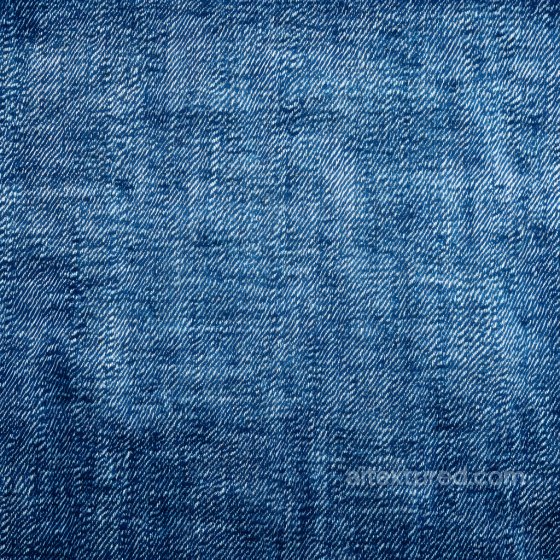
Free Seamless Denim jeans PBR Textures
Browse free tileable denim jeans PBR materials for 3D rendering, games, archviz and product visualization. Download PNG/WEBP maps in available resolutions for Blender, Unreal Engine and Unity.
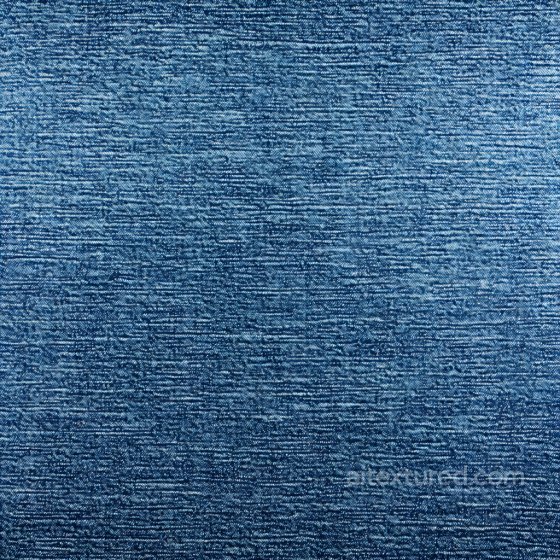
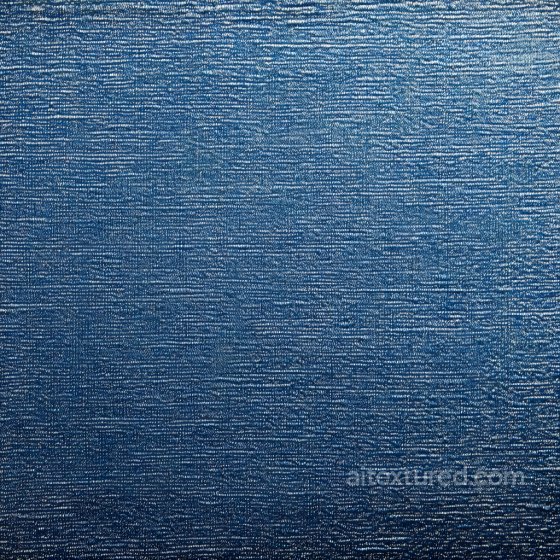
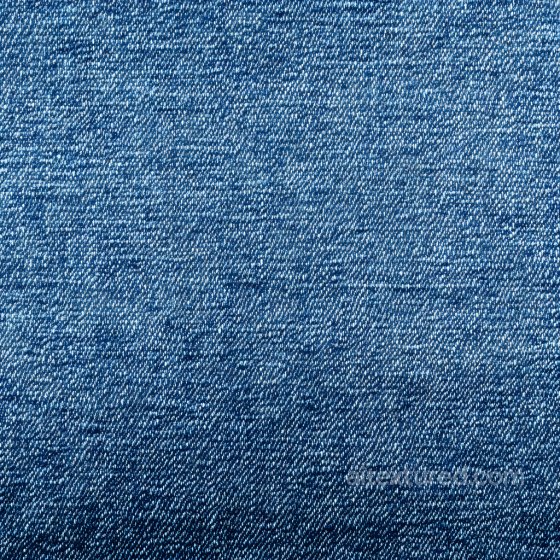
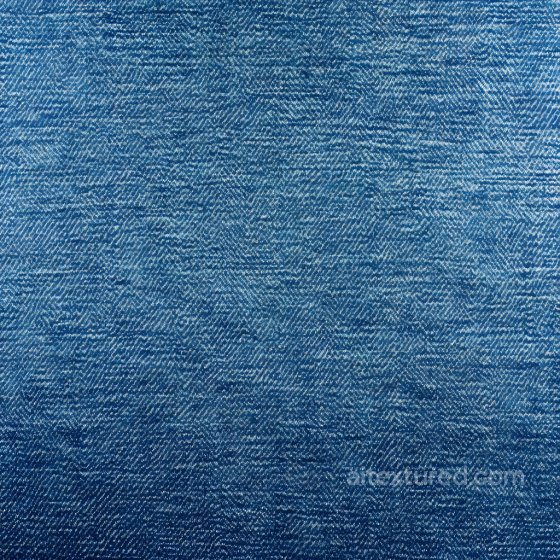
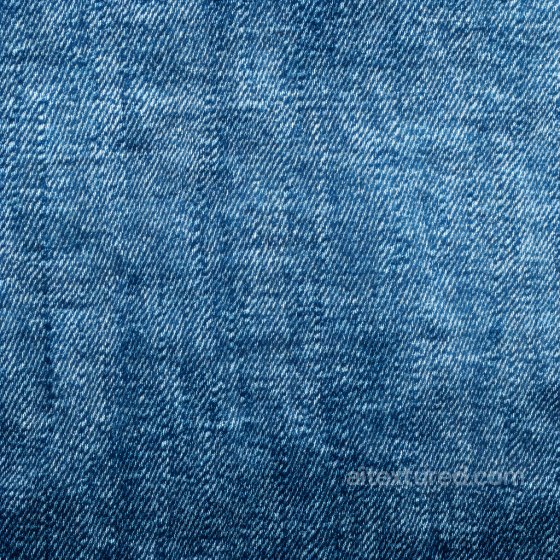
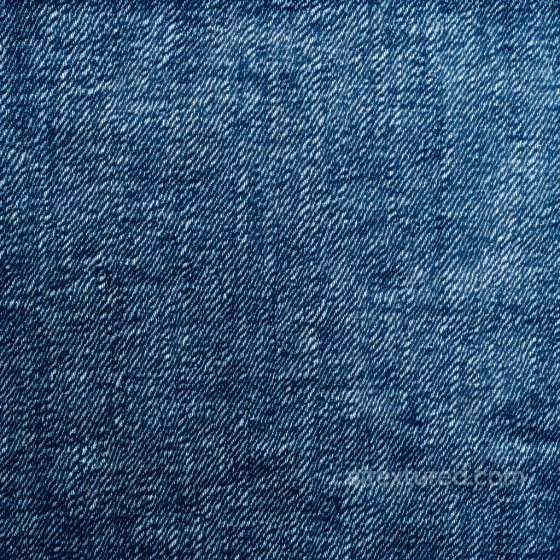
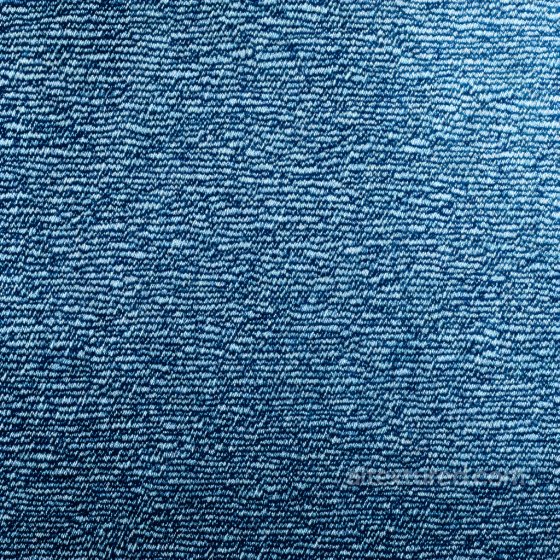
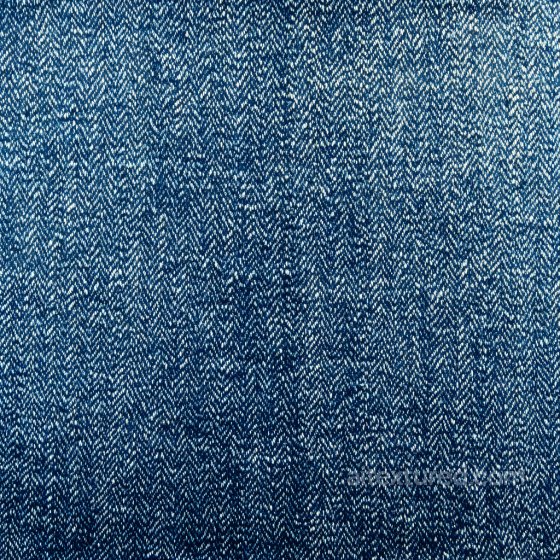
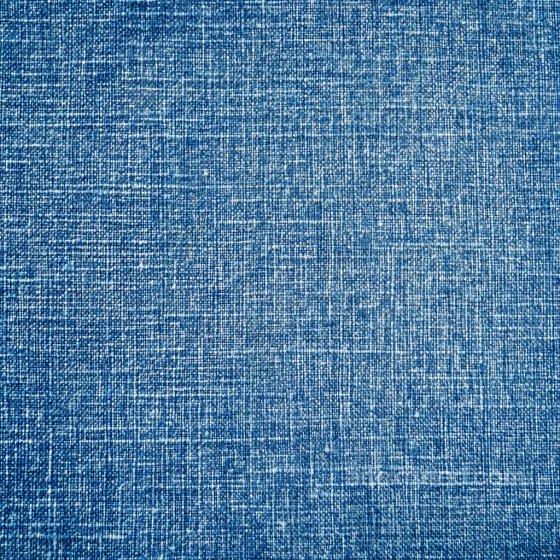
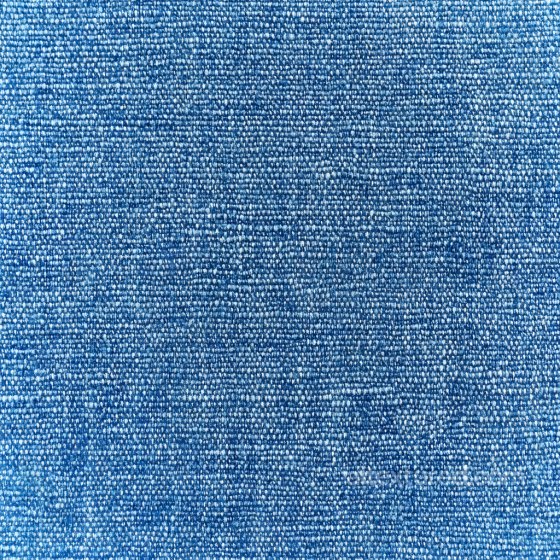
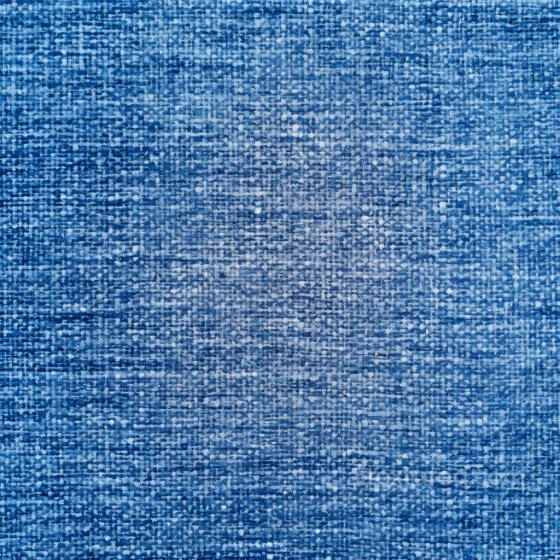
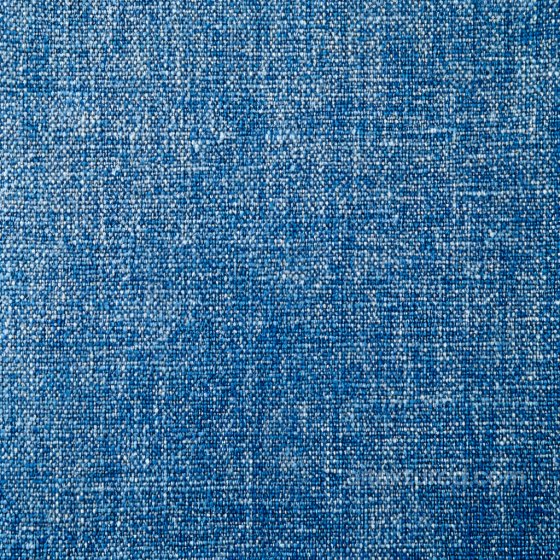
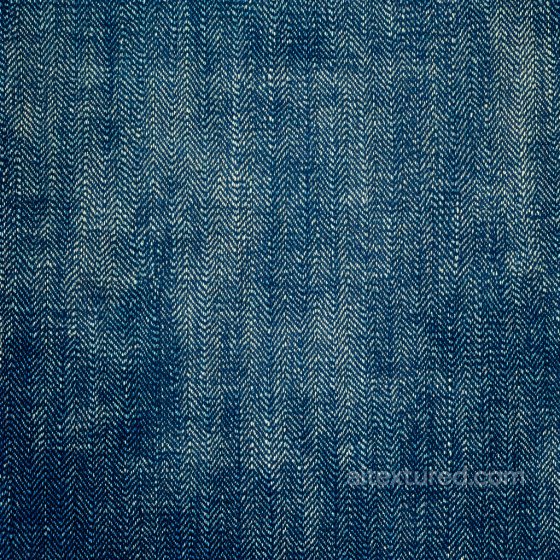
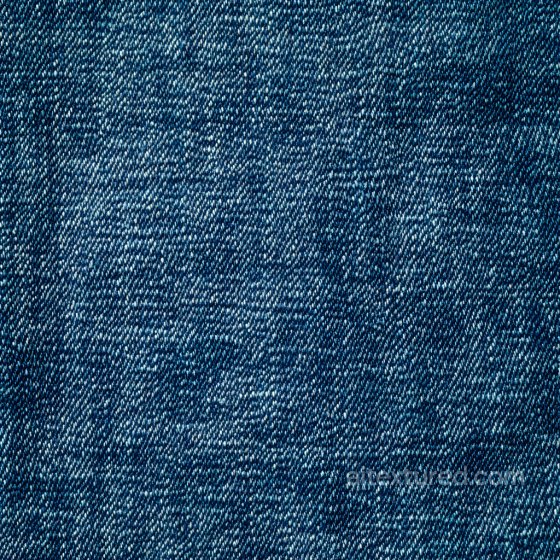
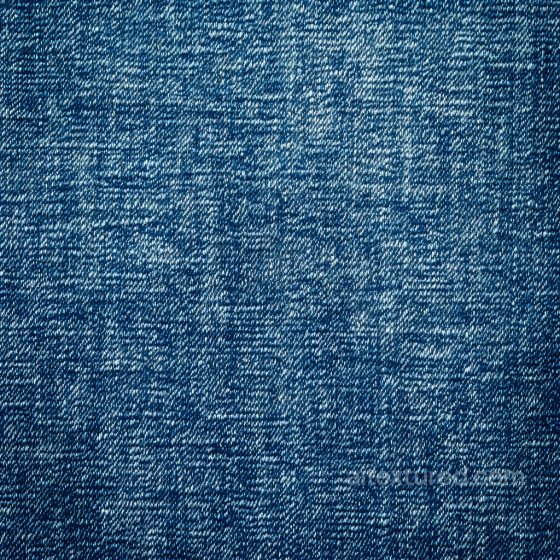
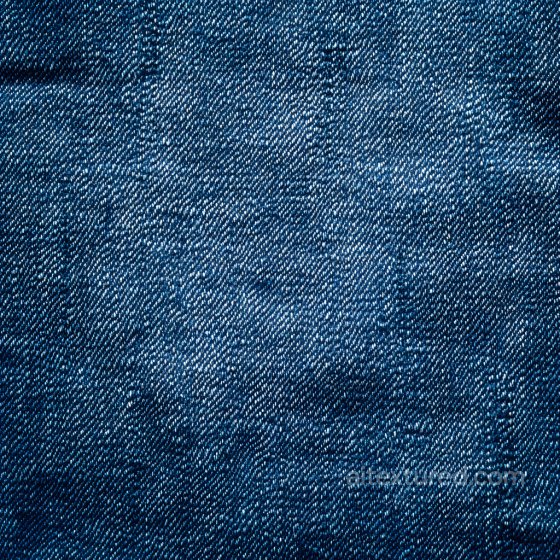
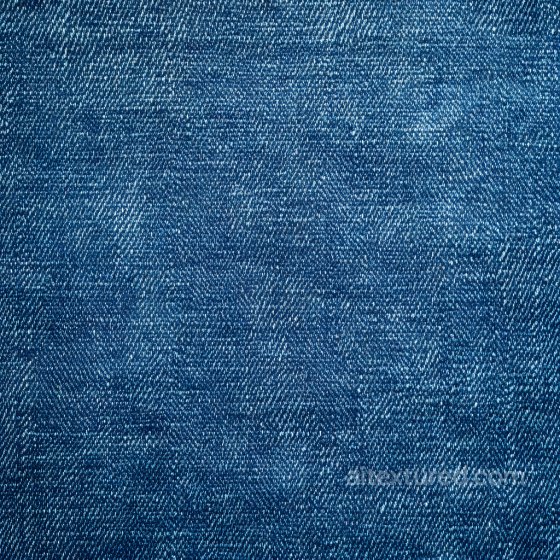
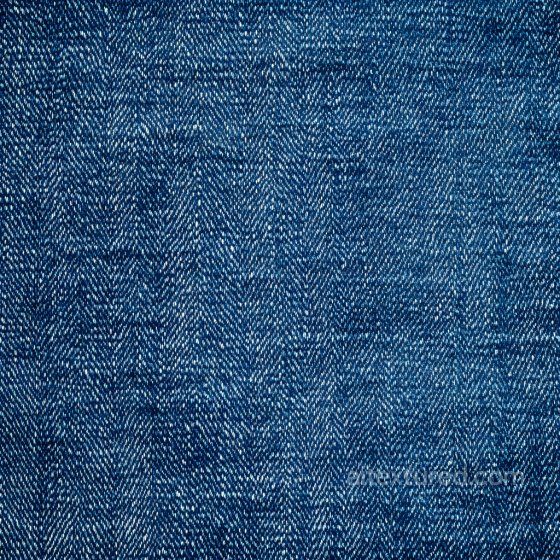
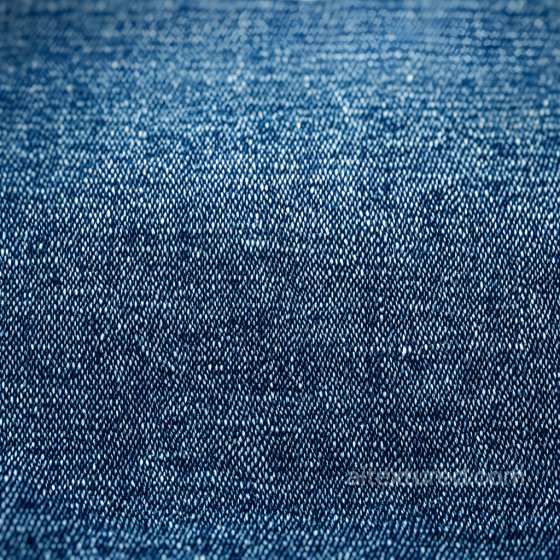
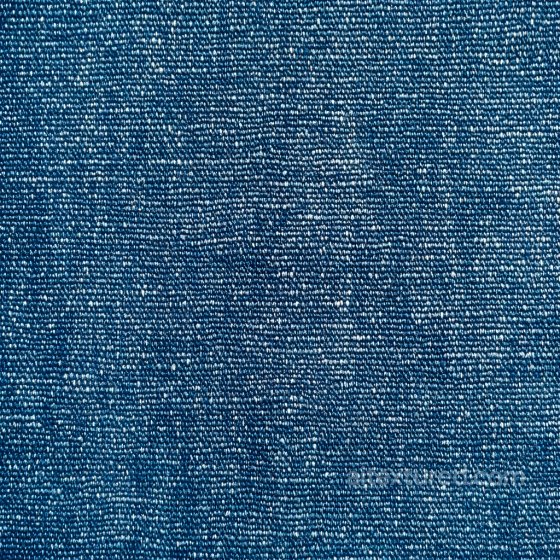
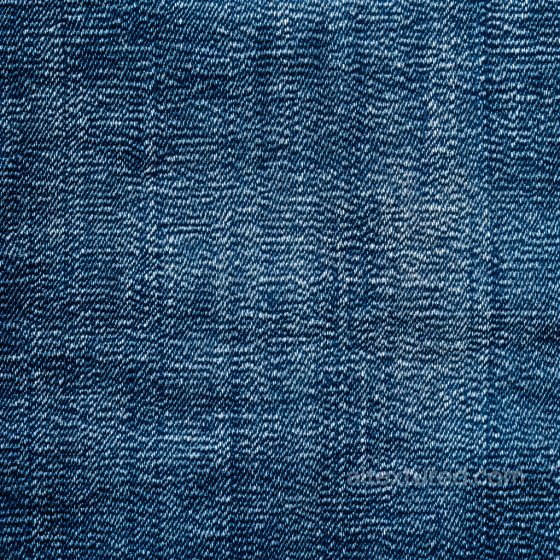
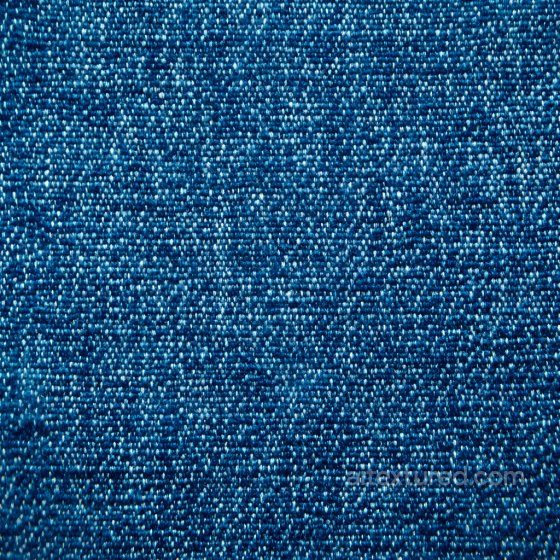
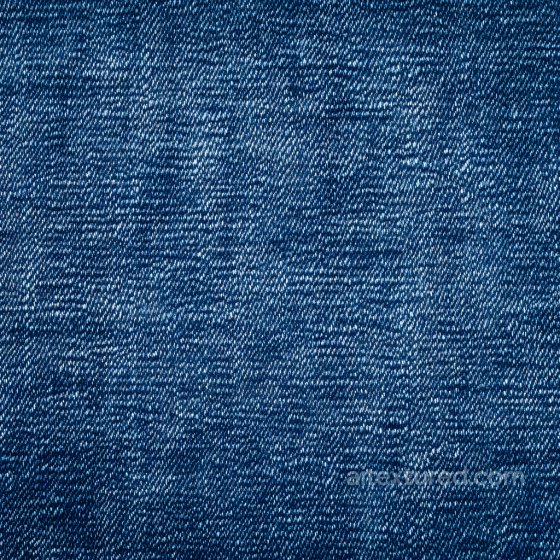
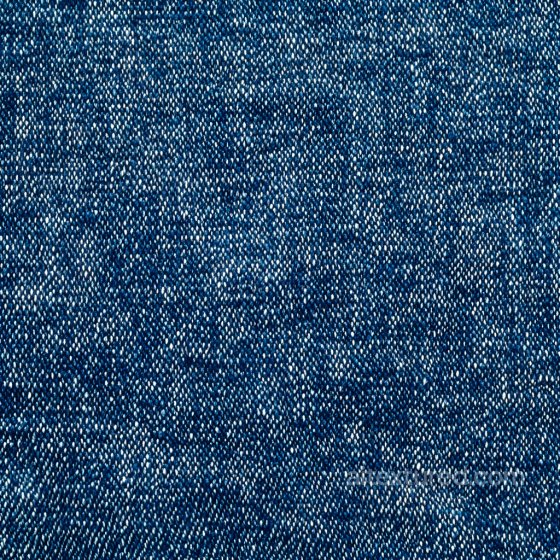
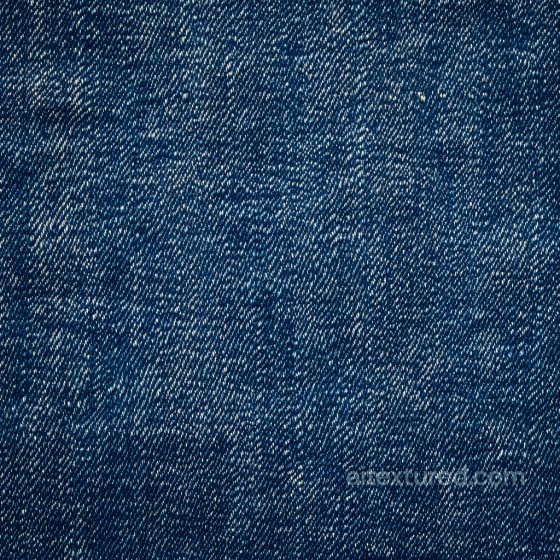
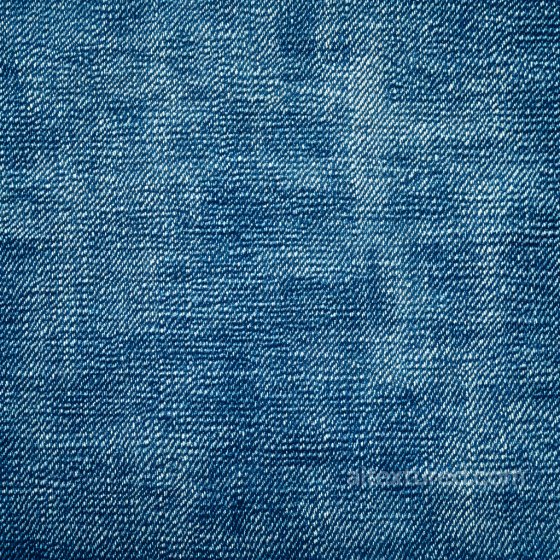
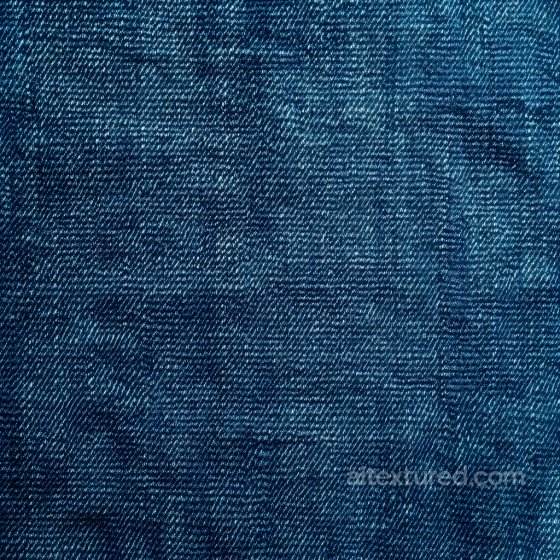
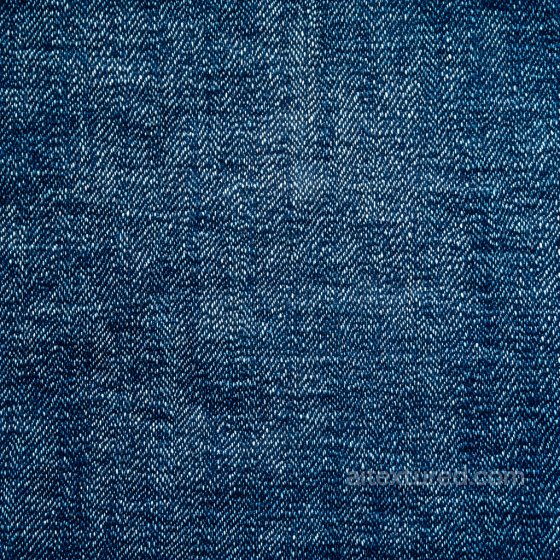
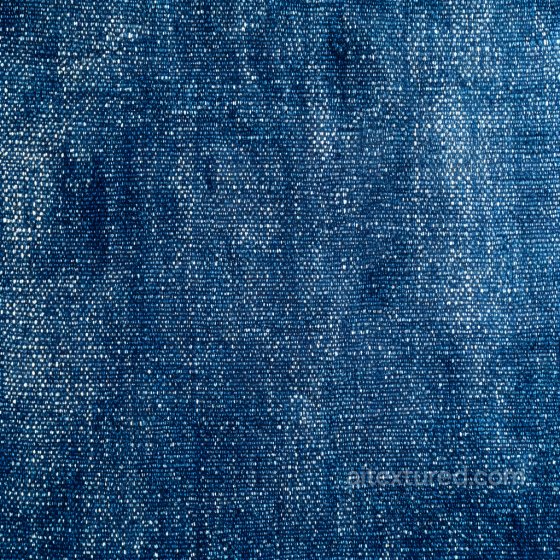
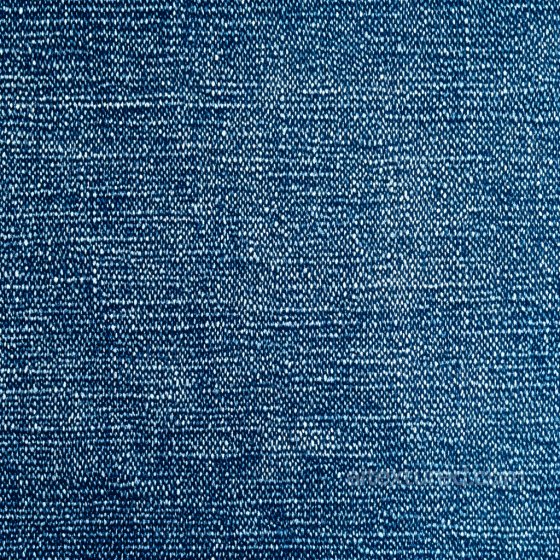
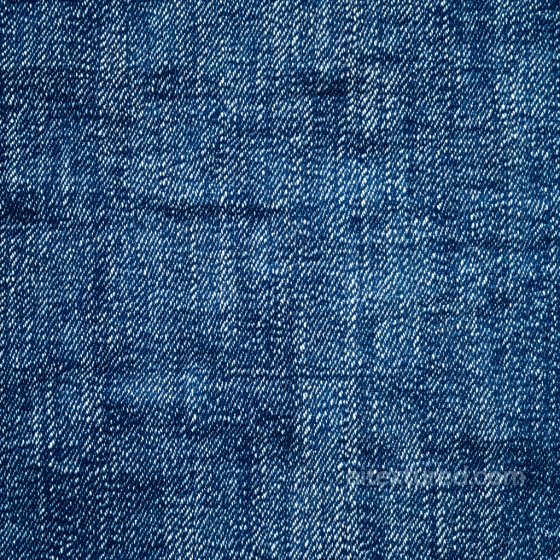
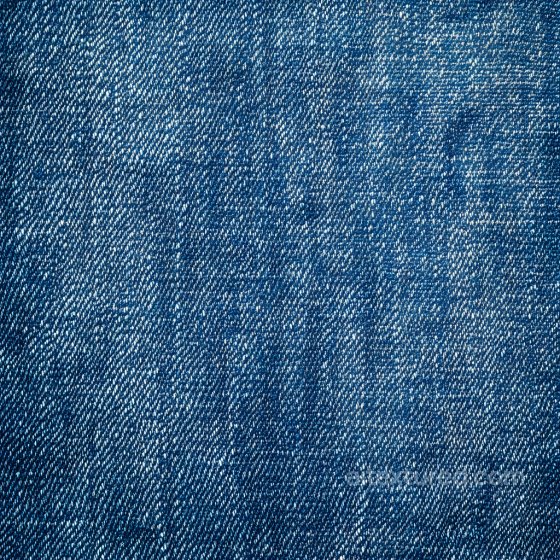
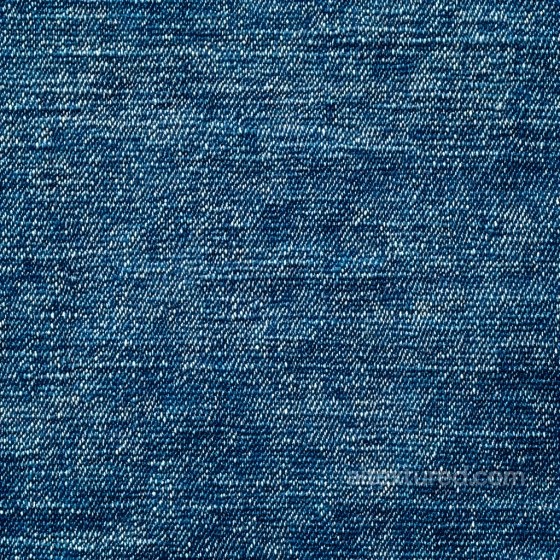
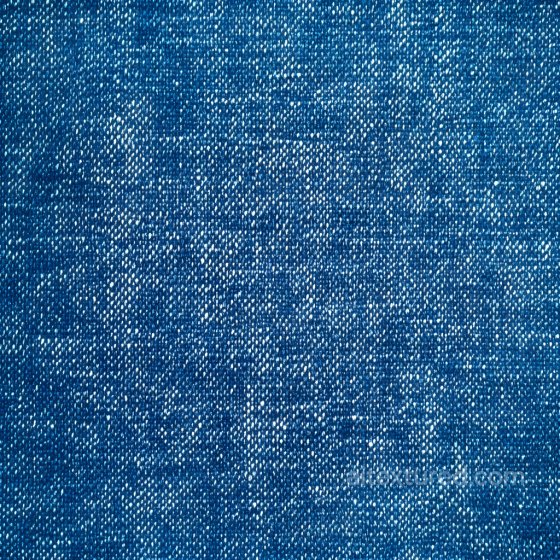
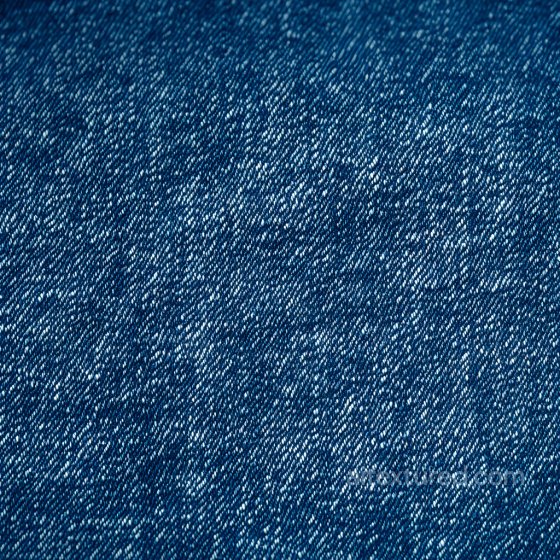
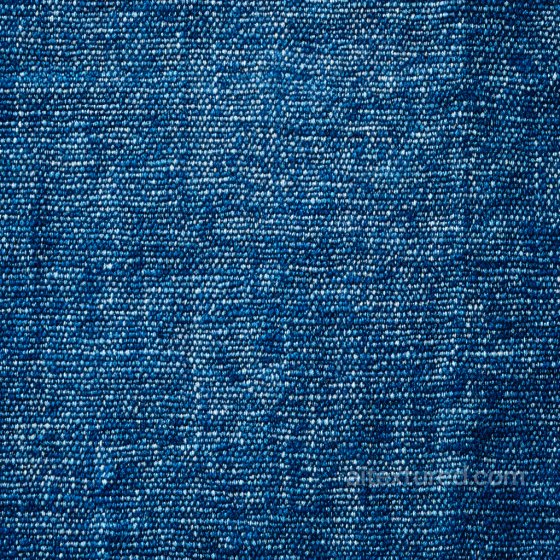
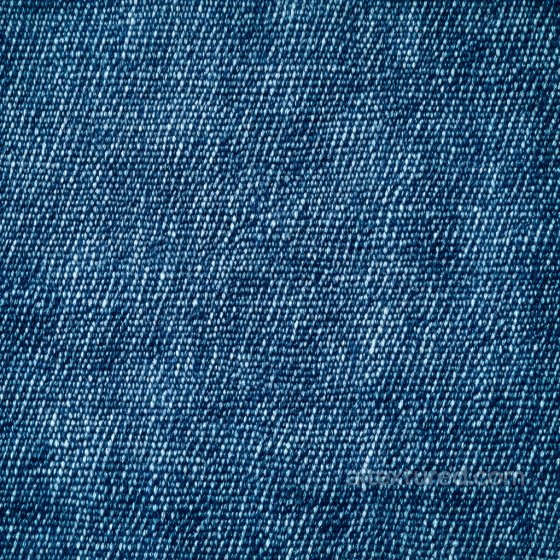
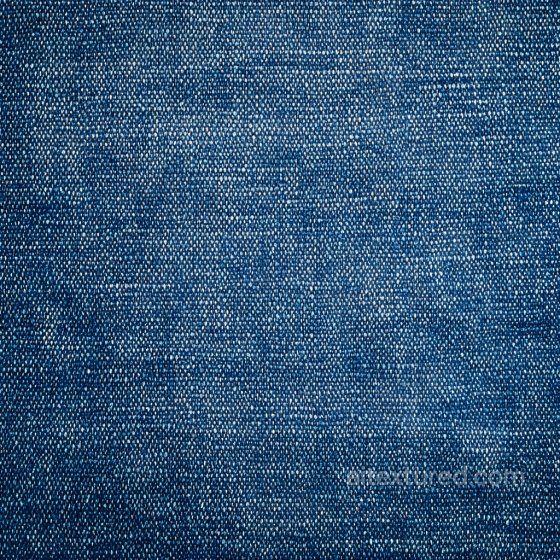
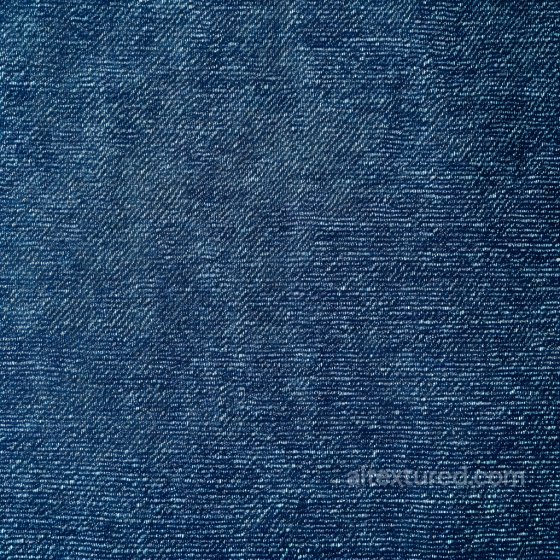
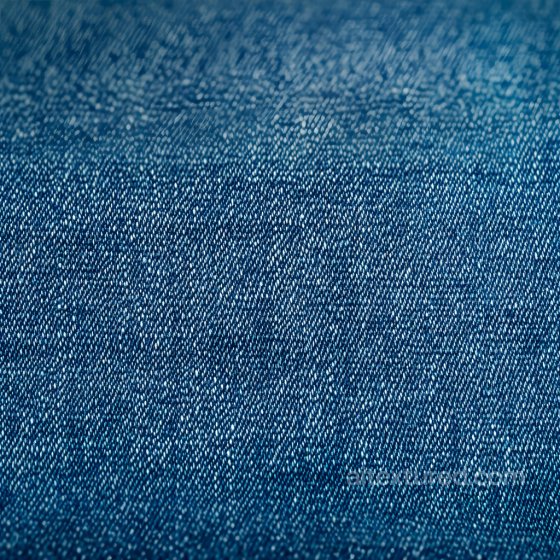
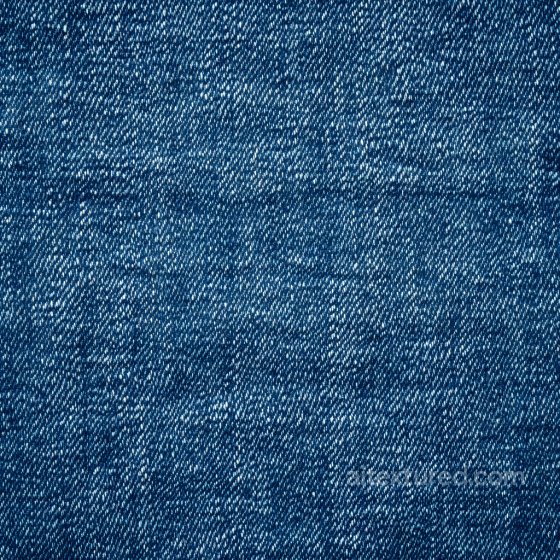
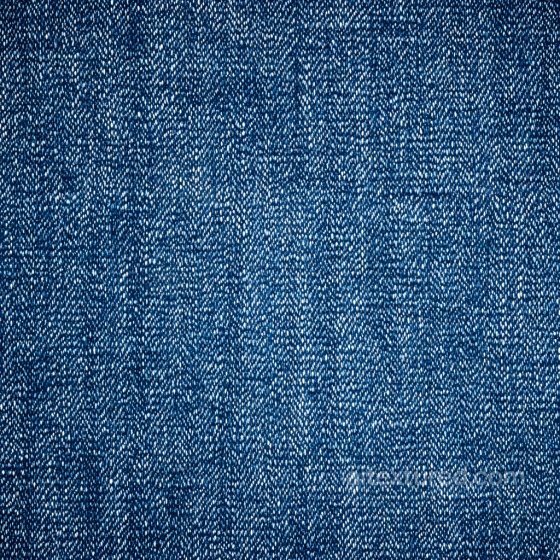
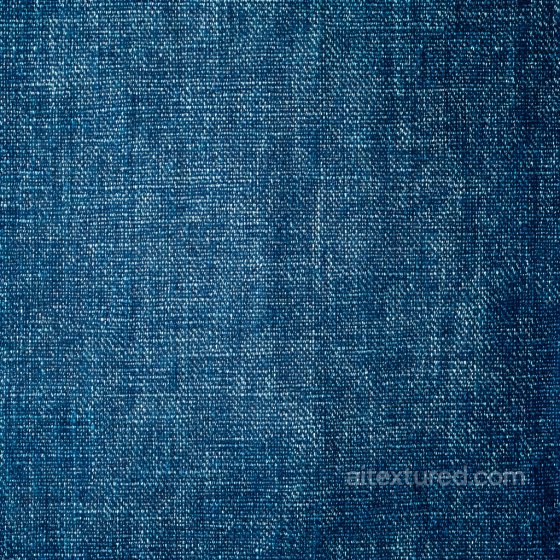
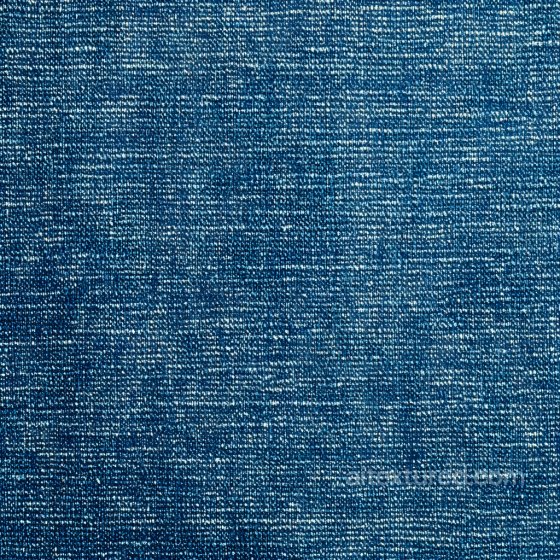
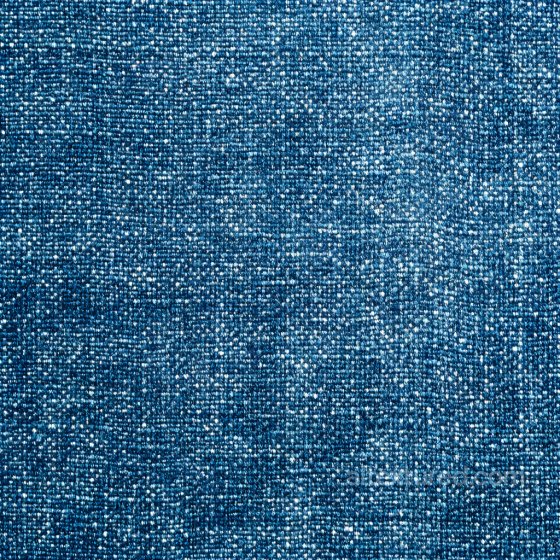
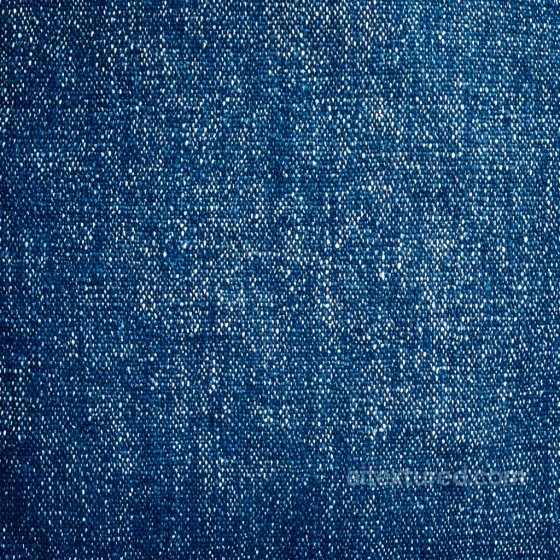
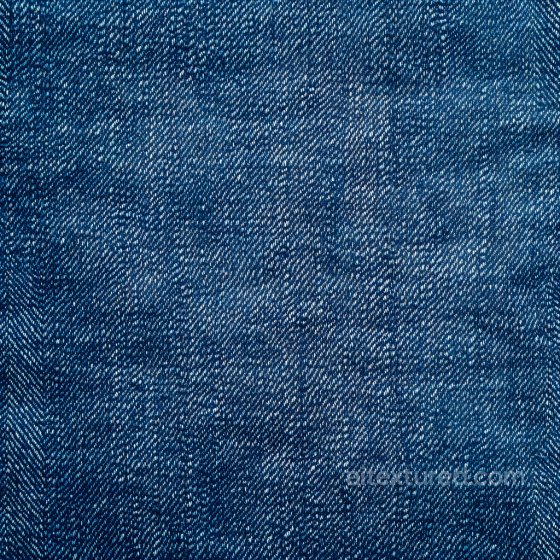
The Denim collection brings classic and modern jean-inspired surfaces for fashion visualization, product renders, interiors, props, and stylized scenes. Explore raw selvedge denim, indigo twill, stonewashed and acid-washed finishes, black and grey denim, stretch blends, chambray-like variants, and distressed looks with fading, whiskering, worn seams, frays, patchwork, and repaired stitching. Every texture is seamless/tileable and prepared for a metal-rough PBR workflow, ready to drop into Blender, Unreal Engine, and Unity.
Each entry ships with consistently named maps: BaseColor (Albedo), Normal, Roughness, Ambient Occlusion, and Height/Displacement where available; select assets may include Opacity for torn or cutout details. Resolutions span 1K–8K in PNG/WEBP. Albedo maps are sRGB; scalar maps are linear. Normal maps default to OpenGL and can be converted to DirectX if required by your engine.
Use these materials for jeans, jackets, workwear, upholstery, bags, sneakers, wall panels, and fabric props. For convincing denim shading:
-
Keep real-world UV scale accurate, especially for twill weave direction and stitch spacing.
-
Blend a base weave normal with subtle seam/stitch detail so the fabric stays readable at both macro and close-up scale.
-
Use roughness variation to separate faded areas, darker indigo zones, and worn edges; keep denim generally matte with only mild specular response.
-
Add height/parallax carefully for thick seams, embroidery, or frayed edges, but clamp displacement to avoid self-intersection.
-
Use anisotropy lightly for woven directionality if your shader supports it.
-
Mix multiple variations or rotate tiles to reduce visible repetition on large garments or furniture pieces.
Source and license status varies by asset; review the detail page before use.
Denim Texture FAQ
Are these denim textures seamless?
Tiling support varies by asset. Open a texture page and use the tiled preview to check seams and repetition before production use.
Can I use these textures in Blender, Unreal Engine and Unity?
Map availability varies by asset. Review the map list, then use the engine mapper when target-specific packing is required.
Which maps are included?
Depending on the asset, downloads may include base color, normal, roughness, ambient occlusion, height and packed engine maps.
Are the textures free for commercial projects?
Check the license block on each texture page before using an asset in commercial production.
Explore More Texture Resources
Related texture categories
Texture workflow tools
AITextured Tools
Generate maps from existing images, preview materials, convert channels, and package compatible inputs for Blender, Unity, and Unreal Engine.
PBR Material Tools
Choose a verified workflow for generating maps, previewing tiling, converting channels, or starting from the texture catalog.
Input: image or existing maps → Output: preview, PBR maps, or engine-ready package
Explore tools
PBR Texture Generator
Derive Normal, Roughness, AO, Metallic, Height and optional ORM maps from one or more source images, then review the results.
Input: PNG/JPG/WEBP → Output: Normal, Roughness, AO, Height, Metallic, ORM ZIP
Create PBR maps
Online Texture Preview
Instant WebGL viewer: inspect materials on a sphere, plane, and cube. Check tiling and lighting in real time.
Input: material maps → Output: interactive render and tiling check
Preview material
Unity / Unreal / Blender Mapper
Re-packages maps per engine: Unreal (BaseColor + ORM), Unity (Mask/MetallicSmoothness), Blender (separate channels).
Input: PBR maps → Output: Blender, Unreal, Unity channel packages
Convert maps
Image Converter
PNG ↔ JPG ↔ SVG: fast convert, SVG rasterize, embed/trace options, quality & background controls.
Input: PNG/JPG/SVG → Output: converted image format
Convert images