
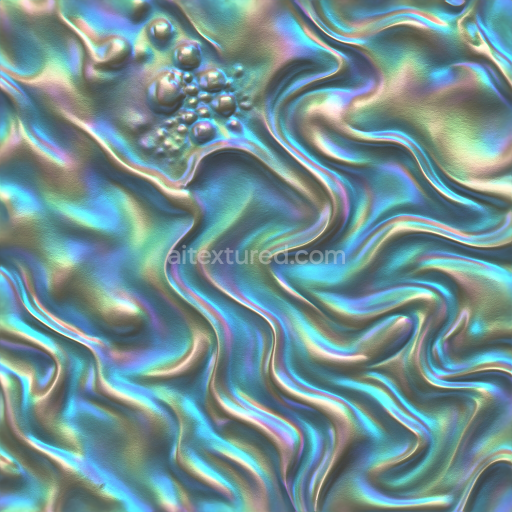
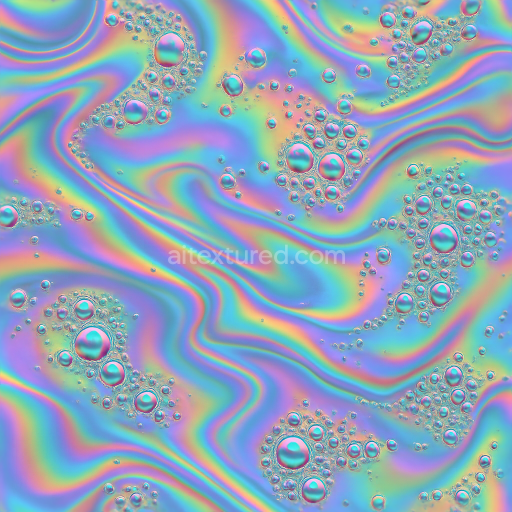
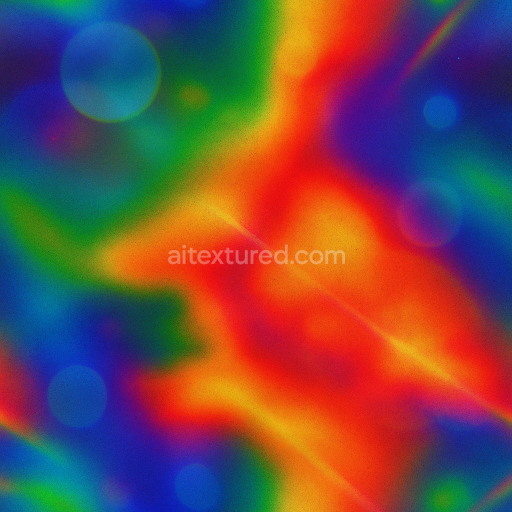
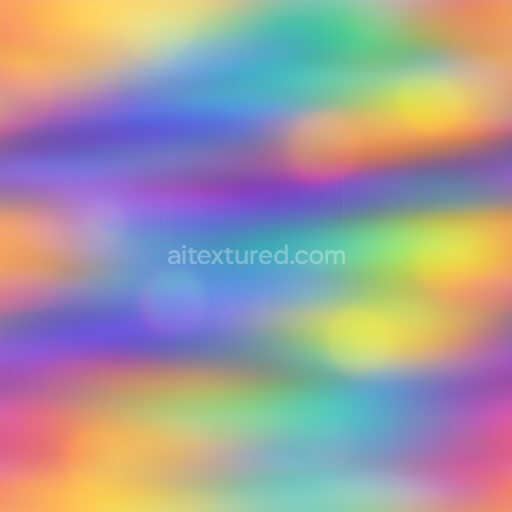
Bubble Clusters Foam Liquid Droplets Oil Slick Iridescence Pearlescent
Seamless texture (tileable) · PNG, WEBP, PBR ZIP.
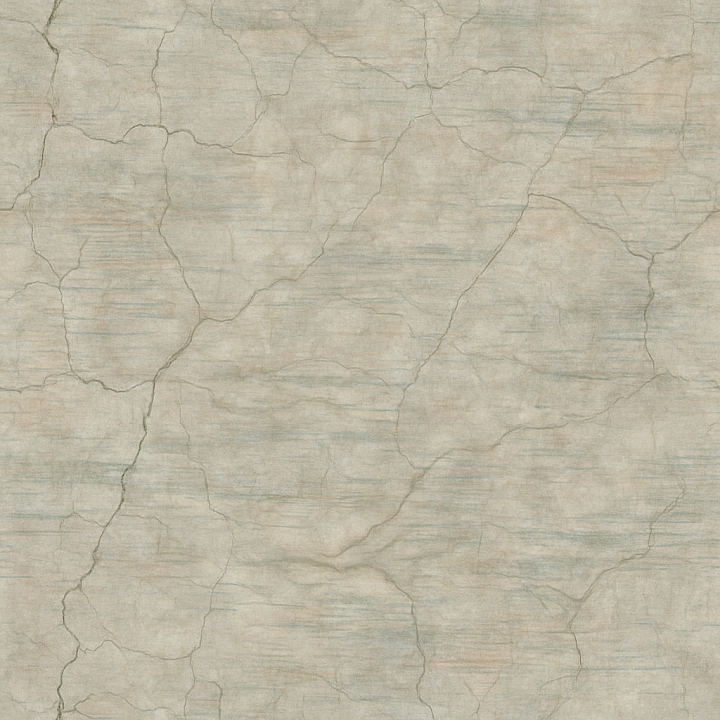
| ID | seamless-3d-texture-pbr-8k-cracked-faded-dappled-etched-wavy-veined-pixelated-glitch-static-glossy-matte |
|---|---|
| Category | Abstract |
| Formats | PNG, WEBP, PBR ZIP |
| Size | 1k (1024x1024px), 2k (2048x2048px), 4k (4096x4096px), 8k (8192x8192px) |
| Tileable | Yes |
This seamless 3D texture is crafted to emulate a complex, abstract surface characterized by cracked and faded features overlaying a subtly dappled and finely etched substrate. The base material suggests a weathered ceramic or aged plaster, combining a dense mineral matrix with fine aggregates that produce a slightly porous surface. The cracking patterns reveal natural stress fractures typical of dried or eroded composites, while the dappled and etched details hint at deliberate surface treatments or chemical wear, adding depth and irregularity to the form. Wavy and veined motifs introduce an organic flow reminiscent of natural stone or layered sediment, creating a dynamic interplay between geometry and texture that enhances realism.
From a material composition perspective, the texture simulates a layered assembly: a matte mineral base mixed with subtle fibrous inclusions or fine grain particles embedded within a binder akin to a lime or cementitious compound. The etched sections appear as shallow engravings or erosions, suggesting a surface partially worn by environmental factors. Overlaying this are pixelated and glitch-like distortions, which imply digital noise or interference patterns, adding a contemporary, technological dimension to the otherwise naturalistic pattern. The surface finish combines glossy highlights on raised edges and crack borders with predominantly matte areas, producing a nuanced contrast that enriches the tactile sensation and visual complexity.
In PBR terms, the BaseColor (Albedo) channel captures the faded and dappled coloration, mixing soft earth tones with subtle pigment variations that simulate mineral deposits and weathering. The Normal map encodes the fine etched details, wavy veins, and cracking relief, enhancing the perception of depth and irregularity. Roughness is carefully balanced to reflect the dual nature of the surface—glossy along sharp edges and matte across the broader areas—while the Metallic channel remains low or near zero, consistent with non-metallic mineral materials. Ambient Occlusion accentuates crevices and etched recesses, increasing contrast and depth perception, and Height/Displacement maps provide pronounced surface variations suitable for parallax or tessellation effects to emphasize the cracked and veined topology.
This texture is optimized at an 8K resolution, ensuring exceptional detail fidelity suitable for close-up renders and high-definition visualizations. It is fully compatible and ready for integration in Blender, Unreal Engine, and Unity workflows, supporting seamless tiling without visible seams or repetitive artifacts. For practical use, it is recommended to carefully adjust the UV scale to maintain the natural scale of cracks and veins, and to fine-tune roughness values to achieve the desired balance between glossy highlights and matte surfaces. Blending height or parallax maps with normal maps can further enhance the perception of depth and surface complexity, making this texture a versatile choice for photorealistic PBR projects that require an intricate fusion of organic wear and digital glitch aesthetics.
Import the texture maps into Blender with sRGB color space for albedo/base color and Non-Color for normal, roughness, metallic, AO, height, and ORM maps. Connect normal maps through a Normal Map node, then adjust UV scale with a Mapping node so the material repeats naturally on your model.
For the full step-by-step setup, see How to Use Seamless Textures in Blender. Browse related material examples in wood, concrete, and metal.
Yes. This texture is designed as a seamless tileable PBR material, so it can repeat across large surfaces without visible borders.
Use the download controls on this page: they expose the available PNG, WEBP or engine ZIP choices and supported resolutions for this asset.
Use the engine ZIP choices to package compatible source maps for Blender, Unreal Engine or Unity, then verify the imported material in the target application.
Commercial-use permission is not verified for this record. Confirm the original source and license before production use.
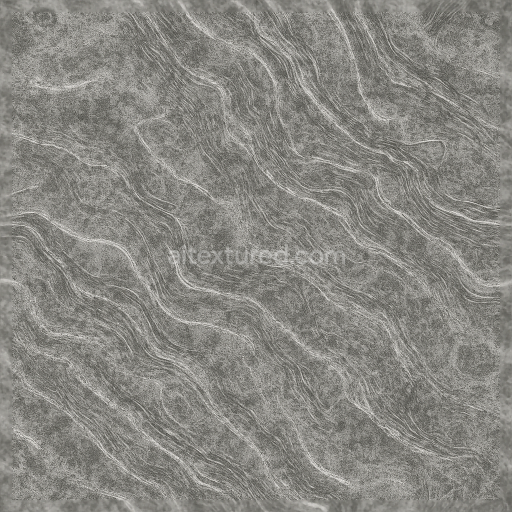
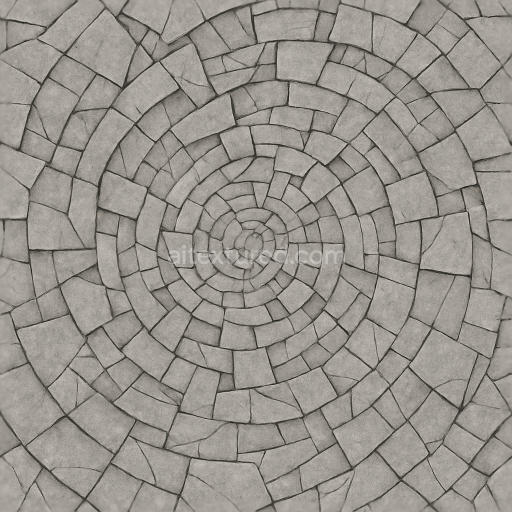
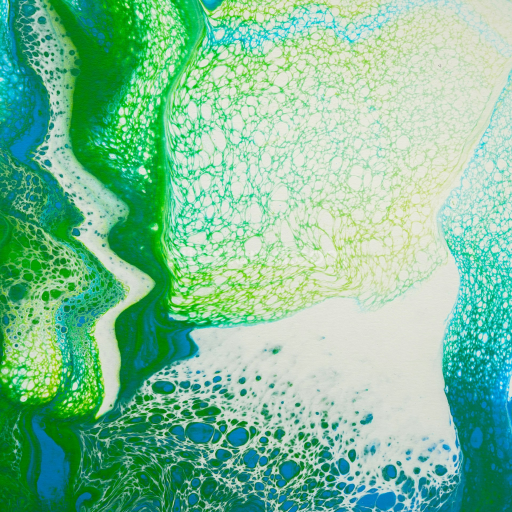


Generate maps from existing images, preview materials, convert channels, and package compatible inputs for Blender, Unity, and Unreal Engine.
Choose a verified workflow for generating maps, previewing tiling, converting channels, or starting from the texture catalog.
Derive Normal, Roughness, AO, Metallic, Height and optional ORM maps from one or more source images, then review the results.
Instant WebGL viewer: inspect materials on a sphere, plane, and cube. Check tiling and lighting in real time.
Re-packages maps per engine: Unreal (BaseColor + ORM), Unity (Mask/MetallicSmoothness), Blender (separate channels).
PNG ↔ JPG ↔ SVG: fast convert, SVG rasterize, embed/trace options, quality & background controls.