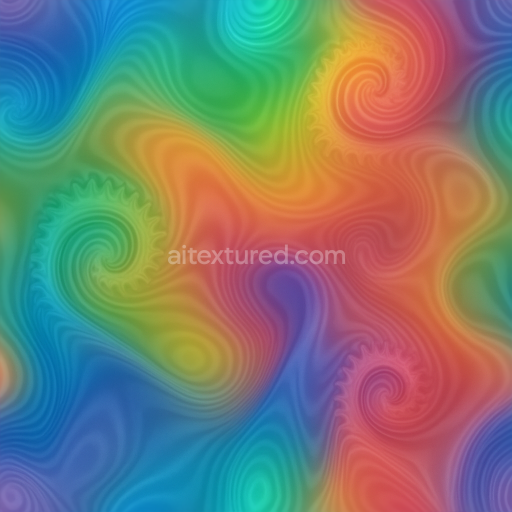
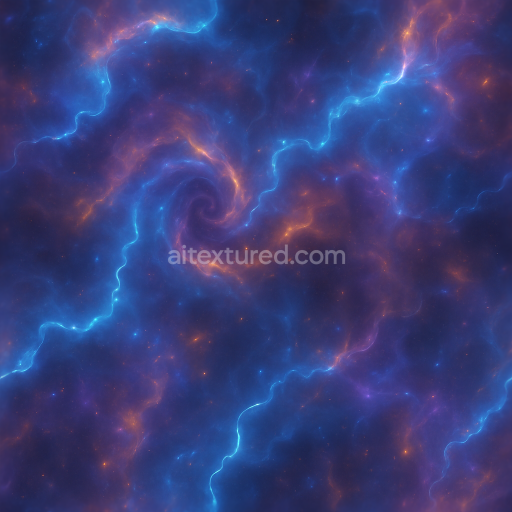
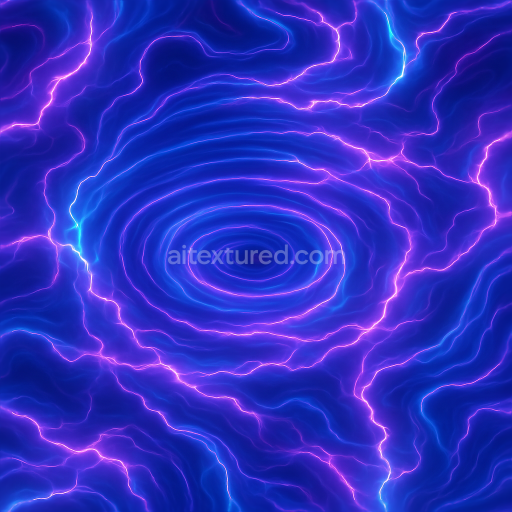
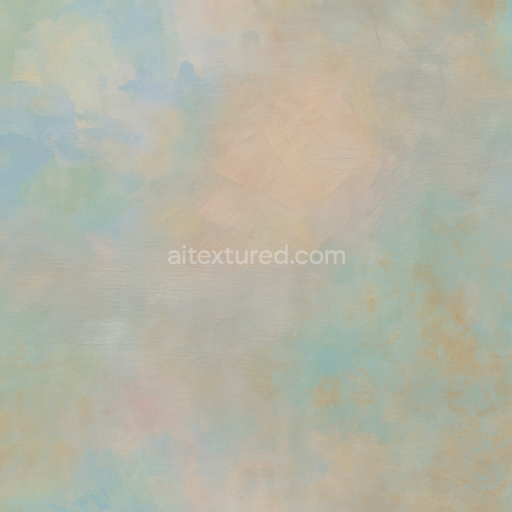
Glow Neon Vortex Liquid Metal Smoke Ink Charcoal Pastel Watercolor Oil Paint Impressionist
Seamless texture (tileable) · PNG, WEBP, PBR ZIP.
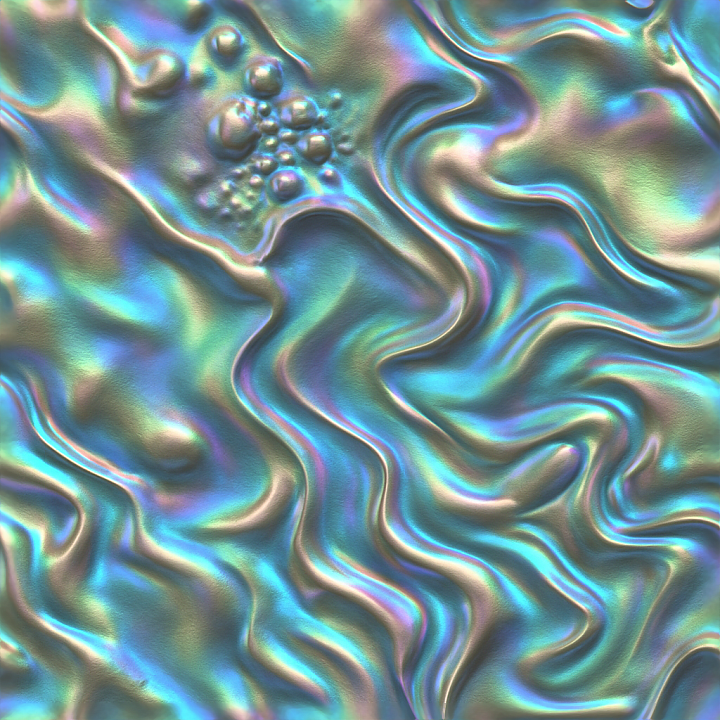
| ID | seamless-3d-texture-pbr-8k-twisted-folded-crumpled-grunge-rough-smooth-bubbled-fluid-liquid-organic-metallic-iridescent |
|---|---|
| Category | Abstract |
| Formats | PNG, WEBP, PBR ZIP |
| Size | 1k (1024x1024px), 2k (2048x2048px), 4k (4096x4096px), 8k (8192x8192px) |
| Tileable | Yes |
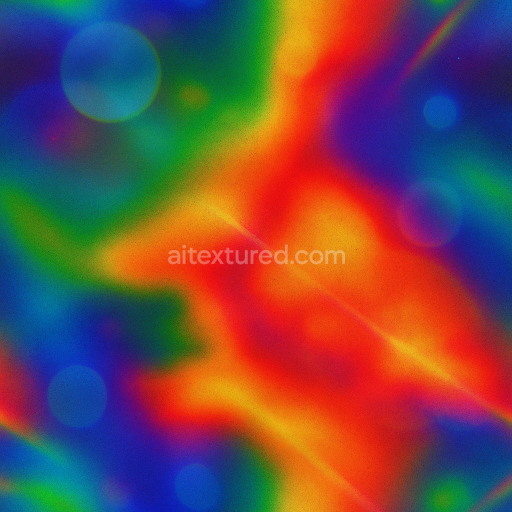
This seamless 3D PBR texture in 8K resolution features an intricate abstract pattern characterized by twisted, folded, and crumpled formations that evoke a complex interplay of organic and metallic materials. The base substrate appears to be a dense, pliable composite resembling a hybrid between aged metal sheets and fluid polymer films, combining both rigidity and flexibility. The surface exhibits a varied topography with bubbled and fluid-like distortions, suggesting an underlying structure of compressed layers interspersed with fine-grained aggregates and subtle fibrous inclusions. These elements contribute to a naturalistic porosity and micro-roughness that give the texture a realistic weathered yet polished appearance.
The material composition can be interpreted as a layered construct where a metallic core is coated with an iridescent organic binder, enriched with microscopic pigment particles and reflective flakes. This combination results in a dynamic surface finish that transitions smoothly between rough, grunge-inspired matte areas and glossy, fluid-like highlights. The texture’s color palette is governed by this iridescence, shifting subtly across hues depending on the viewing angle, while the base coloration is grounded in muted metallic grays and soft organic tones. The interplay between folded creases and crumpled areas creates natural shadows and depth, which are effectively captured in the height and normal maps, enhancing the perception of volume and complexity.
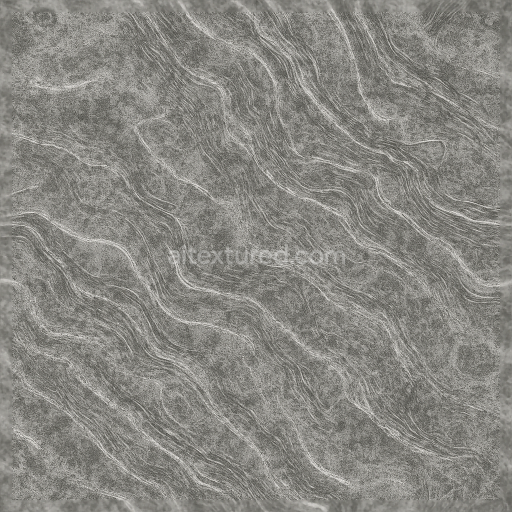
In PBR terms, the BaseColor (Albedo) map encodes the nuanced metallic and organic pigment distribution, supporting the iridescent color shifts without overpowering the subtler tones. The Normal map defines the pronounced folds and bubbled surface relief, providing fine detail at close range. Roughness varies across the texture, with smoother regions reflecting light sharply and rougher, grunge-affected zones diffusing highlights to convey wear and material variation. The Metallic map distinguishes the core metallic elements from the non-metallic organic overlays, while Ambient Occlusion adds realistic shadowing in crevices and under folds. Height or displacement maps emphasize the three-dimensionality of the twisted and crumpled geometry, enabling enhanced parallax effects in compatible rendering engines.
This texture is fully optimized for use in Blender, Unreal Engine, and Unity, supporting high-fidelity rendering workflows that demand seamless tiling and extreme detail at 8K resolution. For best results in real-time applications, it is recommended to fine-tune the roughness channel to balance between the reflective metallic highlights and the subdued organic matte areas, adjusting UV scale to avoid repetition artifacts while maintaining the visual complexity of the twisted folds. Additionally, blending height and normal maps can improve depth perception without compromising performance, making this texture a versatile choice for abstract, futuristic, or industrial-themed 3D projects requiring rich material realism and intricate surface detail.
Import the texture maps into Blender with sRGB color space for albedo/base color and Non-Color for normal, roughness, metallic, AO, height, and ORM maps. Connect normal maps through a Normal Map node, then adjust UV scale with a Mapping node so the material repeats naturally on your model.
For the full step-by-step setup, see How to Use Seamless Textures in Blender. Browse related material examples in wood, concrete, and metal.
Yes. This texture is designed as a seamless tileable PBR material, so it can repeat across large surfaces without visible borders.
Use the download controls on this page: they expose the available PNG, WEBP or engine ZIP choices and supported resolutions for this asset.
Use the engine ZIP choices to package compatible source maps for Blender, Unreal Engine or Unity, then verify the imported material in the target application.
Commercial-use permission is not verified for this record. Confirm the original source and license before production use.



Generate maps from existing images, preview materials, convert channels, and package compatible inputs for Blender, Unity, and Unreal Engine.
Choose a verified workflow for generating maps, previewing tiling, converting channels, or starting from the texture catalog.
Derive Normal, Roughness, AO, Metallic, Height and optional ORM maps from one or more source images, then review the results.
Instant WebGL viewer: inspect materials on a sphere, plane, and cube. Check tiling and lighting in real time.
Re-packages maps per engine: Unreal (BaseColor + ORM), Unity (Mask/MetallicSmoothness), Blender (separate channels).
PNG ↔ JPG ↔ SVG: fast convert, SVG rasterize, embed/trace options, quality & background controls.