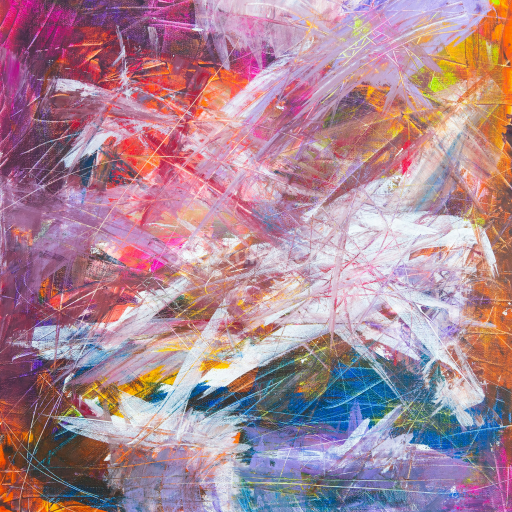
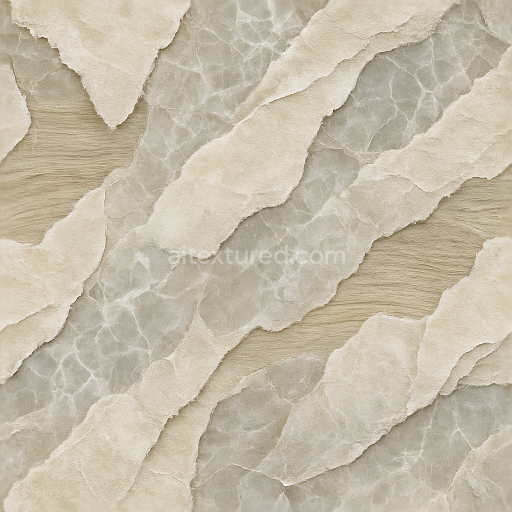
High-Detail Abstract Painted Plaster Texture for PBR 3D Use
Seamless texture (tileable) · PNG, WEBP, PBR ZIP.
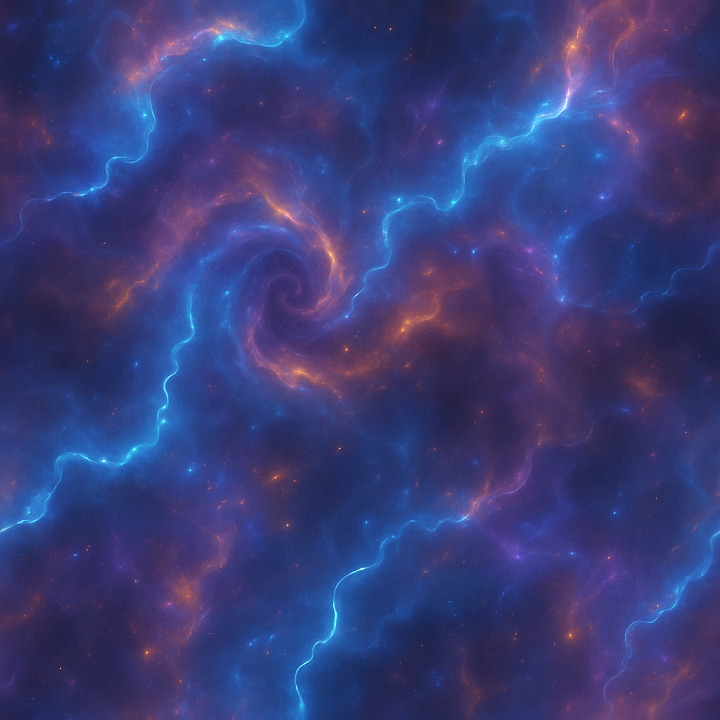
| ID | seamless-3d-texture-pbr-8k-nebula-cosmic-dust-plasma-electric-arcs-neon-glow-bioluminescence |
|---|---|
| Category | Abstract |
| Formats | PNG, WEBP, PBR ZIP |
| Size | 1k (1024x1024px), 2k (2048x2048px), 4k (4096x4096px), 8k (8192x8192px) |
| Tileable | Yes |
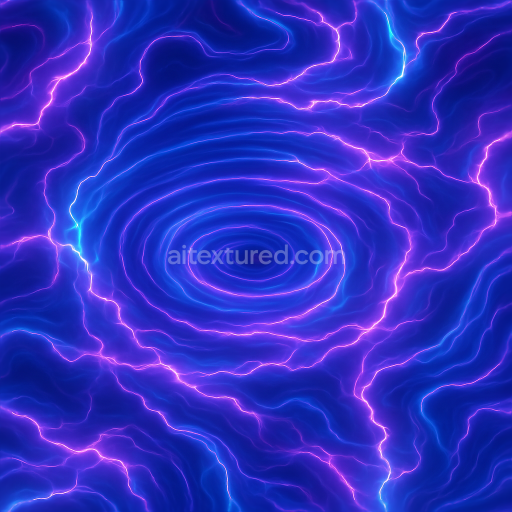
This seamless 3D PBR texture, rendered at an impressive 8K resolution, embodies the intricate complexity of a cosmic nebula, featuring a dynamic interplay of plasma clouds, swirling cosmic dust, and vivid electric arcs. The base material can be interpreted as a semi-translucent, amorphous substrate reminiscent of ionized gas and charged particles suspended in space, with a soft, diffuse luminescent quality that mimics bioluminescence. This substrate is enriched by fine particulate aggregates resembling microscopic cosmic dust grains, creating a subtle granular texture beneath the glowing plasma formations. The overall form is characterized by flowing vortex patterns and swirling arcs that generate a sense of depth and motion, evoking the natural turbulence found in nebulae.
The texture’s composition suggests a layered structure where the substrate acts as a semi-transparent binder, holding together vibrant plasma elements that appear as electric arcs and neon glow highlights. These are interspersed with denser clusters of cosmic dust particles serving as the aggregate, providing tangible surface detail and slight porosity. The surface finish is smooth but with a faintly brushed or diffused effect to simulate the soft scattering of light through gaseous plasma, avoiding harsh reflections while maintaining a subtle sheen. Colorants are primarily vivid neon hues—bright blues, purples, and pinks—blended with darker cosmic shadows, achieving a balanced ambient glow that enhances the ethereal aesthetic.
Mapped to the PBR workflow, the BaseColor (Albedo) channel captures the intricate neon glow and subtle color variations of the plasma and cosmic dust, while the Normal map encodes the swirling vortex geometry and electric arcs’ ridges, adding dimensional relief. The Roughness channel controls the surface reflectivity, maintaining a semi-matte finish that prevents excessive gloss but allows the neon highlights to shimmer realistically. Metallic values remain minimal, as the material simulates gaseous and particulate matter rather than metal. Ambient Occlusion enhances the depth by accentuating crevices within the vortex swirls, and the Height/Displacement map provides fine surface undulations that contribute to realistic parallax effects and volumetric depth when viewed at close range.
Designed for seamless tiling, this texture ensures continuous flow across surfaces without visible edges, ideal for expansive sci-fi scenes or space-themed environments. It is fully optimized for use in Blender, Unreal Engine, and Unity, supporting high-fidelity renders and real-time applications alike. For practical application, adjusting the UV scale to moderate values can enhance detail visibility without overwhelming the scene, while fine-tuning Roughness levels allows control over the balance between diffuse glow and reflective shimmer. Additionally, blending the Height map carefully with Normal details helps achieve a convincing sense of depth and swirling motion, enhancing the immersive cosmic effect in 3D projects.
Import the texture maps into Blender with sRGB color space for albedo/base color and Non-Color for normal, roughness, metallic, AO, height, and ORM maps. Connect normal maps through a Normal Map node, then adjust UV scale with a Mapping node so the material repeats naturally on your model.
For the full step-by-step setup, see How to Use Seamless Textures in Blender. Browse related material examples in wood, concrete, and metal.
Yes. This texture is designed as a seamless tileable PBR material, so it can repeat across large surfaces without visible borders.
Use the download controls on this page: they expose the available PNG, WEBP or engine ZIP choices and supported resolutions for this asset.
Use the engine ZIP choices to package compatible source maps for Blender, Unreal Engine or Unity, then verify the imported material in the target application.
Commercial-use permission is not verified for this record. Confirm the original source and license before production use.





Generate maps from existing images, preview materials, convert channels, and package compatible inputs for Blender, Unity, and Unreal Engine.
Choose a verified workflow for generating maps, previewing tiling, converting channels, or starting from the texture catalog.
Derive Normal, Roughness, AO, Metallic, Height and optional ORM maps from one or more source images, then review the results.
Instant WebGL viewer: inspect materials on a sphere, plane, and cube. Check tiling and lighting in real time.
Re-packages maps per engine: Unreal (BaseColor + ORM), Unity (Mask/MetallicSmoothness), Blender (separate channels).
PNG ↔ JPG ↔ SVG: fast convert, SVG rasterize, embed/trace options, quality & background controls.