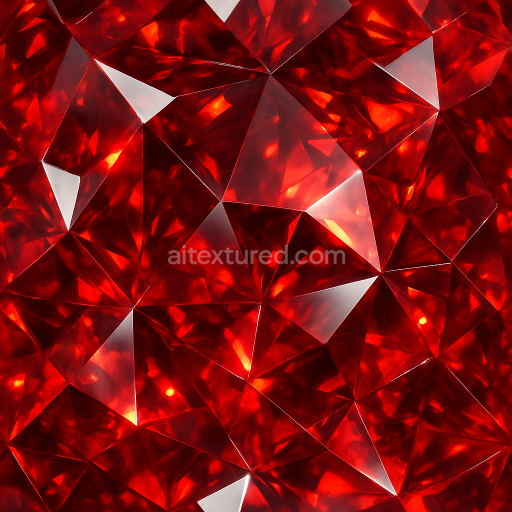
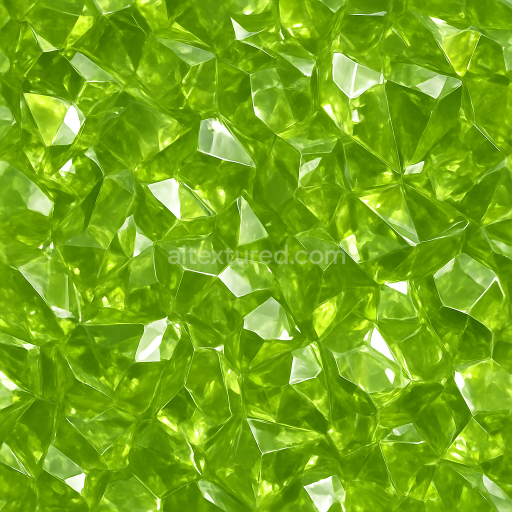
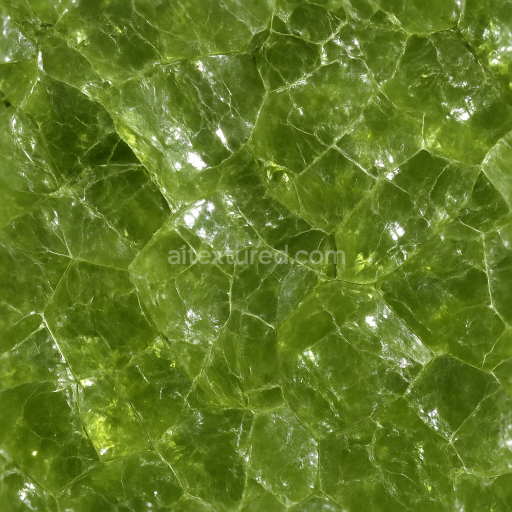
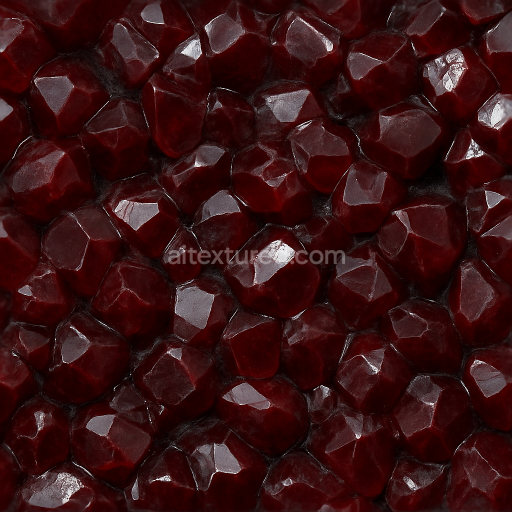
Garnet Faceted Gem With Gemstone Facets And Adamantine Luster Highlights
Seamless texture (tileable) · PNG, WEBP, PBR ZIP.
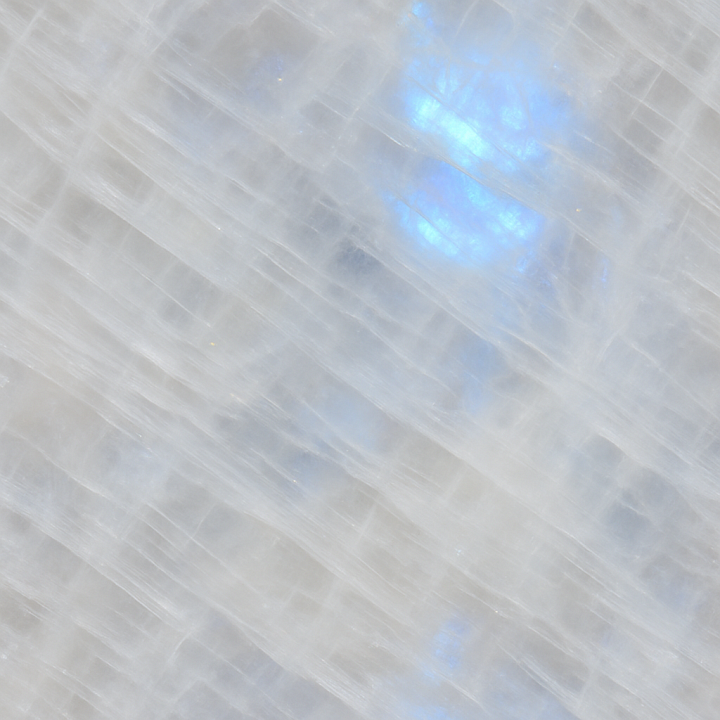
| ID | seamless-3d-texture-pbr-8k-moonstone-polished-crystal-with-color-banding-and-opal-play-of-color |
|---|---|
| Category | Crystals |
| Formats | PNG, WEBP, PBR ZIP |
| Size | 1k (1024x1024px), 2k (2048x2048px), 4k (4096x4096px), 8k (8192x8192px) |
| Tileable | Yes |
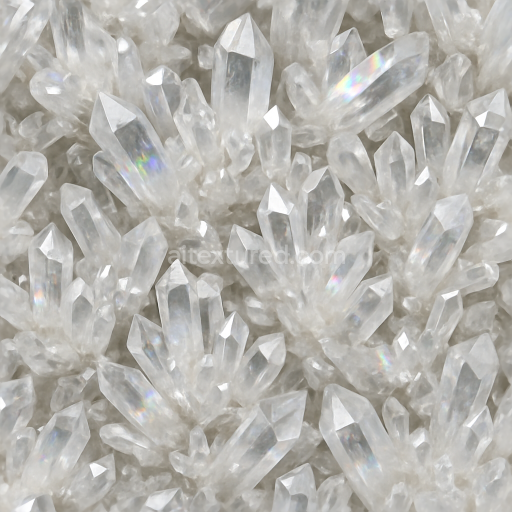
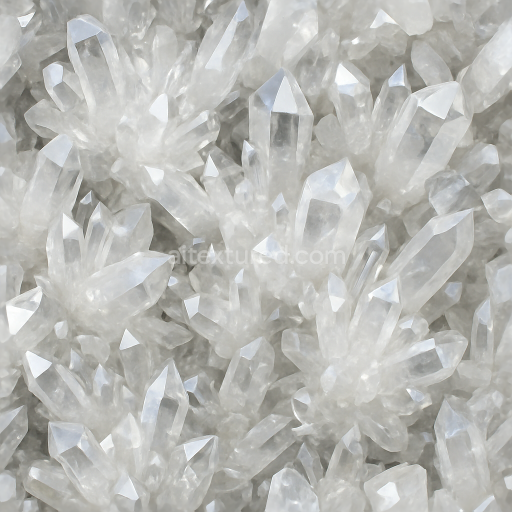
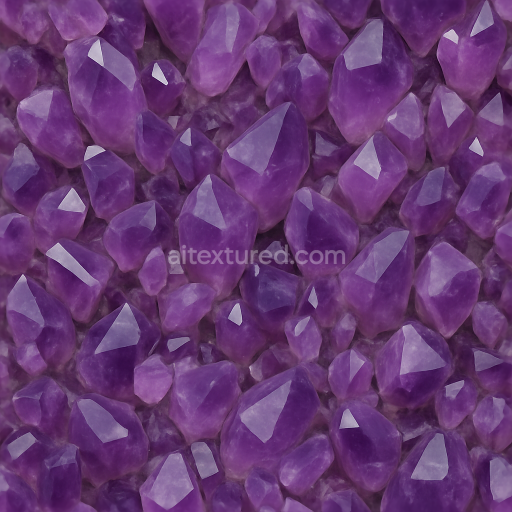
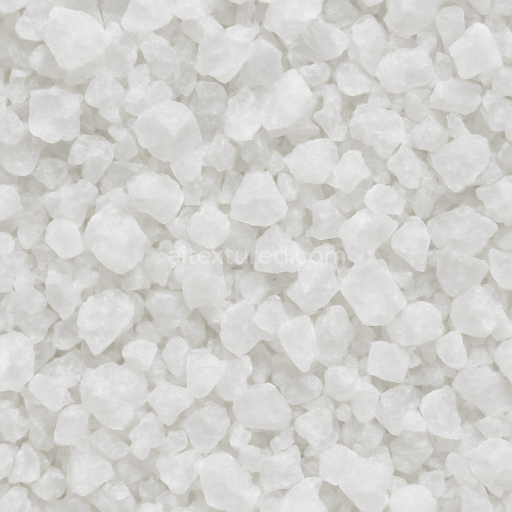
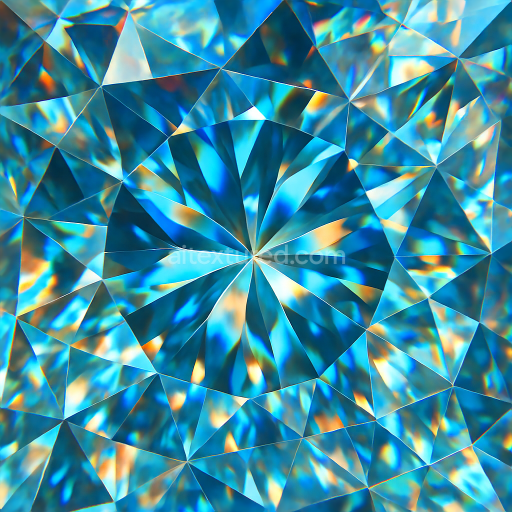
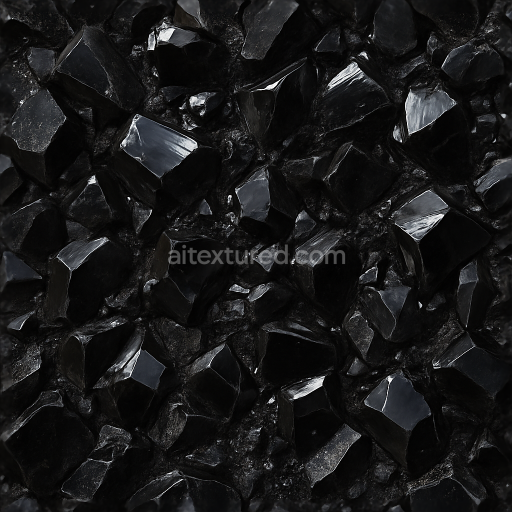
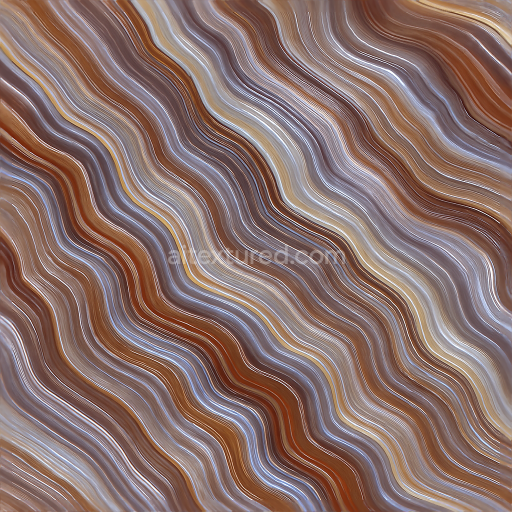
This seamless 3D PBR texture represents a polished moonstone crystal surface characterized by intricate color banding and a captivating opal play of color effect. The material's base is a feldspathic mineral substrate, primarily composed of orthoclase and albite, which lends the texture its characteristic milky translucency and iridescent sheen. Embedded within this substrate are subtle, fine-grained inclusions and laminar structures that create natural layers, contributing to the distinctive shimmering bands of color. These layers exhibit varying degrees of translucency and refraction, simulating the internal structure that causes the optical phenomenon known as adularescence, which is particularly pronounced here through smooth, curved banding patterns that flow organically across the surface.
The texture’s form mimics a polished crystal slab with a smooth, lustrous finish that accentuates its natural gloss and soft diffuse translucency. The surface is virtually pore-free due to extensive polishing, which reduces roughness and enhances reflectivity, emphasizing the reflective surfaces characteristic of moonstone. This polished finish is captured through low roughness values in the PBR roughness map, combined with nuanced normal mapping to simulate micro-surface variations and subtle undulations typical of natural crystal facets. The ambient occlusion channel reinforces depth perception within crevices between color bands, enhancing realism without exaggerated shadowing. Height and displacement maps provide fine relief detail, supporting parallax effects that give the illusion of depth within the translucent layers, ideal for close-up renders.
Colorants in this texture arise naturally from mineral impurities and structural layering, producing a spectrum of pearly whites, soft blues, and subtle peach tones. These pigments are faithfully reproduced in the BaseColor (Albedo) map to maintain the organic variation and opalescent highlights typical of moonstone. The metallic channel remains near zero, reflecting the non-metallic nature of the crystal. This texture is designed at an 8K resolution, ensuring exceptional detail and fidelity, suitable for high-end rendering workflows. It is fully optimized for use in Blender, Unreal Engine, and Unity, enabling seamless integration into diverse 3D modeling and digital art projects requiring photorealistic gemstone surfaces.
For optimal application, it is recommended to carefully adjust UV scaling to maintain the natural scale of banding and play of color without repetition artifacts. Tuning the roughness map can help balance glossiness depending on lighting conditions or artistic intent, while blending height and normal maps enhances surface depth perception during close inspection or in real-time engines. This approach ensures the texture retains its realistic crystal appearance with dynamic color effects across various rendering scenarios.
Import the texture maps into Blender with sRGB color space for albedo/base color and Non-Color for normal, roughness, metallic, AO, height, and ORM maps. Connect normal maps through a Normal Map node, then adjust UV scale with a Mapping node so the material repeats naturally on your model.
For the full step-by-step setup, see How to Use Seamless Textures in Blender. Browse related material examples in wood, concrete, and metal.
Yes. This texture is designed as a seamless tileable PBR material, so it can repeat across large surfaces without visible borders.
Use the download controls on this page: they expose the available PNG, WEBP or engine ZIP choices and supported resolutions for this asset.
Use the engine ZIP choices to package compatible source maps for Blender, Unreal Engine or Unity, then verify the imported material in the target application.
Commercial-use permission is not verified for this record. Confirm the original source and license before production use.
Generate maps from existing images, preview materials, convert channels, and package compatible inputs for Blender, Unity, and Unreal Engine.
Choose a verified workflow for generating maps, previewing tiling, converting channels, or starting from the texture catalog.
Derive Normal, Roughness, AO, Metallic, Height and optional ORM maps from one or more source images, then review the results.
Instant WebGL viewer: inspect materials on a sphere, plane, and cube. Check tiling and lighting in real time.
Re-packages maps per engine: Unreal (BaseColor + ORM), Unity (Mask/MetallicSmoothness), Blender (separate channels).
PNG ↔ JPG ↔ SVG: fast convert, SVG rasterize, embed/trace options, quality & background controls.