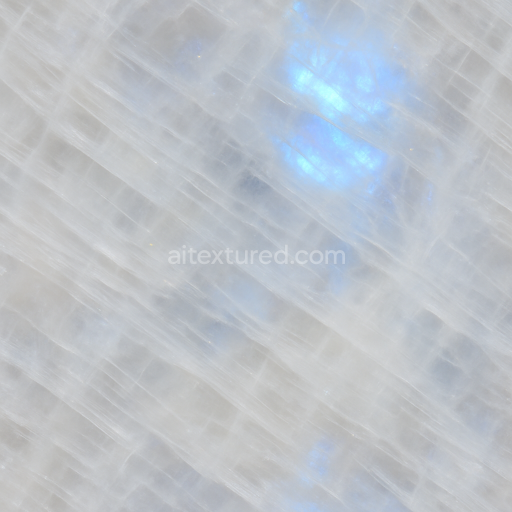
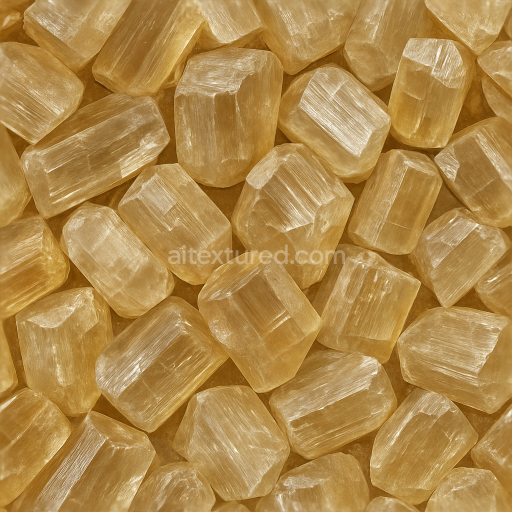
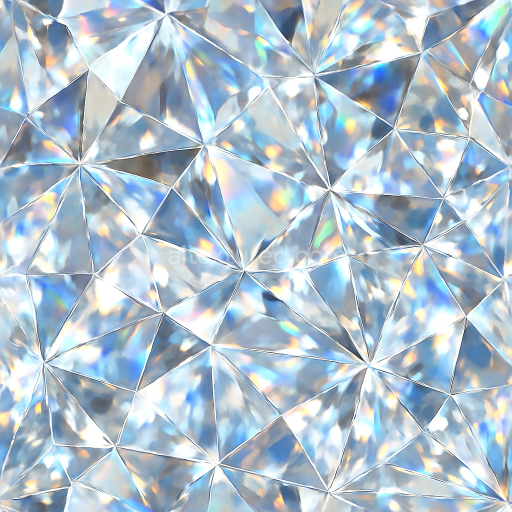
Moonstone Polished Crystal With Color Banding And Opal Play Of Color
Seamless texture (tileable) · PNG, WEBP, PBR ZIP.
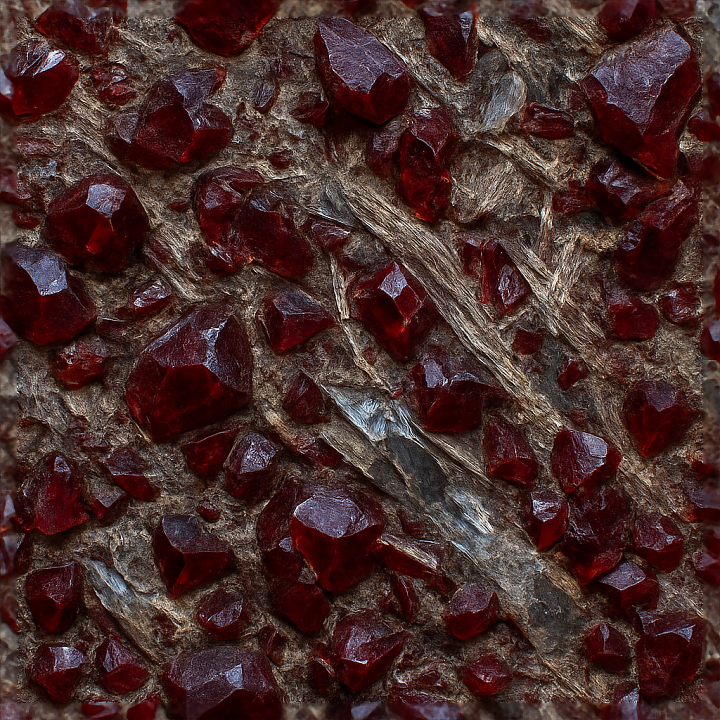
| ID | seamless-3d-texture-pbr-8k-of-raw-garnet-rough-stone-with-deep-red-crystal-shards-and-natural-mineral-veins |
|---|---|
| Category | Crystals |
| Formats | PNG, WEBP, PBR ZIP |
| Size | 1k (1024x1024px), 2k (2048x2048px), 4k (4096x4096px), 8k (8192x8192px) |
| Tileable | Yes |
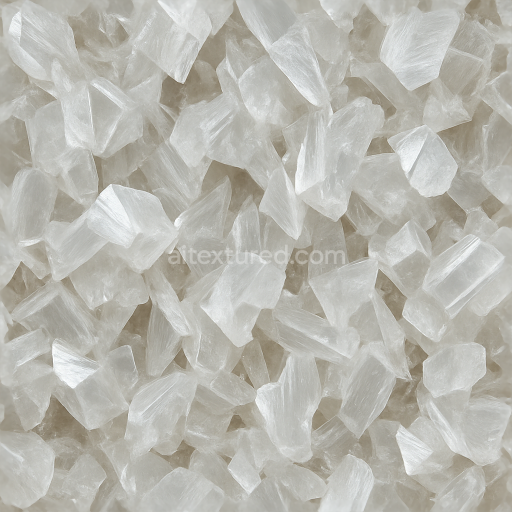
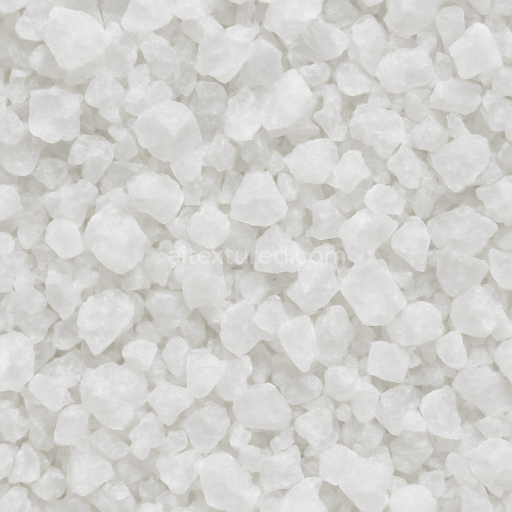
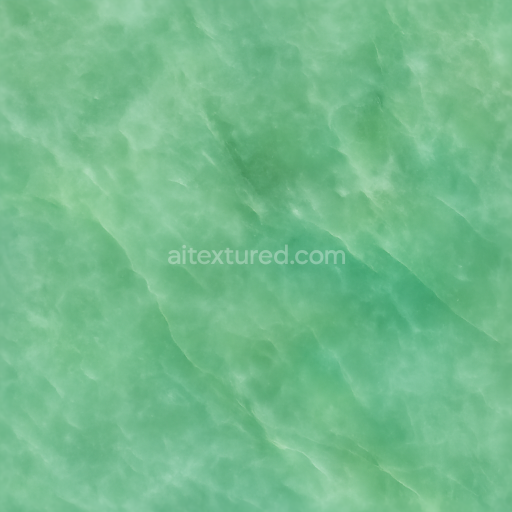
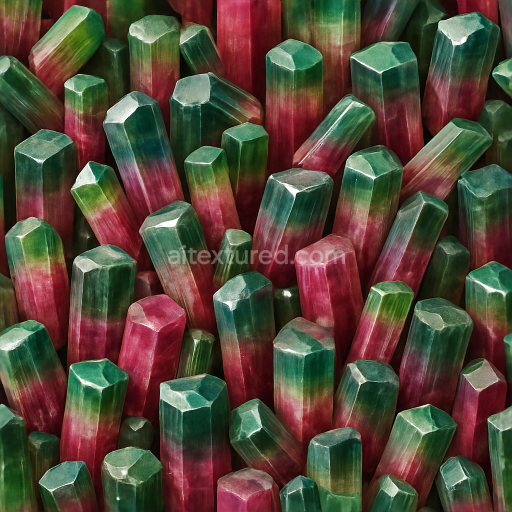
This seamless 3D PBR texture at 8K resolution represents raw garnet embedded in a rough stone matrix, characterized by deep red, angular crystal shards intertwined with natural mineral veins. The base material consists primarily of a silicate-rich host rock, exhibiting a coarse-grained, uneven substrate with visible porosity and subtle weathering effects. The garnet crystals themselves are formed as fractured, multifaceted aggregates with sharp edges and irregular geometries, creating a complex pattern of intersecting shards and vein-like mineral inclusions. These veins introduce subtle variations in color and translucency, contributing to the overall depth and realism of the texture.
The composition reflects a natural mineral assemblage where the garnet shards serve as the primary aggregates embedded within a siliceous matrix that acts as the binder. The rough stone features a semi-gloss finish that captures the characteristic gemstone clarity and internal reflections of garnet, with a surface that is neither fully polished nor matte but instead presents a nuanced interplay of diffuse and specular reflections. Pigmentation is dominated by deep crimson and maroon hues for the garnet crystals, contrasted against muted gray and earthy tones of the surrounding mineral veins and host rock. These color variations correspond directly to the BaseColor (Albedo) channel, while the intricate surface details of cracks, cleavages, and vein patterns are encoded in the Normal and Height maps for realistic depth and relief.
The Roughness channel is finely tuned to balance the glossy highlights on the garnet shards with the more matte, weathered aspects of the stone substrate, allowing light to scatter appropriately and enhance the sense of natural roughness and translucency. The texture contains no metallic components, which is accurately reflected in the Metallic channel set to zero, ensuring that the material behaves optically as a non-metallic mineral surface. Ambient Occlusion maps accentuate the crevices and fractures between crystal shards and mineral veins, adding subtle shadowing that enhances the three-dimensional form and spatial complexity of the texture.
Designed for seamless tiling, this 3D texture is fully optimized for use in Blender, Unreal Engine, and Unity, supporting high-fidelity rendering workflows that require photorealistic materials. The 8K resolution ensures exceptional detail even at close camera distances, preserving the intricate crystalline structures and natural imperfections. For practical application, it is recommended to carefully adjust the UV scale to maintain the natural size and distribution of garnet crystals, and to fine-tune the roughness channel to achieve the desired balance between gloss and diffusion. When combining this texture with height or parallax mapping, blending should be subtle to prevent exaggerated relief that could disrupt the natural fractured appearance of the stone.
Import the texture maps into Blender with sRGB color space for albedo/base color and Non-Color for normal, roughness, metallic, AO, height, and ORM maps. Connect normal maps through a Normal Map node, then adjust UV scale with a Mapping node so the material repeats naturally on your model.
For the full step-by-step setup, see How to Use Seamless Textures in Blender. Browse related material examples in wood, concrete, and metal.
Yes. This texture is designed as a seamless tileable PBR material, so it can repeat across large surfaces without visible borders.
Use the download controls on this page: they expose the available PNG, WEBP or engine ZIP choices and supported resolutions for this asset.
Use the engine ZIP choices to package compatible source maps for Blender, Unreal Engine or Unity, then verify the imported material in the target application.
Commercial-use permission is not verified for this record. Confirm the original source and license before production use.
Generate maps from existing images, preview materials, convert channels, and package compatible inputs for Blender, Unity, and Unreal Engine.
Choose a verified workflow for generating maps, previewing tiling, converting channels, or starting from the texture catalog.
Derive Normal, Roughness, AO, Metallic, Height and optional ORM maps from one or more source images, then review the results.
Instant WebGL viewer: inspect materials on a sphere, plane, and cube. Check tiling and lighting in real time.
Re-packages maps per engine: Unreal (BaseColor + ORM), Unity (Mask/MetallicSmoothness), Blender (separate channels).
PNG ↔ JPG ↔ SVG: fast convert, SVG rasterize, embed/trace options, quality & background controls.