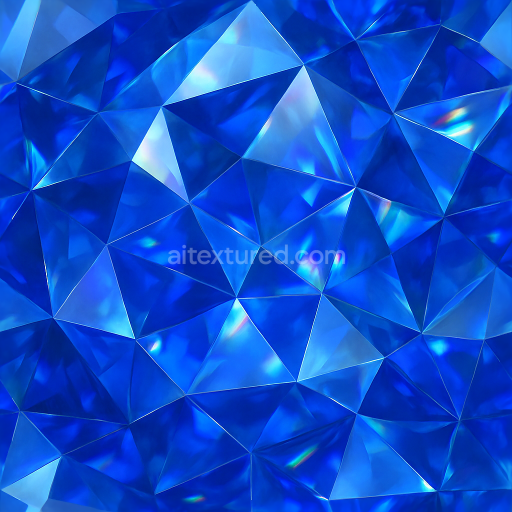
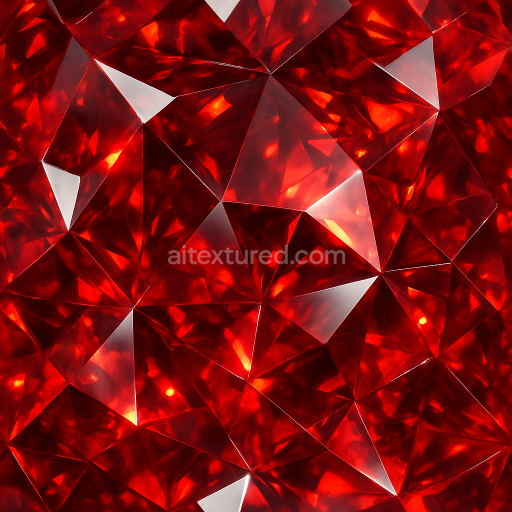
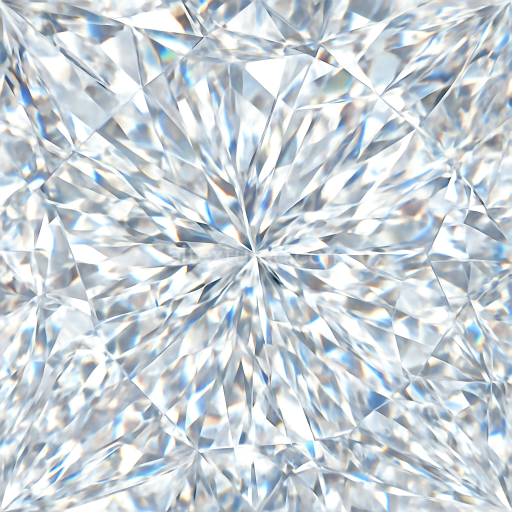
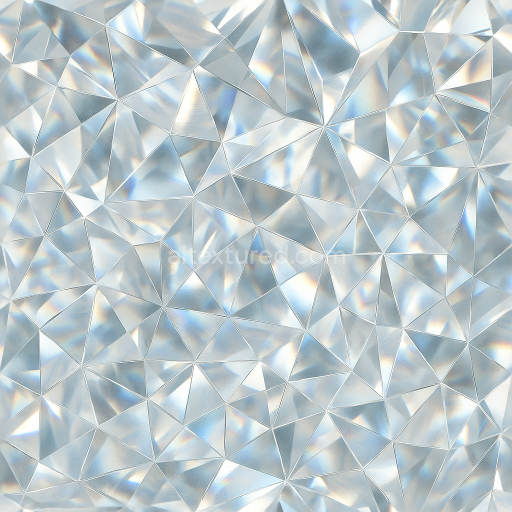
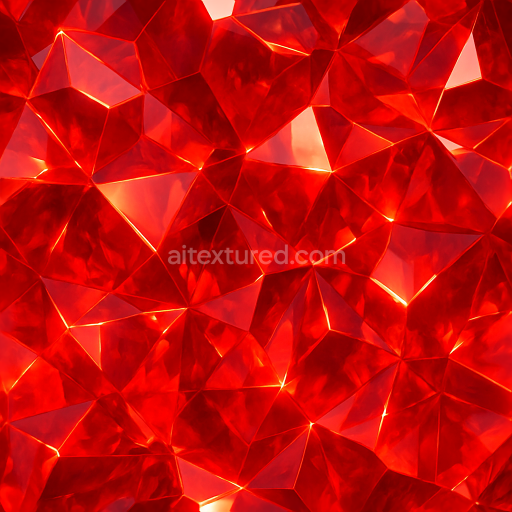
Sapphire Faceted Gem With Gemstone Facets And Light Dispersion Effects
Seamless texture (tileable) · PNG, WEBP, PBR ZIP.
| ID | seamless-3d-texture-pbr-8k-tourmaline-hexagonal-crystal-with-color-zoning-and-crystal-transparency-layers |
|---|---|
| Category | Crystals |
| Formats | PNG, WEBP, PBR ZIP |
| Size | 1k (1024x1024px), 2k (2048x2048px), 4k (4096x4096px), 8k (8192x8192px) |
| Tileable | Yes |
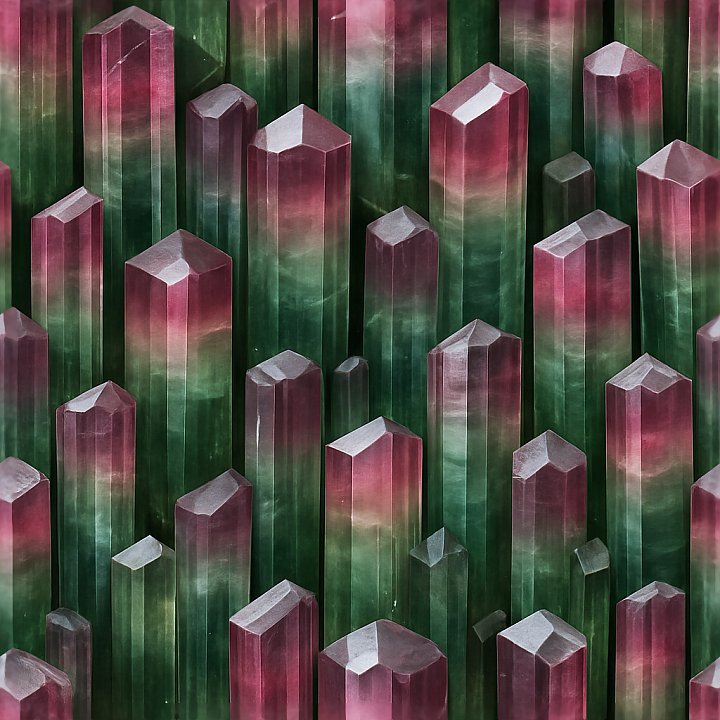
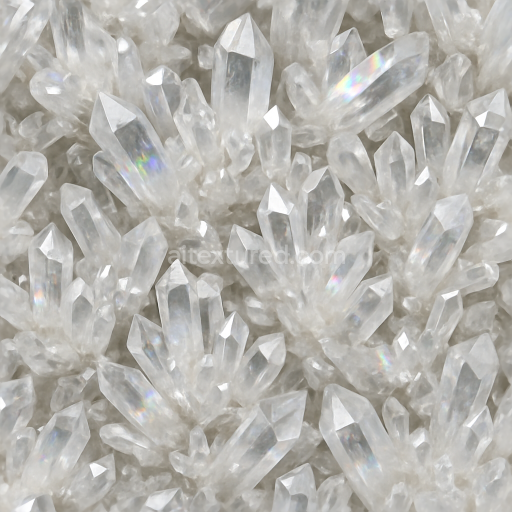
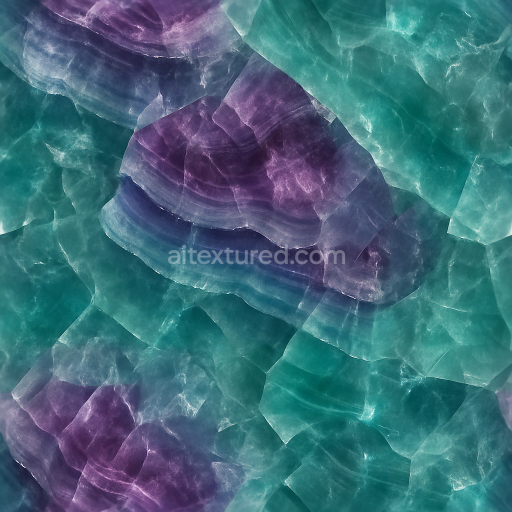
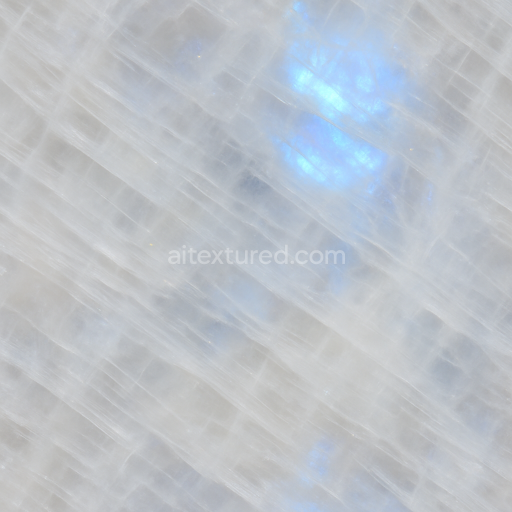
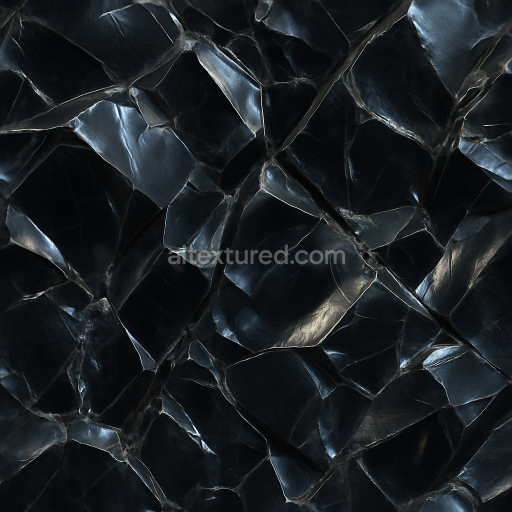
This seamless 3D PBR texture showcases an intricate hexagonal crystal pattern inspired by natural tourmaline formations, rendered at an ultra-high 8K resolution. The base material emulates the crystalline substrate of tourmaline, characterized by its layered silicate structure. Within the texture, subtle color zoning is evident, reflecting the natural variations and banding often found in real tourmaline specimens. These zones are composed of translucent layers with varying opacity, which are simulated through layered crystal transparency channels to capture realistic light refraction and internal scattering. The hexagonal geometry of each crystal facet is precisely modeled, highlighting sharp edges and flat planes that replicate the typical mineral habit of tourmaline crystals.
From a material composition perspective, the texture's substrate is a semi-transparent silicate mineral matrix, exhibiting low porosity with minimal weathering effects to maintain clarity and sharpness. The colorants appear as banded zones within the crystal, ranging from deep greens and pinks to subtle browns, created through PBR BaseColor maps that define these intricate hues and gradients. The Normal map intricately defines the faceted surface relief, enhancing the perception of depth and the natural angularity of each crystal face. Roughness is finely tuned to simulate the polished, glossy finish typical of cut and naturally smooth crystal surfaces, allowing for realistic specular highlights and reflections on the facet planes. Metallic values remain low or near zero, reflecting the non-metallic nature of tourmaline, while Ambient Occlusion maps emphasize subtle shadowing between crystal facets to enhance dimensionality. Height and displacement maps are employed to further accentuate the three-dimensional facets, contributing to authentic parallax effects when applied in rendering engines.
The texture is seamlessly tileable, making it suitable for expansive 3D environments or close-up renderings without visible repetition. Its layered transparency and detailed facet definition enable it to convincingly simulate light interactions such as refraction and internal reflection, especially when used in physically based rendering workflows. This texture is optimized for compatibility with Blender, Unreal Engine, and Unity, ensuring accurate shading and material response across popular 3D platforms. The 8K resolution guarantees exceptional detail for both macro and micro views, preserving fine crystal inclusions and subtle color transitions.
For practical application, it is recommended to carefully adjust the UV scale to match the size and repetition of the hexagonal crystal pattern to avoid distortion or unnatural scaling. Additionally, blending the height map with the normal map can enhance surface detail without introducing excessive displacement, which is beneficial for real-time engines like Unity and Unreal. Fine-tuning roughness values can also help balance the reflectivity, depending on whether a more matte or glossy crystal appearance is desired.
Import the texture maps into Blender with sRGB color space for albedo/base color and Non-Color for normal, roughness, metallic, AO, height, and ORM maps. Connect normal maps through a Normal Map node, then adjust UV scale with a Mapping node so the material repeats naturally on your model.
For the full step-by-step setup, see How to Use Seamless Textures in Blender. Browse related material examples in wood, concrete, and metal.
Yes. This texture is designed as a seamless tileable PBR material, so it can repeat across large surfaces without visible borders.
Use the download controls on this page: they expose the available PNG, WEBP or engine ZIP choices and supported resolutions for this asset.
Use the engine ZIP choices to package compatible source maps for Blender, Unreal Engine or Unity, then verify the imported material in the target application.
Commercial-use permission is not verified for this record. Confirm the original source and license before production use.
Generate maps from existing images, preview materials, convert channels, and package compatible inputs for Blender, Unity, and Unreal Engine.
Choose a verified workflow for generating maps, previewing tiling, converting channels, or starting from the texture catalog.
Derive Normal, Roughness, AO, Metallic, Height and optional ORM maps from one or more source images, then review the results.
Instant WebGL viewer: inspect materials on a sphere, plane, and cube. Check tiling and lighting in real time.
Re-packages maps per engine: Unreal (BaseColor + ORM), Unity (Mask/MetallicSmoothness), Blender (separate channels).
PNG ↔ JPG ↔ SVG: fast convert, SVG rasterize, embed/trace options, quality & background controls.