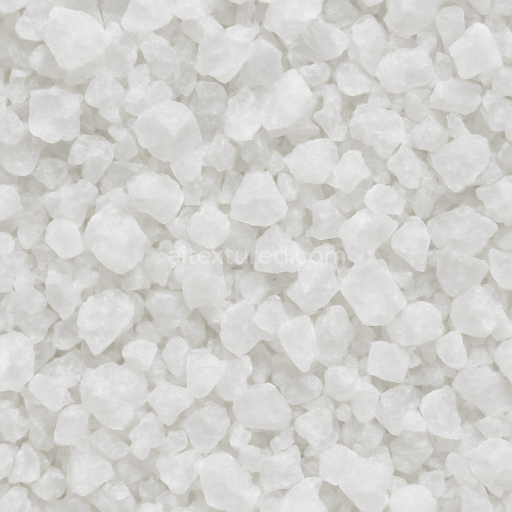
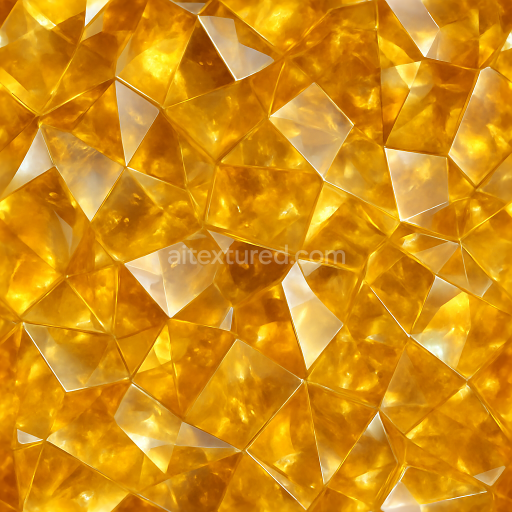
Salt Crystal Crystallized Salts Rough Crystal Photorealistic
Seamless texture (tileable) · PNG, WEBP, PBR ZIP.
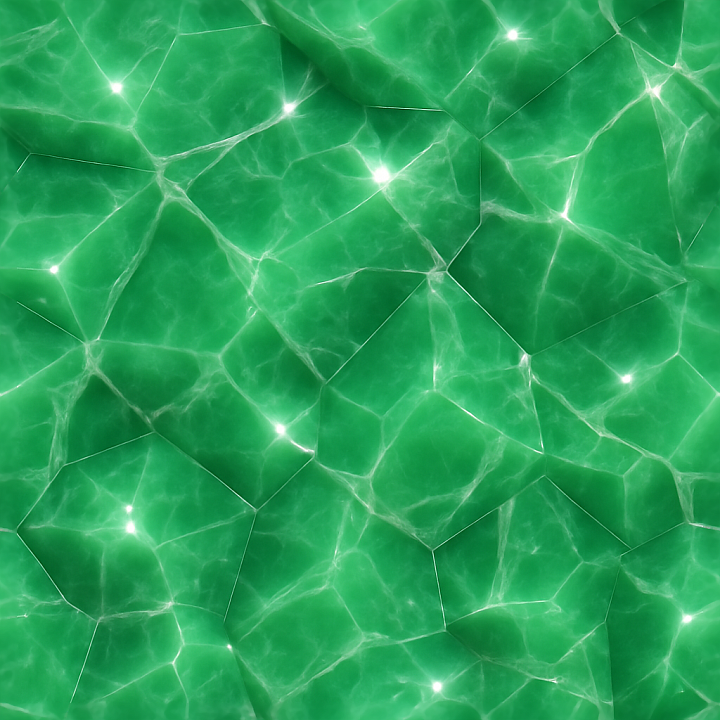
| ID | seamless-3d-texture-pbr-8k-jade-polished-crystal-vein-with-glossy-finish-and-light-dispersion-sparkle-effect |
|---|---|
| Category | Crystals |
| Formats | PNG, WEBP, PBR ZIP |
| Size | 1k (1024x1024px), 2k (2048x2048px), 4k (4096x4096px), 8k (8192x8192px) |
| Tileable | Yes |
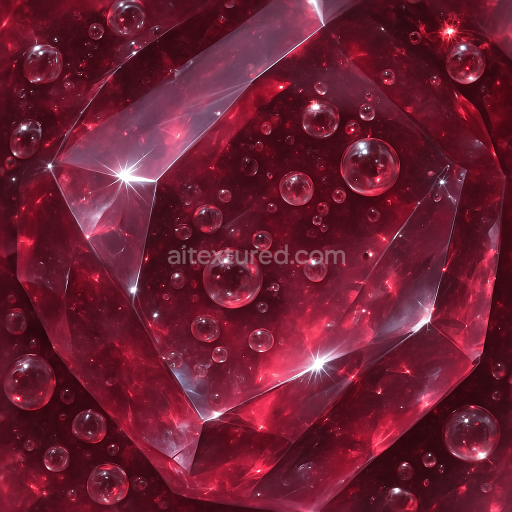
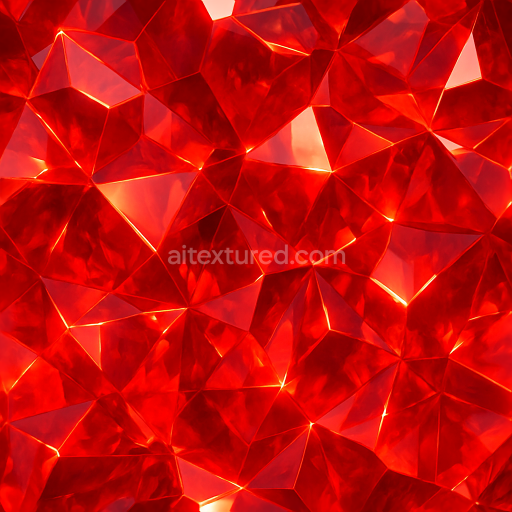
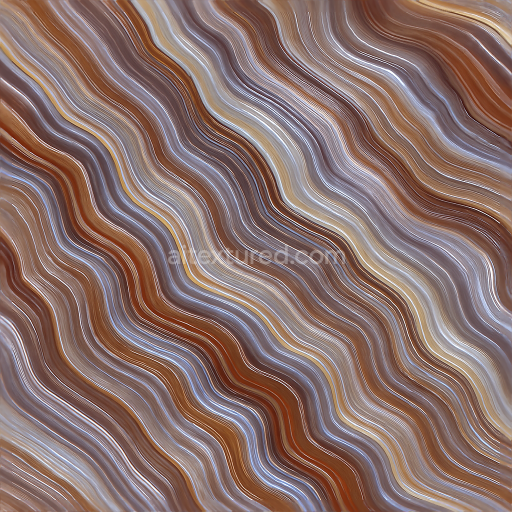
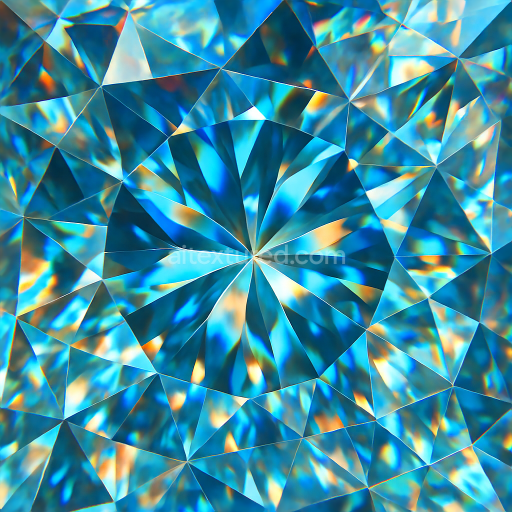
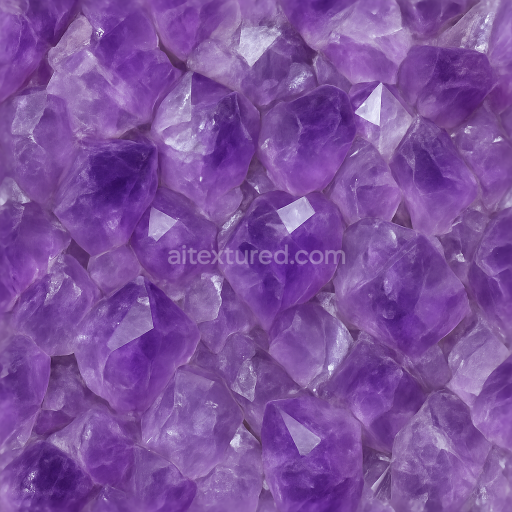
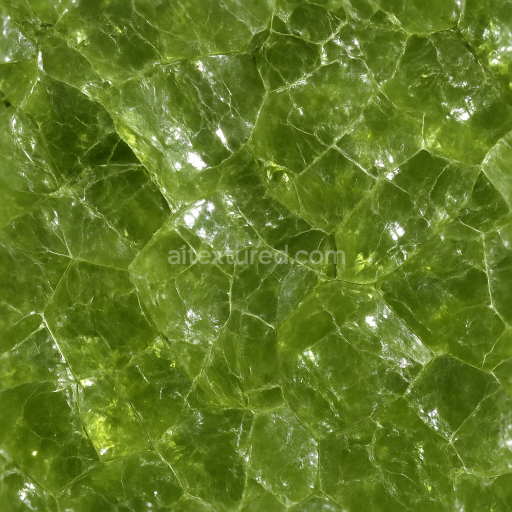
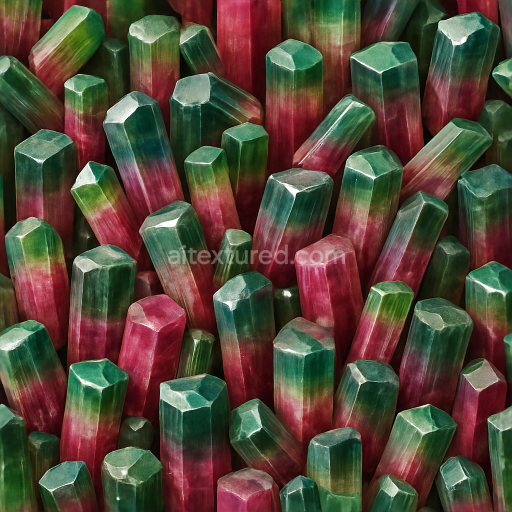
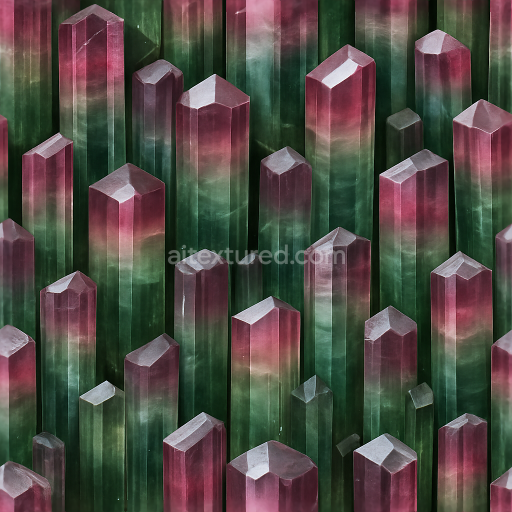
This seamless 3D PBR texture presents an intricate pattern of polished jade crystal veins, rendered at an ultra-high 8K resolution to capture the finest details. The base material emulates a natural jade substrate, characterized by its smooth, semi-translucent greenish mineral composition. Interwoven within this base are irregular, vein-like formations of crystalline deposits, which exhibit subtle variations in color and translucency. These crystal veins create a dynamic, faceted pattern that reflects how light interacts with natural mineral inclusions, enhancing the depth and realism of the texture’s form.
The texture’s surface finish is highly polished, offering a glossy sheen that mimics the reflective qualities of real jade and crystal surfaces. This glossy finish is achieved through low roughness values in the PBR roughness channel, allowing specular highlights to appear sharp and well-defined. The light dispersion and sparkle effects are simulated through a combination of subtle normal map detail and carefully calibrated ambient occlusion, which together enhance the perception of translucency and internal refraction within the crystal veins. The height and displacement maps accentuate the vein geometry, providing convincing depth and relief that respond naturally to dynamic lighting in 3D environments.
In terms of material composition, the texture models a tightly bound mineral structure where the jade substrate acts as the primary aggregate, held together by an implied natural crystalline binder. The veins resemble embedded fibrous or granular mineral inclusions, creating a visually complex network with minimal porosity to emphasize the polished, weather-resistant surface typical of finely worked jade. Colorants range from deep emerald greens to lighter, semi-transparent shades, achieved through variations in the base color map, while metallic values remain minimal to maintain the stone’s non-metallic character.
All PBR channels are meticulously crafted for seamless tiling and compatibility with major 3D software such as Blender, Unreal Engine, and Unity. The base color (albedo) map delivers rich, undistorted hues, while the normal and height maps provide realistic surface undulations. Roughness maps control the glossy finish, and ambient occlusion enhances shadowed recesses within the veins, contributing to overall material depth. This texture’s high resolution ensures detailed close-up views without noticeable pixelation or tiling artifacts.
For optimal use, it is advisable to adjust the UV scale to suit the size of the 3D model to maintain natural vein proportions. Additionally, fine-tuning roughness values can help balance the glossiness under different lighting conditions, and blending the height and normal maps can improve the illusion of layered crystal structure when viewed from various angles, especially in real-time engines.
Import the texture maps into Blender with sRGB color space for albedo/base color and Non-Color for normal, roughness, metallic, AO, height, and ORM maps. Connect normal maps through a Normal Map node, then adjust UV scale with a Mapping node so the material repeats naturally on your model.
For the full step-by-step setup, see How to Use Seamless Textures in Blender. Browse related material examples in wood, concrete, and metal.
Yes. This texture is designed as a seamless tileable PBR material, so it can repeat across large surfaces without visible borders.
Use the download controls on this page: they expose the available PNG, WEBP or engine ZIP choices and supported resolutions for this asset.
Use the engine ZIP choices to package compatible source maps for Blender, Unreal Engine or Unity, then verify the imported material in the target application.
Commercial-use permission is not verified for this record. Confirm the original source and license before production use.
Generate maps from existing images, preview materials, convert channels, and package compatible inputs for Blender, Unity, and Unreal Engine.
Choose a verified workflow for generating maps, previewing tiling, converting channels, or starting from the texture catalog.
Derive Normal, Roughness, AO, Metallic, Height and optional ORM maps from one or more source images, then review the results.
Instant WebGL viewer: inspect materials on a sphere, plane, and cube. Check tiling and lighting in real time.
Re-packages maps per engine: Unreal (BaseColor + ORM), Unity (Mask/MetallicSmoothness), Blender (separate channels).
PNG ↔ JPG ↔ SVG: fast convert, SVG rasterize, embed/trace options, quality & background controls.