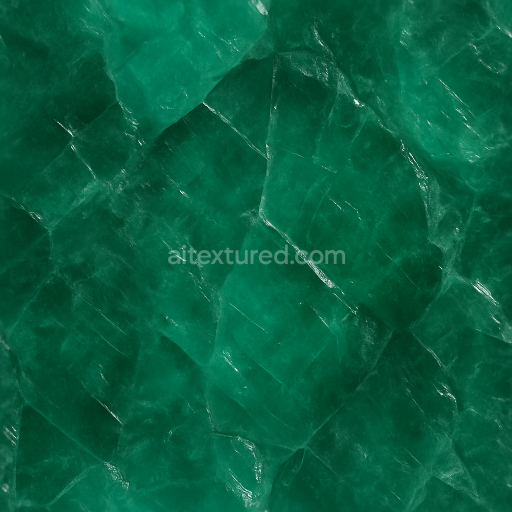
Emerald Raw Crystal With Cleavage Planes And Diffuse Translucency Effects
Seamless texture (tileable) · PNG, WEBP, PBR ZIP.
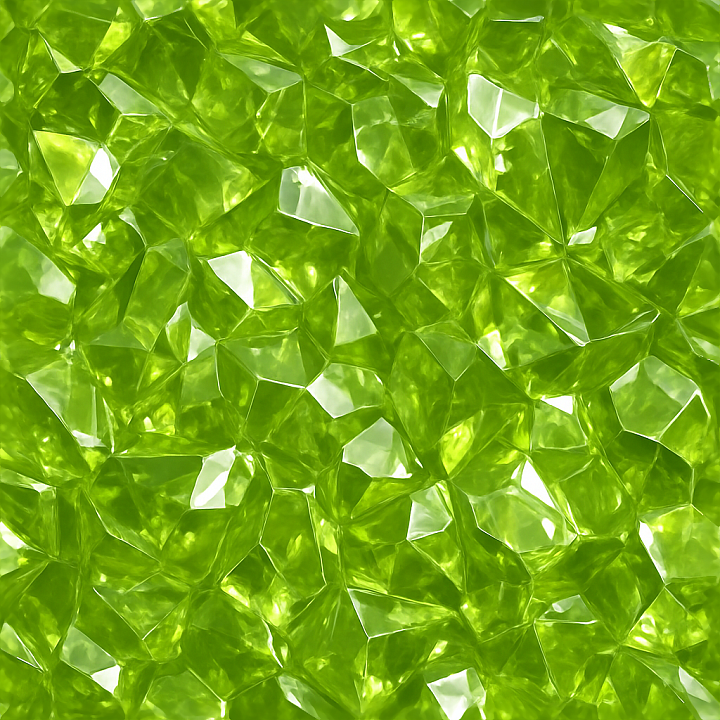
| ID | seamless-3d-texture-pbr-8k-peridot-crystalline-structure-with-crystal-growth-and-shiny-surface-reflective-finish |
|---|---|
| Category | Crystals |
| Formats | PNG, WEBP, PBR ZIP |
| Size | 1k (1024x1024px), 2k (2048x2048px), 4k (4096x4096px), 8k (8192x8192px) |
| Tileable | Yes |
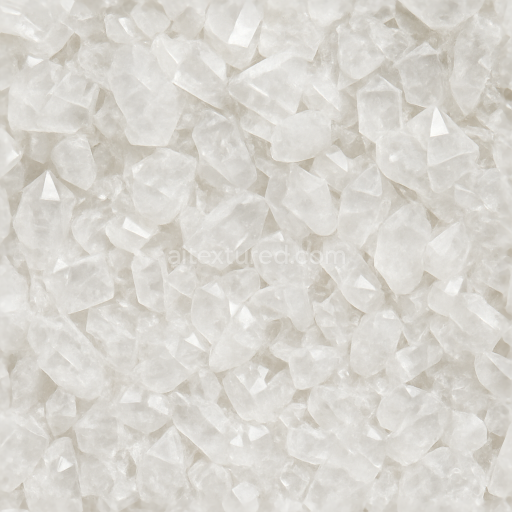
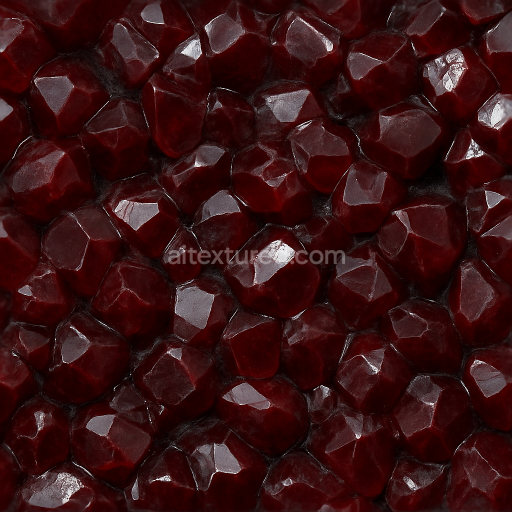
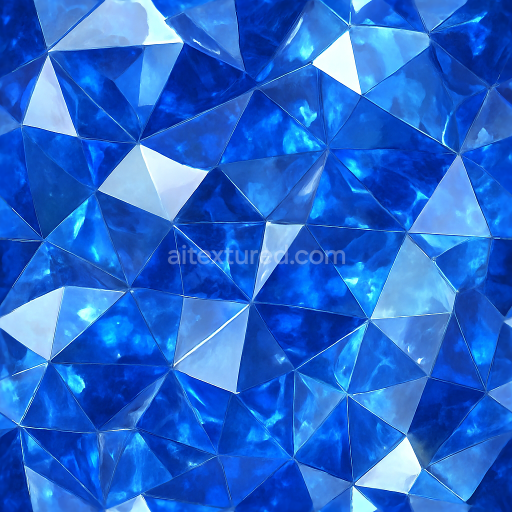
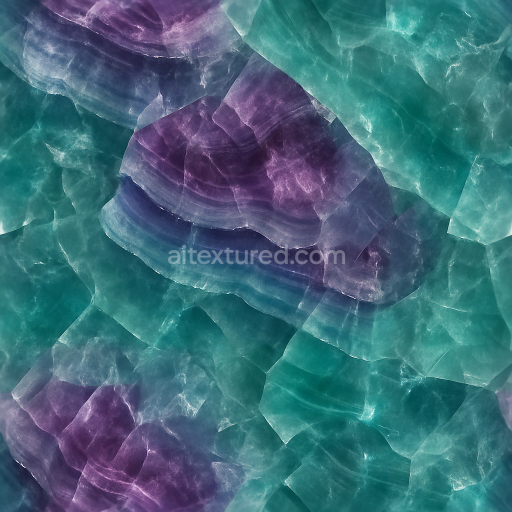
This seamless 3D texture captures the intricate crystalline structure of peridot, a gem-quality olivine mineral known for its vibrant green hues and natural translucency. The material’s base simulates the dense silicate substrate characteristic of peridot, featuring a tightly packed lattice of angular crystal facets that interlock to form a continuous mineral matrix. Within this matrix, subtle variations in crystal growth create natural veins and inclusions, adding complexity and realism to the pattern. The geometry emphasizes a faceted, gem-like tessellation where each crystal unit exhibits sharp edges and distinct planes, contributing to a highly detailed surface topology ideal for close-up rendering.
The texture’s surface finish replicates a polished, glossy sheen typical of cut peridot specimens, achieved through a reflective coating that enhances light refraction and internal sparkle. This shiny surface finish is represented by a low roughness value in the PBR workflow, enabling crisp reflections and specular highlights. The metallic channel is kept minimal to simulate the non-metallic nature of the mineral, while the ambient occlusion map adds depth by accentuating crevices between crystal facets. Height and normal maps convey subtle relief and micro-geometry, allowing realistic light interaction and shadowing that enhances the perceived depth of the crystalline growth. The BaseColor map accurately reproduces peridot’s signature olive-green palette, with natural tonal gradients reflecting color variations found within the gemstone.
Rendered at an ultra-high 8K resolution, this PBR texture is optimized for physically based rendering pipelines across Blender, Unreal Engine, and Unity, ensuring compatibility and high fidelity in diverse 3D workflows. The seamless nature of the texture supports infinite tiling without visible seams or repetition artifacts, making it suitable for large-scale applications such as environment surfaces, gemstone simulations, or decorative mineral veins. The detailed normal and height maps are especially useful for parallax occlusion effects, enhancing surface complexity without adding geometric overhead.
For practical use, adjusting the UV scale can help control the apparent size of the crystal facets to better fit the intended model or scene, while fine-tuning the roughness map allows for balancing between subtle shimmer and mirror-like reflections based on lighting conditions. Blending height and normal maps carefully is recommended to maintain crisp detail without exaggerated displacement, ensuring seamless integration into various rendering engines. Overall, this texture provides a robust and versatile material foundation for realistic peridot crystalline surfaces with a convincing interplay of form, color, and reflectivity.
Import the texture maps into Blender with sRGB color space for albedo/base color and Non-Color for normal, roughness, metallic, AO, height, and ORM maps. Connect normal maps through a Normal Map node, then adjust UV scale with a Mapping node so the material repeats naturally on your model.
For the full step-by-step setup, see How to Use Seamless Textures in Blender. Browse related material examples in wood, concrete, and metal.
Yes. This texture is designed as a seamless tileable PBR material, so it can repeat across large surfaces without visible borders.
Use the download controls on this page: they expose the available PNG, WEBP or engine ZIP choices and supported resolutions for this asset.
Use the engine ZIP choices to package compatible source maps for Blender, Unreal Engine or Unity, then verify the imported material in the target application.
Commercial-use permission is not verified for this record. Confirm the original source and license before production use.
Generate maps from existing images, preview materials, convert channels, and package compatible inputs for Blender, Unity, and Unreal Engine.
Choose a verified workflow for generating maps, previewing tiling, converting channels, or starting from the texture catalog.
Derive Normal, Roughness, AO, Metallic, Height and optional ORM maps from one or more source images, then review the results.
Instant WebGL viewer: inspect materials on a sphere, plane, and cube. Check tiling and lighting in real time.
Re-packages maps per engine: Unreal (BaseColor + ORM), Unity (Mask/MetallicSmoothness), Blender (separate channels).
PNG ↔ JPG ↔ SVG: fast convert, SVG rasterize, embed/trace options, quality & background controls.