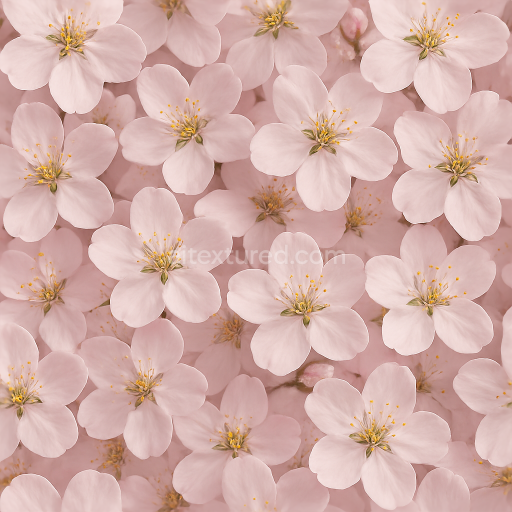
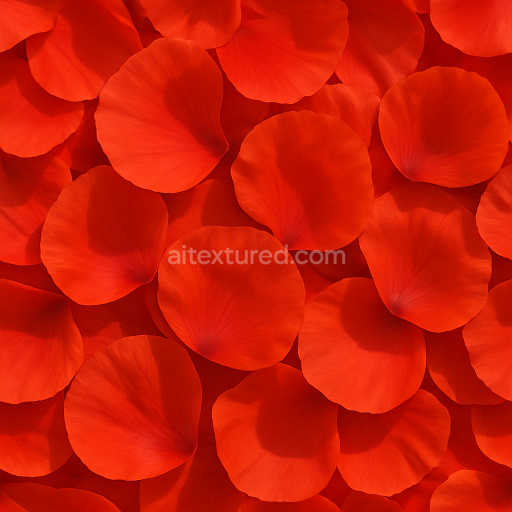
Cherry Blossom Flower Canopy Flower Petals Closeup Photorealistic
Seamless texture (tileable) · PNG, WEBP, PBR ZIP.
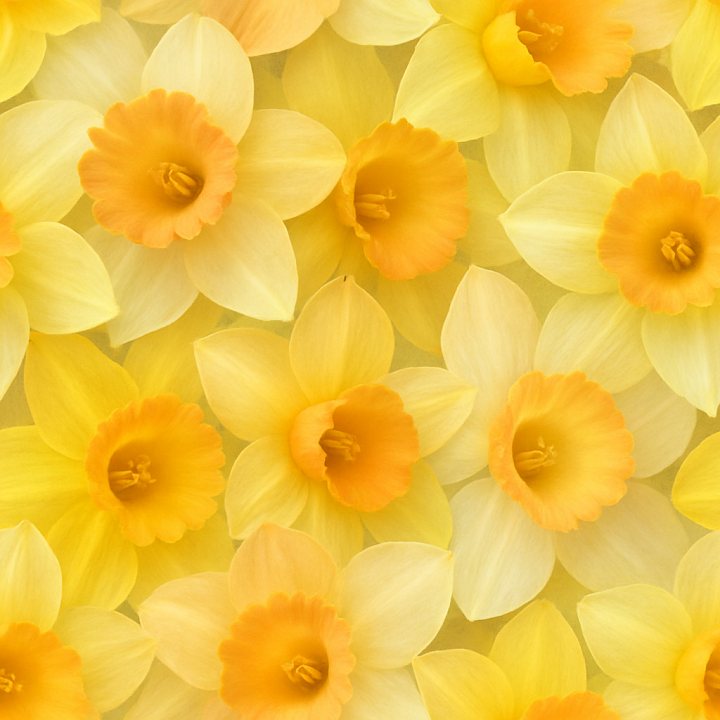
| ID | seamless-3d-texture-pbr-8k-of-bright-daffodil-trumpets-capturing-flower-softness-and-translucency |
|---|---|
| Category | Flowers |
| Formats | PNG, WEBP, PBR ZIP |
| Size | 1k (1024x1024px), 2k (2048x2048px), 4k (4096x4096px), 8k (8192x8192px) |
| Tileable | Yes |
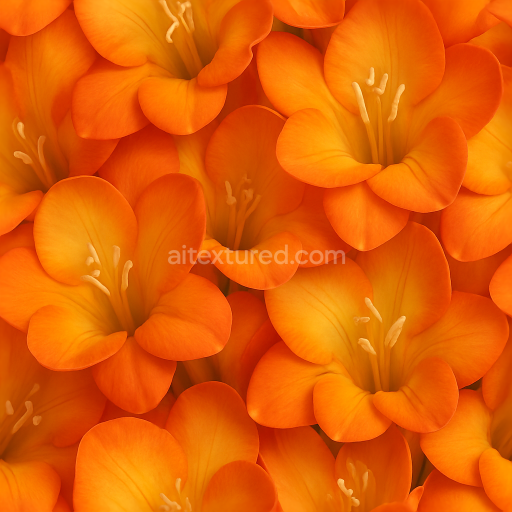
This seamless 3D texture presents the intricate geometry and material qualities of bright daffodil trumpets, rendered at an impressive 8K resolution to capture exceptional detail. The primary base material of the flower petals can be described as a delicate, semi-translucent organic substrate composed mainly of cellulose fibers intertwined with natural pectin binders. This fibrous network creates subtle variations in thickness and translucency across the trumpet’s surface, contributing to its characteristic softness and light diffusion. The texture’s form follows the gently curved, tubular shape of the daffodil trumpet, showcasing undulating petal edges and fine vein patterns that add dimensionality and realism to the flower’s surface structure.
The surface finish of the petals is naturally matte with a faint satin sheen caused by the smooth epidermal cell layer, which subtly reflects light without glossiness. Coloration is achieved through a combination of carotenoid pigments and flavonoid compounds, resulting in the bright yellows and soft orange gradients typical of daffodil trumpets. These pigments manifest as smooth color transitions and delicate striations visible in the BaseColor (Albedo) channel, while the Normal and Height maps emphasize the micro-relief of veins, petal folds, and surface undulations. The Roughness map reflects the soft, almost velvety texture of the petals, with values tuned to maintain a realistic scattering of light rather than sharp reflections. Metallic values remain at zero, consistent with the organic, non-metallic nature of the flower, while Ambient Occlusion enhances subtle shadowing within petal creases and overlaps, adding depth without overpowering the translucency.
Designed for physically based rendering workflows, this texture is optimized for seamless tiling, enabling large-scale floral arrangements or close-up botanical visualizations without visible repetition. Its high-resolution detail supports applications in Blender, Unreal Engine, and Unity, ensuring compatibility with a wide range of 3D projects requiring photorealistic plant surfaces. The absence of baked shadows or directional lighting in the texture ensures maximum versatility, allowing artists to integrate their own lighting setups for accurate subsurface scattering and translucency effects.
For practical use, it is recommended to carefully adjust the UV scale to preserve the delicate detail of the petal veins and gradients, especially in close-up renders. Additionally, fine-tuning the Roughness map can help balance softness and specular highlights to match different lighting environments. Combining the Height map with normal blending techniques can further enhance the perceived depth and curvature of the trumpet form, improving realism without excessive geometry. This texture offers a detailed, scientifically inspired representation of daffodil trumpets that supports nuanced material interpretation in advanced PBR pipelines.
Import the texture maps into Blender with sRGB color space for albedo/base color and Non-Color for normal, roughness, metallic, AO, height, and ORM maps. Connect normal maps through a Normal Map node, then adjust UV scale with a Mapping node so the material repeats naturally on your model.
For the full step-by-step setup, see How to Use Seamless Textures in Blender. Browse related material examples in wood, concrete, and metal.
Yes. This texture is designed as a seamless tileable PBR material, so it can repeat across large surfaces without visible borders.
Use the download controls on this page: they expose the available PNG, WEBP or engine ZIP choices and supported resolutions for this asset.
Use the engine ZIP choices to package compatible source maps for Blender, Unreal Engine or Unity, then verify the imported material in the target application.
Commercial-use permission is not verified for this record. Confirm the original source and license before production use.

Generate maps from existing images, preview materials, convert channels, and package compatible inputs for Blender, Unity, and Unreal Engine.
Choose a verified workflow for generating maps, previewing tiling, converting channels, or starting from the texture catalog.
Derive Normal, Roughness, AO, Metallic, Height and optional ORM maps from one or more source images, then review the results.
Instant WebGL viewer: inspect materials on a sphere, plane, and cube. Check tiling and lighting in real time.
Re-packages maps per engine: Unreal (BaseColor + ORM), Unity (Mask/MetallicSmoothness), Blender (separate channels).
PNG ↔ JPG ↔ SVG: fast convert, SVG rasterize, embed/trace options, quality & background controls.