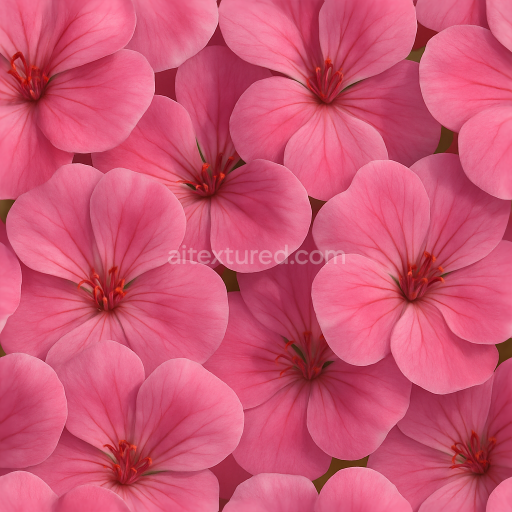
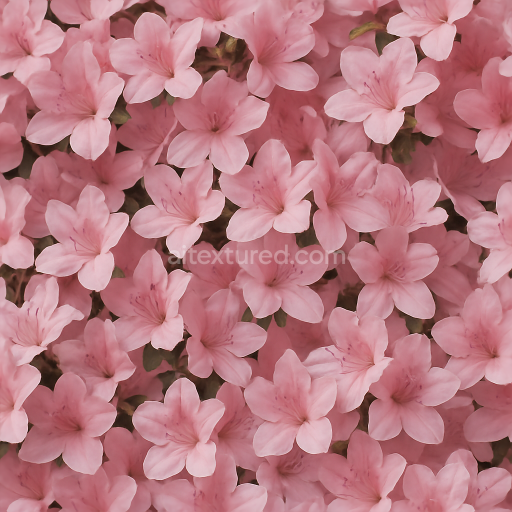
Geranium Flower Flower Petals Closeup Flower Garden Natural Lighting
Seamless texture (tileable) · PNG, WEBP, PBR ZIP.
| ID | seamless-3d-texture-pbr-8k-of-bright-marigold-heads-showing-natural-flower-texture-and-vibrant-color-variations |
|---|---|
| Category | Flowers |
| Formats | PNG, WEBP, PBR ZIP |
| Size | 1k (1024x1024px), 2k (2048x2048px), 4k (4096x4096px), 8k (8192x8192px) |
| Tileable | Yes |
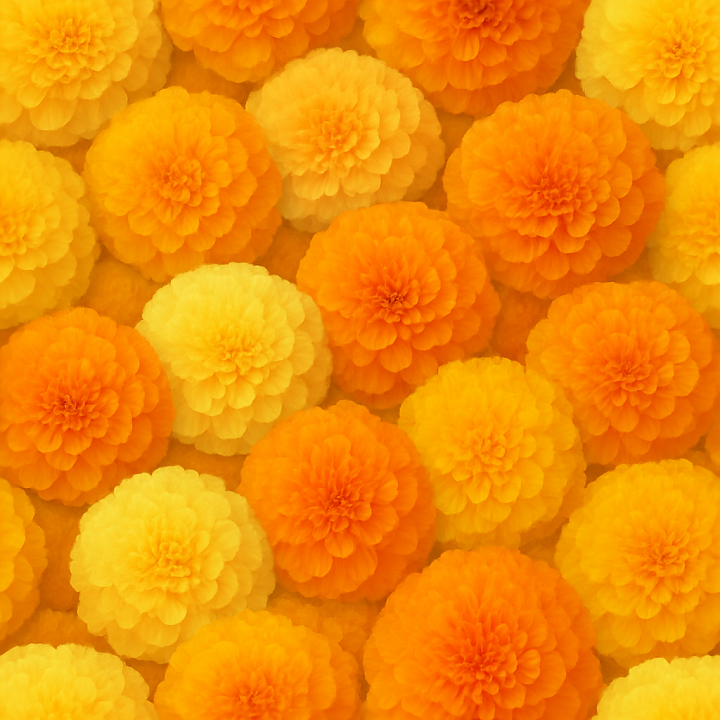
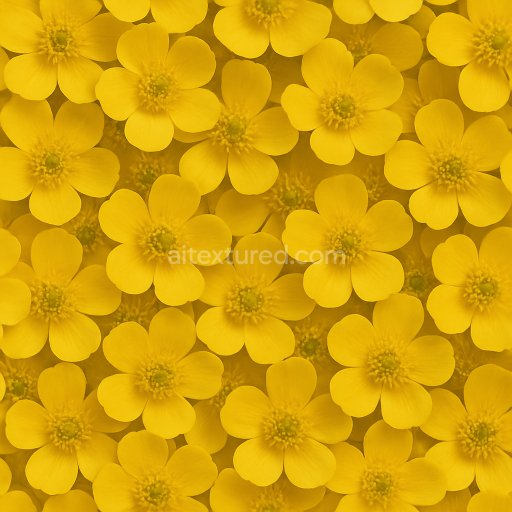
This seamless 3D texture at 8K resolution presents an intricate depiction of bright marigold heads, capturing the natural complexity of their flower texture and vibrant color variations. The material composition is inspired by the delicate petals forming each flower head, modeled as thin, overlapping laminar layers with subtle translucency and softness. The substrate resembles a fine cellular structure, akin to plant epidermal tissue, providing a slightly fibrous yet smooth base. Pigments within the petals range from deep golden yellows to rich oranges, blending seamlessly through gradients that reflect natural flower pigmentation. These color variations are faithfully represented in the BaseColor (Albedo) channel, incorporating subtle shifts and speckles that enhance realism.
The geometric form emphasizes the rounded, dome-like shape of marigold heads, composed of compact, repetitive petal units radiating from the center in a veined and slightly ruffled pattern. Surface details such as tiny veins, microfolds, and petal edges are captured through a high-precision Normal map, adding depth and tactile nuance. The Roughness map balances areas of soft matte finish with slight specular highlights where petals thin and catch light, enhancing the perceived softness and slight translucency of the flower surface. The Metallic channel remains near zero, consistent with organic floral materials that lack reflective metallic components. Ambient Occlusion subtly enhances shadowed crevices between petals, while Height and Displacement maps provide gentle relief for realistic surface undulations and petal layering effects.
The texture’s natural porosity is minimal; the petals exhibit a gently diffused translucency without pronounced weathering or damage, reflecting fresh, well-preserved flower heads. The surface finish can be described as a soft, semi-matte epidermis with delicate light diffusion, avoiding harsh glossiness to maintain organic authenticity. This texture is optimized for use in Blender, Unreal Engine, and Unity, allowing for detailed close-up renders as well as seamless tiling across larger floral environments. The neutral lighting setup used during capture avoids baked shadows or highlights, ensuring maximum flexibility when integrating into diverse lighting conditions.
For practical application, it is recommended to carefully adjust the UV scale to maintain the natural size of marigold heads in your scene, preventing distortion of petal details. Additionally, fine-tuning the Roughness channel can help simulate varying moisture levels on petals, from fresh dew to slightly dried surfaces. Blending Height and Normal maps can further enhance the perception of petal layering, especially when used with parallax or displacement shaders, adding convincing depth in both real-time and offline renders.
Import the texture maps into Blender with sRGB color space for albedo/base color and Non-Color for normal, roughness, metallic, AO, height, and ORM maps. Connect normal maps through a Normal Map node, then adjust UV scale with a Mapping node so the material repeats naturally on your model.
For the full step-by-step setup, see How to Use Seamless Textures in Blender. Browse related material examples in wood, concrete, and metal.
Yes. This texture is designed as a seamless tileable PBR material, so it can repeat across large surfaces without visible borders.
Use the download controls on this page: they expose the available PNG, WEBP or engine ZIP choices and supported resolutions for this asset.
Use the engine ZIP choices to package compatible source maps for Blender, Unreal Engine or Unity, then verify the imported material in the target application.
Commercial-use permission is not verified for this record. Confirm the original source and license before production use.
Generate maps from existing images, preview materials, convert channels, and package compatible inputs for Blender, Unity, and Unreal Engine.
Choose a verified workflow for generating maps, previewing tiling, converting channels, or starting from the texture catalog.
Derive Normal, Roughness, AO, Metallic, Height and optional ORM maps from one or more source images, then review the results.
Instant WebGL viewer: inspect materials on a sphere, plane, and cube. Check tiling and lighting in real time.
Re-packages maps per engine: Unreal (BaseColor + ORM), Unity (Mask/MetallicSmoothness), Blender (separate channels).
PNG ↔ JPG ↔ SVG: fast convert, SVG rasterize, embed/trace options, quality & background controls.