New PNG Assets Section on AITEXTURED – Free Decals, Cutouts & Overlays for 3D Artists
1) What Are PNG Assets?
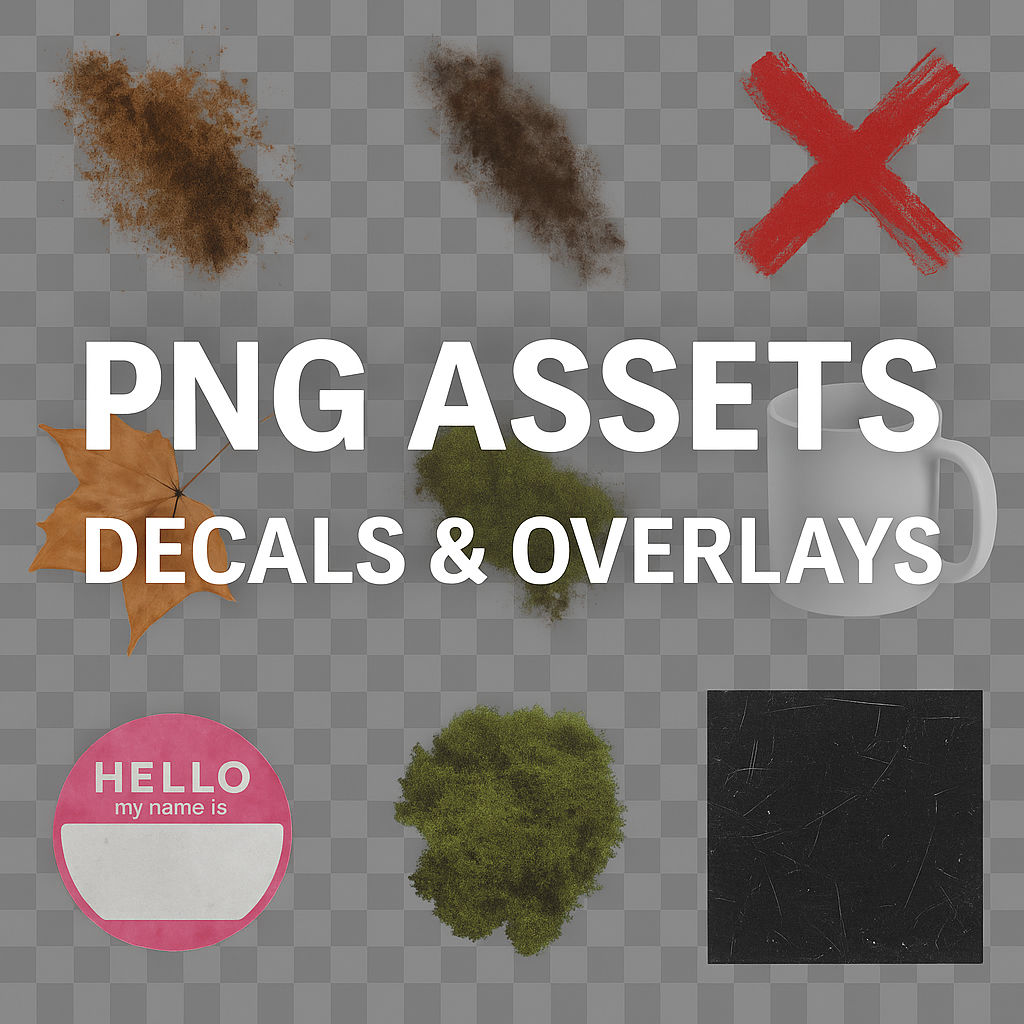
While seamless PBR textures are ideal for surfaces, PNG assets serve a different but equally essential purpose: they add detail, realism, and storytelling to 3D scenes. These are individual transparent-layer elements such as cracks, stains, rust marks, stickers, decals, or natural cutouts that can be placed on top of surfaces to add character or imperfections.
All PNG assets in this section are saved with full alpha transparency (RGBA format), allowing artists to place them seamlessly over other materials. Unlike tiled textures, PNG assets are designed as overlays — not repeating surfaces — making them perfect for specific areas that need visual variety or unique touches.
Examples of PNG Asset Types:
- Decals: Grunge spots, paint drips, bullet holes, graffiti, dirt splashes, and water stains.
- Cutouts: Isolated plants, leaves, branches, stones, and environmental elements for renders and post-processing.
- Overlays: Scratches, dust, fingerprints, wrinkles, plastic folds, and abstract masks.
- Graphic inserts: Warning symbols, signage, text stencils, industrial labels, and design stickers.
These assets help bridge the gap between procedural materials and artistic design — the little imperfections that make digital environments feel truly real.
2) Why We Created the PNG Assets Section
Our users often asked: “I already have seamless materials, but how can I make them more interesting, aged, or unique?” That question inspired the new PNG Assets section. The goal was to create a library of ready-to-use high-resolution transparent PNG files that complement any texture or render pipeline.
While our PBR Texture Generator focuses on procedural surfaces and materials, PNG assets emphasize visual storytelling — the small, irregular, and expressive elements that make your textures come alive.
Whether you’re designing architectural renders, stylized game scenes, or cinematic environments, these assets provide instant realism without needing complex material blending or additional shader work.
3) Structure of the New PNG Assets Library
The new section is organized into categories that mirror real-world visual effects and design needs. Each category contains dozens (and soon hundreds) of PNGs in transparent format, optimized for web use but downloadable in full resolution.
Core Categories:
- Grunge & Stains: Dirt, rust, oil leaks, cracked paint, and dust overlays for worn materials.
- Cutouts & Objects: Everyday elements like tools, furniture parts, rocks, leaves, and street props — perfect for design mockups or compositing.
- Nature Decals: Moss patches, grass tufts, snow spots, puddles, and natural weathering effects.
- Industrial Labels: Stickers, warning signs, barcode decals, and painted text for machinery and vehicles.
- Surface Overlays: Subtle imperfections like fingerprints, scratches, wrinkles, and plastic reflections for fine-tuning realism.
Every PNG asset is manually curated, with naming conventions optimized for search (e.g., “grunge-stain-dark-metallic.png”), and includes both visual previews and full metadata (keywords, category, resolution, and color profile).
4) Technical Specifications
- Format: PNG (RGBA, 8-bit, transparent background)
- Resolution: 1024×1024 (base), 2048×2048 and 4096×4096 (for high-detail assets)
- Color Profile: sRGB, optimized for linear rendering workflows
- Alpha Channel: True transparency (no white matte edges)
- File Size: 200 KB – 6 MB depending on complexity
- Licensing: Free for commercial and personal use (credit appreciated)
Each file is optimized for fast previewing, with embedded metadata so you can organize assets easily within your DCC (Digital Content Creation) software such as Blender, Unreal Engine, Unity, Substance Painter, or Photoshop.
5) How to Use PNG Assets in Your Workflow
These transparent assets can be used in countless ways — from quick post-processing overlays to texture layer masks and material decals. Below are practical examples for different environments:
In Blender:
- Import your main PBR material (Albedo, Normal, Roughness, AO).
- Add an Image Texture node and load a PNG asset (e.g., “crack-overlay.png”).
- Use the PNG’s Alpha output as a mix factor to blend the decal with your base texture.
- Adjust scale, rotation, and placement to integrate it naturally.
In Unreal Engine:
- Import the PNG as a texture with alpha transparency enabled.
- Create a Decal Material using the PNG as the base color and opacity mask.
- Apply it to any surface — wall, metal plate, or vehicle — to add unique detail.
In Unity:
- Drag the PNG into your project’s Assets folder.
- Create a new Decal Shader or layer blend and assign the PNG as overlay.
- Adjust opacity or blending mode for subtle realism.
In Photoshop or Substance Painter:
- Drag and drop the PNG directly onto your texture map.
- Use its alpha channel for masking or direct compositing.
- Combine multiple overlays for complex surface variation.
These workflows allow designers to add fine surface details in seconds — without manually painting imperfections or setting up complex node networks.
6) Integration with PBR Textures
The true power of the PNG Assets section lies in its integration with AITEXTURED’s existing PBR texture library. For instance, if you’re working on a seamless metal texture, you can instantly enhance it by applying decals from the “Grunge & Stains” category or industrial stickers from “Labels & Markings.”
Some creative examples include:
- Adding a rust stain decal to a metal surface to create an aged industrial look.
- Applying dust overlays to wood textures for a weathered cabin or attic effect.
- Combining graffiti cutouts with brick walls to simulate urban street environments.
- Placing moss PNG patches over stone textures for realistic forest or ruin scenes.
By layering these assets over existing materials, artists can create endless variations and achieve realism that standard seamless maps alone cannot deliver.
7) Future Development and AI Expansion
The PNG Assets library is only the beginning. We plan to expand it to include:
- AI-generated smart decals — context-aware PNGs that adapt to surface lighting and curvature.
- Procedural overlays generated automatically from user-uploaded photos.
- Multi-layer decal packs for specific themes (e.g., “Urban Decay,” “Industrial Factory,” “Natural Erosion”).
- Automatic export integration with AITEXTURED Tools and PBR Generator.
We also plan to introduce an AI Decal Generator where users can type prompts like “rusty oil stains on concrete” or “grunge graffiti sticker,” and receive high-resolution transparent PNG overlays instantly.
8) SEO and Discoverability
Each PNG asset includes metadata with tags, categories, and resolution details to make discovery easier. These elements are structured to be fully indexable by search engines — allowing users to find resources like “transparent rust stain PNG” or “grunge decal overlay” directly via Google Images or AITEXTURED search.
Our filtering system (similar to the PBR texture filters) will soon be available for PNG assets as well, letting users refine results by category, tone, and visual complexity.
9) Conclusion
The launch of the PNG Assets section marks a new milestone for AITEXTURED. We are not just providing textures — we’re giving artists the freedom to create, modify, and customize their materials at every level. With transparent decals, cutouts, and overlays, you can now add small yet powerful details that make your work stand out.
From subtle dust effects and aged imperfections to bold graffiti and natural overlays, the PNG library opens endless creative possibilities. Combined with our seamless textures and 3D tools, it forms a complete workflow ecosystem for 3D design, texturing, and rendering.
Explore the new collection today and bring your materials to life with realistic, high-resolution PNG assets — all available for free on AITEXTURED.
FAQ
What is covered in this guide?
This guide explains New PNG Assets Section on AITEXTURED – Free Decals, Cutouts & Overlays for 3D Artists with practical notes for seamless PBR materials, texture setup, and production use.
Can I use these texture techniques in Blender, Unreal Engine, and Unity?
Yes. The workflow focuses on standard PBR maps and tileable materials that can be used in Blender, Unreal Engine, Unity, archviz, games, and VFX pipelines.
Where can I find textures for this workflow?
Use the AITextured texture library and the related texture links on this page to find seamless PBR materials and preview them before download.
Related Textures
 Seamless Concrete Pebble PBR Texture in 4K Resolution
 Seamless PBR Concrete Rubble Texture with Debris and Fragments
 Seamless Hexagonal Concrete Tile PBR Texture 4K
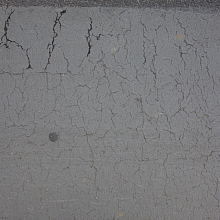 Cracked Asphalt Texture with Weathering
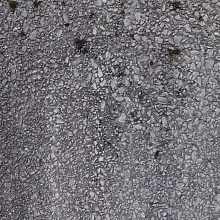 Detailed Asphalt Texture with Embedded Gravel Surface for PBR
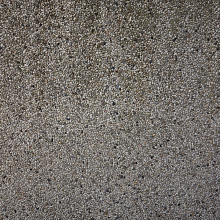 Seamless 4K PBR Pebble Ground Texture with Small Stones
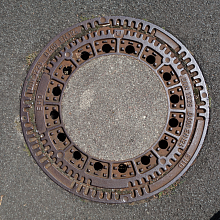 Rusty Cast Iron Manhole Cover Texture for PBR