New Texture Filters on AITEXTURED – Find the Perfect Seamless PBR Texture Faster
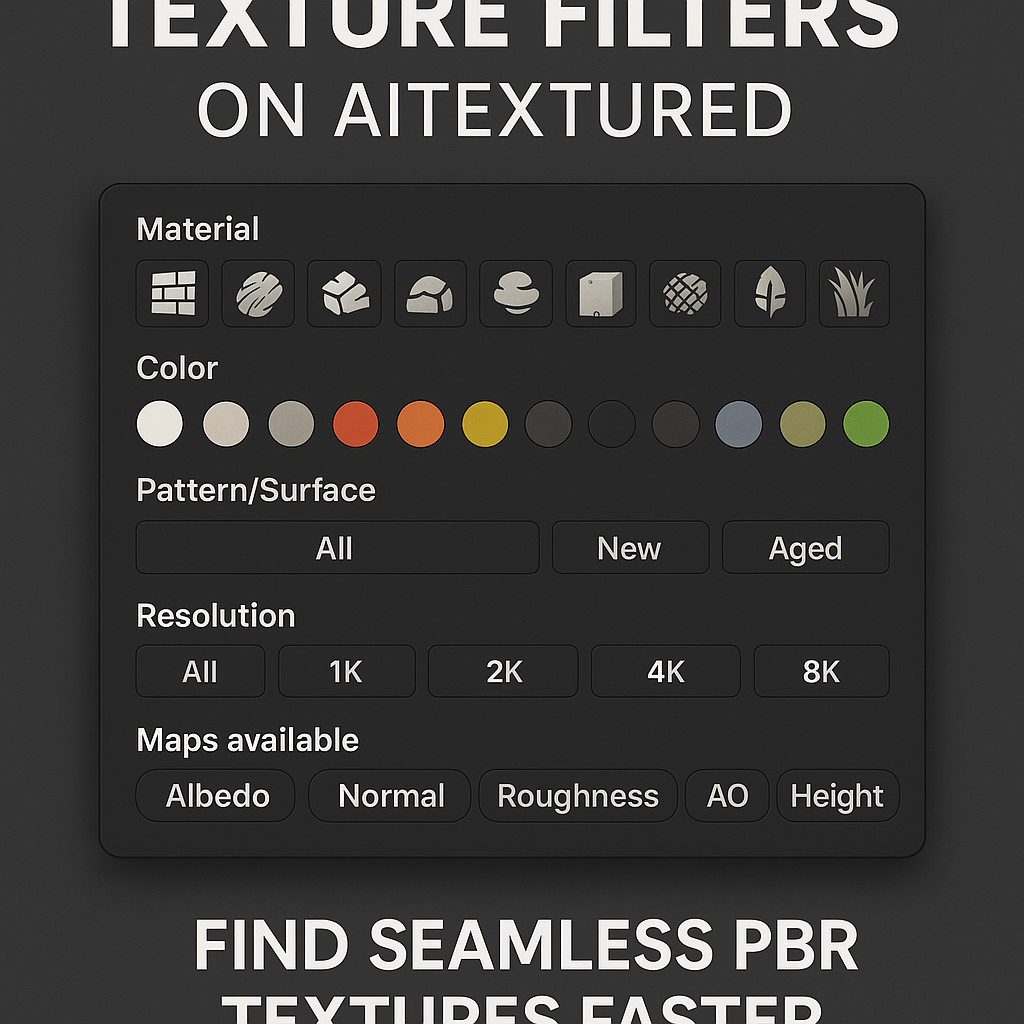
As our database expanded to thousands of materials, finding the right texture became increasingly challenging. We host categories ranging from brick, wood, and metal to moss, water, and snow & ice — each containing hundreds of unique textures in multiple resolutions (1K, 2K, 4K, 8K) and PBR maps.
Before filters were implemented, users had to scroll through entire pages of results to find materials matching their project’s needs. We realized that professionals — especially those working on architectural visualization, game environments, and product design — needed a more efficient way to pinpoint textures based on color, material type, surface pattern, and finish. That’s where our new filtering system comes in.
Each texture category page, such as Brick or Fabric, now includes a flexible filtering panel that allows users to combine multiple properties and instantly refine the results. The filters are dynamic, meaning the page updates immediately when you select or remove criteria, making browsing smooth and intuitive.
These filters can be combined freely — for example, you can display “brown worn wood” textures or “ornate rusty metal” surfaces in seconds.
Imagine you’re designing a medieval-style tavern for a video game. You’ll likely need aged brick walls, wooden planks, and worn metal fixtures. With the new filters, you can narrow your search as follows:
Once you find a suitable texture, you can view it in 3D using the “3D View” button directly on the texture page. This lets you rotate and zoom the material in real time, checking its seamlessness and surface realism before downloading it in your preferred resolution or format (PNG, WebP, or full PBR ZIP).
In professional workflows, time is as valuable as quality. A single 3D project can require hundreds of textures — each one affecting lighting, realism, and performance. Without filters, artists often waste hours browsing, testing, and re-importing textures that don’t quite fit their vision. With AITEXTURED’s filters, that process is now instantaneous.
By introducing this system, we’re aligning our texture library with the standards used in professional asset stores and production pipelines. It’s not just a design improvement — it’s a major upgrade for productivity, creativity, and user experience.
Our filtering engine is powered by a high-performance indexing system built on the Bitrix framework. Each texture in our database includes several metadata fields that describe its properties — such as material type, dominant color, pattern, condition, and map set. These fields are indexed and linked to dynamic filter URLs.
For example:
Google and other search engines can index these combinations, allowing thousands of highly specific pages (like “gray woven fabric texture” or “ornate rusty metal texture”) to appear in search results — dramatically improving discoverability for users and SEO visibility for the site.
The new filtering system does more than just improve usability. It also strengthens the site’s search engine optimization (SEO) architecture. Each filtered page includes unique titles, descriptions, and structured data, ensuring Google understands its context.
For example, a filtered URL such as:
https://aitextured.com/textures/wood/filter/tex_color-is-brown-or-dark/tex_condition-is-worn/apply/
automatically generates metadata like:
This means our filtering system not only enhances user navigation but also enables tens of thousands of new, indexable texture pages, boosting the reach of AITEXTURED globally.
Quickly find “wet asphalt,” “old brick,” or “rusty iron” materials that fit your level design. The filters help developers maintain visual consistency between assets and environments.
Architectural designers often need specific finishes — polished marble, matte concrete, or light oak wood. The filters allow you to specify tone, reflectivity, and texture condition, producing accurate materials for renderings.
Film and motion designers can use filters to find high-detail organic or industrial surfaces for compositing. Since all textures are seamless, they can be tiled infinitely in compositing software or 3D scenes.
The filters help new 3D artists understand how textures differ and what makes a surface realistic. By exploring patterns and materials interactively, students can learn the fundamentals of PBR workflows visually.
We are currently expanding the filtering engine even further. Upcoming features include:
With the introduction of our advanced texture filtering system, AITEXTURED has taken another major step toward becoming the ultimate platform for 3D artists and digital creators. The filters make browsing effortless, inspire new creative directions, and give professionals the precision they need to find the perfect materials for their projects.
Whether you’re designing photorealistic interiors, game environments, or cinematic visual effects, our filters — combined with the AITEXTURED Tools suite — make texture discovery, generation, and conversion faster and more intuitive than ever.
Explore the new filters today and experience a smarter way to create in 3D:
1) Why We Created Texture Filters
2) How Texture Filters Work
Available Filters
3) Example: Finding the Right Texture for Your Project
4) Why Filtering Matters in 3D Design
Key Benefits
5) Technical Implementation
/textures/metal/filter/tex_pattern-is-detailed/tex_condition-is-rusty/apply//textures/fabric/filter/tex_color-is-gray-or-beige/tex_pattern-is-woven/apply/
6) Advanced SEO Benefits
<title>Brown Worn Wood Textures – Free Seamless PBR Downloads | AITEXTURED</title>
<meta name="description" content="Download free seamless brown worn wood textures in 1K–8K resolutions. Includes Albedo, Normal, Roughness, AO, and Height maps, ready for Blender, Unity, and Unreal Engine." />
7) Real-World Use Cases
Game Developers
Architects and 3D Visualizers
VFX Artists
Students and Beginners
8) Future Plans
9) Conclusion
FAQ
What is covered in this guide?
This guide explains New Texture Filters on AITEXTURED – Find the Perfect Seamless PBR Texture Faster with practical notes for seamless PBR materials, texture setup, and production use.
Can I use these texture techniques in Blender, Unreal Engine, and Unity?
Yes. The workflow focuses on standard PBR maps and tileable materials that can be used in Blender, Unreal Engine, Unity, archviz, games, and VFX pipelines.
Where can I find textures for this workflow?
Use the AITextured texture library and the related texture links on this page to find seamless PBR materials and preview them before download.
Related Textures
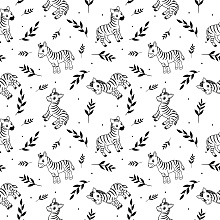 Seamless 3D Pattern PBR Texture Featuring Playful Zebra Motifs with Foliage
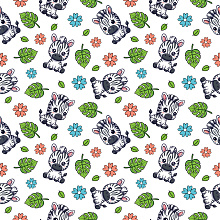 Seamless 3D Pattern PBR Texture with Cute Cartoon Zebra and Colorful Floral Motifs
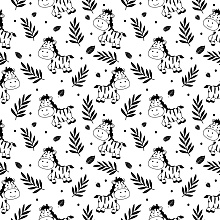 Seamless 3D Pattern PBR Texture Featuring Cute Zebra Motifs and Tropical Leaves
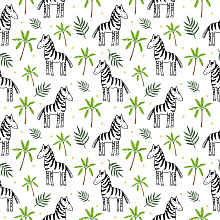 Seamless 3D Pattern PBR Texture Featuring Hand-Drawn Zebras & Tropical Leaves
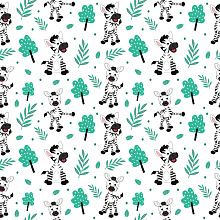 Seamless 3D Pattern PBR Texture with Playful Cartoon Zebra and Green Foliage
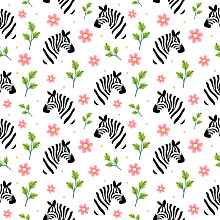 Seamless 3D Pattern PBR Texture with Playful Zebra Heads and Floral Motifs
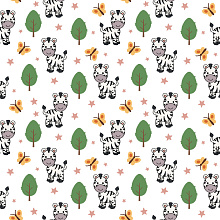 Seamless 3D Pattern PBR Texture with Playful Zebra Cartoon Motifs and Whimsical Nature Elements
 Seamless 3D Wildflower Pattern PBR Texture with Delicate Watercolor Floral Motifs