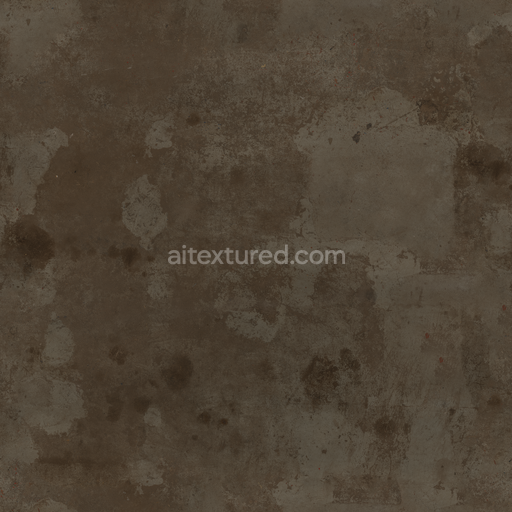
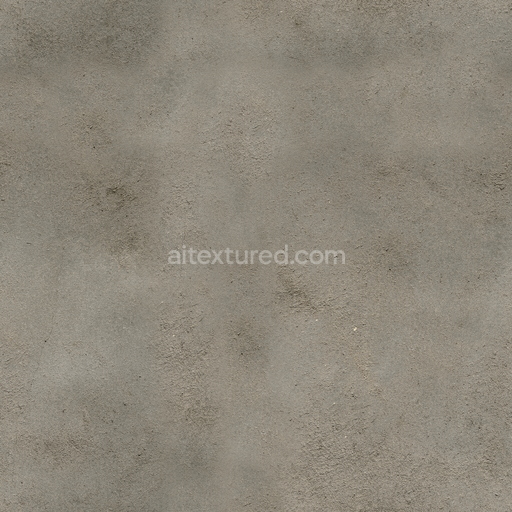
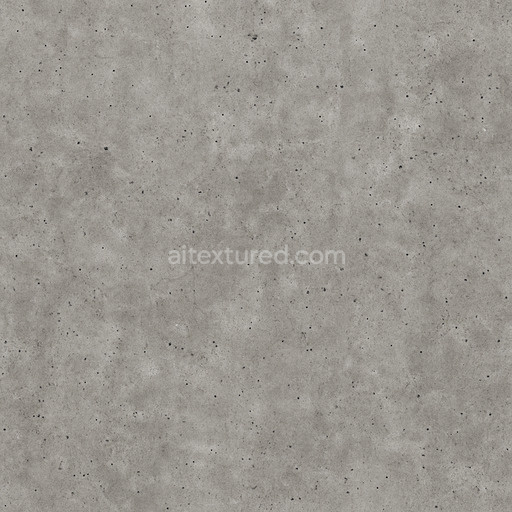
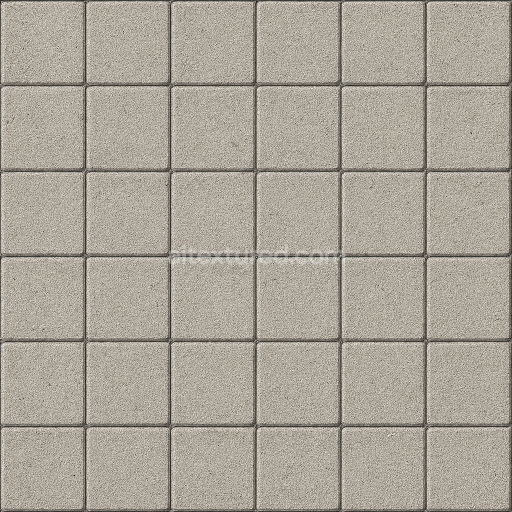
Concrete Floor - Damaged Dry Concrete Timeworn Floor Cement
Seamless texture (tileable) · PNG, WEBP, PBR ZIP. License: AITextured Free Commercial License (FCL) v1.1. Free personal and commercial use. Raw resale, standalone redistribution, mirroring/scraping, competing asset packs, and AI/ML training are not allowed without written permission. Attribution is not required, but appreciated..
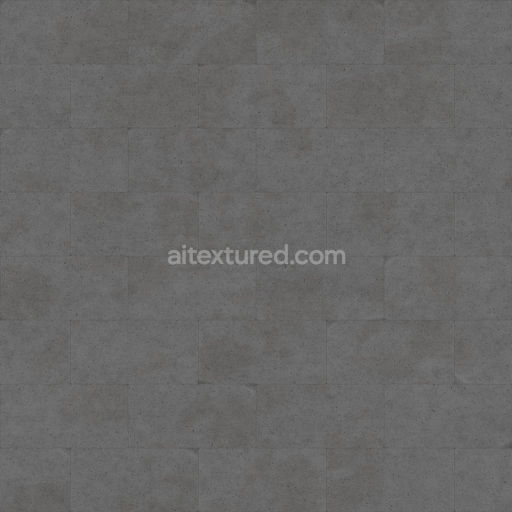
| ID | archviz-blocks-cement-cinder-concrete-substance-designer |
|---|---|
| Category | Concrete |
| Formats | PNG, WEBP, PBR ZIP |
| Size | 1k (1024x1024px), 2k (2048x2048px), 4k (4096x4096px), 8k (8192x8192px) |
| Color | sRGB |
| Tileable | Yes |
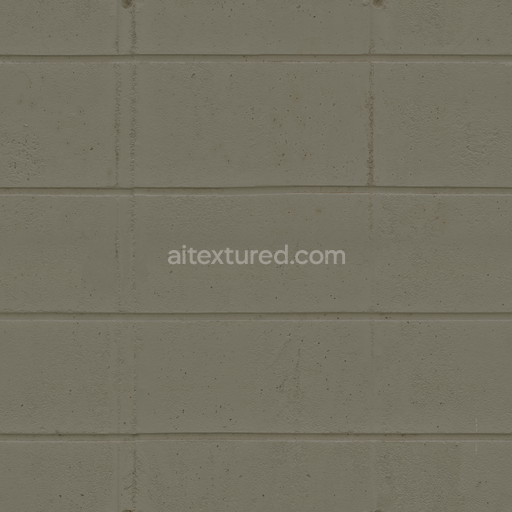
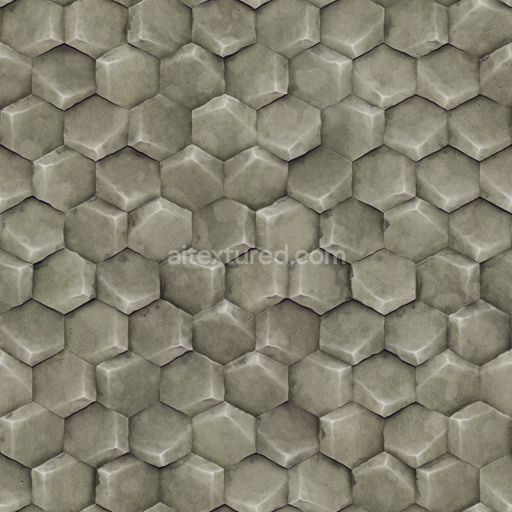
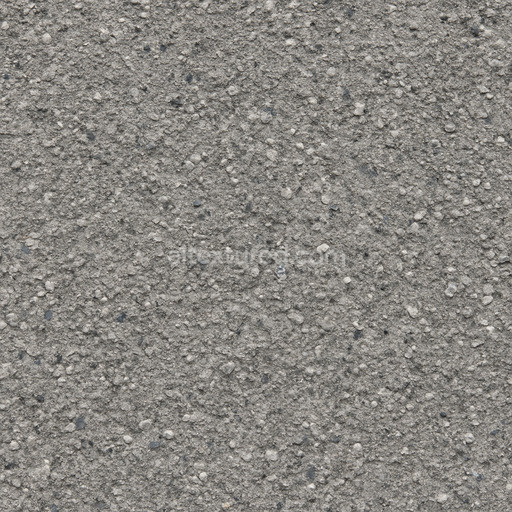
This seamless PBR texture represents a meticulously engineered cement cinder concrete wall surface ideal for high-quality archviz and real-time rendering workflows. The material simulates a composite substrate composed primarily of finely ground mineral aggregates—mainly siliceous and calcareous particles—bound together by authentic cementitious adhesives that replicate natural hydration and curing processes. The texture captures the typical porosity and subtle weathering effects developed over time on concrete blocks featuring a matte finish with slight roughness due to exposed aggregate grains. Natural oxide pigments impart a consistent gray tone enriched by delicate color variations and mottling reflecting mineral impurities and environmental influences. The orientation of the cinder block grains and their micro-roughness are carefully detailed enhancing realistic light scattering shadowing and tactile surface interaction to elevate visual fidelity across offline and real-time engines such as Blender Unreal Engine and Unity.
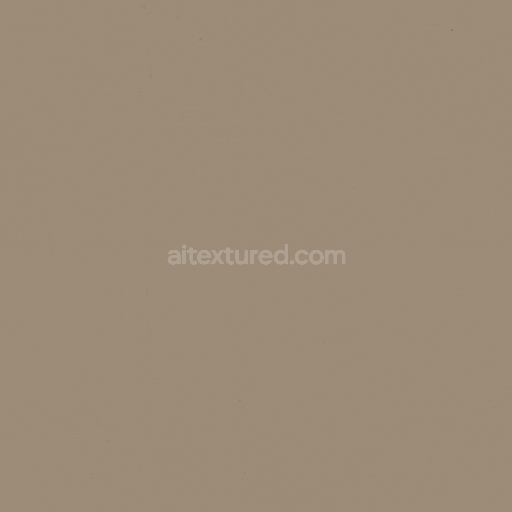
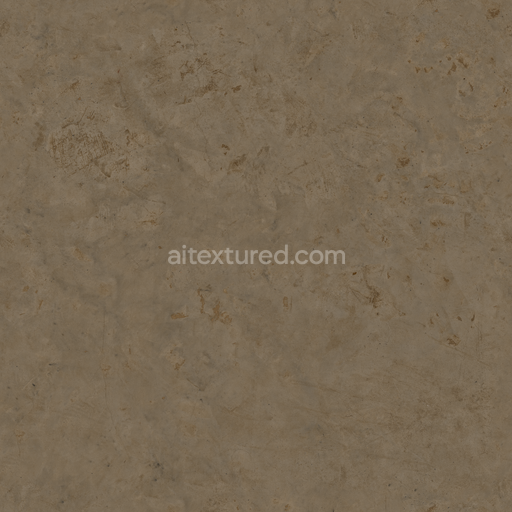
Crafted in Substance Designer this texture includes a full set of PBR channels that faithfully reproduce the physical and optical properties of cement cinder concrete walls. The BaseColor (Albedo) map displays a natural cement gray base tone with nuanced pigment shifts and subtle surface discolorations while the Normal map emphasizes block edges and surface relief highlighting the coarse texture of aggregate particles. The Roughness map conveys the inherently non-metallic mildly coarse finish typical of concrete with the Metallic map remaining near zero to reflect the mineral composition. Ambient Occlusion enhances depth by accentuating contact shadows between blocks and fine surface imperfections. The Height (Displacement) map provides precise detail for parallax or tessellation effects adding convincing surface irregularities and block contours especially visible at close range. With resolutions up to 8K the texture ensures sharp detail and seamless tiling making it suitable for large architectural walls and detailed visualization projects in professional archviz and game engines.
For seamless integration into your architectural visualization scenes it is recommended to carefully adjust the UV scale to maintain the natural grain size relative to your model’s dimensions avoiding any unnatural repetition. Fine-tuning the Roughness map can balance surface reflectivity under various lighting conditions preserving realism without overpowering the overall look. Additionally leveraging the Height map for subtle parallax displacement adds a realistic sense of depth to block edges and surface nuances enhancing the tactile quality of otherwise flat geometry. This texture is calibrated with precise color space and gamma settings to ensure consistent color response and compatibility across diverse rendering pipelines supporting smooth workflows in Blender Unreal Engine and Unity.
Designed and optimized for professional architectural visualization this archviz blocks cement cinder concrete texture offers a versatile and reliable solution for realistic wall surfaces. Its authentic material composition and detailed PBR maps make it an excellent choice for projects requiring natural appearance and high fidelity including game environments and real-time rendering workflows. The included base layer preview supports rapid look development enabling efficient design progression from initial concept to final output with confidence and accuracy.
Import the texture maps into Blender with sRGB color space for albedo/base color and Non-Color for normal, roughness, metallic, AO, height, and ORM maps. Connect normal maps through a Normal Map node, then adjust UV scale with a Mapping node so the material repeats naturally on your model.
For the full step-by-step setup, see How to Use Seamless Textures in Blender. Browse related material examples in wood, concrete, and metal.
Yes. This texture is designed as a seamless tileable PBR material, so it can repeat across large surfaces without visible borders.
You can download PNG/WEBP versions and use 1K, 2K, 4K and 8K download options when available on the page.
Yes. The download options and engine-mapped ZIP workflow are designed for Blender, Unreal Engine, Unity Standard, URP and HDRP material pipelines.
Yes. The texture is available under the AITextured free commercial license. Review the license page for redistribution and AI-training restrictions.
Build, preview, and export seamless PBR materials. Generate full map sets from a single image, inspect them in a real-time WebGL viewer, and re-package maps for Unreal, Unity, and Blender—directly in your browser.
AI text-to-texture: type a prompt and get a seamless, tileable base image ready for PBR workflows (great starting point for materials).
Create a full PBR set (Normal, Roughness, AO, Metallic, etc.) from a single image. Seamless and tiling-friendly.
Instant WebGL viewer: inspect materials on a sphere, plane, and cube. Check tiling and lighting in real time.
Re-packages maps per engine: Unreal (BaseColor + ORM), Unity (Mask/MetallicSmoothness), Blender (separate channels).
PNG ↔ JPG ↔ SVG: fast convert, SVG rasterize, embed/trace options, quality & background controls.