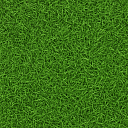
Lawn
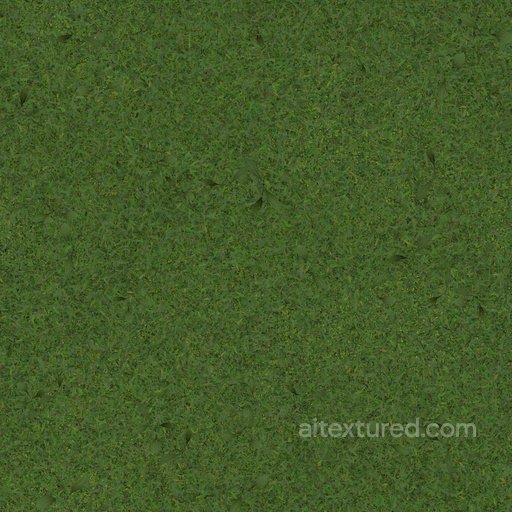
A green lawn surface for gardens and maintained ground.
Source: 1024 × 1024 px. Source image only; no separate PBR maps listed.
Compare lawn, meadow and grass ground textures. Preview examples, check original image sizes and map files, then download or create derived PBR maps.
Compare lawn, meadow and mixed ground at your scene scale. These images add surface detail; they do not create individual grass blades or geometry.
A green lawn surface for gardens and maintained ground.
Source: 1024 × 1024 px. Source image only; no separate PBR maps listed.
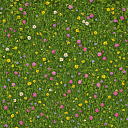
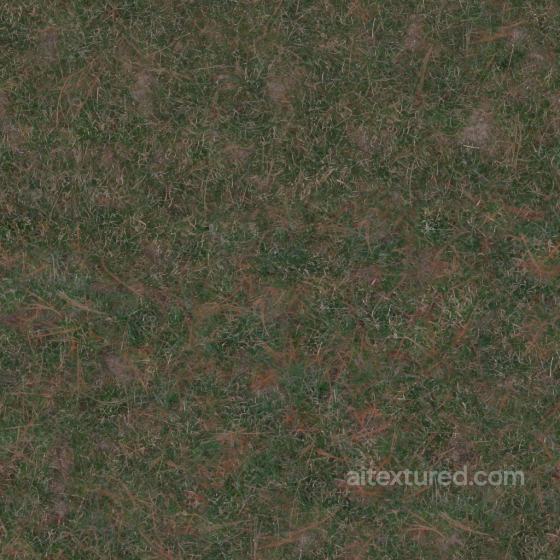
Meadow detail for open landscape surfaces.
Source: 1024 × 1024 px. Source image only; no separate PBR maps listed.
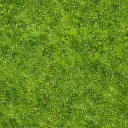
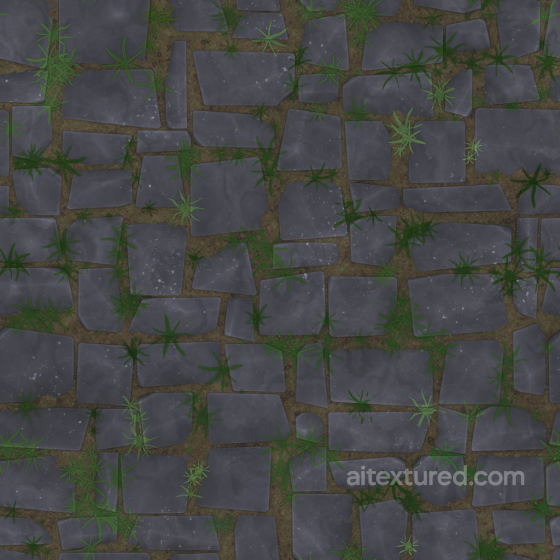
Grass with small flowers and leaves for varied ground.
Source: 1024 × 1024 px. Source image only; no separate PBR maps listed.
Review the asset license and full file list before use. Generated maps are derived estimates; export sizes up to 8K do not add captured source detail.
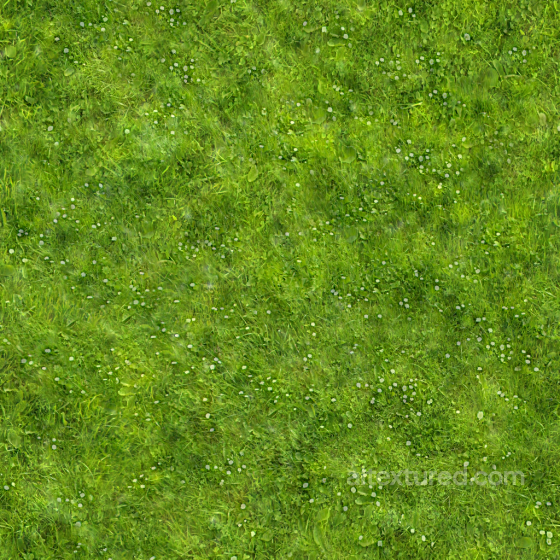
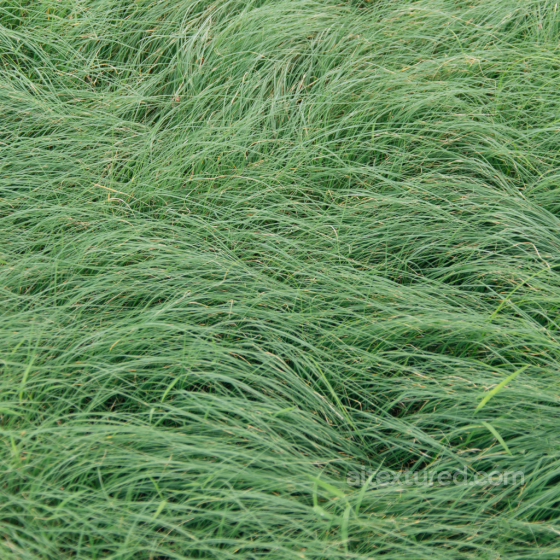
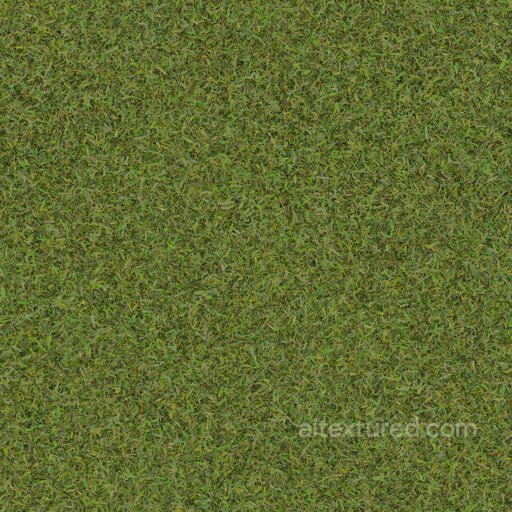
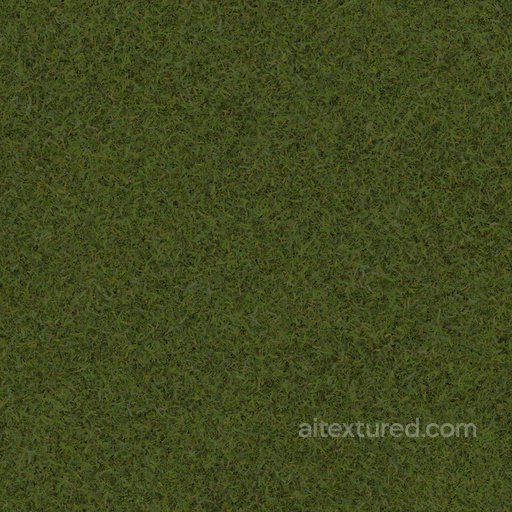
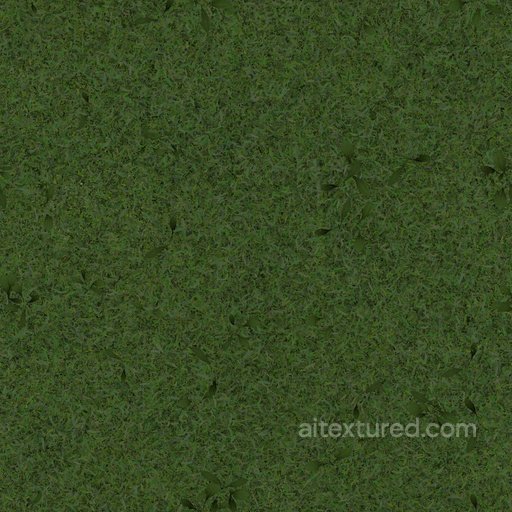
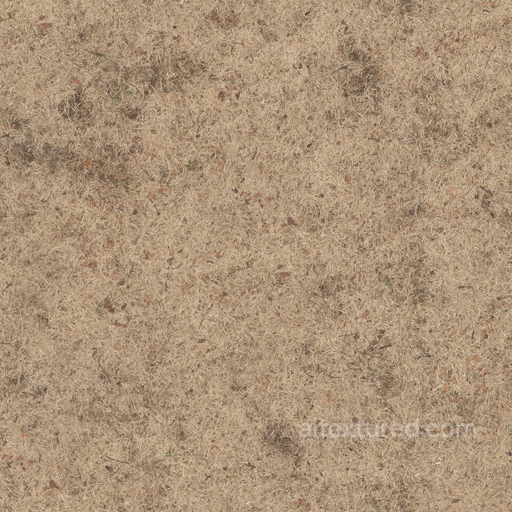
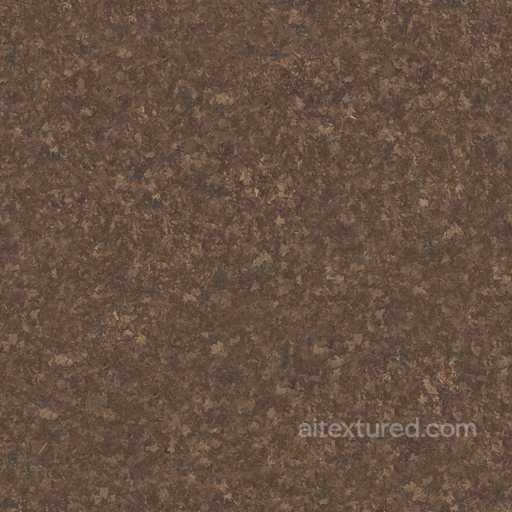
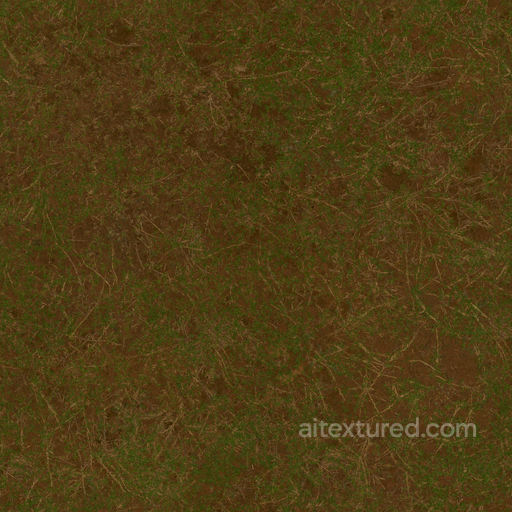
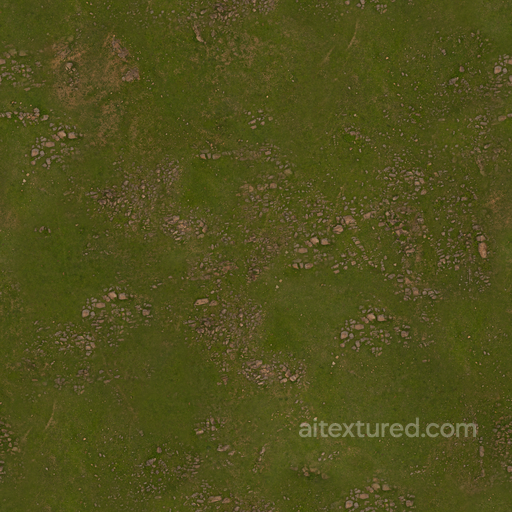
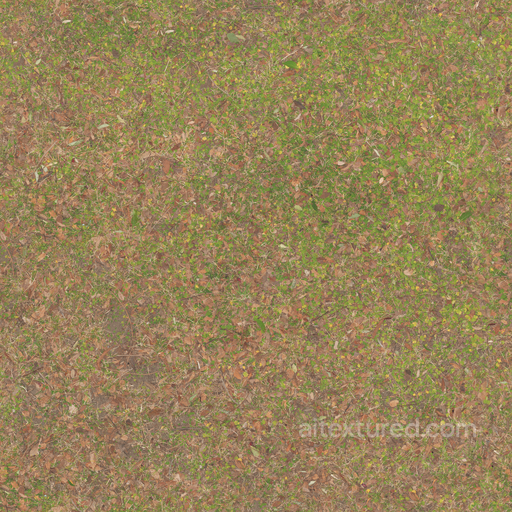
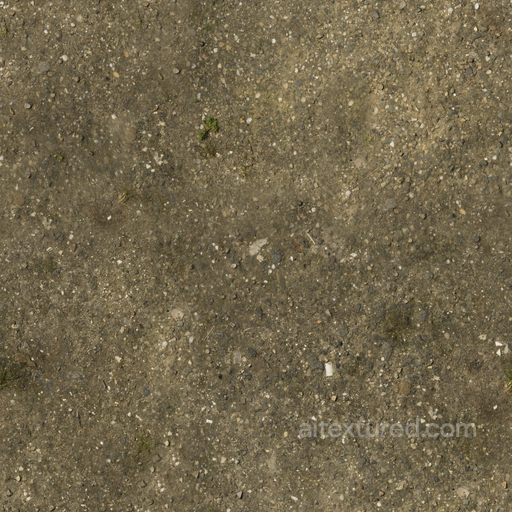
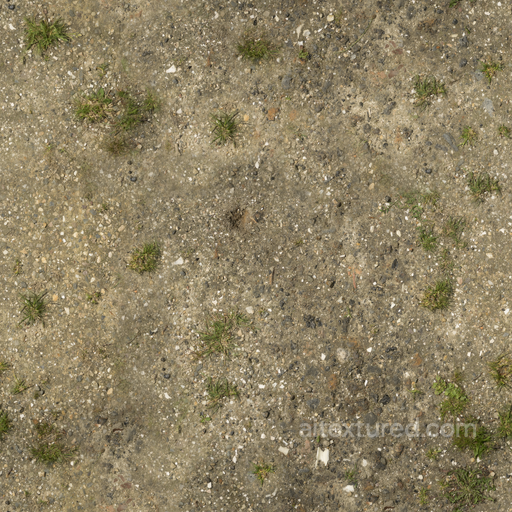
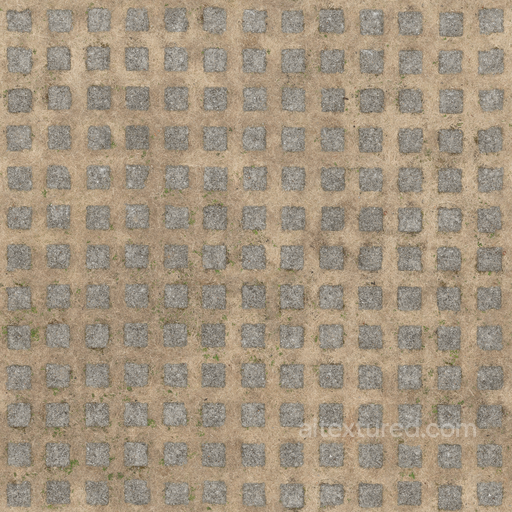
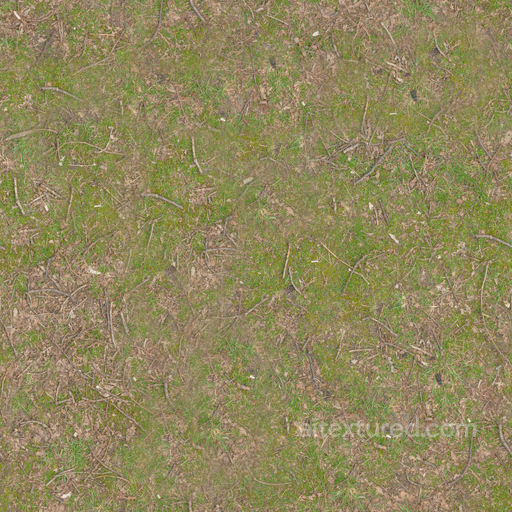
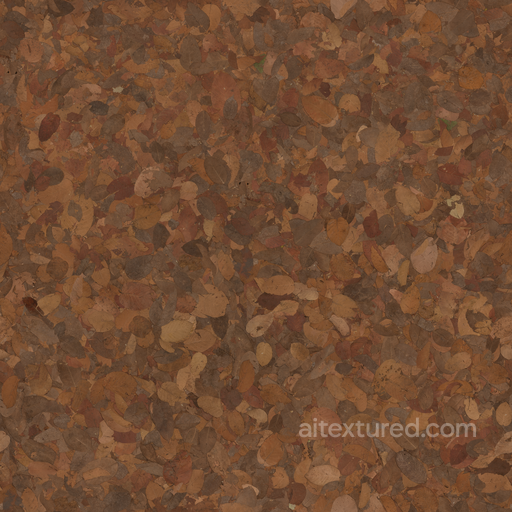
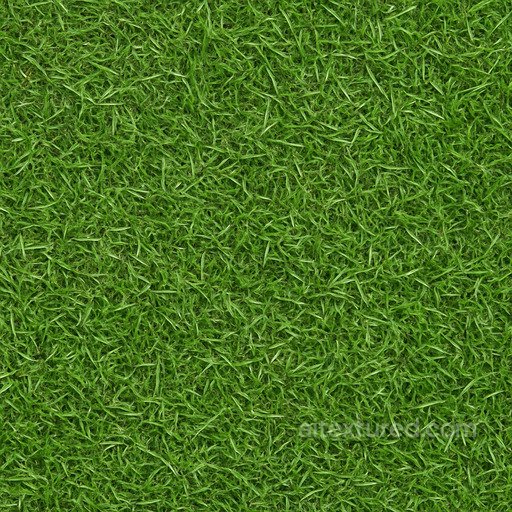
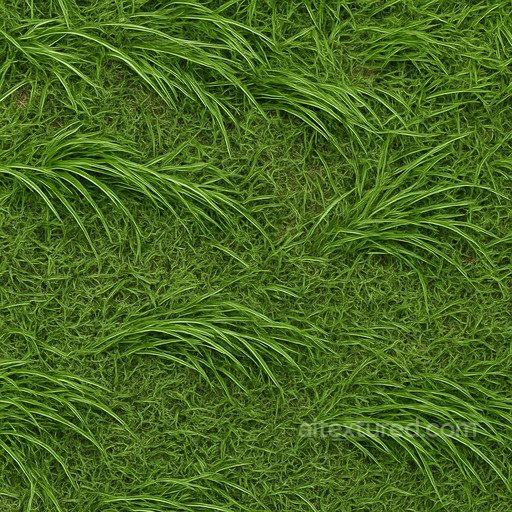
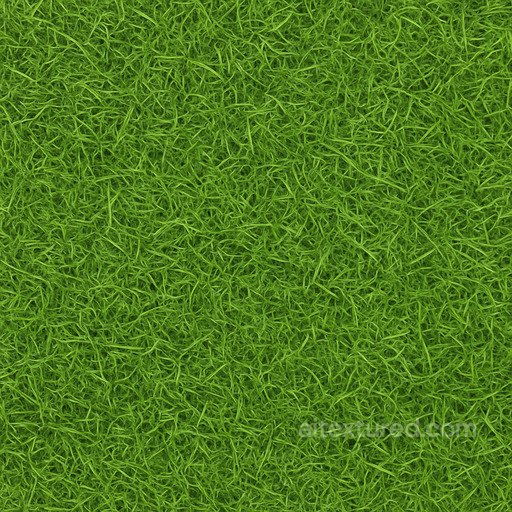
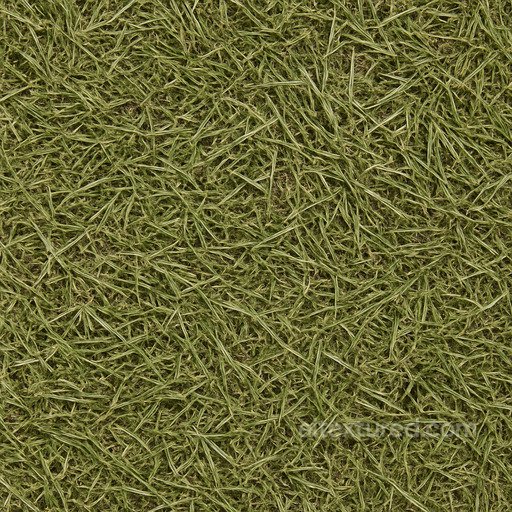
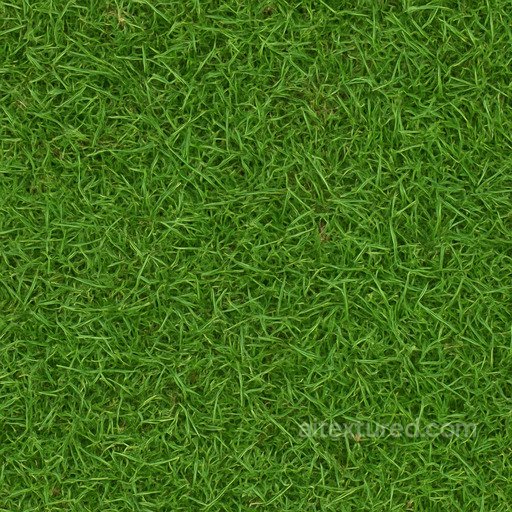
Use short lawn patterns for maintained gardens, mixed meadow surfaces for open landscapes, and dry or patchy grass for worn ground. Check a repeated preview before covering a large terrain, where clumps and changes in color can reveal the tile.
A single image can supply surface color, but it does not create grass geometry or a complete PBR material. Normal, roughness, height and opacity maps are available only when listed for the selected asset. Check original dimensions and license before choosing an export size or using the file in a project.
Need additional maps from an image? Try the PBR map generator and inspect the result in the material preview. Derived maps need review before production use.
Source and license status varies by asset; review the detail page before use.
Tiling support varies by asset. Open a texture page and use the tiled preview to verify scale, seams and visible repetition before final production use.
Base color, normal and roughness are the core maps. AO, height, metallic or packed engine maps may be included depending on the asset and should be connected as non-color data where appropriate.
Review the maps available on each texture page. Separate maps can be connected in common DCC workflows, and the engine mapper can create supported target-specific packing.
Set the UV scale first, then combine texture variants, decals, masks or subtle color variation. Preview at the final camera distance and choose only a resolution that the asset actually offers.
Generate maps from existing images, preview materials, convert channels, and package compatible inputs for Blender, Unity, and Unreal Engine.
Choose a verified workflow for generating maps, previewing tiling, converting channels, or starting from the texture catalog.
Derive Normal, Roughness, AO, Metallic, Height and optional ORM maps from one or more source images, then review the results.
Instant WebGL viewer: inspect materials on a sphere, plane, and cube. Check tiling and lighting in real time.
Re-packages maps per engine: Unreal (BaseColor + ORM), Unity (Mask/MetallicSmoothness), Blender (separate channels).
PNG ↔ JPG ↔ SVG: fast convert, SVG rasterize, embed/trace options, quality & background controls.