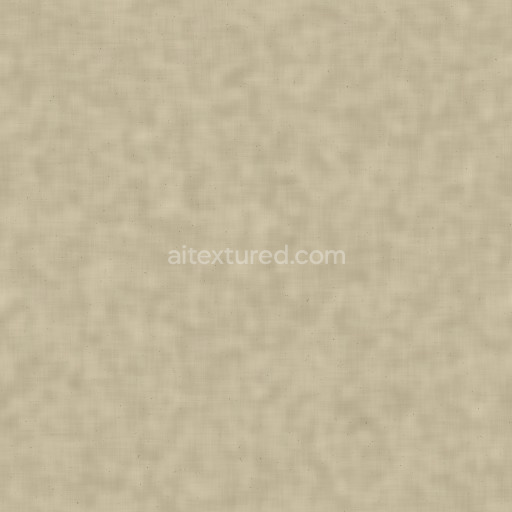
Procedural Recycled Paper Fiber PBR Texture
Seamless texture (tileable) · PNG, WEBP, PBR ZIP.
| ID | newsprint-paper-newspaper-texture-free-pbr |
|---|---|
| Category | Paper |
| Formats | PNG, WEBP, PBR ZIP |
| Size | 1k (1024x1024px), 2k (2048x2048px), 4k (4096x4096px), 8k (8192x8192px) |
| Tileable | Yes |
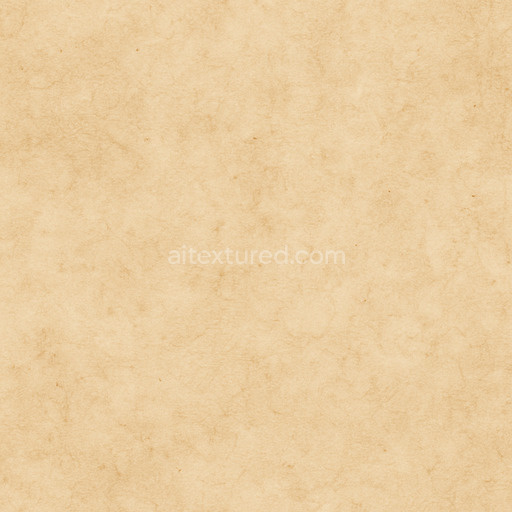
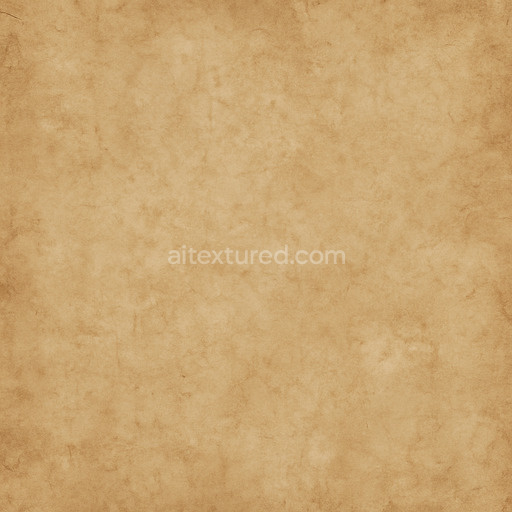
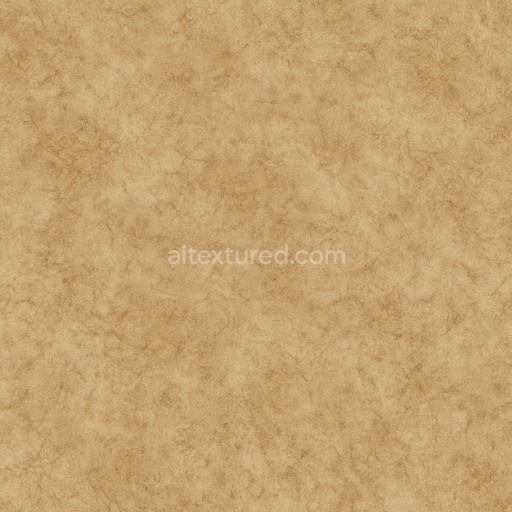
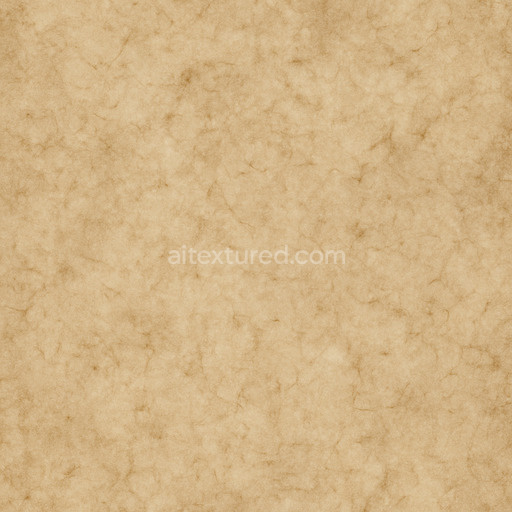
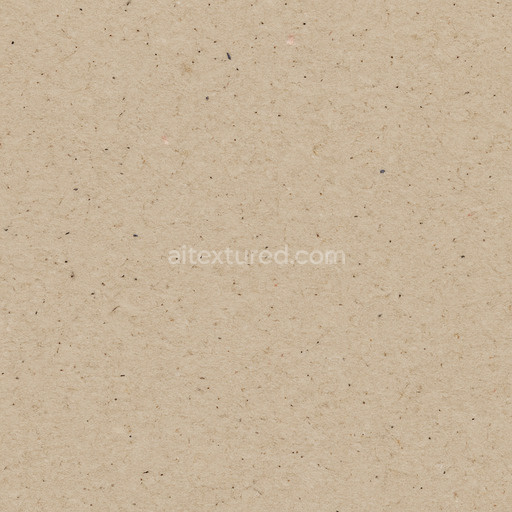
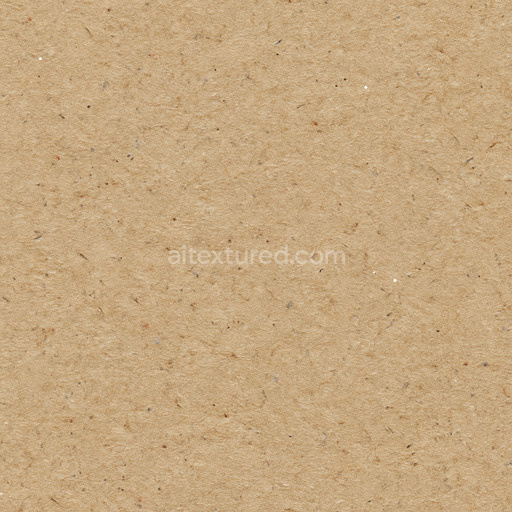
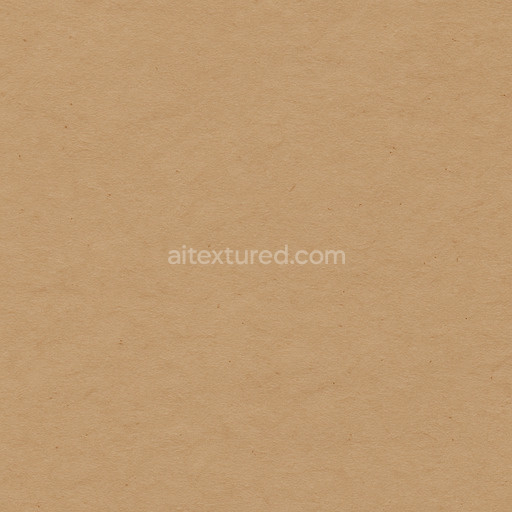
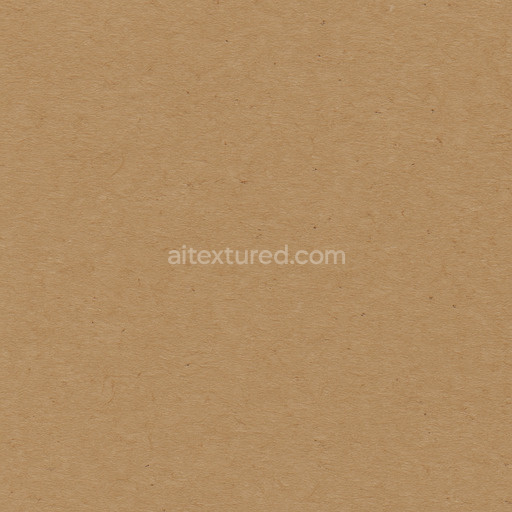
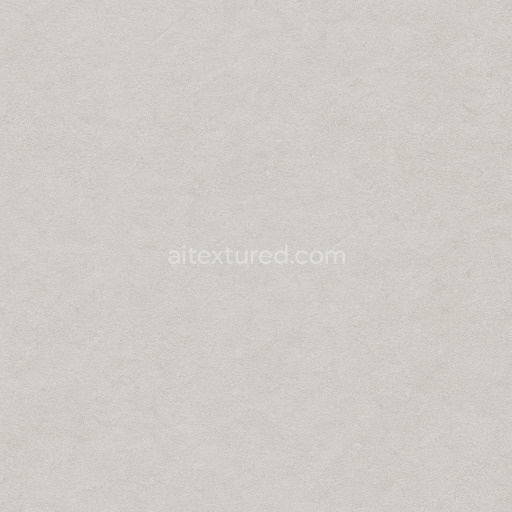
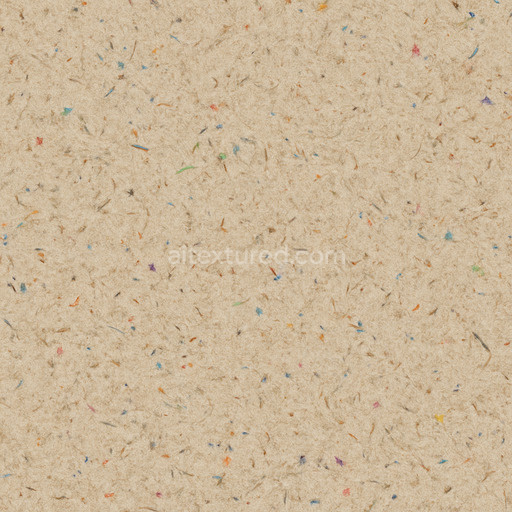
The Newsprint Paper texture (Paper 0026) is crafted primarily from a high concentration of wood pulp fibers, embodying a classic example of traditional newsprint material. This organic substrate features a lightweight and porous composition, achieved through a carefully controlled pulp processing method that results in randomly oriented natural fibers. These fibers create a distinctive grain pattern and subtle surface irregularities that give the paper its characteristic tactile feel and visual depth. The surface finish is slightly rough and matte, reflecting its original use in mass printing applications such as newspapers and educational question sheets. Its color typically ranges from off-white to light gray, shaped by minimal bleaching and the retained lignin and cellulose pigments, which lend the paper an authentic, slightly aged appearance without the brightness of coated or heavily processed papers.
In physically based rendering (PBR) workflows, this newsprint texture excels at realistically conveying the material’s unique properties across multiple texture channels. The BaseColor (Albedo) map captures the muted, natural color tones and the delicate fiber patterns that define newsprint’s look. Meanwhile, the Normal map simulates the fine grain and micro surface imperfections, crucial for achieving believable light interaction and shadowing. The Roughness channel portrays the paper’s matte finish by promoting diffuse light scattering with minimal specular reflection, while the Metallic channel remains near zero, consistent with the organic and non-metallic nature of the substrate. Ambient Occlusion enhances the perception of fiber clumps, creases, and subtle depressions, adding dimensionality, and the Height or Displacement map provides realistic depth to the surface, emphasizing the paper’s natural warping, folds, and handling marks.
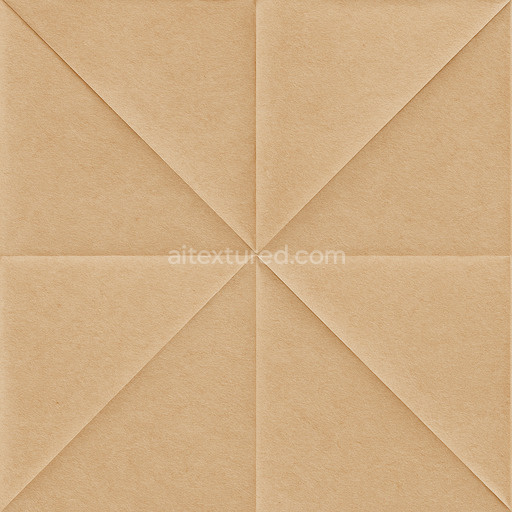
This texture is provided in an ultra-high resolution of up to 8K, ensuring exceptional detail suitable for close-up renders and large-scale projects. It is fully optimized for seamless integration into major 3D engines such as Blender, Unreal Engine, and Unity, supporting both real-time and offline rendering pipelines. For practical application, adjusting the UV scale to a finer level can significantly enhance the visibility of the subtle fiber details when applied to large surfaces. Additionally, fine-tuning the roughness values allows users to simulate a range of paper finishes, from slightly coated and semi-glossy newsprint to rougher, uncoated sheets. Subtle modifications to the height map can also be employed to simulate creases and folds, adding further realism to your scene setups and material presentations.
Import the texture maps into Blender with sRGB color space for albedo/base color and Non-Color for normal, roughness, metallic, AO, height, and ORM maps. Connect normal maps through a Normal Map node, then adjust UV scale with a Mapping node so the material repeats naturally on your model.
For the full step-by-step setup, see How to Use Seamless Textures in Blender. Browse related material examples in wood, concrete, and metal.
Yes. This texture is designed as a seamless tileable PBR material, so it can repeat across large surfaces without visible borders.
Use the download controls on this page: they expose the available PNG, WEBP or engine ZIP choices and supported resolutions for this asset.
Use the engine ZIP choices to package compatible source maps for Blender, Unreal Engine or Unity, then verify the imported material in the target application.
Commercial-use permission is not verified for this record. Confirm the original source and license before production use.

Generate maps from existing images, preview materials, convert channels, and package compatible inputs for Blender, Unity, and Unreal Engine.
Choose a verified workflow for generating maps, previewing tiling, converting channels, or starting from the texture catalog.
Derive Normal, Roughness, AO, Metallic, Height and optional ORM maps from one or more source images, then review the results.
Instant WebGL viewer: inspect materials on a sphere, plane, and cube. Check tiling and lighting in real time.
Re-packages maps per engine: Unreal (BaseColor + ORM), Unity (Mask/MetallicSmoothness), Blender (separate channels).
PNG ↔ JPG ↔ SVG: fast convert, SVG rasterize, embed/trace options, quality & background controls.