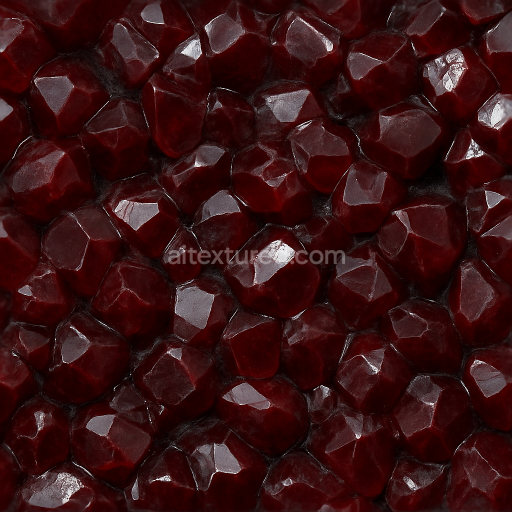
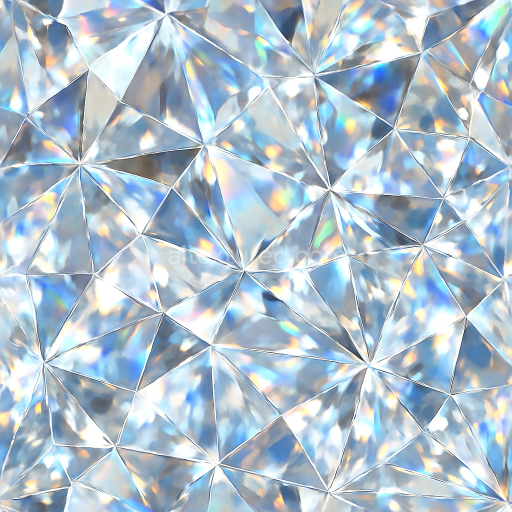
Garnet Raw Crystal With Mineral Deposit Veins And Reflective Surface Glossy Finish
Seamless texture (tileable) · PNG, WEBP, PBR ZIP.
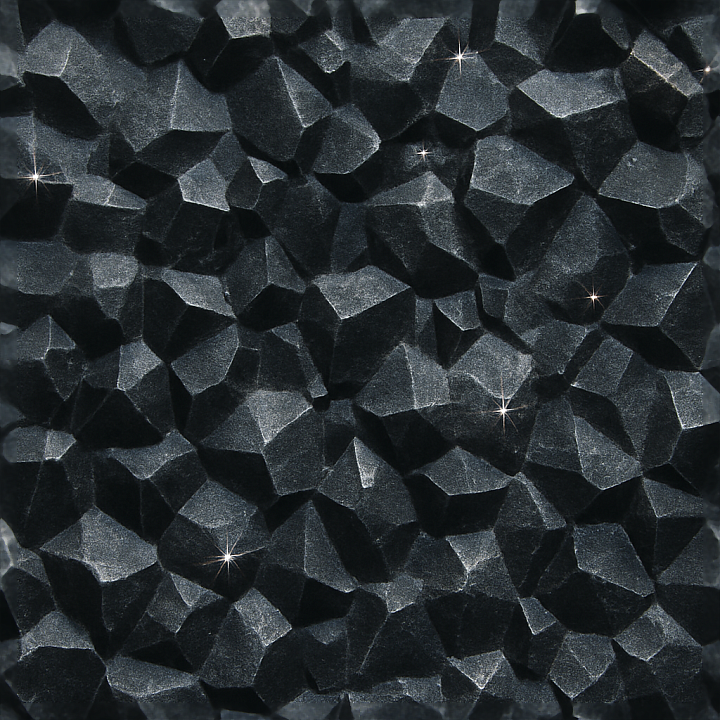
| ID | seamless-3d-texture-pbr-8k-onyx-crystalline-formation-with-frosted-crystal-layers-and-light-refraction-sparkle-effect |
|---|---|
| Category | Crystals |
| Formats | PNG, WEBP, PBR ZIP |
| Size | 1k (1024x1024px), 2k (2048x2048px), 4k (4096x4096px), 8k (8192x8192px) |
| Tileable | Yes |
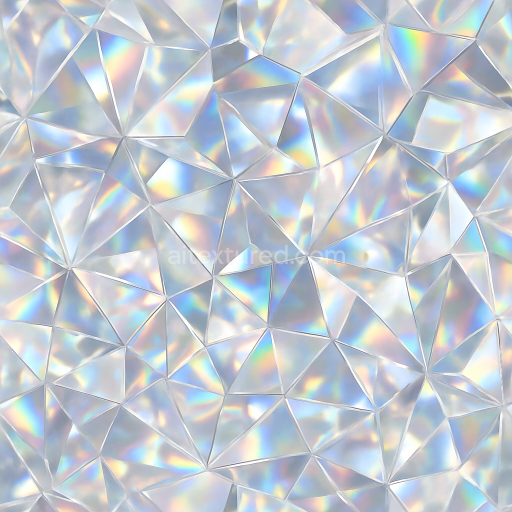
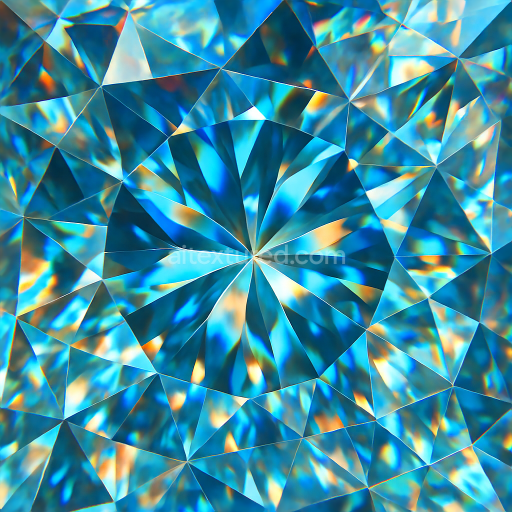
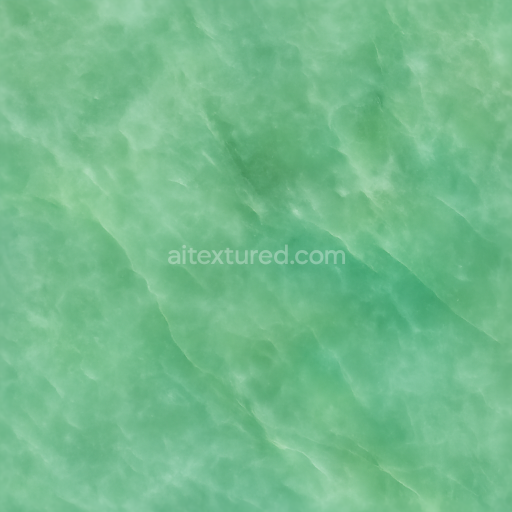
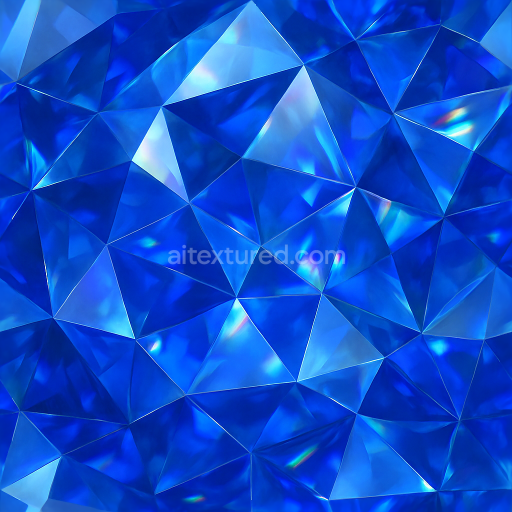
This seamless 3D texture presents a highly detailed onyx crystalline formation rendered at an impressive 8K resolution, designed to replicate the intricate structure of natural mineral deposits. The base material simulates a dense, fine-grained onyx stone substrate characterized by alternating bands of deep black and translucent dark gray hues. Embedded within this substrate are layered frosted crystal formations, which emulate natural crystal twinning and subtle fractures typical of geologic onyx specimens. These crystalline layers introduce a semi-transparent quality, enhancing depth through slight variations in opacity and refractive light scattering across the surface.
The texture’s geometric form is complex and organic, featuring irregular yet continuous crystalline facets that interlock seamlessly to create a natural yet tiled appearance. These facets exhibit gentle undulations and varying thicknesses, producing a laminated effect with mineral veins that run parallel to the layering. The frosted crystal layers overlay the darker onyx base with a subtle matte gloss finish that contrasts with smoother, glossy reflective areas representing polished mineral faces. This interplay of matte and glossy surfaces is crucial in conveying realistic light behavior, including the signature sparkle effect caused by micro-facets refracting light at multiple angles.
From a PBR workflow perspective, the BaseColor (Albedo) channel captures the rich, dark tonal variations of onyx, interspersed with muted translucent grays and subtle color shifts indicative of mineral impurities. The Normal map defines the fine crystalline facets and surface irregularities, enhancing the three-dimensionality of the texture under dynamic lighting. Roughness is carefully balanced to reflect the coexistence of frosted matte areas and polished crystal surfaces, ensuring realistic light diffusion and specular highlights. The Metallic channel remains minimal to none, as onyx is a non-metallic stone, while Ambient Occlusion emphasizes crevices and fractures, adding depth and realism. Height or Displacement maps simulate the subtle relief of the crystalline layers and mineral veins, enabling enhanced parallax effects in compatible engines.
Optimized for use in Blender, Unreal Engine, and Unity, this texture supports seamless tiling without visible edges, making it suitable for large surfaces such as architectural panels, geological simulations, or decorative elements. For best results, it is recommended to carefully adjust the UV scale to maintain the natural scale of the crystalline formations relative to the model. Additionally, tuning the Roughness map can help to accentuate or soften the sparkle effect depending on lighting conditions, while blending Height and Normal maps can enhance surface detail without excessive geometry displacement, benefiting real-time rendering performance.
Import the texture maps into Blender with sRGB color space for albedo/base color and Non-Color for normal, roughness, metallic, AO, height, and ORM maps. Connect normal maps through a Normal Map node, then adjust UV scale with a Mapping node so the material repeats naturally on your model.
For the full step-by-step setup, see How to Use Seamless Textures in Blender. Browse related material examples in wood, concrete, and metal.
Yes. This texture is designed as a seamless tileable PBR material, so it can repeat across large surfaces without visible borders.
Use the download controls on this page: they expose the available PNG, WEBP or engine ZIP choices and supported resolutions for this asset.
Use the engine ZIP choices to package compatible source maps for Blender, Unreal Engine or Unity, then verify the imported material in the target application.
Commercial-use permission is not verified for this record. Confirm the original source and license before production use.
Generate maps from existing images, preview materials, convert channels, and package compatible inputs for Blender, Unity, and Unreal Engine.
Choose a verified workflow for generating maps, previewing tiling, converting channels, or starting from the texture catalog.
Derive Normal, Roughness, AO, Metallic, Height and optional ORM maps from one or more source images, then review the results.
Instant WebGL viewer: inspect materials on a sphere, plane, and cube. Check tiling and lighting in real time.
Re-packages maps per engine: Unreal (BaseColor + ORM), Unity (Mask/MetallicSmoothness), Blender (separate channels).
PNG ↔ JPG ↔ SVG: fast convert, SVG rasterize, embed/trace options, quality & background controls.