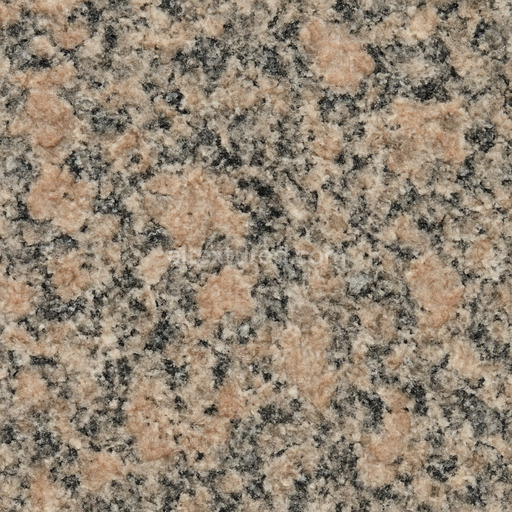
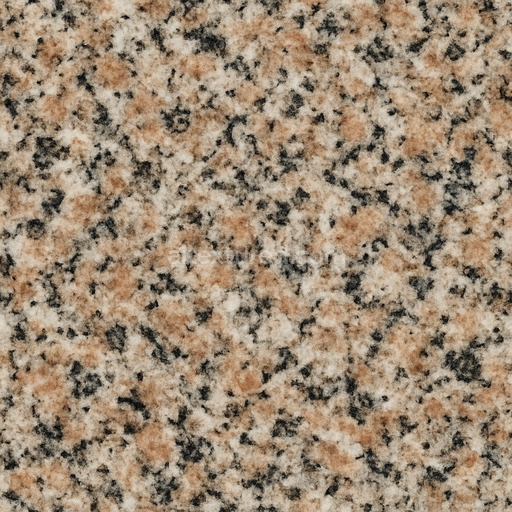
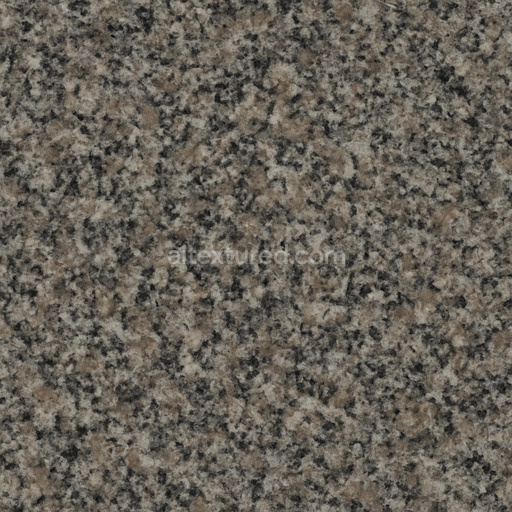
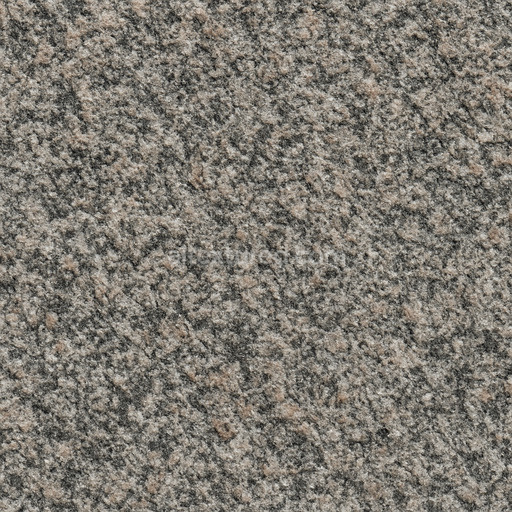
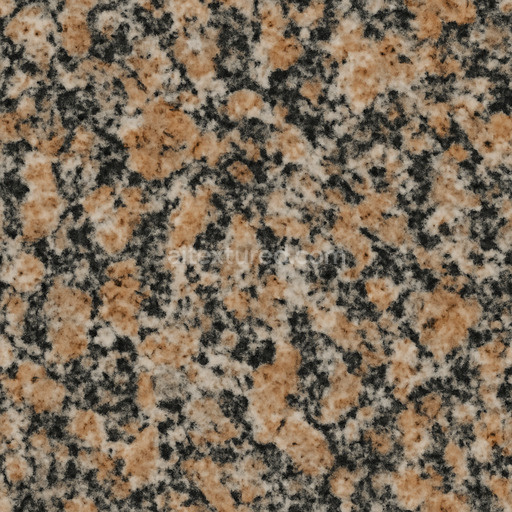
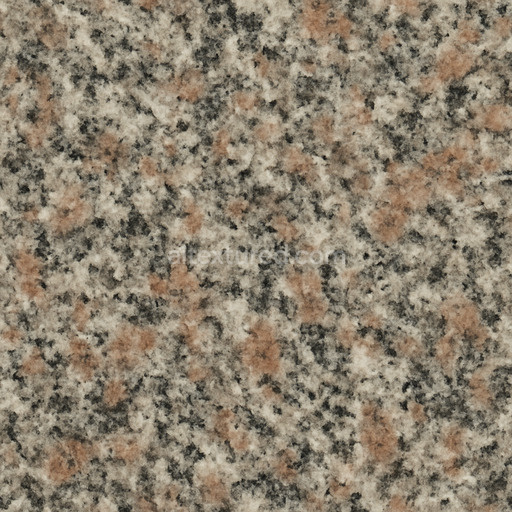
Photorealistic Granite Seamless Texture
Seamless texture (tileable) · PNG, WEBP, PBR ZIP.
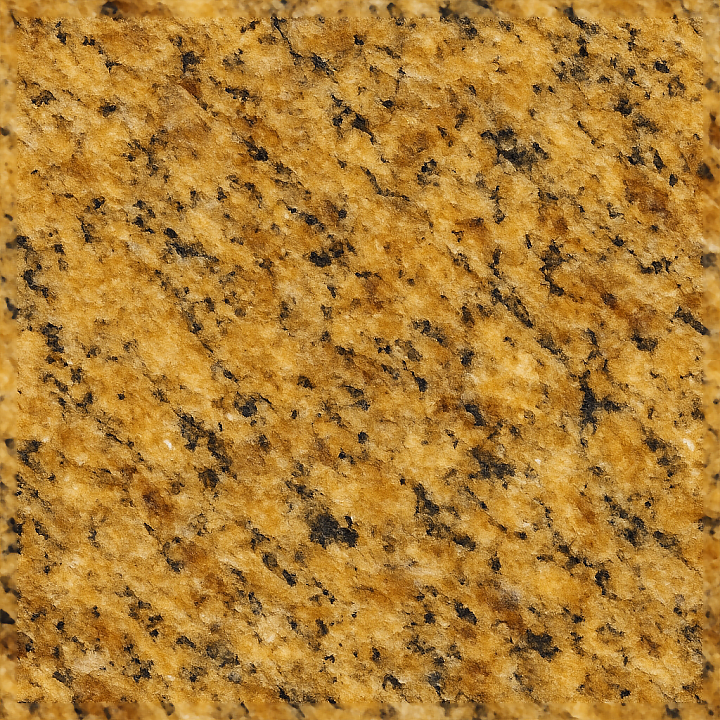
| ID | seamless-8k-golden-granite-3d-texture-pbr-showing-granite-tonal-variation-and-granite-sparkle-with-natural-gloss |
|---|---|
| Category | Granite |
| Formats | PNG, WEBP, PBR ZIP |
| Size | 1k (1024x1024px), 2k (2048x2048px), 4k (4096x4096px), 8k (8192x8192px) |
| Tileable | Yes |
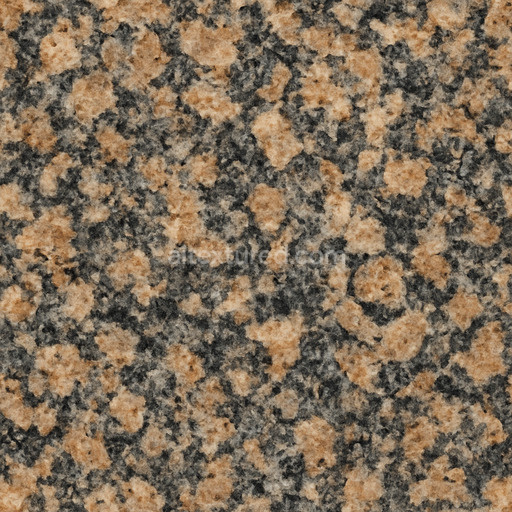
This seamless 8K golden granite 3D texture in PBR format showcases a richly detailed natural stone surface defined by warm golden hues and intricate granite tonal variation that flows organically across the material. The base substrate consists of a dense coarse-grained igneous rock primarily composed of interlocking crystalline minerals such as quartz feldspar and mica. These mineral aggregates create a durable and robust foundation giving the granite its characteristic strength and textured complexity. The distinctive granite sparkle emerges from the reflective inclusions of mica and quartz crystals enhanced by a finely polished surface finish that delivers a natural gloss. This low-roughness smooth finish effectively captures realistic light reflections and subtle highlights mirroring the refined sheen typical of high-quality architectural granite surfaces.
The texture reveals a harmonious yet random pattern of mineral grains and subtle veining emphasizing the natural complexity and depth inherent to granite. Its surface exhibits minimal porosity and low permeability indicating a dense weather-resistant stone ideal for both interior and exterior applications. The warm golden coloration results from iron oxide and trace mineral pigments embedded within the stone matrix which enrich the granite sparkle and tonal variation throughout the texture. This natural distribution of colorants and grains avoids uniform or repetitive patterns ensuring an authentic and lifelike granite appearance suitable for realistic visualizations.
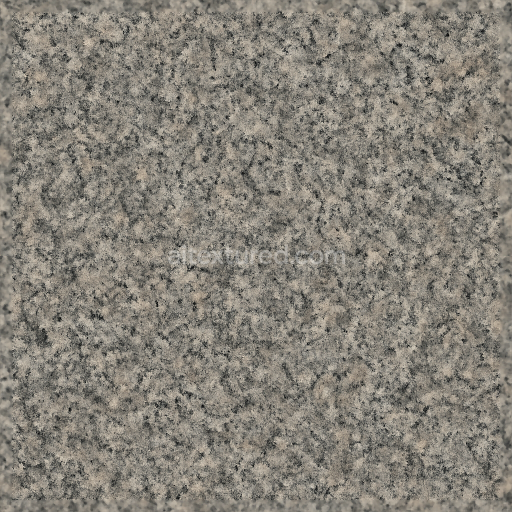
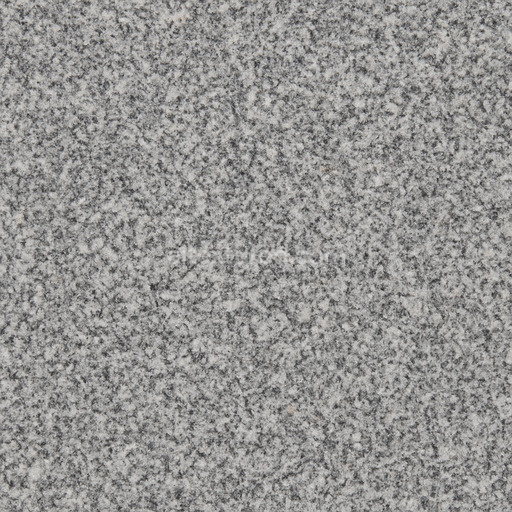
In terms of PBR workflow this texture is meticulously crafted with multiple texture maps to accurately represent the physical and optical properties of the granite material. The BaseColor (Albedo) map captures the nuanced golden tones and subtle tonal shifts without baked shadows allowing flexible lighting adaptation. The Normal map simulates the micro-roughness and grain structure adding tactile depth beyond the diffuse color. The Roughness map controls the surface’s reflective quality with lower values emphasizing the polished granite sparkle and gloss while the Metallic map remains unused reflecting granite’s naturally non-metallic nature. Ambient Occlusion enhances depth perception by adding soft shading between mineral grains and the Height/Displacement map provides realistic surface relief for improved parallax and light interaction in 3D environments.
Rendered at ultra-high 8K resolution this seamless golden granite 3D texture is fully optimized and ready for use in Blender Unreal Engine and Unity supporting detailed close-up renders and large-scale tiling without visible seams. For best results carefully adjusting the UV scale is recommended to maintain the natural grain size and avoid repetitive effects. Additionally fine-tuning the roughness map can help achieve the desired balance between glossy and matte finishes while blending height and normal maps enhances the realistic tactile feel of the granite surface in real-time rendering scenarios. This versatile texture is ideal for architectural visualization interior design and projects requiring an elegant high-quality granite material with authentic tonal variation and sparkling detail.
Import the texture maps into Blender with sRGB color space for albedo/base color and Non-Color for normal, roughness, metallic, AO, height, and ORM maps. Connect normal maps through a Normal Map node, then adjust UV scale with a Mapping node so the material repeats naturally on your model.
For the full step-by-step setup, see How to Use Seamless Textures in Blender. Browse related material examples in wood, concrete, and metal.
Yes. This texture is designed as a seamless tileable PBR material, so it can repeat across large surfaces without visible borders.
Use the download controls on this page: they expose the available PNG, WEBP or engine ZIP choices and supported resolutions for this asset.
Use the engine ZIP choices to package compatible source maps for Blender, Unreal Engine or Unity, then verify the imported material in the target application.
Commercial-use permission is not verified for this record. Confirm the original source and license before production use.

Generate maps from existing images, preview materials, convert channels, and package compatible inputs for Blender, Unity, and Unreal Engine.
Choose a verified workflow for generating maps, previewing tiling, converting channels, or starting from the texture catalog.
Derive Normal, Roughness, AO, Metallic, Height and optional ORM maps from one or more source images, then review the results.
Instant WebGL viewer: inspect materials on a sphere, plane, and cube. Check tiling and lighting in real time.
Re-packages maps per engine: Unreal (BaseColor + ORM), Unity (Mask/MetallicSmoothness), Blender (separate channels).
PNG ↔ JPG ↔ SVG: fast convert, SVG rasterize, embed/trace options, quality & background controls.