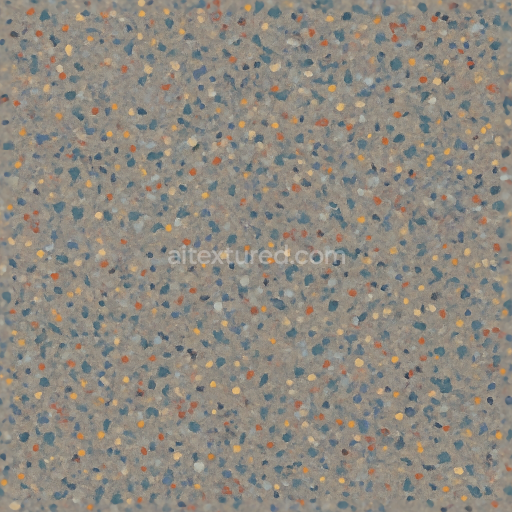
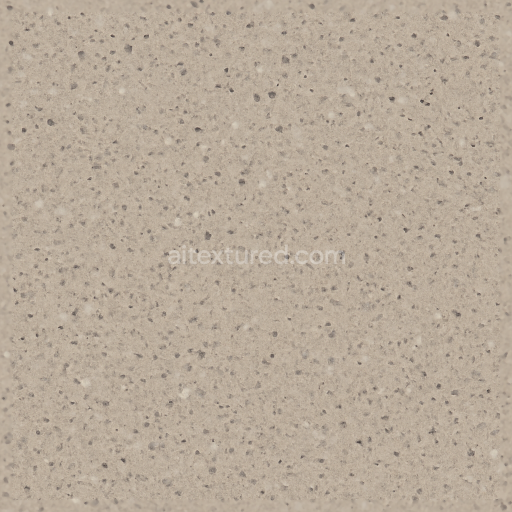
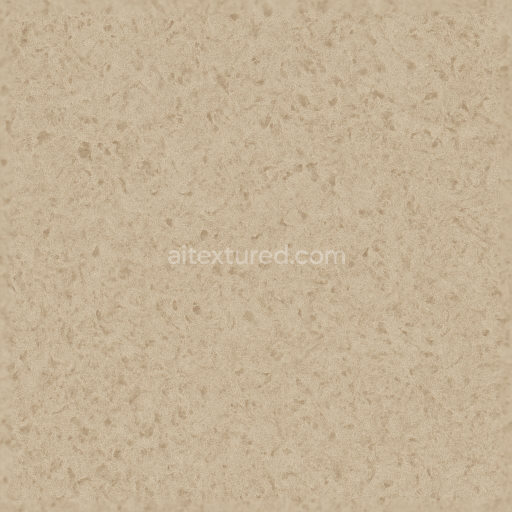
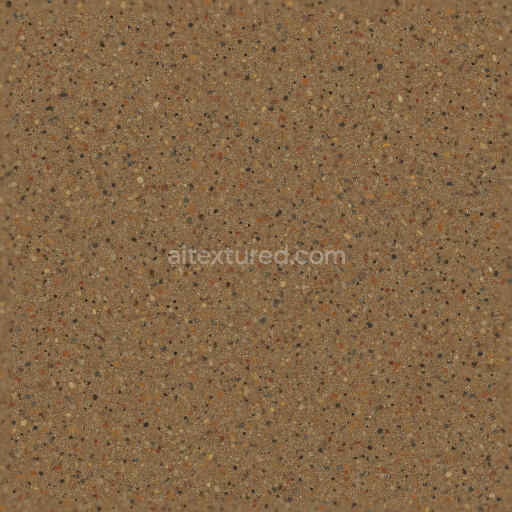
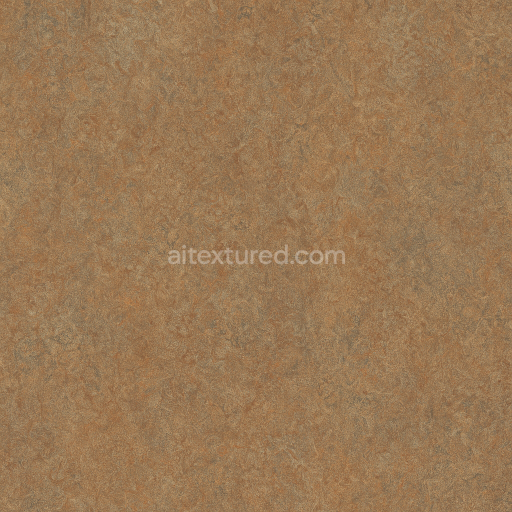
Flecked Linoleum Sheet With Semi Gloss And Color Flecks
Seamless texture (tileable) · PNG, WEBP, PBR ZIP. License: AITextured Free Commercial License (FCL) v1.1. Free personal and commercial use. Raw resale, standalone redistribution, mirroring/scraping, competing asset packs, and AI/ML training are not allowed without written permission. Attribution is not required, but appreciated..
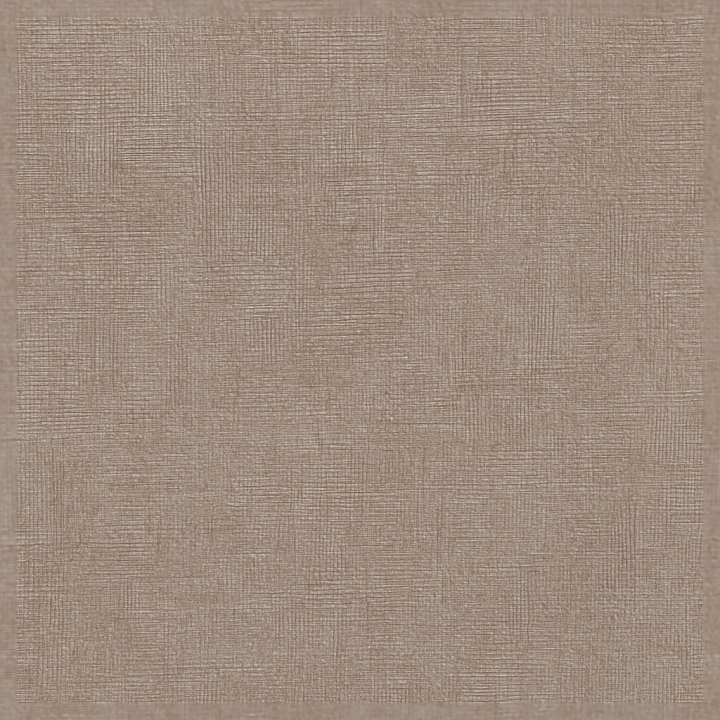
| ID | seamless-3d-texture-pbr-8k-textured-linoleum-sheet-with-cross-hatch-pattern-and-neutral-palette |
|---|---|
| Category | Linoleum |
| Formats | PNG, WEBP, PBR ZIP |
| Size | 1k (1024x1024px), 2k (2048x2048px), 4k (4096x4096px), 8k (8192x8192px) |
| Color | sRGB |
| Tileable | Yes |
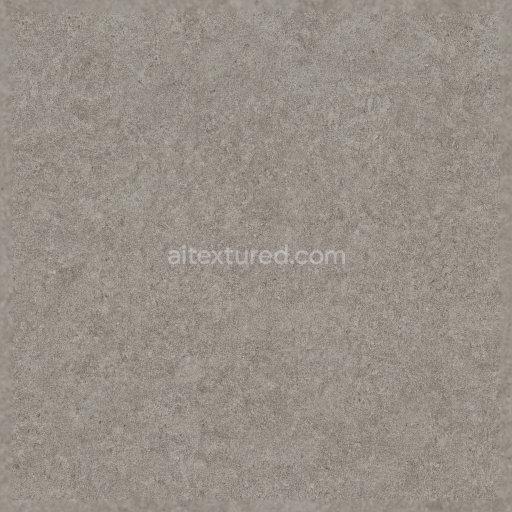
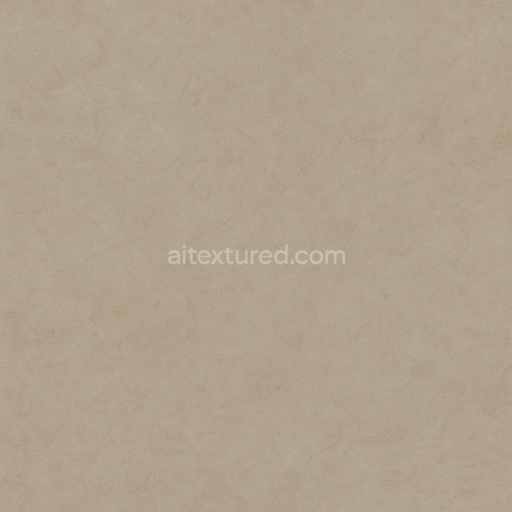
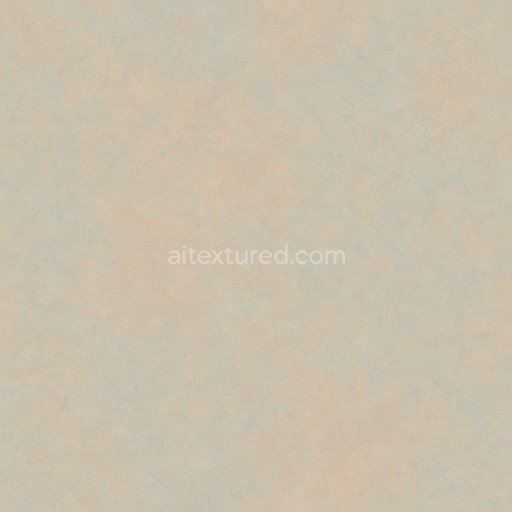
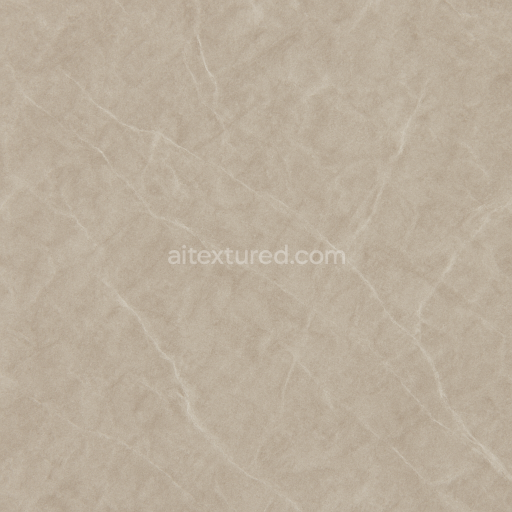
This seamless 3D texture represents a commercial-grade linoleum sheet characterized by a subtle cross hatch geometric pattern that forms a uniform grid across the surface. The material is composed primarily of natural linseed oil, wood flour, and mineral fillers bonded to a jute or fiberglass backing, creating a resilient flooring substrate known for durability and resistance to wear. The cross hatch pattern emerges from the manufacturing process, where fine fibers and fillers are compressed and layered, resulting in a coarse grain appearance with slight surface undulations that contribute to visual depth and tactility. The neutral palette, typically incorporating muted beiges, soft greys, and warm off-whites, is achieved through mineral-based pigments blended directly into the linoleum mass, ensuring color consistency and resistance to fading over time.
The surface finish is matte, enhancing the material's natural, understated aesthetic while minimizing glare and reflections. This finish is optimized through a combination of fine abrasives and controlled curing, which produces a lightly textured feel and moderate porosity, allowing for subtle ambient occlusion effects that emphasize the pattern without compromising cleanliness or ease of maintenance. The PBR texture maps accurately capture these attributes: the BaseColor (Albedo) channel reflects the neutral tones and pigment distribution; the Normal map encodes the fine cross hatch relief and coarse grain texture, providing realistic light interaction; Roughness values are carefully balanced to simulate the matte yet slightly tactile surface; the Metallic channel remains near zero, consistent with the non-metallic composition of linoleum; Ambient Occlusion enhances shadowing within the pattern recesses; and Height/Displacement maps define the subtle variations in surface elevation for enhanced parallax and depth perception.
Rendered at an 8K resolution, this texture ensures exceptional detail and clarity, suitable for close-up architectural visualizations and design projects requiring high fidelity. Its seamless nature allows for effortless tiling across large surfaces without visible repetition or seams, making it ideal for applications in Blender, Unreal Engine, and Unity. When integrating this texture, it is recommended to carefully adjust the UV scale to maintain the realistic size of the cross hatch pattern relative to the scene context. Additionally, fine-tuning the roughness map can help achieve the desired balance between diffuse and specular reflections, while blending height or normal maps can enhance the perceived depth without compromising performance.
Import the texture maps into Blender with sRGB color space for albedo/base color and Non-Color for normal, roughness, metallic, AO, height, and ORM maps. Connect normal maps through a Normal Map node, then adjust UV scale with a Mapping node so the material repeats naturally on your model.
For the full step-by-step setup, see How to Use Seamless Textures in Blender. Browse related material examples in wood, concrete, and metal.
Yes. This texture is designed as a seamless tileable PBR material, so it can repeat across large surfaces without visible borders.
You can download PNG/WEBP versions and use 1K, 2K, 4K and 8K download options when available on the page.
Yes. The download options and engine-mapped ZIP workflow are designed for Blender, Unreal Engine, Unity Standard, URP and HDRP material pipelines.
Yes. The texture is available under the AITextured free commercial license. Review the license page for redistribution and AI-training restrictions.
Generate, preview, and export seamless PBR materials for Blender, Unity, and Unreal Engine—directly in your browser.
AI text-to-texture: type a prompt and get a seamless, tileable base image ready for PBR workflows (great starting point for materials).
Create a full PBR set (Normal, Roughness, AO, Metallic, etc.) from a single image. Seamless and tiling-friendly.
Instant WebGL viewer: inspect materials on a sphere, plane, and cube. Check tiling and lighting in real time.
Re-packages maps per engine: Unreal (BaseColor + ORM), Unity (Mask/MetallicSmoothness), Blender (separate channels).
PNG ↔ JPG ↔ SVG: fast convert, SVG rasterize, embed/trace options, quality & background controls.