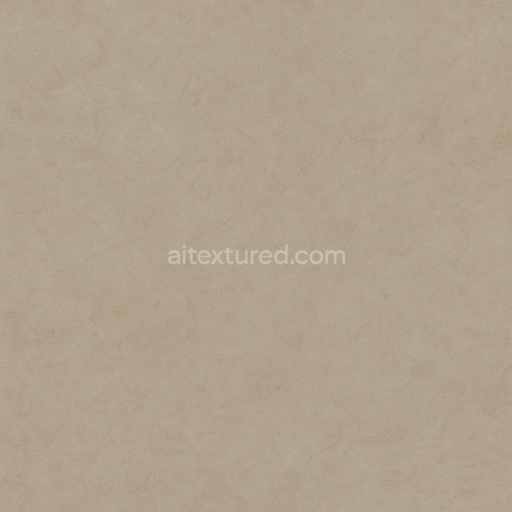
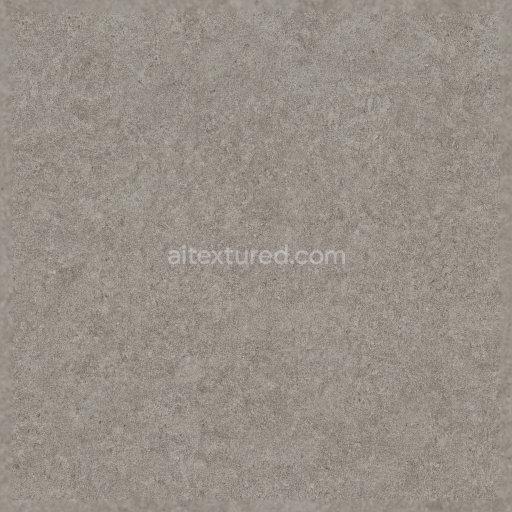
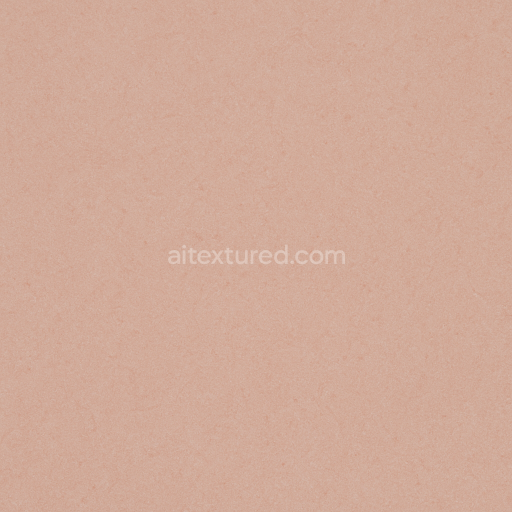
Linoleum Sheet With Smooth Finish And Subtle Veins
Seamless texture (tileable) · PNG, WEBP, PBR ZIP. License: AITextured Free Commercial License (FCL) v1.1. Free personal and commercial use. Raw resale, standalone redistribution, mirroring/scraping, competing asset packs, and AI/ML training are not allowed without written permission. Attribution is not required, but appreciated..
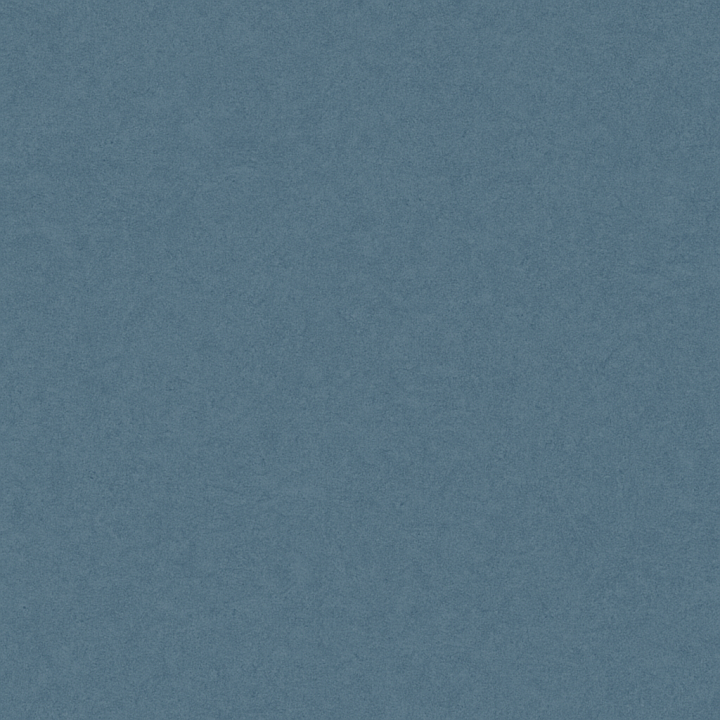
| ID | seamless-3d-texture-pbr-8k-linoleum-sheet-with-anti-slip-surface-and-semi-gloss-finish-in-cool-palette |
|---|---|
| Category | Linoleum |
| Formats | PNG, WEBP, PBR ZIP |
| Size | 1k (1024x1024px), 2k (2048x2048px), 4k (4096x4096px), 8k (8192x8192px) |
| Color | sRGB |
| Tileable | Yes |
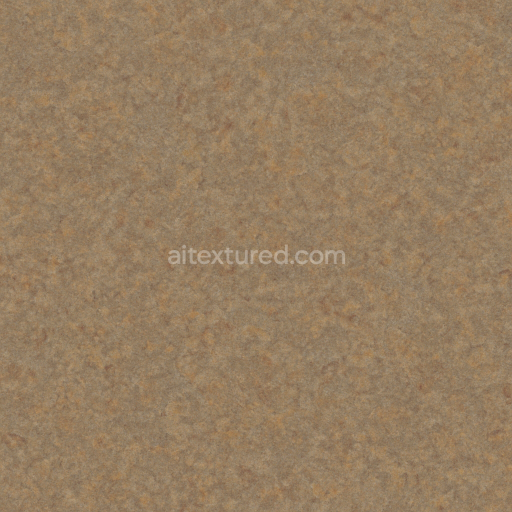
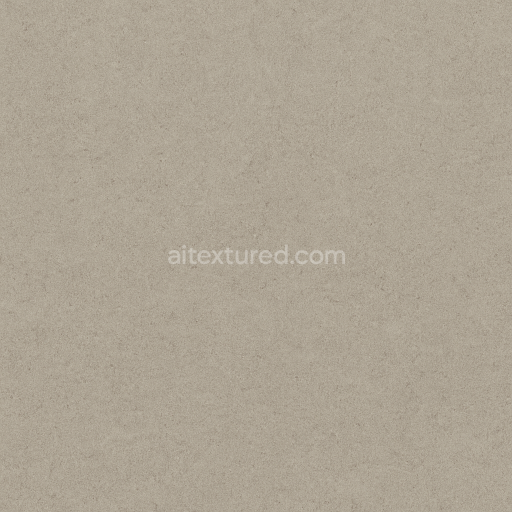
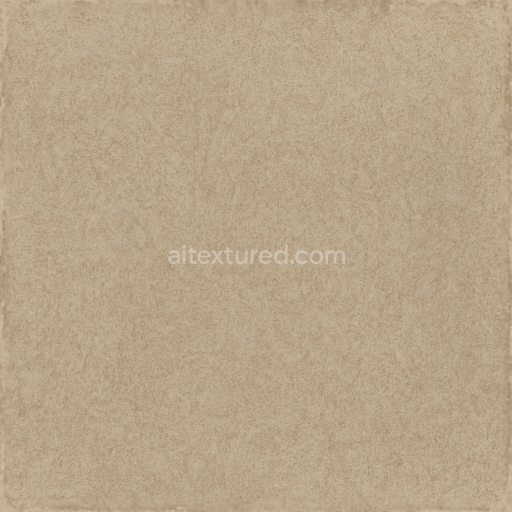
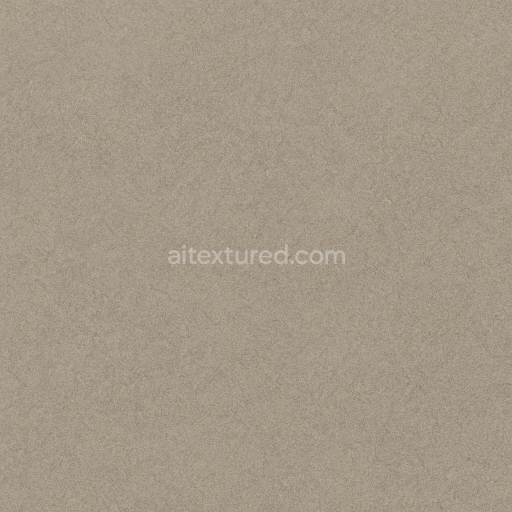
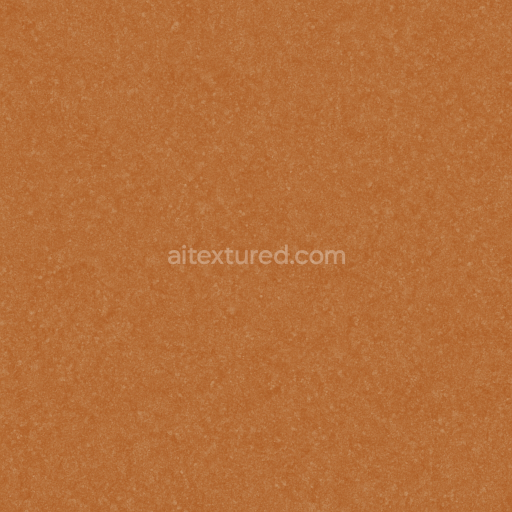
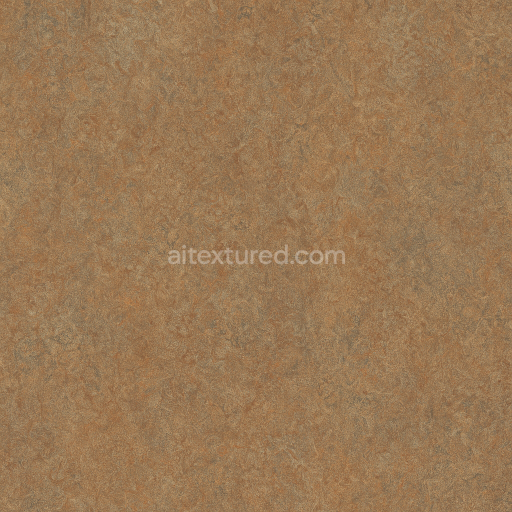
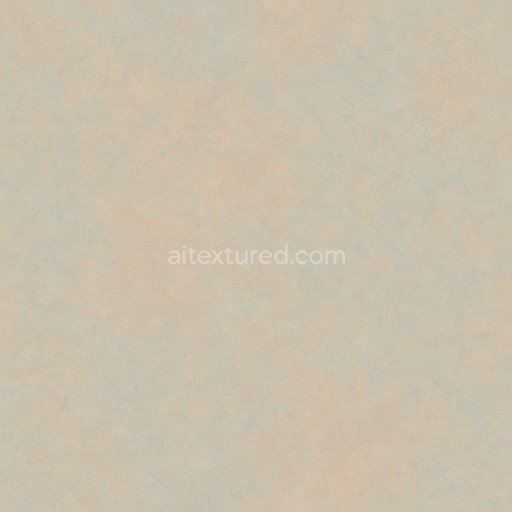
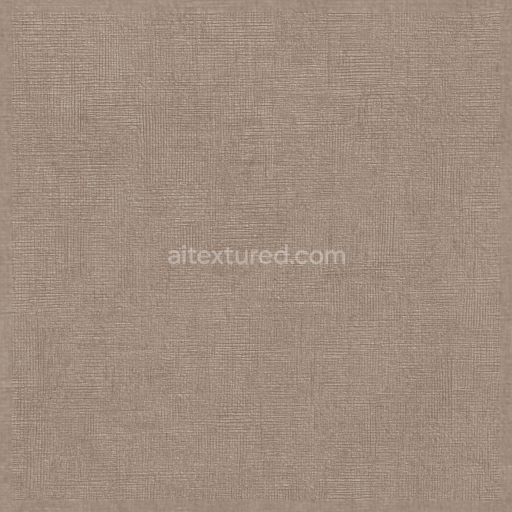
This seamless 3D texture represents a commercial-grade linoleum sheet characterized by a fine grain and subtle geometric uniformity, typical of resilient flooring materials. The base material primarily consists of natural linseed oil combined with wood flour and mineral fillers, creating a dense substrate that offers durability and flexibility. Binders and adhesives within the composition ensure cohesion, while the fine grain aggregates contribute to the texture’s mild surface irregularities, enhancing tactile grip without compromising smoothness. The anti-slip surface is achieved through a controlled semi-gloss finish, balancing reflectivity and matte qualities to reduce glare while preserving a clean, modern aesthetic in a cool palette of solid colors.
The texture’s visual complexity is defined by a combination of microscopic grain patterns and a faintly embossed surface that mimics the natural variation found in linoleum sheets. This subtle geometric form avoids repeating patterns, ensuring seamless tiling and realism in 3D environments. The colorants used are stable pigments embedded within the sheet, providing consistent hue saturation and resistance to fading or discoloration over time. The semi-gloss finish is simulated in the PBR workflow by calibrating the Roughness channel to moderate values, allowing highlights to gently disperse. The Normal map encodes the fine grain and anti-slip microtexture, while the Height map defines shallow reliefs that enhance depth perception without exaggerating surface irregularities.
In the PBR setup, the BaseColor (Albedo) channel delivers the cool-toned solid colors characteristic of this linoleum sheet, ensuring a visually neutral and contemporary appearance. The Ambient Occlusion map adds subtle shading in crevices and grain intersections, enhancing the perception of material thickness and surface detail. Metallic values remain at zero, consistent with the organic and non-metallic nature of linoleum, while the Roughness map balances between smooth semi-gloss and tactile grip. The Height/Displacement map provides low-amplitude surface variation that complements the Normal map, supporting realistic light interaction and shadows at close viewing distances.
Rendered at an 8K resolution, this texture is optimized for high-fidelity applications across multiple platforms including Blender, Unreal Engine, and Unity, offering versatility for architectural visualization, interior design, and game environments. For practical implementation, adjusting the UV scale can help maintain the integrity of the fine grain detail on larger surfaces, while fine-tuning roughness values allows developers to match specific lighting conditions. Additionally, blending the height and normal maps can produce more nuanced surface relief, enhancing realism especially under dynamic lighting and camera angles.
Import the texture maps into Blender with sRGB color space for albedo/base color and Non-Color for normal, roughness, metallic, AO, height, and ORM maps. Connect normal maps through a Normal Map node, then adjust UV scale with a Mapping node so the material repeats naturally on your model.
For the full step-by-step setup, see How to Use Seamless Textures in Blender. Browse related material examples in wood, concrete, and metal.
Yes. This texture is designed as a seamless tileable PBR material, so it can repeat across large surfaces without visible borders.
You can download PNG/WEBP versions and use 1K, 2K, 4K and 8K download options when available on the page.
Yes. The download options and engine-mapped ZIP workflow are designed for Blender, Unreal Engine, Unity Standard, URP and HDRP material pipelines.
Yes. The texture is available under the AITextured free commercial license. Review the license page for redistribution and AI-training restrictions.
Generate, preview, and export seamless PBR materials for Blender, Unity, and Unreal Engine—directly in your browser.
AI text-to-texture: type a prompt and get a seamless, tileable base image ready for PBR workflows (great starting point for materials).
Create a full PBR set (Normal, Roughness, AO, Metallic, etc.) from a single image. Seamless and tiling-friendly.
Instant WebGL viewer: inspect materials on a sphere, plane, and cube. Check tiling and lighting in real time.
Re-packages maps per engine: Unreal (BaseColor + ORM), Unity (Mask/MetallicSmoothness), Blender (separate channels).
PNG ↔ JPG ↔ SVG: fast convert, SVG rasterize, embed/trace options, quality & background controls.