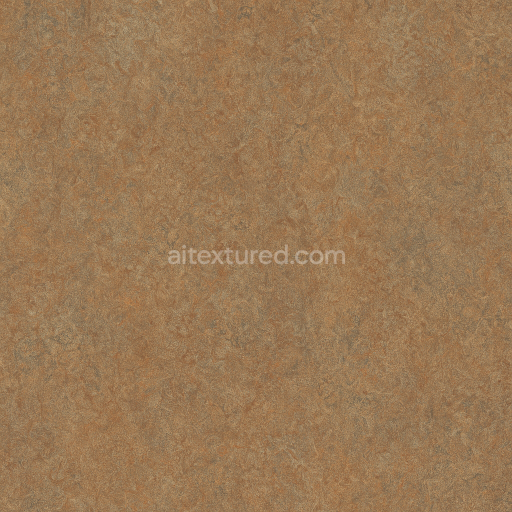
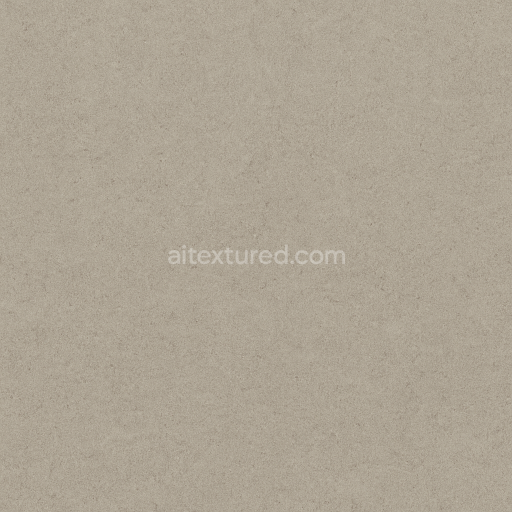
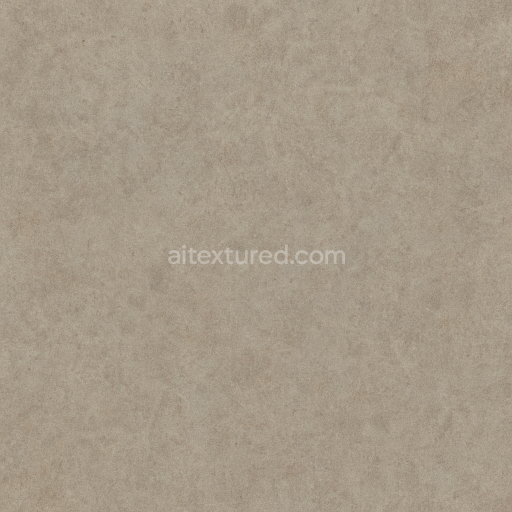
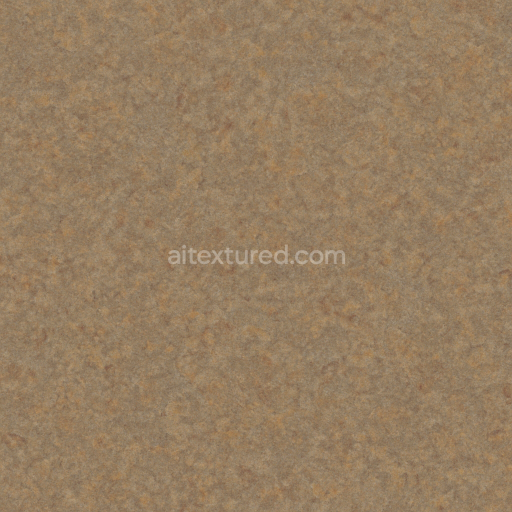
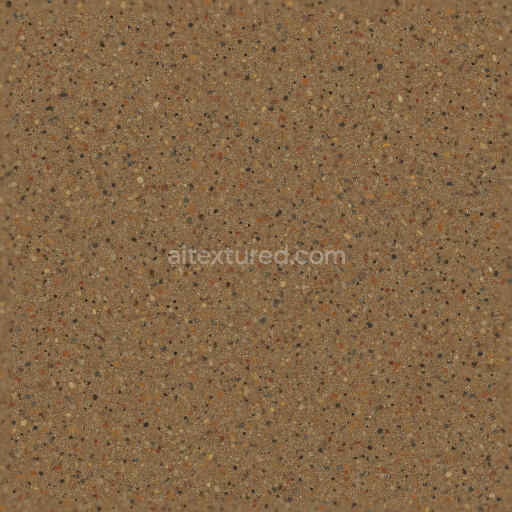
Linoleum Sheet With Scratched Surface And Semi Gloss Finish In Earth Tones
Seamless texture (tileable) · PNG, WEBP, PBR ZIP. License: AITextured Free Commercial License (FCL) v1.1. Free personal and commercial use. Raw resale, standalone redistribution, mirroring/scraping, competing asset packs, and AI/ML training are not allowed without written permission. Attribution is not required, but appreciated..
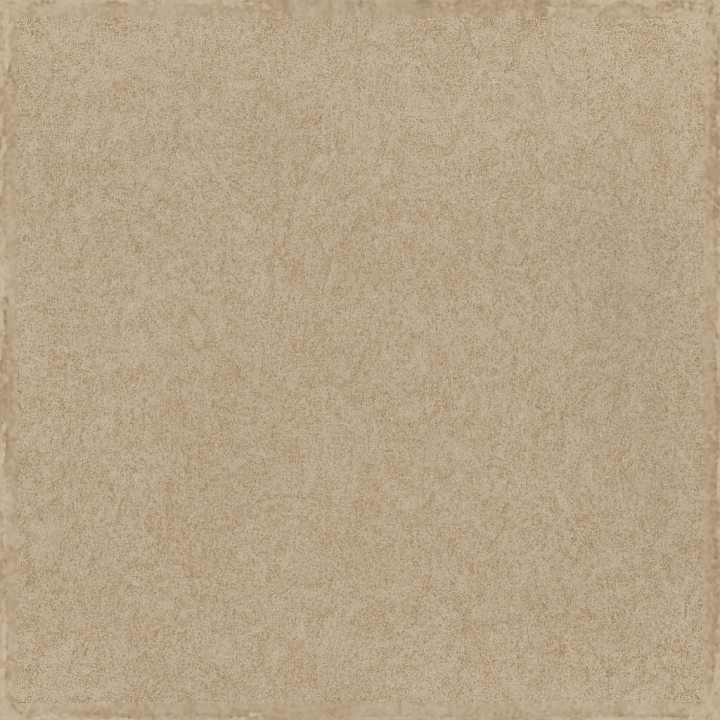
| ID | seamless-3d-texture-pbr-8k-linoleum-sheet-with-worn-edges-and-matte-finish-in-neutral-palette |
|---|---|
| Category | Linoleum |
| Formats | PNG, WEBP, PBR ZIP |
| Size | 1k (1024x1024px), 2k (2048x2048px), 4k (4096x4096px), 8k (8192x8192px) |
| Color | sRGB |
| Tileable | Yes |
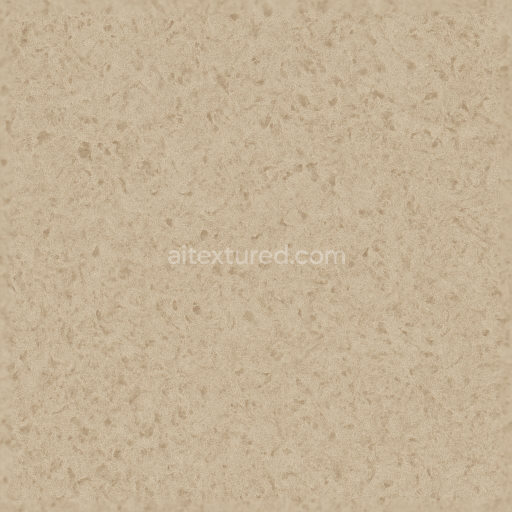
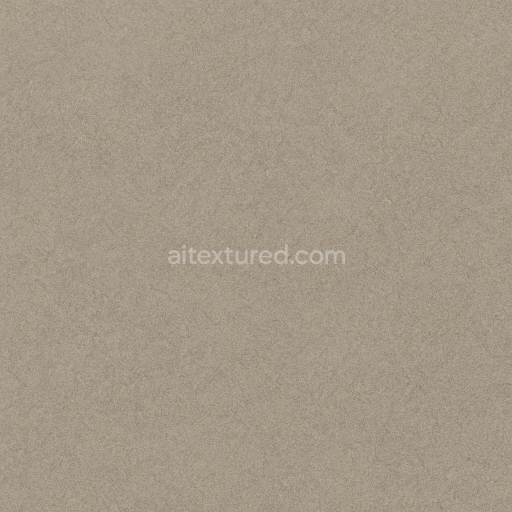
This seamless 3D texture presents a linoleum sheet characterized by its worn edges and matte finish, rendered in a subtle neutral palette that emphasizes earthy tones and muted grays. The material’s base is a composite of natural linseed oil, wood flour, cork dust, and jute fibers layered over a sturdy burlap or canvas backing, typical of traditional commercial-grade linoleum flooring. The surface exhibits a coarse grain pattern formed by fine aggregates and fibrous inclusions, creating a tactile, textured appearance that enhances visual depth and realism. This granular structure is reflected in the texture’s PBR maps, with the BaseColor (Albedo) channel showing nuanced color variations and slight discolorations consistent with natural aging and wear.
Structurally, the linoleum sheet is portrayed as a flat, pliable sheet material with gently frayed and worn edges, simulating years of moderate use and mechanical abrasion. The geometry of the texture is uniform and planar, designed for seamless tiling without visible seams or distortion. The Normal map captures the fine surface irregularities and coarse grain, providing subtle micro-relief that reacts realistically to lighting. The Roughness map corresponds to the matte finish, showing a relatively high roughness value that diffuses specular highlights softly, avoiding any glossy reflections. The Metallic channel remains near zero, consistent with the organic non-metallic composition of linoleum. Ambient Occlusion enhances the perception of depth around the worn edges and textured grain, while the Height/Displacement map offers a low-intensity relief effect that supports parallax and enhanced surface detail in real-time rendering engines.
Colorants in this texture are muted and naturalistic, derived from mineral pigments embedded within the linoleum during manufacturing. These pigments create a neutral palette that ranges from soft beiges to light browns and greys, lending the sheet flooring a versatile look suitable for both commercial and industrial interiors. The surface finish is matte and non-reflective, emphasizing durability and resistance to wear, with the worn edges visually communicating long-term use and authenticity. The texture's porosity is low, consistent with linoleum’s dense and resilient nature, which contributes to its water resistance and ease of maintenance.
Rendered at a high 8K resolution, this PBR texture is optimized for use in Blender, Unreal Engine, and Unity, maintaining crisp detail even at close camera distances. For practical implementation, it is recommended to carefully adjust the UV scale to preserve the natural grain size and avoid repetition artifacts. Fine-tuning the roughness map can also help balance the matte appearance with subtle specular response depending on lighting conditions. When combining with height or parallax effects, blending with the normal map ensures that surface relief remains convincing without excessive distortion, enhancing realism in both static renders and interactive environments.
Import the texture maps into Blender with sRGB color space for albedo/base color and Non-Color for normal, roughness, metallic, AO, height, and ORM maps. Connect normal maps through a Normal Map node, then adjust UV scale with a Mapping node so the material repeats naturally on your model.
For the full step-by-step setup, see How to Use Seamless Textures in Blender. Browse related material examples in wood, concrete, and metal.
Yes. This texture is designed as a seamless tileable PBR material, so it can repeat across large surfaces without visible borders.
You can download PNG/WEBP versions and use 1K, 2K, 4K and 8K download options when available on the page.
Yes. The download options and engine-mapped ZIP workflow are designed for Blender, Unreal Engine, Unity Standard, URP and HDRP material pipelines.
Yes. The texture is available under the AITextured free commercial license. Review the license page for redistribution and AI-training restrictions.
Generate, preview, and export seamless PBR materials for Blender, Unity, and Unreal Engine—directly in your browser.
AI text-to-texture: type a prompt and get a seamless, tileable base image ready for PBR workflows (great starting point for materials).
Create a full PBR set (Normal, Roughness, AO, Metallic, etc.) from a single image. Seamless and tiling-friendly.
Instant WebGL viewer: inspect materials on a sphere, plane, and cube. Check tiling and lighting in real time.
Re-packages maps per engine: Unreal (BaseColor + ORM), Unity (Mask/MetallicSmoothness), Blender (separate channels).
PNG ↔ JPG ↔ SVG: fast convert, SVG rasterize, embed/trace options, quality & background controls.