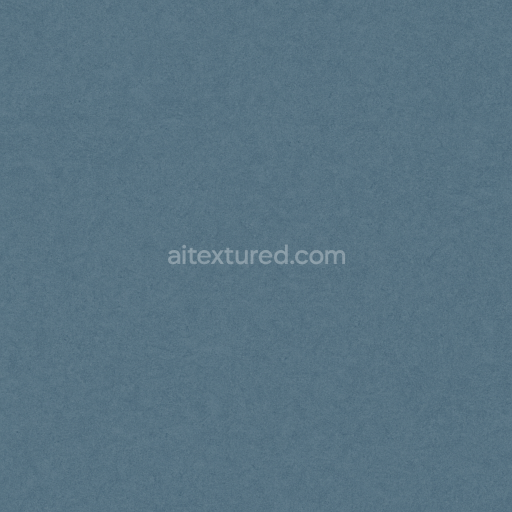
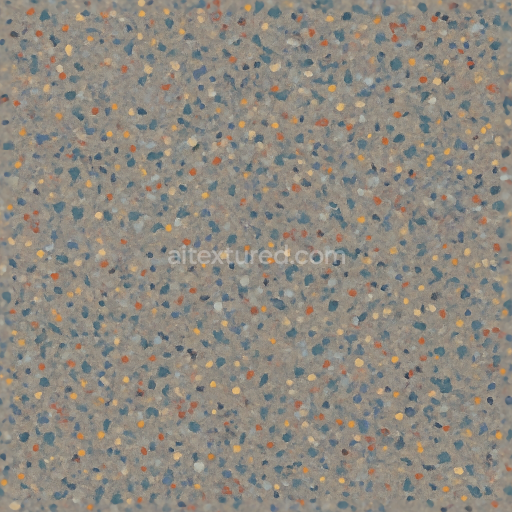
Linoleum Sheet With Anti Slip Surface And Semi Gloss Finish In Cool Palette
Seamless texture (tileable) · PNG, WEBP, PBR ZIP. License: AITextured Free Commercial License (FCL) v1.1. Free personal and commercial use. Raw resale, standalone redistribution, mirroring/scraping, competing asset packs, and AI/ML training are not allowed without written permission. Attribution is not required, but appreciated..
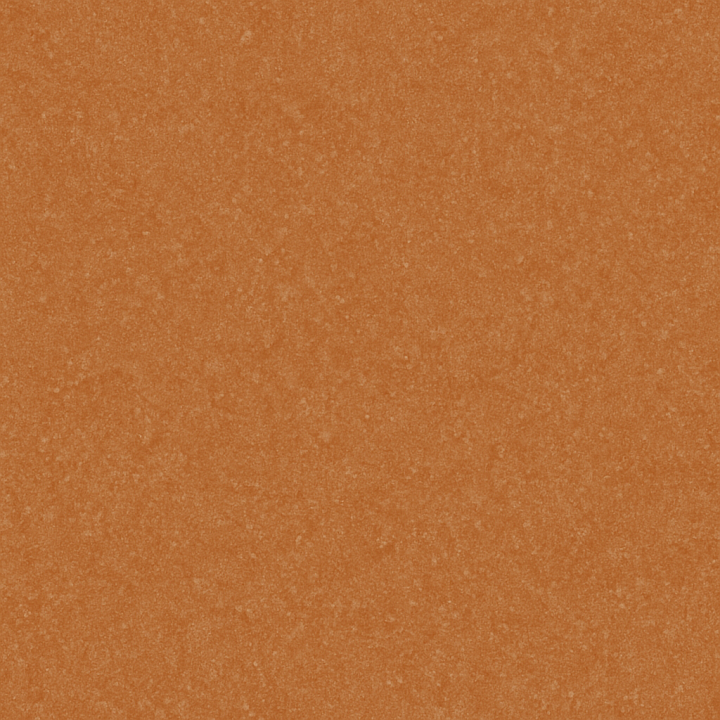
| ID | seamless-3d-texture-pbr-8k-granular-linoleum-sheet-with-semi-gloss-and-warm-palette-colors |
|---|---|
| Category | Linoleum |
| Formats | PNG, WEBP, PBR ZIP |
| Size | 1k (1024x1024px), 2k (2048x2048px), 4k (4096x4096px), 8k (8192x8192px) |
| Color | sRGB |
| Tileable | Yes |
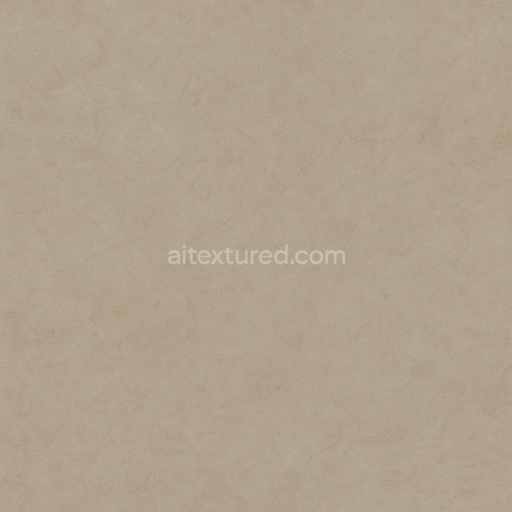
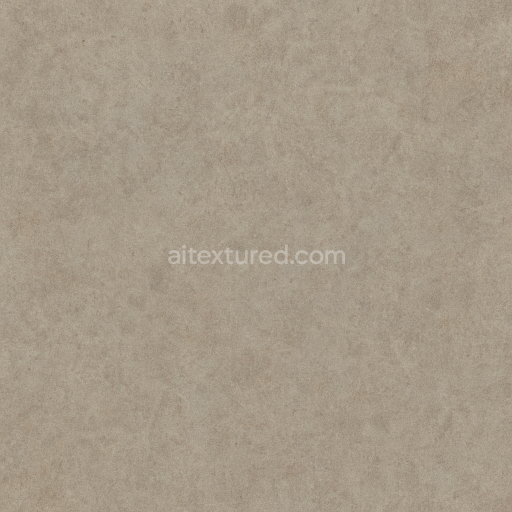
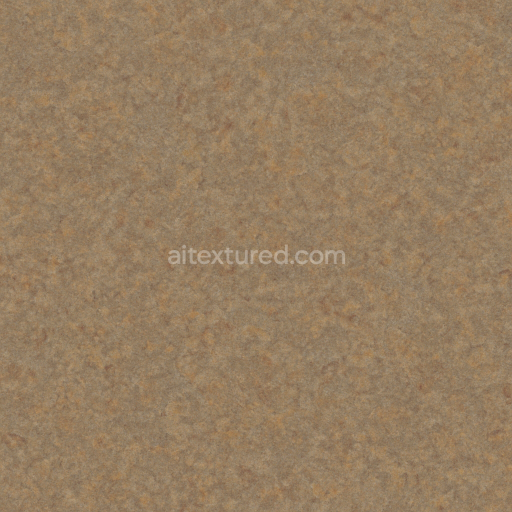
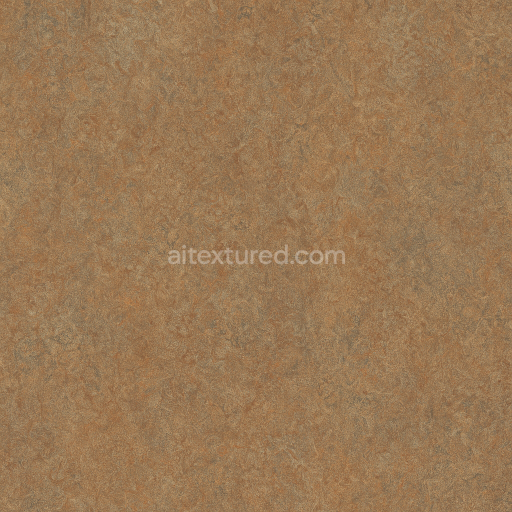
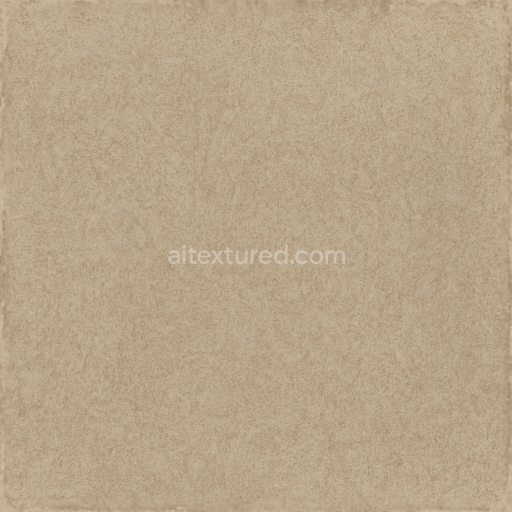
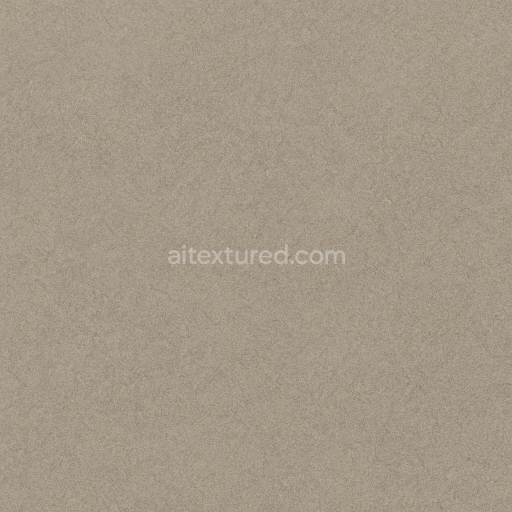
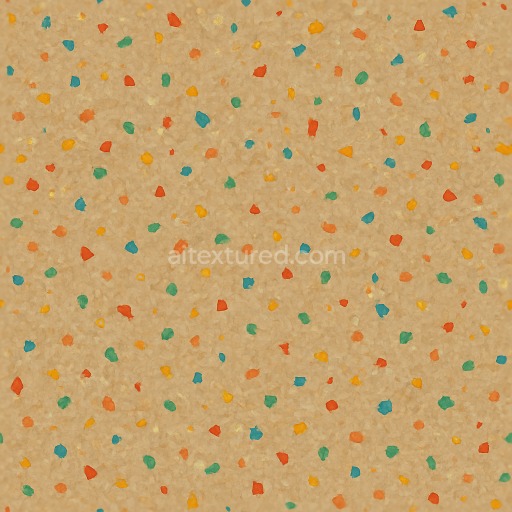
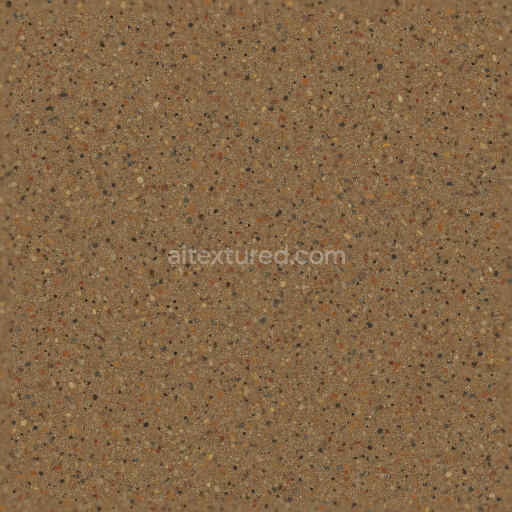
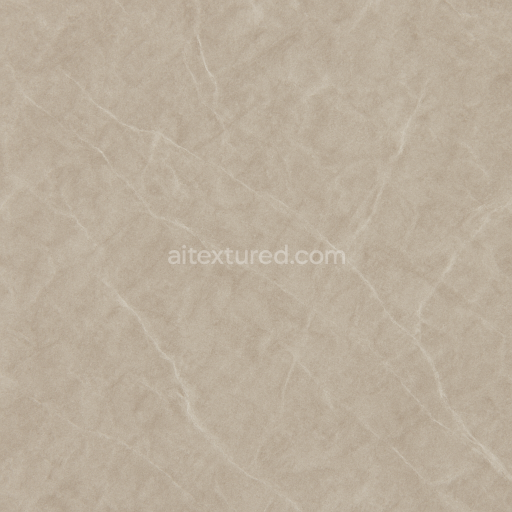
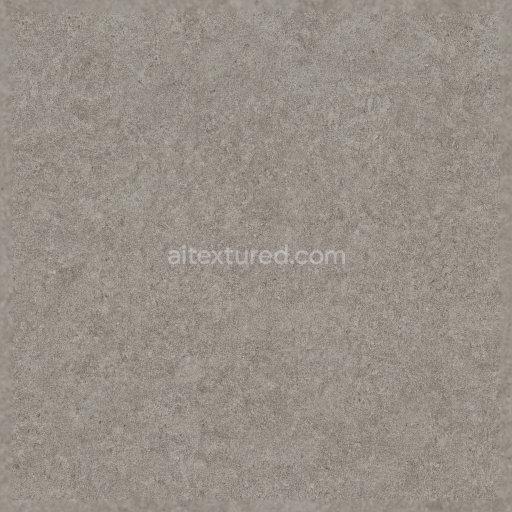
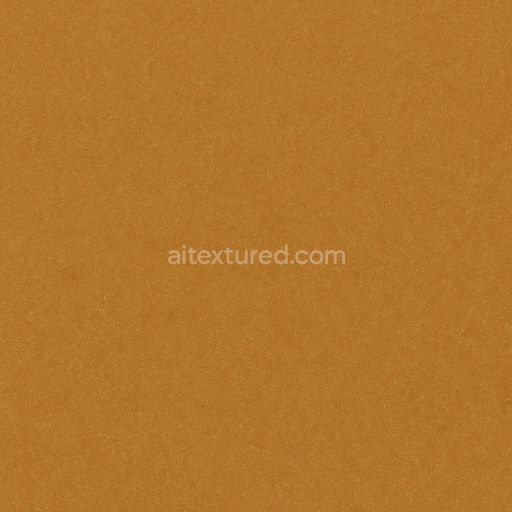
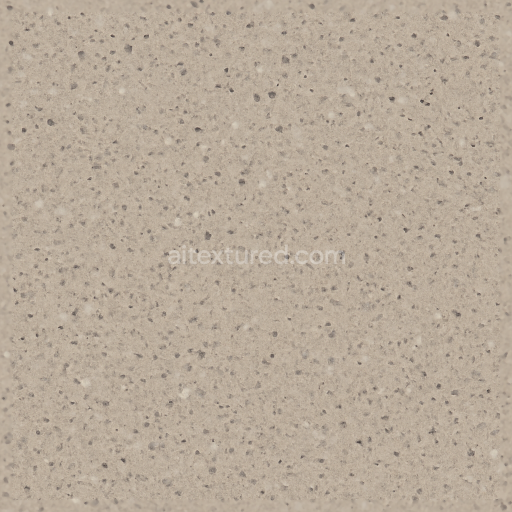
This seamless 3D texture represents a granular linoleum sheet designed with a semi-gloss surface finish, rendered in an impressive 8K resolution using physically based rendering (PBR) techniques. The base material of linoleum is traditionally composed of natural linseed oil, pine resin, wood flour, and mineral fillers, all bonded onto a jute or burlap substrate. This texture captures the fine grain and subtle irregularities of the linoleum’s surface, reflecting its granular composition and commercial-grade resilience. The warm palette of solid colors evokes natural, earthy tones that enhance the material’s organic feel while maintaining a consistent and uniform appearance suitable for resilient flooring applications.
From a geometric perspective, the texture exhibits a smooth, sheet-like form with an evenly distributed fine grain pattern, avoiding any large or repetitive motifs. This granular pattern is subtle yet distinct under close inspection, created by a combination of microscopic aggregates and fibers embedded within the linoleum matrix. The semi-gloss finish offers a soft reflection, achieved by a polished surface layer that interacts with light to reveal depth in the roughness and normal maps. The PBR channels are carefully calibrated: the BaseColor (Albedo) channel delivers warm solid hues without specular color contamination, the Normal map defines the delicate granular relief, and the Roughness map balances the semi-gloss sheen by modulating light scattering. The Metallic channel remains near zero, as linoleum is non-metallic, while the Ambient Occlusion adds depth to grain valleys, and the Height/Displacement map subtly enhances surface relief for realistic shading and parallax effects.
Material composition details such as mineral fillers and natural binders are reflected in the texture’s subtle porosity and micro-roughness, which influence the tactile perception of the surface. This porosity ensures both durability and a comfortable underfoot feel, important for commercial environments where linoleum is favored for its resilience and ease of maintenance. The texture’s fine grain structure also aids in diffusing light softly, preventing harsh glare while maintaining visual warmth. The colorants used in this texture simulate natural pigments embedded within the linoleum matrix, ensuring long-lasting color stability and resistance to fading, critical for high-traffic areas.
Optimized for use in Blender, Unreal Engine, and Unity, this 8K seamless texture supports high-fidelity close-up renders and real-time applications alike. When applying this texture, it is recommended to adjust the UV scale to maintain the appropriate granularity relative to the scene’s scale; too large UVs may cause the fine grain to appear oversized. Additionally, tuning the roughness parameter can help achieve desired glossiness levels depending on lighting conditions, while blending height and normal maps can enhance surface detail without introducing excessive geometric complexity. This makes the texture versatile for architectural visualization, interior design projects, and game environments where realistic resilient flooring is required.
Import the texture maps into Blender with sRGB color space for albedo/base color and Non-Color for normal, roughness, metallic, AO, height, and ORM maps. Connect normal maps through a Normal Map node, then adjust UV scale with a Mapping node so the material repeats naturally on your model.
For the full step-by-step setup, see How to Use Seamless Textures in Blender. Browse related material examples in wood, concrete, and metal.
Yes. This texture is designed as a seamless tileable PBR material, so it can repeat across large surfaces without visible borders.
You can download PNG/WEBP versions and use 1K, 2K, 4K and 8K download options when available on the page.
Yes. The download options and engine-mapped ZIP workflow are designed for Blender, Unreal Engine, Unity Standard, URP and HDRP material pipelines.
Yes. The texture is available under the AITextured free commercial license. Review the license page for redistribution and AI-training restrictions.
Generate, preview, and export seamless PBR materials for Blender, Unity, and Unreal Engine—directly in your browser.
AI text-to-texture: type a prompt and get a seamless, tileable base image ready for PBR workflows (great starting point for materials).
Create a full PBR set (Normal, Roughness, AO, Metallic, etc.) from a single image. Seamless and tiling-friendly.
Instant WebGL viewer: inspect materials on a sphere, plane, and cube. Check tiling and lighting in real time.
Re-packages maps per engine: Unreal (BaseColor + ORM), Unity (Mask/MetallicSmoothness), Blender (separate channels).
PNG ↔ JPG ↔ SVG: fast convert, SVG rasterize, embed/trace options, quality & background controls.