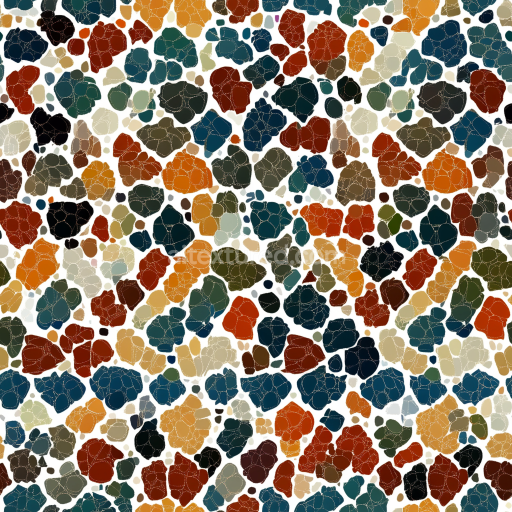
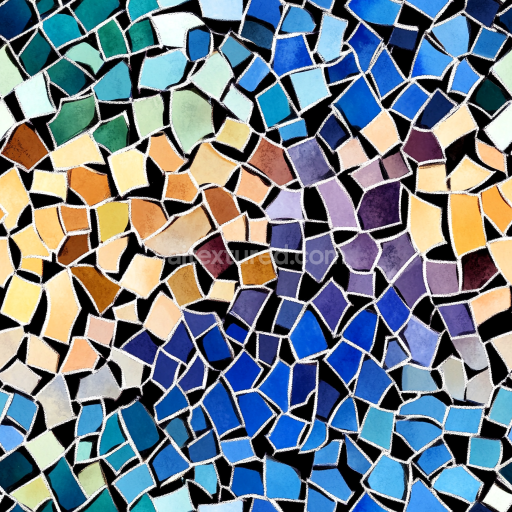
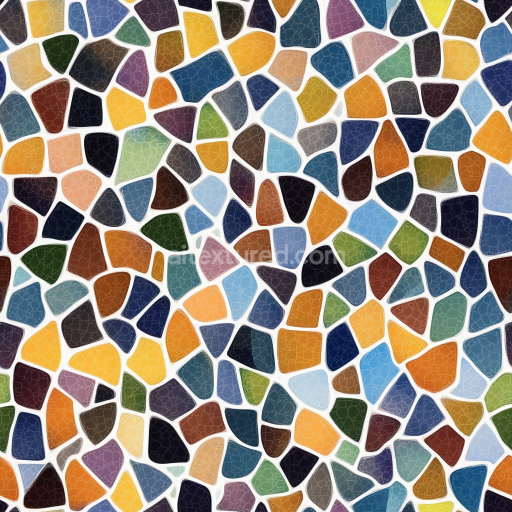
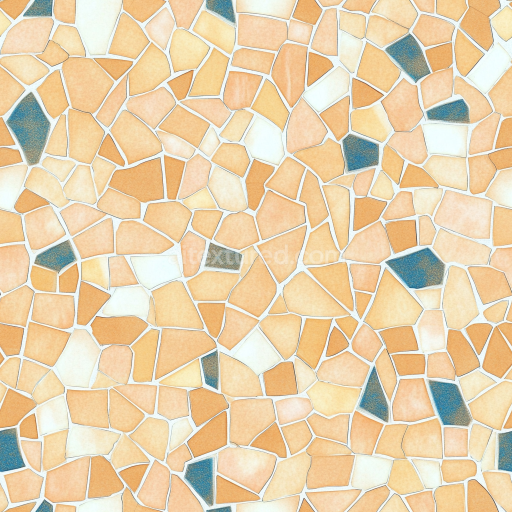
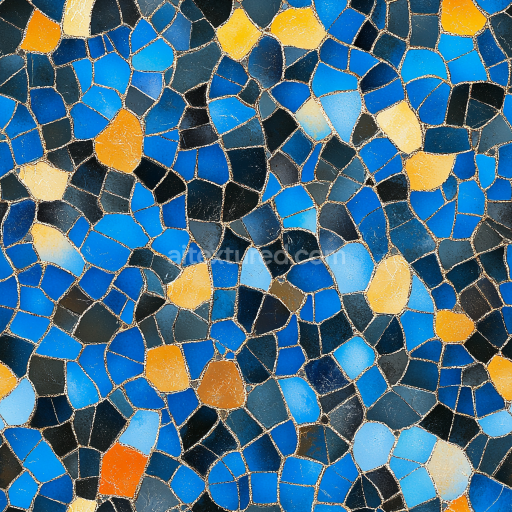
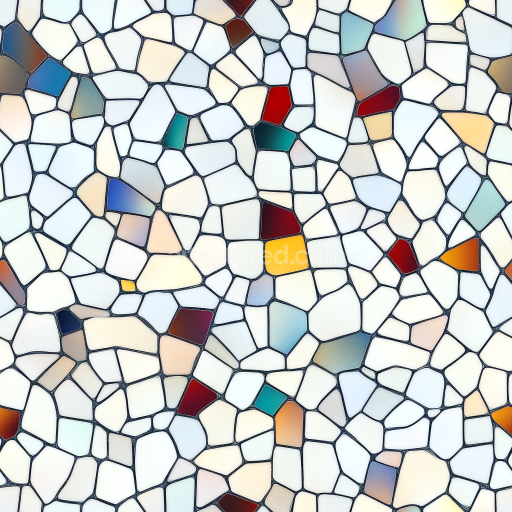
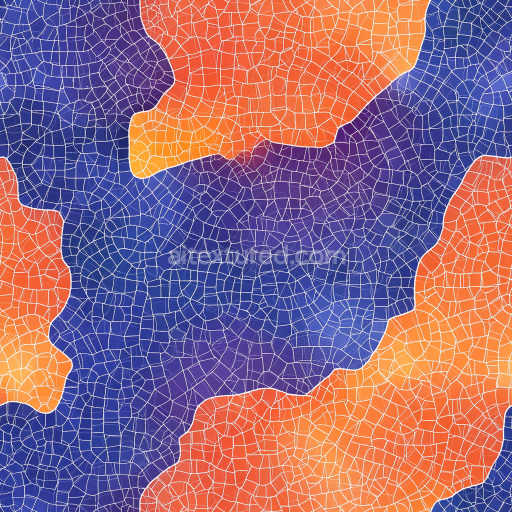
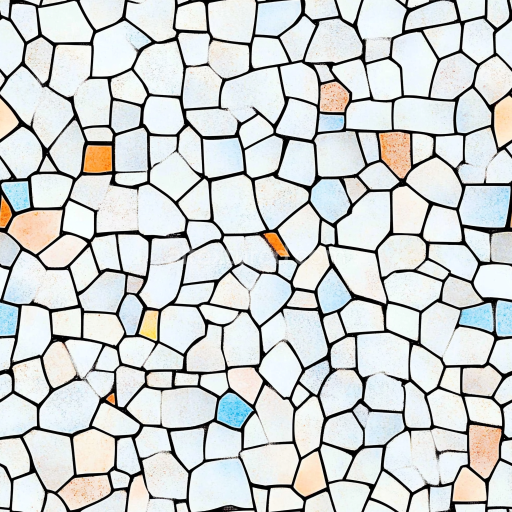
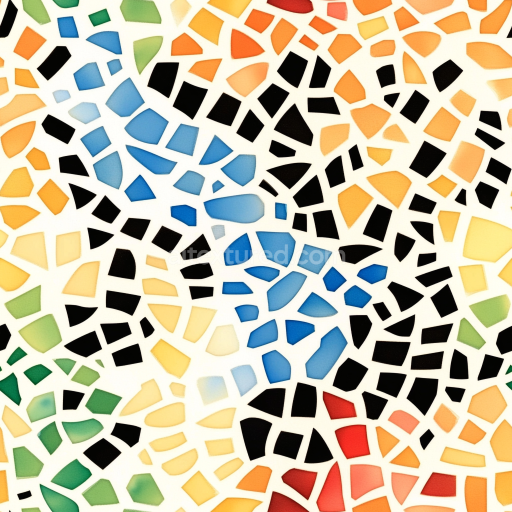
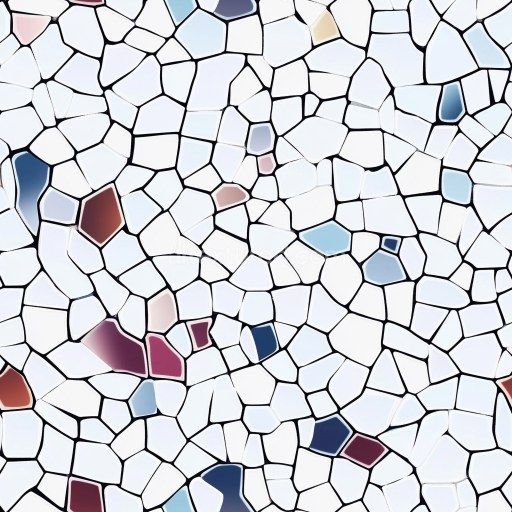
Mosaic PBR Texture Featuring Multicolored Retro Terrazzo Stone Chips
Seamless texture (tileable) · PNG, WEBP, PBR ZIP.
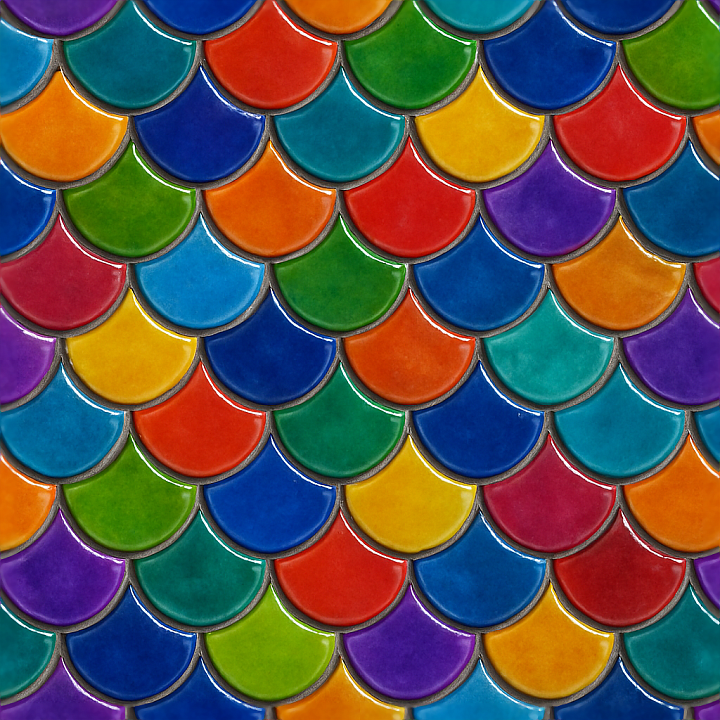
| ID | seamless-3d-texture-pbr-8k-fish-scale-tiles-mosaic-with-vibrant-colors-and-glossy-finish-surface |
|---|---|
| Category | Mosaic |
| Formats | PNG, WEBP, PBR ZIP |
| Size | 1k (1024x1024px), 2k (2048x2048px), 4k (4096x4096px), 8k (8192x8192px) |
| Tileable | Yes |
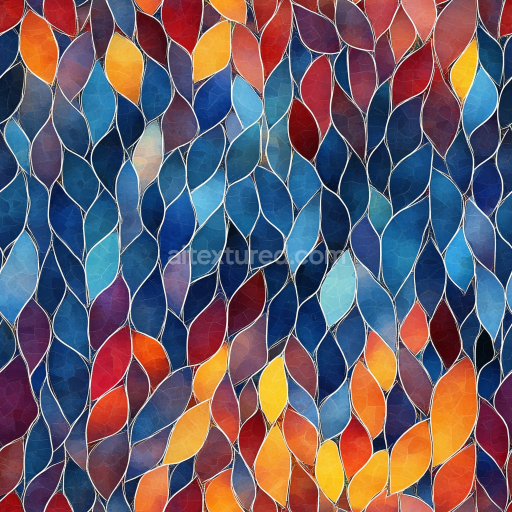
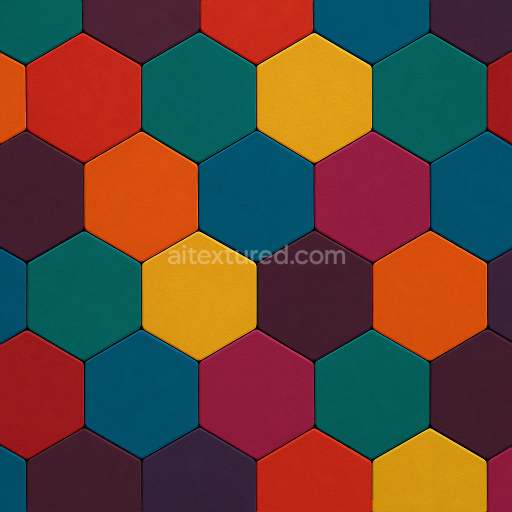
This high-resolution 8K seamless PBR texture showcases a meticulously crafted mosaic of fish scale tiles, characterized by their distinctive overlapping geometric form that mimics natural aquatic patterns. Each tile exhibits a gentle convex curvature, creating a subtle three-dimensional relief that enhances the tactile realism. The base material is a durable ceramic substrate, chosen for its smoothness and stability, which serves as the foundation for the vibrant glaze applied atop. This glaze incorporates a rich mix of inorganic pigments, delivering the vivid colors visible in the BaseColor (Albedo) channel, while the glossy finish is achieved through a polished surface treatment that reflects light dynamically across the tile faces.
The adhesive layer beneath the tiles is represented in the Ambient Occlusion channel, subtly defining the thin, precise grout lines that separate each fish scale element. These grout lines are deliberately narrow and consistent, maintaining focus on the colorful tiles without visual distraction. The Normal map accentuates the gentle curvature and overlapping edges of the scales, adding depth and complexity to the mosaic pattern. The Height (Displacement) map further refines this effect by simulating the subtle elevation differences between adjacent tiles, enhancing the illusion of physical layering. The Roughness channel is calibrated to reflect the glossiness of the glazed surface, indicating low roughness values for a smooth, reflective finish, while the Metallic channel remains near zero, consistent with the non-metallic ceramic composition.
The overall texture demonstrates a low-porosity surface typical of glazed ceramics, resistant to weathering and moisture absorption, which contributes to its long-lasting glossy appearance. Slight surface imperfections such as faint micro-scratches and minute glaze inconsistencies are subtly integrated within the Normal and Roughness maps to avoid an overly synthetic look, thereby increasing photorealism in rendered scenes. The vibrant coloration and reflective properties make this texture especially suitable for applications requiring a lively and polished tiled surface, such as accent walls in interior design, decorative aquatic-themed art installations, or stylized architectural visualizations.
Optimized for seamless tiling, this 3D texture is fully compatible with popular rendering and game development software including Blender, Unreal Engine, and Unity. Its high 8K resolution ensures crisp detail even in close-up views, allowing for flexible UV scaling without loss of fidelity. For best results, it is advisable to fine-tune the Roughness channel to adapt the gloss level to different lighting conditions, and to blend the Height map subtly with Normal maps to achieve enhanced parallax effects without excessive displacement artifacts. This approach ensures the fish scale mosaic maintains a natural and engaging appearance across diverse 3D environments.
Import the texture maps into Blender with sRGB color space for albedo/base color and Non-Color for normal, roughness, metallic, AO, height, and ORM maps. Connect normal maps through a Normal Map node, then adjust UV scale with a Mapping node so the material repeats naturally on your model.
For the full step-by-step setup, see How to Use Seamless Textures in Blender. Browse related material examples in wood, concrete, and metal.
Yes. This texture is designed as a seamless tileable PBR material, so it can repeat across large surfaces without visible borders.
Use the download controls on this page: they expose the available PNG, WEBP or engine ZIP choices and supported resolutions for this asset.
Use the engine ZIP choices to package compatible source maps for Blender, Unreal Engine or Unity, then verify the imported material in the target application.
Commercial-use permission is not verified for this record. Confirm the original source and license before production use.
Generate maps from existing images, preview materials, convert channels, and package compatible inputs for Blender, Unity, and Unreal Engine.
Choose a verified workflow for generating maps, previewing tiling, converting channels, or starting from the texture catalog.
Derive Normal, Roughness, AO, Metallic, Height and optional ORM maps from one or more source images, then review the results.
Instant WebGL viewer: inspect materials on a sphere, plane, and cube. Check tiling and lighting in real time.
Re-packages maps per engine: Unreal (BaseColor + ORM), Unity (Mask/MetallicSmoothness), Blender (separate channels).
PNG ↔ JPG ↔ SVG: fast convert, SVG rasterize, embed/trace options, quality & background controls.