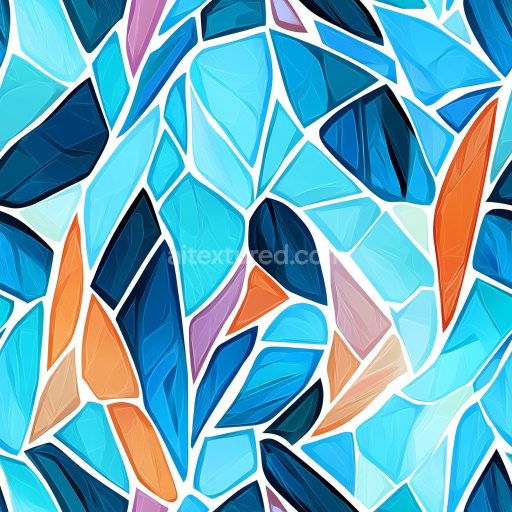
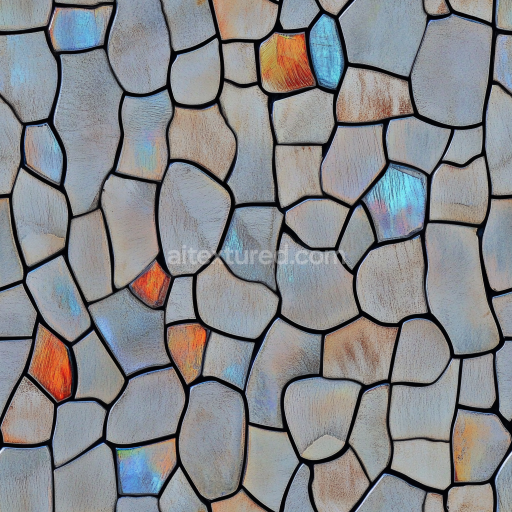
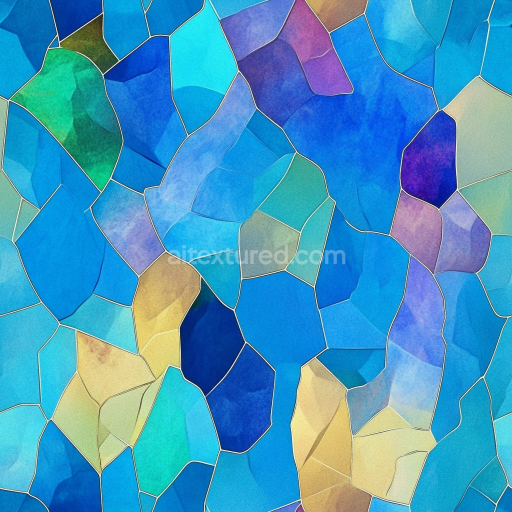
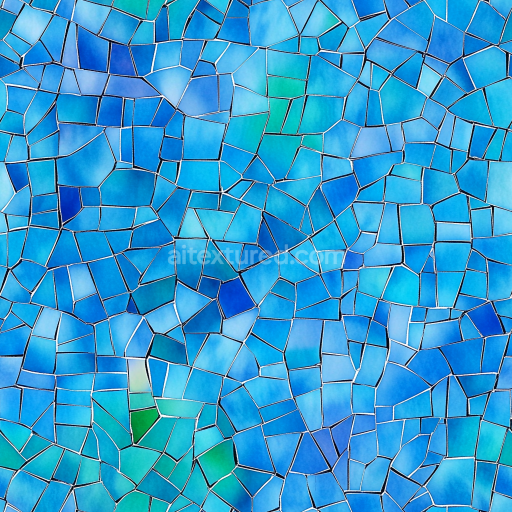
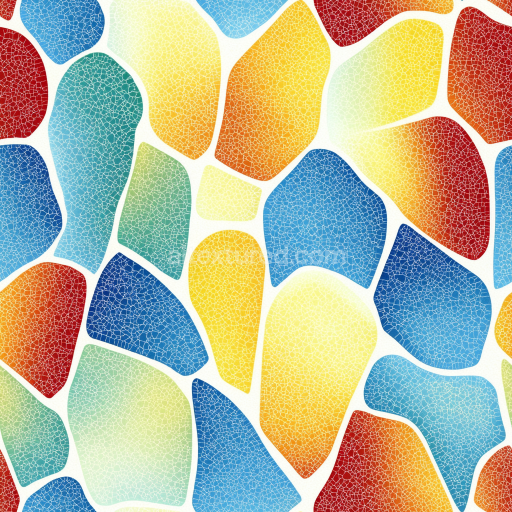
Mosaic PBR Texture of Irregular Blue and Orange Glass Shards
Seamless texture (tileable) · PNG, WEBP, PBR ZIP.
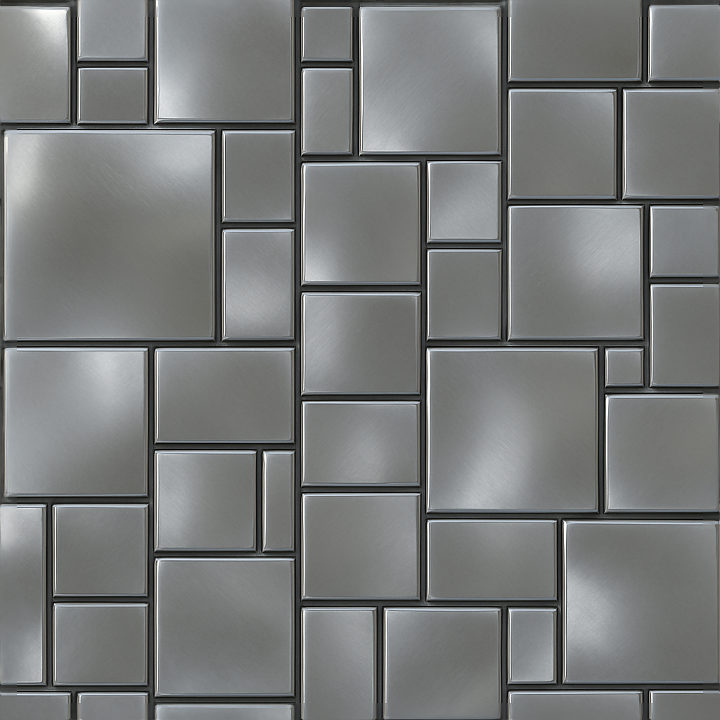
| ID | seamless-3d-texture-pbr-8k-mosaic-metallic-tesserae-with-reflective-surface-and-geometric-shapes |
|---|---|
| Category | Mosaic |
| Formats | PNG, WEBP, PBR ZIP |
| Size | 1k (1024x1024px), 2k (2048x2048px), 4k (4096x4096px), 8k (8192x8192px) |
| Tileable | Yes |
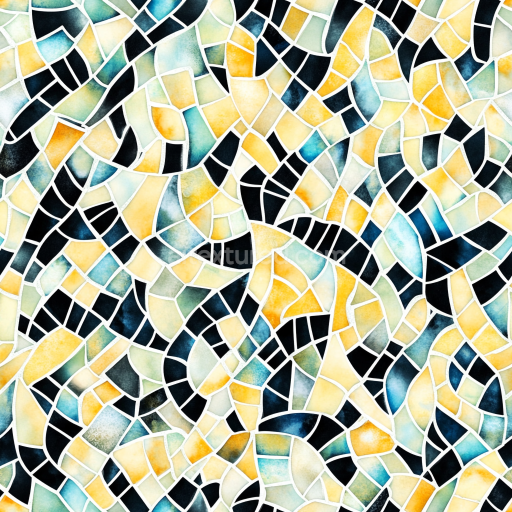
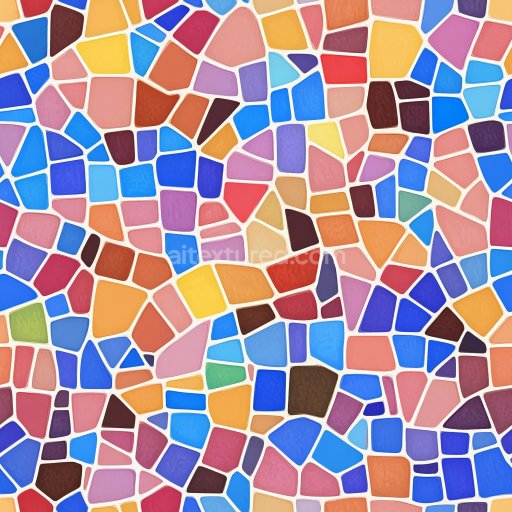
This seamless 3D texture showcases a meticulously crafted mosaic composed of metallic tesserae, each tessera shaped into precise geometric forms such as hexagons and elongated rectangles that interlock to form a continuous pattern. The base material resembles a high-grade metal alloy substrate, likely a combination of aluminum and stainless steel, chosen for its durability and natural reflective qualities. The tesserae are affixed onto a flat, non-porous backing layer that mimics a smooth metal plate, ensuring structural stability and uniformity. The edges of each tessera are subtly chamfered and polished, producing smooth transitions between pieces while enhancing the overall sleek, modern aesthetic. This arrangement yields a visually striking surface that balances angular geometry with soft reflections, ideal for contemporary architectural visualizations or sci-fi environment details.
The composition reveals a multi-layered surface treatment designed to maximize photorealism in PBR workflows. The reflective surface is achieved through a finely brushed metallic finish, imparting subtle anisotropic highlights that catch light differently depending on the viewing angle. Beneath the polished surface, microscopic grain and brushed strokes introduce micro-roughness that prevents mirror-like reflections, simulating realistic wear and manufacturing texture. The base color channel (Albedo) captures a cool silver-gray tone with nuanced variations caused by light scattering within the metal’s grain structure. The Normal map encodes the tesserae’s geometric relief and chamfered edges, emphasizing depth and contour, while the Roughness map modulates between smooth reflective areas and slightly matte regions where micro-abrasion occurs. The Metallic channel confirms the fully metal nature of the tesserae, with values close to one, and the Ambient Occlusion map adds subtle shading at tesserae intersections and edges to enhance perceived depth. Height or Displacement maps are finely tuned to simulate the slight elevation difference between tesserae and the flat backing plate, contributing to photorealistic parallax effects in real-time engines.
This texture is captured in ultra-high-resolution 8K, ensuring exceptional detail and sharpness, which is critical for close-up renders and large-scale scenes. It is fully optimized for seamless tiling, enabling infinite repetition without visible breaks or distortion. The texture is compatible with major 3D software and game engines including Blender, Unreal Engine, and Unity, supporting all standard PBR channels to integrate effortlessly into physically-based rendering pipelines. The flat surface geometry combined with the modular tesserae pattern allows artists to easily adjust UV scale to fit various model sizes without losing detail or introducing artifacts.
For practical use, it is recommended to fine-tune the Roughness map to control the balance between reflectivity and surface wear, depending on the desired environmental lighting and material aging effects. Additionally, blending the Height map subtly with the Normal map can enhance depth perception without causing rendering artifacts in parallax or displacement shaders. This texture excels in applications requiring sophisticated metallic mosaic surfaces, such as futuristic wall panels, decorative flooring, or advanced vehicle detailing, where a modern and refined metallic aesthetic is essential.
Import the texture maps into Blender with sRGB color space for albedo/base color and Non-Color for normal, roughness, metallic, AO, height, and ORM maps. Connect normal maps through a Normal Map node, then adjust UV scale with a Mapping node so the material repeats naturally on your model.
For the full step-by-step setup, see How to Use Seamless Textures in Blender. Browse related material examples in wood, concrete, and metal.
Yes. This texture is designed as a seamless tileable PBR material, so it can repeat across large surfaces without visible borders.
Use the download controls on this page: they expose the available PNG, WEBP or engine ZIP choices and supported resolutions for this asset.
Use the engine ZIP choices to package compatible source maps for Blender, Unreal Engine or Unity, then verify the imported material in the target application.
Commercial-use permission is not verified for this record. Confirm the original source and license before production use.
Generate maps from existing images, preview materials, convert channels, and package compatible inputs for Blender, Unity, and Unreal Engine.
Choose a verified workflow for generating maps, previewing tiling, converting channels, or starting from the texture catalog.
Derive Normal, Roughness, AO, Metallic, Height and optional ORM maps from one or more source images, then review the results.
Instant WebGL viewer: inspect materials on a sphere, plane, and cube. Check tiling and lighting in real time.
Re-packages maps per engine: Unreal (BaseColor + ORM), Unity (Mask/MetallicSmoothness), Blender (separate channels).
PNG ↔ JPG ↔ SVG: fast convert, SVG rasterize, embed/trace options, quality & background controls.