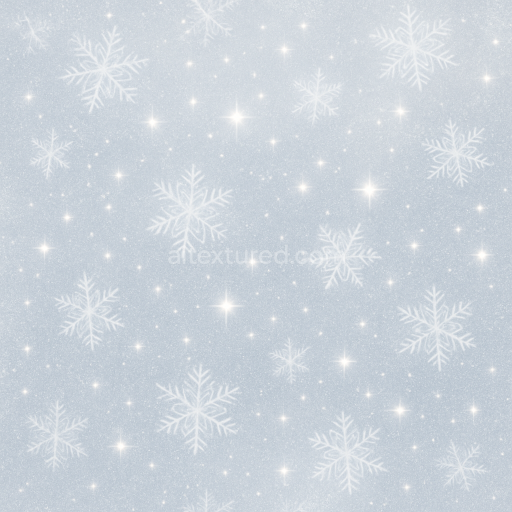
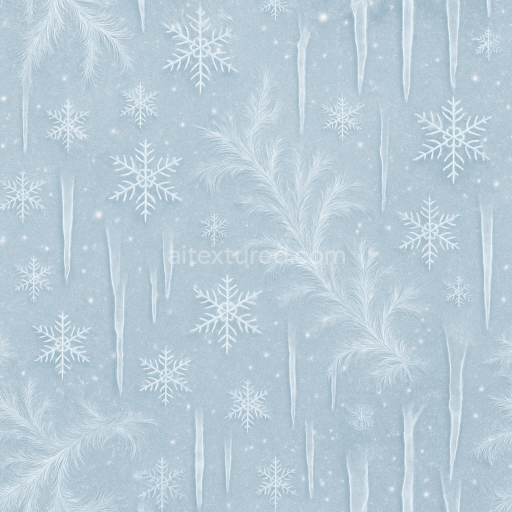
Frosted Snowflakes And Sparkling Snow Texture For Winter New Year
Seamless texture (tileable) · PNG, WEBP, PBR ZIP.

| ID | seamless-3d-texture-pbr-8k-sparkling-gold-sequins-and-silver-sequins-party-glitter-for-new-year |
|---|---|
| Category | New Year |
| Formats | PNG, WEBP, PBR ZIP |
| Size | 1k (1024x1024px), 2k (2048x2048px), 4k (4096x4096px), 8k (8192x8192px) |
| Tileable | Yes |
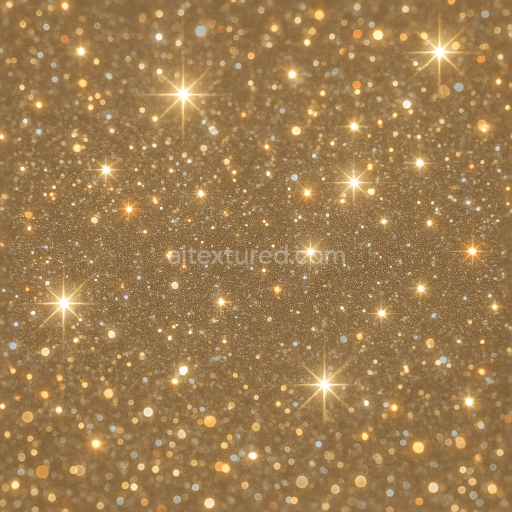
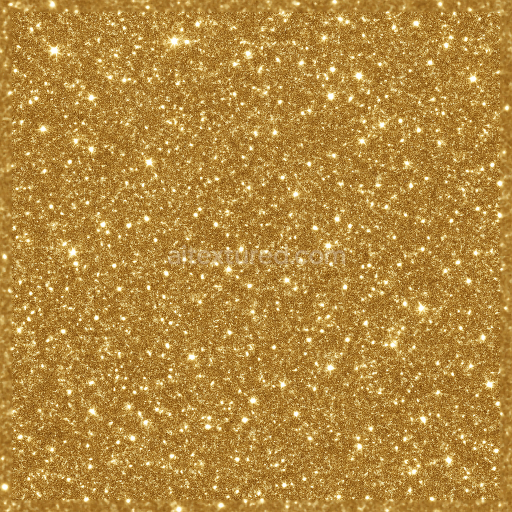
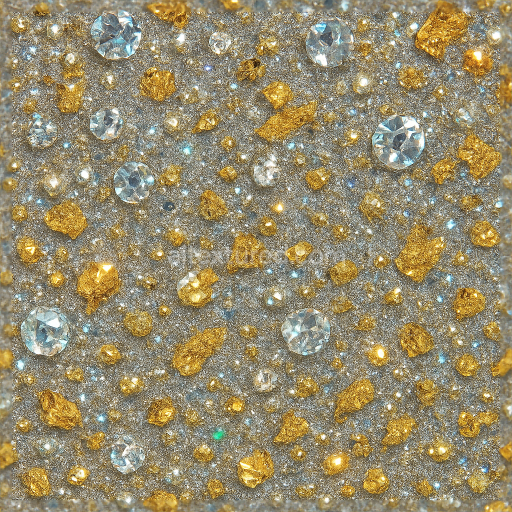
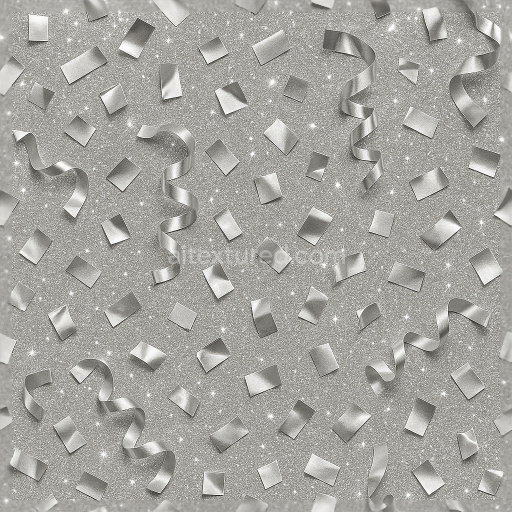
This seamless 3D PBR texture showcases an intricate arrangement of gold and silver sequins, meticulously crafted to replicate the luxurious sparkle of party glitter typical of New Year celebrations. The base material resembles a finely woven synthetic fabric substrate, onto which reflective sequins are densely affixed using a translucent adhesive binder. The sequins themselves have a thin, metallic lamination, creating a dual-tone effect with alternating gold and silver surfaces. Their circular, slightly convex geometric form is uniformly distributed in a tightly packed hexagonal pattern, allowing for minimal gaps and maximizing light reflection. This arrangement contributes to a subtle interplay of shadows and highlights, enhanced by the glossy surface finish that mimics the polished sheen of real metallic sequins.
In terms of material composition, the texture simulates a layered structure where the fabric base provides a slightly rough but flexible foundation, mapped through the Roughness channel to yield moderate specularity with natural variation. The sequins’ metallic facets are captured using the Metallic channel, indicating high reflectivity and metalness, while the Normal and Height maps emphasize the subtle curvature and overlapping edges, adding realistic depth and dimensionality. The Ambient Occlusion channel enhances the perception of tiny crevices between the sequins and the fabric, deepening shadows for a richer visual contrast. The BaseColor (Albedo) channel features a vibrant mix of gold and silver hues, carefully balanced to maintain vividness without oversaturation, simulating microscopic surface imperfections that contribute to the sparkle dust and celebration spark effects.
The sparkle effect and sparkle flare are achieved through fine detail normal mapping and precise roughness modulation, simulating the way light scatters off the sequins’ microfacets and the festive ribbons interspersed throughout the texture. This results in dynamic reflections that change realistically with the viewing angle and lighting conditions, ideal for conveying the lively atmosphere of a New Year party. The texture’s porosity is minimal, reflecting a dense, tightly sealed surface that resists weathering and maintains a consistent appearance across large tiled areas. Thanks to its 8K ultra-high resolution, this texture preserves every minute detail, from the shimmer of individual sequins to the subtle variations in the sparkle dust, ensuring photorealistic results when applied to digital decorations or 3D models.
Designed with full compatibility for Blender, Unreal Engine, and Unity, this PBR texture supports efficient real-time rendering and physically accurate shading workflows. For optimal results, it is recommended to adjust the UV scale to balance detail density based on the model size—smaller UV scales emphasize individual sequins, while larger scales create a more uniform glitter effect. Additionally, fine-tuning the roughness map can help control the intensity of the sparkle effect, while blending the height and normal maps can enhance the perception of depth without over-exaggerating surface deformation. This approach ensures versatility across various projects requiring a festive, high-fidelity gold and silver sequin material.
Import the texture maps into Blender with sRGB color space for albedo/base color and Non-Color for normal, roughness, metallic, AO, height, and ORM maps. Connect normal maps through a Normal Map node, then adjust UV scale with a Mapping node so the material repeats naturally on your model.
For the full step-by-step setup, see How to Use Seamless Textures in Blender. Browse related material examples in wood, concrete, and metal.
Yes. This texture is designed as a seamless tileable PBR material, so it can repeat across large surfaces without visible borders.
Use the download controls on this page: they expose the available PNG, WEBP or engine ZIP choices and supported resolutions for this asset.
Use the engine ZIP choices to package compatible source maps for Blender, Unreal Engine or Unity, then verify the imported material in the target application.
Commercial-use permission is not verified for this record. Confirm the original source and license before production use.

Generate maps from existing images, preview materials, convert channels, and package compatible inputs for Blender, Unity, and Unreal Engine.
Choose a verified workflow for generating maps, previewing tiling, converting channels, or starting from the texture catalog.
Derive Normal, Roughness, AO, Metallic, Height and optional ORM maps from one or more source images, then review the results.
Instant WebGL viewer: inspect materials on a sphere, plane, and cube. Check tiling and lighting in real time.
Re-packages maps per engine: Unreal (BaseColor + ORM), Unity (Mask/MetallicSmoothness), Blender (separate channels).
PNG ↔ JPG ↔ SVG: fast convert, SVG rasterize, embed/trace options, quality & background controls.