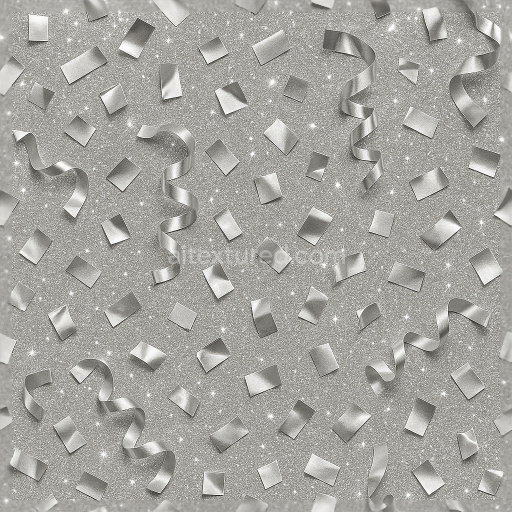
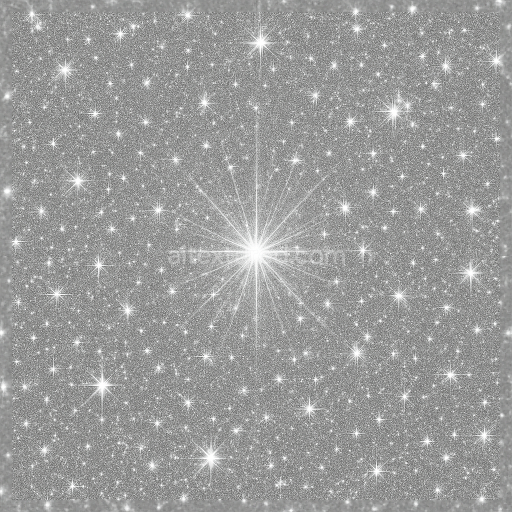
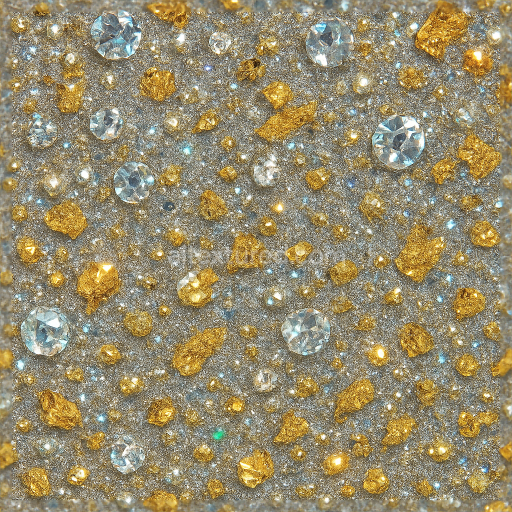
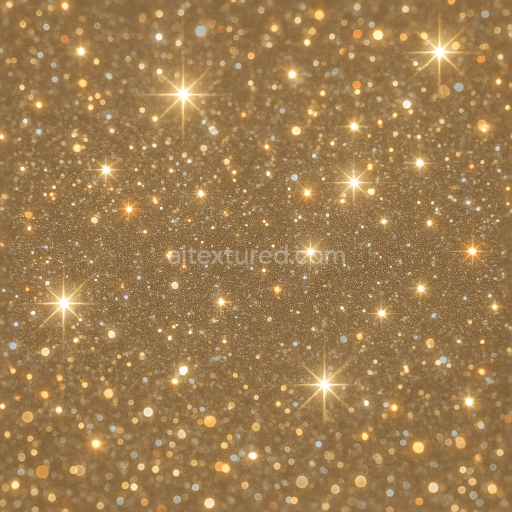
Silver Foil Metallic Confetti And Party Popper Sparkle Effect For New Year
Seamless texture (tileable) · PNG, WEBP, PBR ZIP.
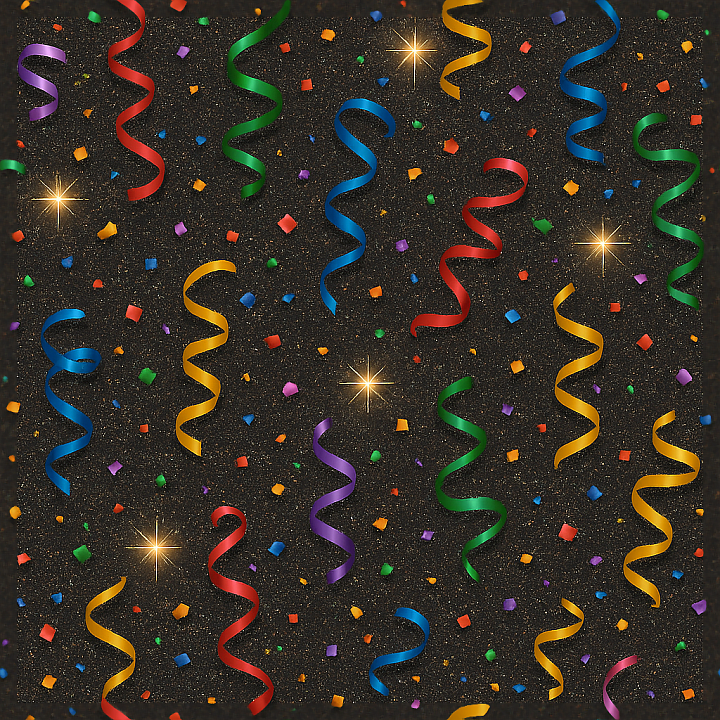
| ID | seamless-3d-texture-pbr-8k-sparkling-streamers-and-party-confetti-with-holiday-sparkle-for-new-year |
|---|---|
| Category | New Year |
| Formats | PNG, WEBP, PBR ZIP |
| Size | 1k (1024x1024px), 2k (2048x2048px), 4k (4096x4096px), 8k (8192x8192px) |
| Tileable | Yes |
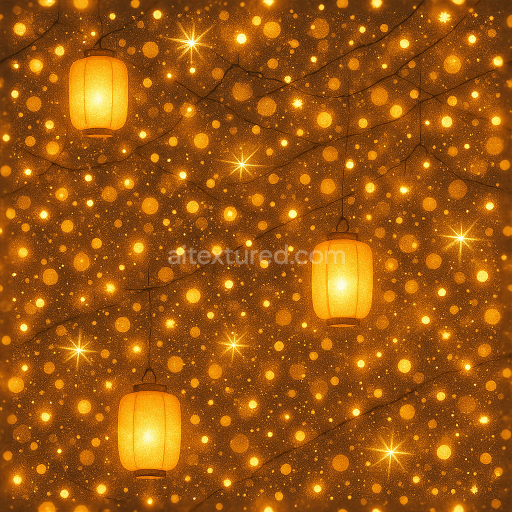
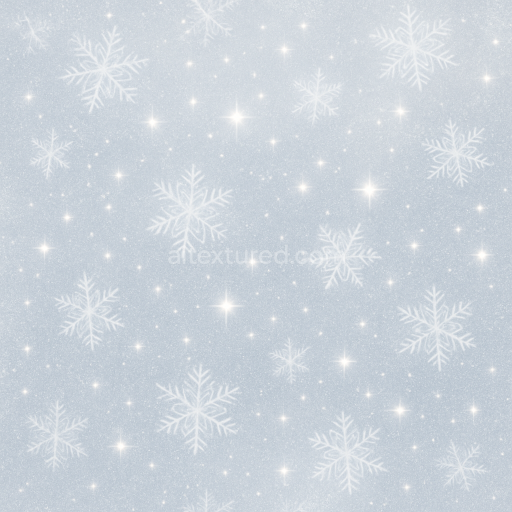
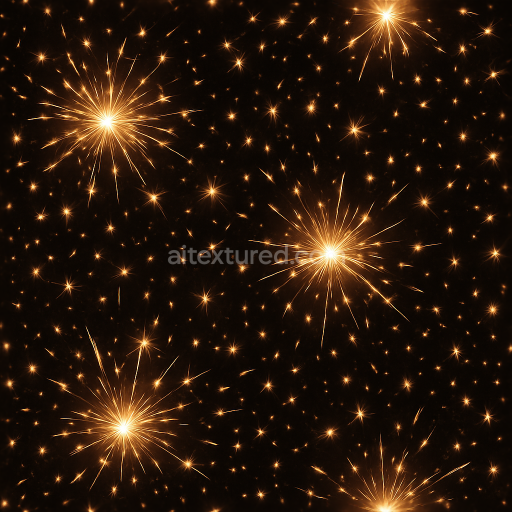
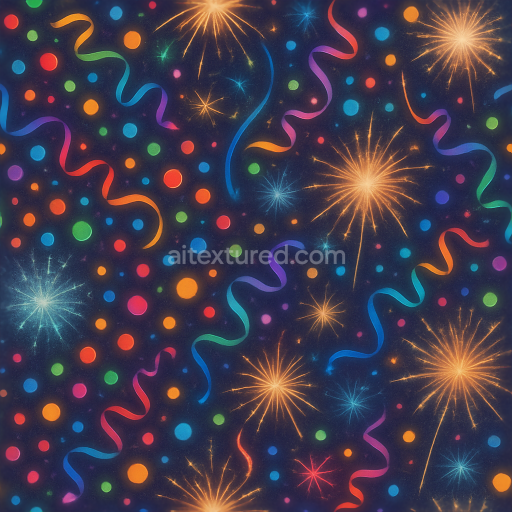
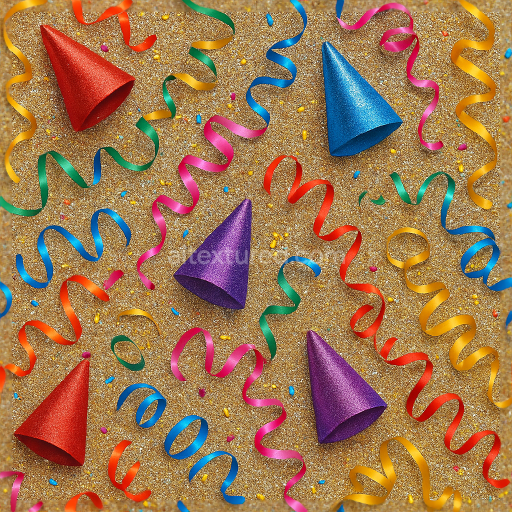
This seamless 3D texture in 8K resolution showcases an intricate pattern of sparkling streamers intertwined with vibrant party confetti, designed to evoke a festive atmosphere for New Year celebrations. The base material resembles thin metallic foil and lightweight plastic films, commonly used in decorative party supplies. These materials form a layered substrate where reflective streamers exhibit a smooth, polished metallic finish, while the confetti pieces display a mix of matte and glossy plastic surfaces. The streamers’ slender, curled ribbons create a dynamic, flowing geometric form that contrasts with the irregular, lightweight shapes of the scattered confetti, producing a lively interplay of light and shadow throughout the texture.
The composition involves a primary substrate of flexible polymer films, coated with metallic pigments and iridescent colorants to achieve the shimmering holiday sparkle effect. Adhesive binders hold the metallic flakes and pigment particles firmly in place, while fine sparkle dust and celebration spark aggregates add micro-textural detail and a subtle sparkle flare. The overall surface finish alternates between highly reflective, polished streamers and softly diffused, semi-matte confetti elements. This variation is captured in the PBR channels: the BaseColor (Albedo) map contains vibrant, multi-hued pigments with metallic sheens; the Normal map emphasizes the curling and overlapping geometry of the streamers and confetti edges; Roughness varies to differentiate the glossy streamers from the slightly textured confetti; the Metallic channel highlights the foil elements; Ambient Occlusion adds realistic depth to overlapping layers; and Height/Displacement maps provide subtle relief to enhance the three-dimensionality of the curled ribbons and confetti pieces.
Rendered at an exceptional 8K resolution, this texture is optimized for high-fidelity 3D applications in Blender, Unreal Engine, and Unity, providing photorealistic detail even in close-up views. The seamless tiling ensures smooth repetition without visible seams, suitable for large-scale digital environments or detailed 3D decorations. The sparkle effect is enhanced through finely tuned roughness and metallic values, which respond well to dynamic lighting within physically based rendering workflows.
For practical use, it is advisable to carefully adjust the UV scale to maintain the natural size of the streamers and confetti elements, avoiding overly small repetitions that can reduce realism. Additionally, blending the height or parallax maps subtly with the normal map can improve the perception of depth on flat surfaces without heavy geometry overhead. Tuning roughness values depending on scene lighting can further emphasize the interplay between the polished metallic streamers and the semi-matte party glitter, enhancing the festive sparkle effect in any 3D celebration scene.
Import the texture maps into Blender with sRGB color space for albedo/base color and Non-Color for normal, roughness, metallic, AO, height, and ORM maps. Connect normal maps through a Normal Map node, then adjust UV scale with a Mapping node so the material repeats naturally on your model.
For the full step-by-step setup, see How to Use Seamless Textures in Blender. Browse related material examples in wood, concrete, and metal.
Yes. This texture is designed as a seamless tileable PBR material, so it can repeat across large surfaces without visible borders.
Use the download controls on this page: they expose the available PNG, WEBP or engine ZIP choices and supported resolutions for this asset.
Use the engine ZIP choices to package compatible source maps for Blender, Unreal Engine or Unity, then verify the imported material in the target application.
Commercial-use permission is not verified for this record. Confirm the original source and license before production use.

Generate maps from existing images, preview materials, convert channels, and package compatible inputs for Blender, Unity, and Unreal Engine.
Choose a verified workflow for generating maps, previewing tiling, converting channels, or starting from the texture catalog.
Derive Normal, Roughness, AO, Metallic, Height and optional ORM maps from one or more source images, then review the results.
Instant WebGL viewer: inspect materials on a sphere, plane, and cube. Check tiling and lighting in real time.
Re-packages maps per engine: Unreal (BaseColor + ORM), Unity (Mask/MetallicSmoothness), Blender (separate channels).
PNG ↔ JPG ↔ SVG: fast convert, SVG rasterize, embed/trace options, quality & background controls.