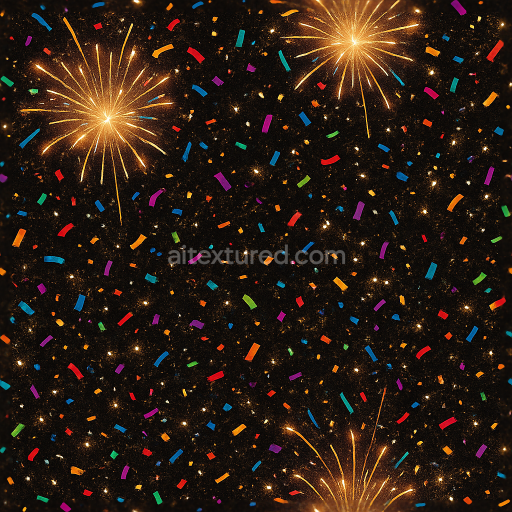
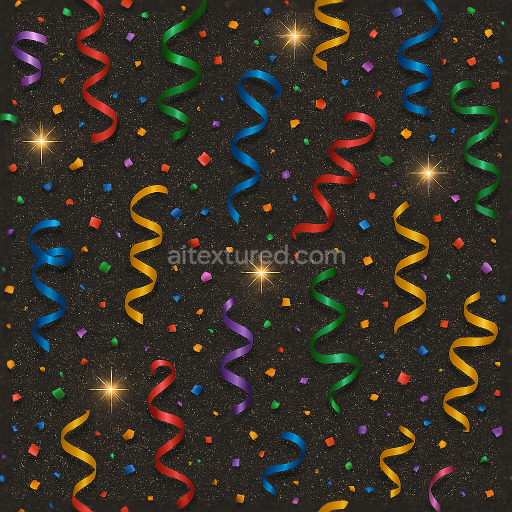
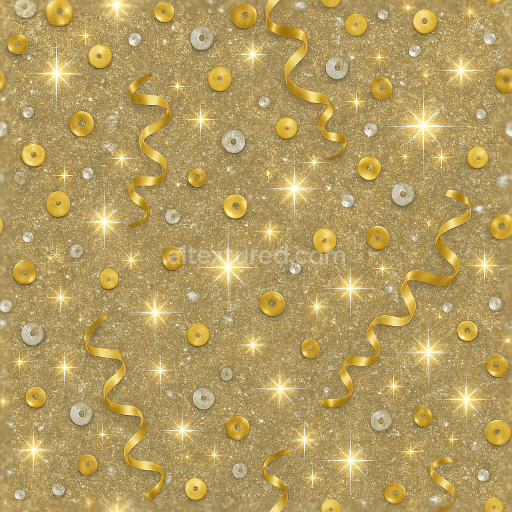
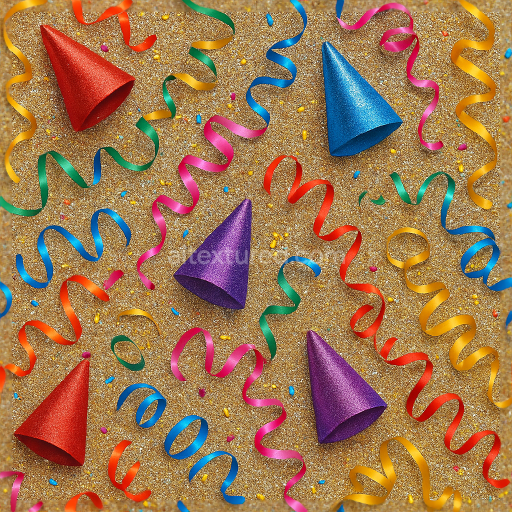
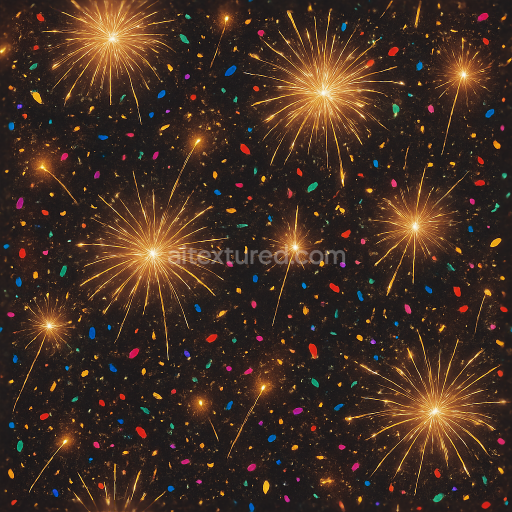
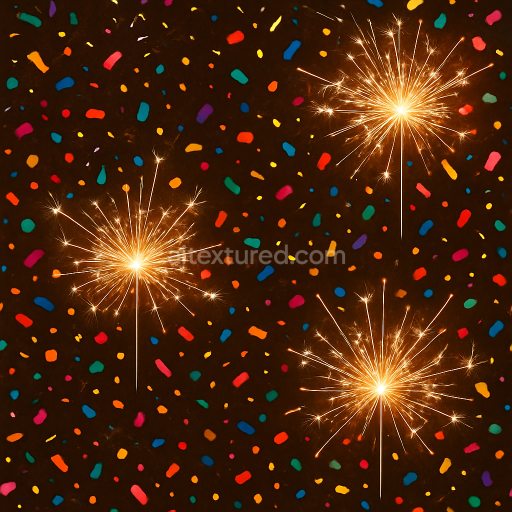
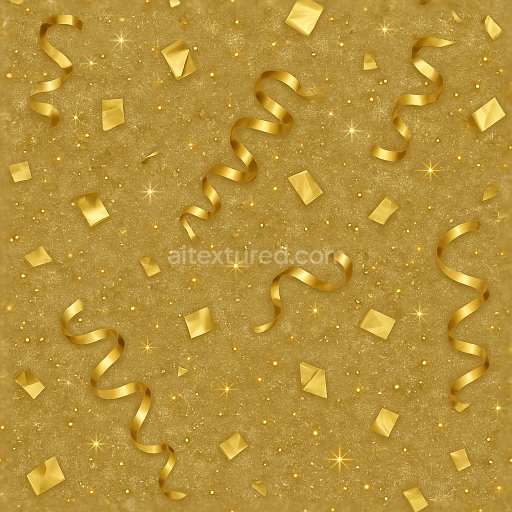
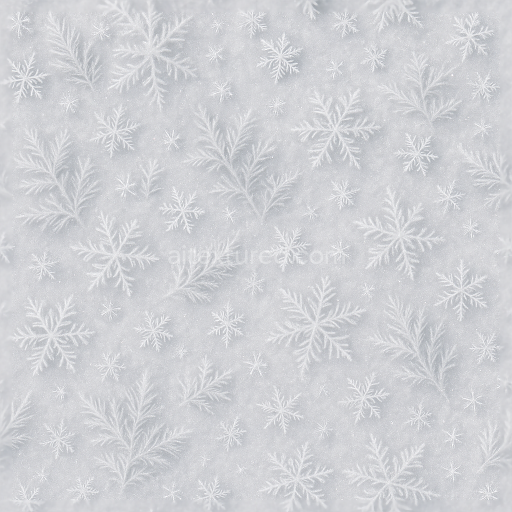
Sparkling Firecracker And Party Confetti With Light Burst For New Year
Seamless texture (tileable) · PNG, WEBP, PBR ZIP.
| ID | seamless-3d-texture-pbr-8k-glitter-dust-and-sparkle-flare-with-twinkling-lights-for-new-year |
|---|---|
| Category | New Year |
| Formats | PNG, WEBP, PBR ZIP |
| Size | 1k (1024x1024px), 2k (2048x2048px), 4k (4096x4096px), 8k (8192x8192px) |
| Tileable | Yes |
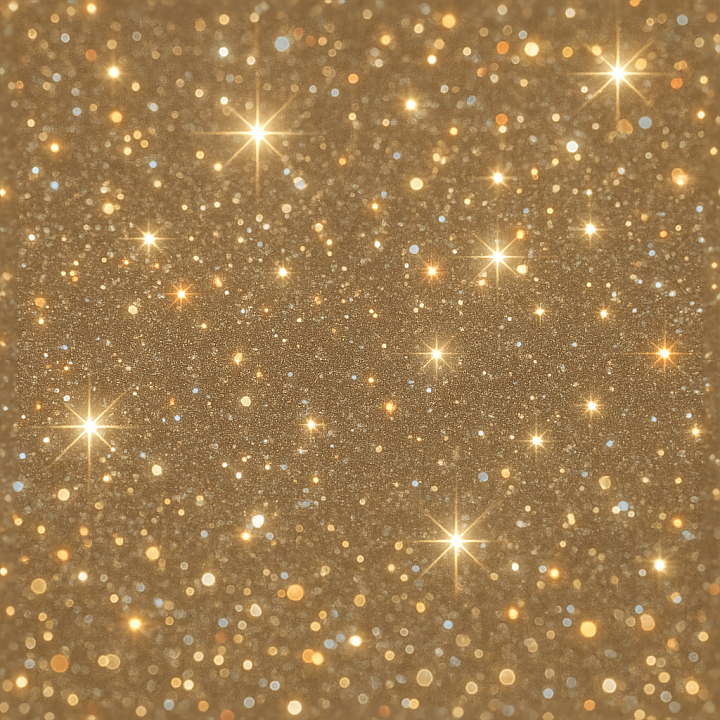
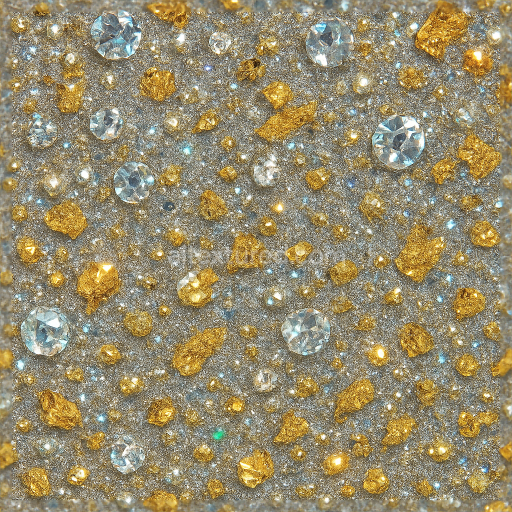
This seamless 3D texture features an intricate composition of glitter dust and sparkle flare elements, finely detailed in an 8K resolution that ensures exceptional clarity and realism. The base material simulates a delicate fabric or fine paper substrate, with a subtle weave pattern that provides a soft, tactile foundation. Embedded within this base are countless microscopic glitter particles, resembling metallic flakes and translucent pigments suspended in a clear binder. These particles vary in size and reflectivity, creating dynamic twinkling lights and celebration sparkles that shift with lighting angles. The overall form presents a loosely scattered, random grain pattern that mimics natural glitter accumulation, giving the surface a lively, multidimensional sparkle effect suitable for festive themes.
From a material standpoint, the texture’s substrate appears slightly porous yet smooth, resembling a lightly textured fibrous medium coated with a glossy finish to enhance the holiday glow. The binder acts as a transparent adhesive layer, holding the glitter dust and sparkle aggregates in place while allowing light to penetrate and refract. Colorants include silvery whites, soft golds, and subtle iridescent hues that contribute to the vibrant party glitter appearance. The surface finish balances a polished shimmer with tiny roughness variations where particles protrude slightly, creating realistic light scattering and micro-shadows. Weathering is minimal, maintaining a fresh, pristine look ideal for digital celebrations.
In terms of PBR mapping, the BaseColor (Albedo) channel captures the complex interplay of metallic and non-metallic pigments, delivering luminous sparkle dust tones with subtle color shifts. The Normal map encodes the fine relief of glitter flakes and the underlying fabric weave, adding depth and tactile realism. Roughness varies across the surface, with smooth glossy areas on the binder contrasting against rougher regions formed by individual glitter edges. The Metallic channel highlights the reflective metallic flakes within the dust, while Ambient Occlusion enhances the perception of depth in crevices between particles. The Height/Displacement map subtly lifts the glitter elements above the base surface, reinforcing the three-dimensional sparkle flare effect and twinkling lights.
This texture is optimized for seamless tiling, making it highly versatile for 3D applications in Blender, Unreal Engine, and Unity. Its high 8K resolution preserves detail even under close-up inspection, ideal for creating immersive holiday scenes or decorative backgrounds. For practical use, adjusting the UV scale can control the density of the glitter pattern, while fine-tuning the roughness map allows for customizing the sparkle intensity to suit different lighting environments. Blending the height and normal maps can further enhance the realism of surface microstructure, providing subtle parallax effects that enrich the overall celebration sparkles and party glitter ambiance.
Import the texture maps into Blender with sRGB color space for albedo/base color and Non-Color for normal, roughness, metallic, AO, height, and ORM maps. Connect normal maps through a Normal Map node, then adjust UV scale with a Mapping node so the material repeats naturally on your model.
For the full step-by-step setup, see How to Use Seamless Textures in Blender. Browse related material examples in wood, concrete, and metal.
Yes. This texture is designed as a seamless tileable PBR material, so it can repeat across large surfaces without visible borders.
Use the download controls on this page: they expose the available PNG, WEBP or engine ZIP choices and supported resolutions for this asset.
Use the engine ZIP choices to package compatible source maps for Blender, Unreal Engine or Unity, then verify the imported material in the target application.
Commercial-use permission is not verified for this record. Confirm the original source and license before production use.
Generate maps from existing images, preview materials, convert channels, and package compatible inputs for Blender, Unity, and Unreal Engine.
Choose a verified workflow for generating maps, previewing tiling, converting channels, or starting from the texture catalog.
Derive Normal, Roughness, AO, Metallic, Height and optional ORM maps from one or more source images, then review the results.
Instant WebGL viewer: inspect materials on a sphere, plane, and cube. Check tiling and lighting in real time.
Re-packages maps per engine: Unreal (BaseColor + ORM), Unity (Mask/MetallicSmoothness), Blender (separate channels).
PNG ↔ JPG ↔ SVG: fast convert, SVG rasterize, embed/trace options, quality & background controls.