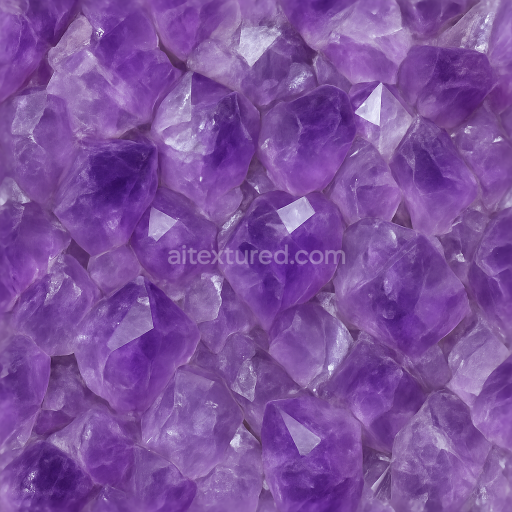
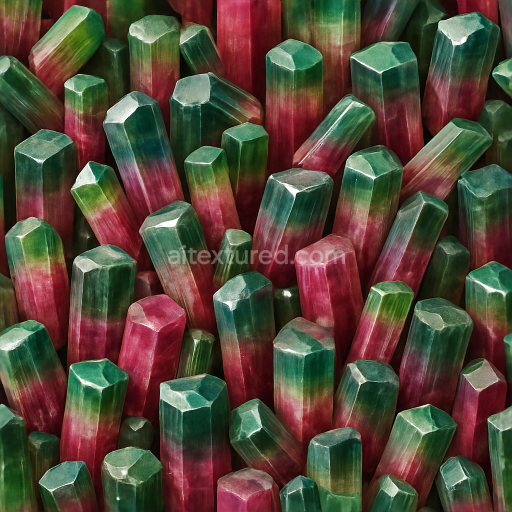
Amethyst Rough Crystal With Color Zoning And Vitreous Luster Effects
Seamless texture (tileable) · PNG, WEBP, PBR ZIP. License: AITextured Free Commercial License (FCL) v1.1. Free personal and commercial use. Raw resale, standalone redistribution, mirroring/scraping, competing asset packs, and AI/ML training are not allowed without written permission. Attribution is not required, but appreciated..
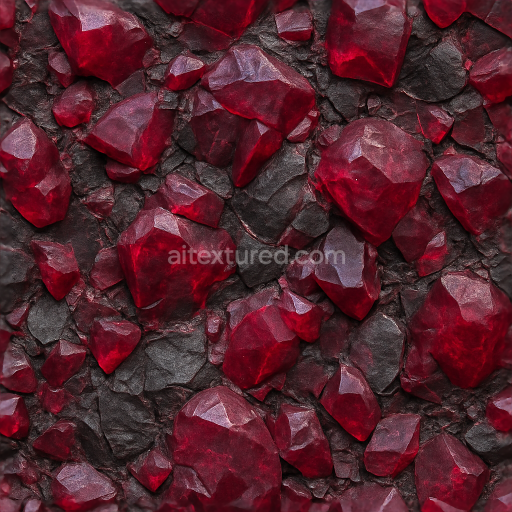
| ID | seamless-3d-texture-pbr-8k-of-rough-spinel-mineral-veins-with-deep-red-fractured-crystal-shards-and-natural-vein-patterns |
|---|---|
| Category | Crystals |
| Formats | PNG, WEBP, PBR ZIP |
| Size | 1k (1024x1024px), 2k (2048x2048px), 4k (4096x4096px), 8k (8192x8192px) |
| Color | sRGB |
| Tileable | Yes |
This seamless 3D PBR 8K texture portrays the complex mineral veins of rough spinel stone, characterized by deep red fractured crystal shards embedded within a rugged substrate. The base material is a coarse, crystalline rock matrix with naturally occurring spinel deposits, exhibiting a veined pattern formed by intersecting mineral inclusions. The texture’s geometry reveals fractured crystal shards with sharp cleaved edges, creating an intricate network of shards and veins that form a high-detail, three-dimensional surface. The composition reflects a heterogeneous aggregate of crystalline grains and mineral fibers with varying degrees of translucency and opacity, resulting in subtle variations in color and reflectivity across the surface.
The substrate mimics the rough stone’s natural porosity and weathered texture, combining fine grain aggregates with larger crystalline shards that impart depth and realism. The material’s surface finish is partially glossy with a rugged, fractured appearance—highlighting the contrast between polished crystal faces and matte, weathered stone areas. This duality is effectively captured through the PBR workflow: the BaseColor (Albedo) channel provides rich deep reds and muted earthy tones; the Normal map emphasizes the jagged, fractured geometry of the crystal shards and vein patterns; Roughness controls the interplay between glossy crystal facets and the rough stone matrix; while the Metallic map remains minimal, reflecting the non-metallic nature of spinel mineral. Ambient Occlusion enhances the subtle shadowing within the fissures and crevices, and Height/Displacement maps add precise depth to the vein structures, ensuring convincing parallax and relief on complex models.
At an 8K resolution, this texture is optimized for high-fidelity rendering in Blender, Unreal Engine, and Unity, allowing artists to achieve photorealistic results on close-up views without loss of detail. The seamless tileability ensures consistent coverage on large surfaces without visible borders, making it suitable for a variety of applications such as geological visualization, game environments, and detailed architectural elements where natural mineral complexity is required. The texture’s detailed vein and shard patterns lend themselves well to creating layered materials with realistic subsurface scattering and refraction effects common in crystalline stones.
For practical application, it is recommended to carefully adjust the UV scale to balance the size of the fractured shards relative to the model’s dimensions, preserving the natural randomness of the mineral veins. Fine-tuning the roughness map can further enhance the contrast between the glossy crystal shards and the matte stone matrix, while blending the height and normal maps allows for subtle surface relief without over-exaggeration, maintaining realism in both close and mid-range views.
Import the texture maps into Blender with sRGB color space for albedo/base color and Non-Color for normal, roughness, metallic, AO, height, and ORM maps. Connect normal maps through a Normal Map node, then adjust UV scale with a Mapping node so the material repeats naturally on your model.
For the full step-by-step setup, see How to Use Seamless Textures in Blender. Browse related material examples in wood, concrete, and metal.
Yes. This texture is designed as a seamless tileable PBR material, so it can repeat across large surfaces without visible borders.
You can download PNG/WEBP versions and use 1K, 2K, 4K and 8K download options when available on the page.
Yes. The download options and engine-mapped ZIP workflow are designed for Blender, Unreal Engine, Unity Standard, URP and HDRP material pipelines.
Yes. The texture is available under the AITextured free commercial license. Review the license page for redistribution and AI-training restrictions.
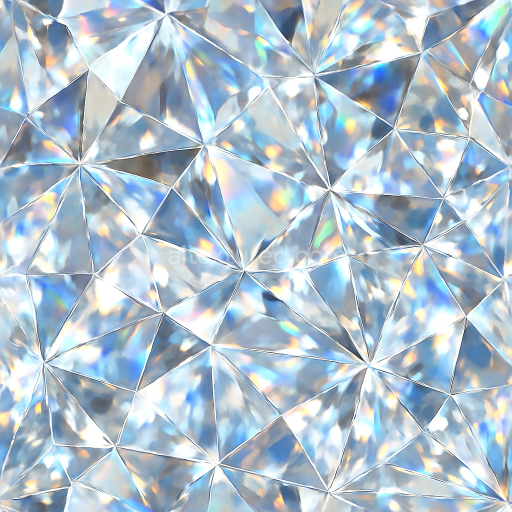
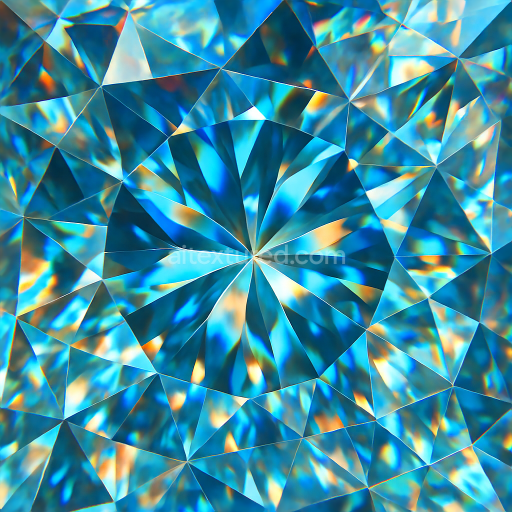
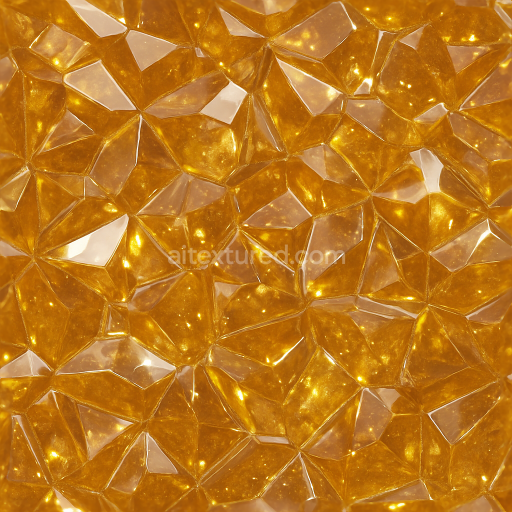
Build, preview, and export seamless PBR materials. Generate full map sets from a single image, inspect them in a real-time WebGL viewer, and re-package maps for Unreal, Unity, and Blender—directly in your browser.
AI text-to-texture: type a prompt and get a seamless, tileable base image ready for PBR workflows (great starting point for materials).
Create a full PBR set (Normal, Roughness, AO, Metallic, etc.) from a single image. Seamless and tiling-friendly.
Instant WebGL viewer: inspect materials on a sphere, plane, and cube. Check tiling and lighting in real time.
Re-packages maps per engine: Unreal (BaseColor + ORM), Unity (Mask/MetallicSmoothness), Blender (separate channels).
PNG ↔ JPG ↔ SVG: fast convert, SVG rasterize, embed/trace options, quality & background controls.