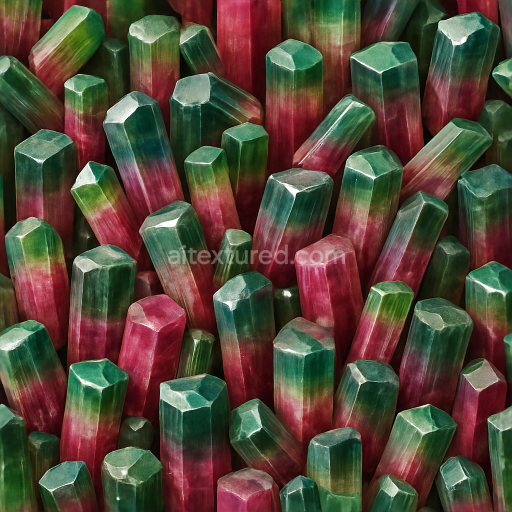
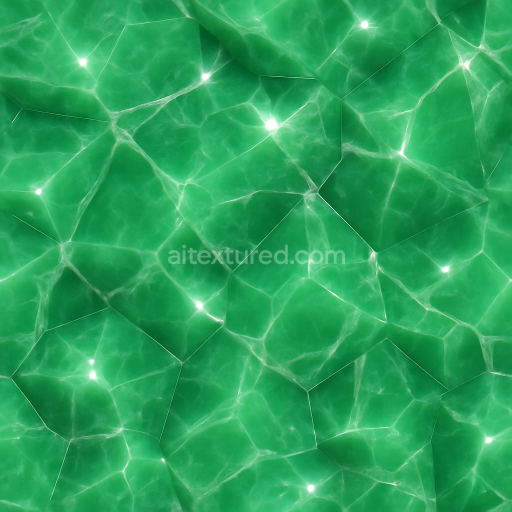
Tourmaline Clustered Crystals With Hexagonal Crystals And Natural Gloss
Seamless texture (tileable) · PNG, WEBP, PBR ZIP.
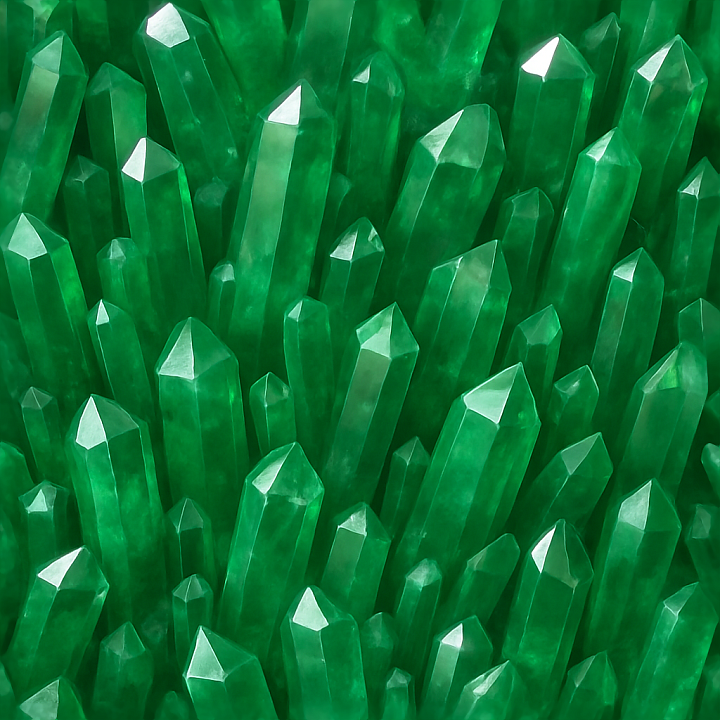
| ID | seamless-3d-texture-pbr-8k-of-translucent-emerald-crystal-points-with-vibrant-green-gemstone-clarity-and-crystal-gloss |
|---|---|
| Category | Crystals |
| Formats | PNG, WEBP, PBR ZIP |
| Size | 1k (1024x1024px), 2k (2048x2048px), 4k (4096x4096px), 8k (8192x8192px) |
| Tileable | Yes |
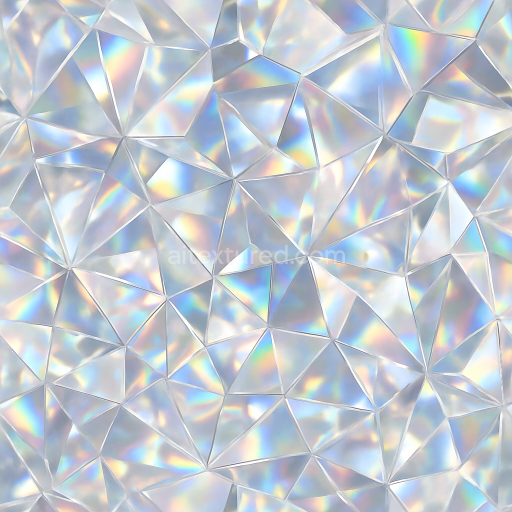
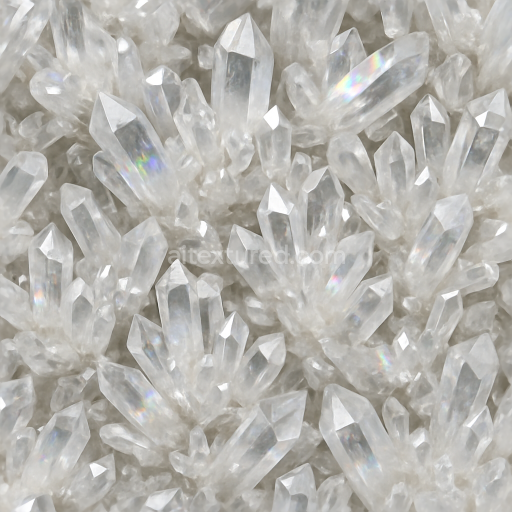
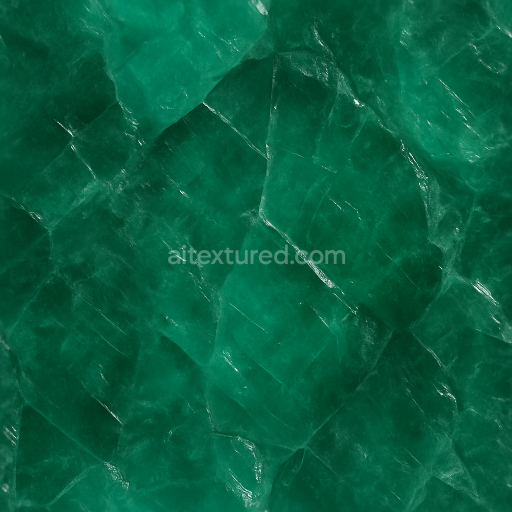
This seamless 3D PBR texture captures the intricate form of translucent emerald crystal points arranged in a natural, clustered pattern characteristic of raw gemstone formations. The base material emulates authentic emerald, a beryllium aluminum silicate, with its signature vibrant green hues resulting from trace amounts of chromium and vanadium pigments. The crystal points exhibit sharp geometric facets and tapering tips, creating a dynamic interplay of light and shadow that highlights the minerals’ internal clarity and depth. The texture’s seamless tiling ensures continuity across surfaces, ideal for expansive renders requiring consistent emerald crystal coverage without visible repetition.
The composition reflects a polished crystal substrate with low porosity, emphasizing a smooth, glass-like finish that mimics natural crystal gloss. This is achieved through PBR channels where the BaseColor (Albedo) map defines the rich green tonal variations and subtle color zoning typical of genuine emeralds. The Normal map enhances the fine details of crystal edges and facet relief, providing realistic surface irregularities and depth. The Roughness map is finely calibrated to represent a predominantly glossy surface with slight variations, giving the impression of a natural sheen rather than a fully mirror-like polish. Metallic values remain minimal, as emeralds are non-metallic gemstones, while Ambient Occlusion adds depth to crevices between crystal points, enhancing visual realism. Height/Displacement maps subtly exaggerate the raised crystal formations, supporting parallax effects and improved silhouette fidelity.
Designed at an 8K resolution, this texture offers exceptional detail and clarity suitable for demanding workflows in Blender, Unreal Engine, and Unity. The high resolution enables close-up renders where individual crystal facets and inclusions are distinctly visible without pixelation. The seamless nature of the texture allows for flexible UV mapping and scaling, accommodating complex geometries or large surface areas without visual artifacts. The translucent quality is simulated through careful blending of opacity variations in the shader setup, contributing to the gemstone’s characteristic depth and light diffusion.
For practical application, it is recommended to fine-tune the Roughness channel based on lighting conditions and desired reflectivity, as overly glossy settings may obscure subtle inclusions and facet details. Additionally, blending the Height map with Normal map inputs can enhance the perception of depth on crystal edges when using parallax occlusion mapping, adding realism in interactive or real-time environments. This texture excels in projects requiring authentic emerald surfaces with crystal point geometry, such as jewelry visualization, mineralogical simulations, or stylized environmental assets.
Import the texture maps into Blender with sRGB color space for albedo/base color and Non-Color for normal, roughness, metallic, AO, height, and ORM maps. Connect normal maps through a Normal Map node, then adjust UV scale with a Mapping node so the material repeats naturally on your model.
For the full step-by-step setup, see How to Use Seamless Textures in Blender. Browse related material examples in wood, concrete, and metal.
Yes. This texture is designed as a seamless tileable PBR material, so it can repeat across large surfaces without visible borders.
Use the download controls on this page: they expose the available PNG, WEBP or engine ZIP choices and supported resolutions for this asset.
Use the engine ZIP choices to package compatible source maps for Blender, Unreal Engine or Unity, then verify the imported material in the target application.
Commercial-use permission is not verified for this record. Confirm the original source and license before production use.
Generate maps from existing images, preview materials, convert channels, and package compatible inputs for Blender, Unity, and Unreal Engine.
Choose a verified workflow for generating maps, previewing tiling, converting channels, or starting from the texture catalog.
Derive Normal, Roughness, AO, Metallic, Height and optional ORM maps from one or more source images, then review the results.
Instant WebGL viewer: inspect materials on a sphere, plane, and cube. Check tiling and lighting in real time.
Re-packages maps per engine: Unreal (BaseColor + ORM), Unity (Mask/MetallicSmoothness), Blender (separate channels).
PNG ↔ JPG ↔ SVG: fast convert, SVG rasterize, embed/trace options, quality & background controls.