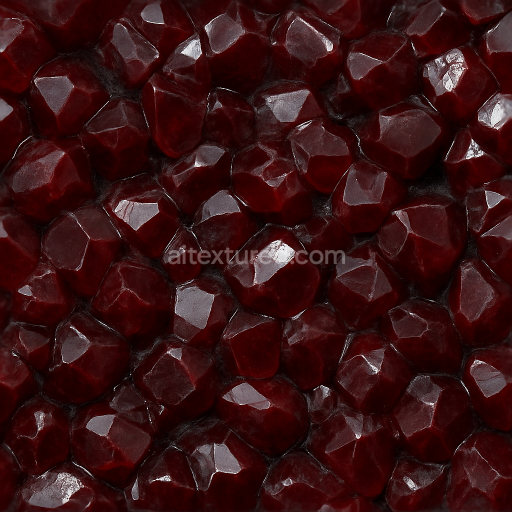
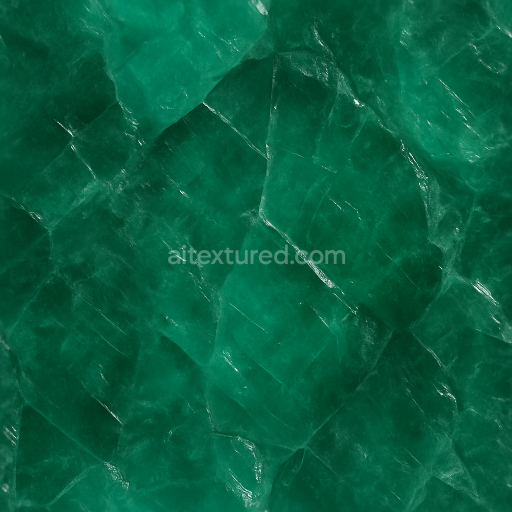
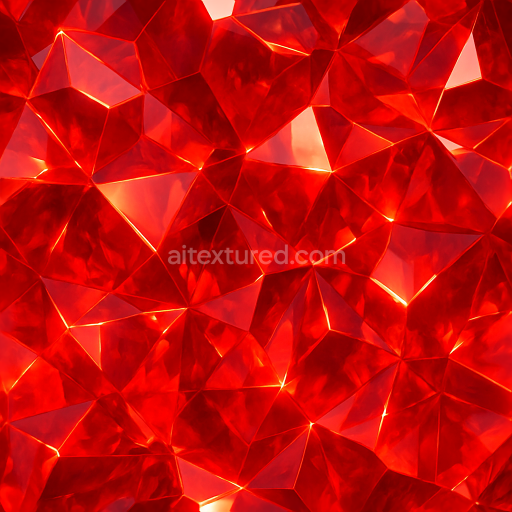
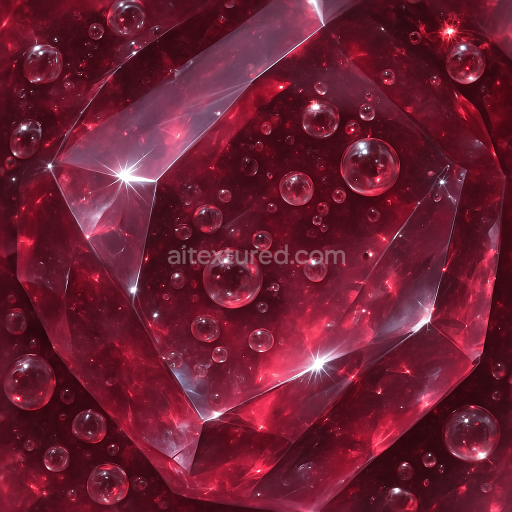
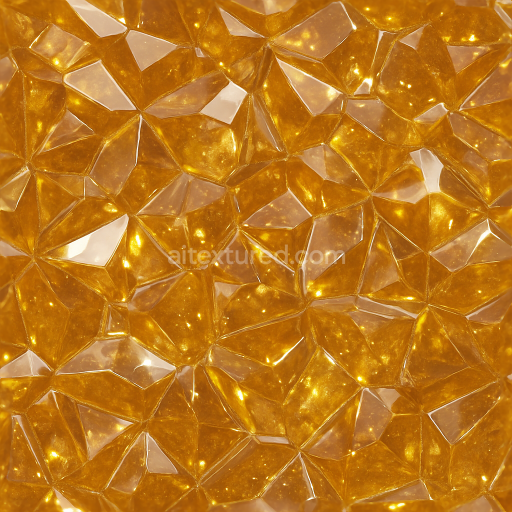
Garnet Raw Crystal With Mineral Deposit Veins And Reflective Surface Glossy Finish
Seamless texture (tileable) · PNG, WEBP, PBR ZIP.
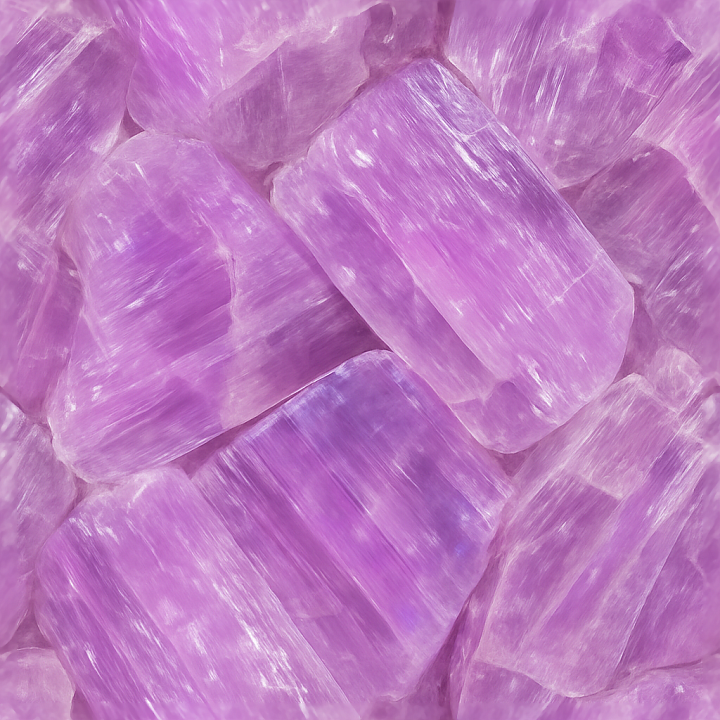
| ID | seamless-3d-texture-pbr-8k-kunzite-raw-crystal-with-cleavage-planes-and-translucent-stone-qualities |
|---|---|
| Category | Crystals |
| Formats | PNG, WEBP, PBR ZIP |
| Size | 1k (1024x1024px), 2k (2048x2048px), 4k (4096x4096px), 8k (8192x8192px) |
| Tileable | Yes |
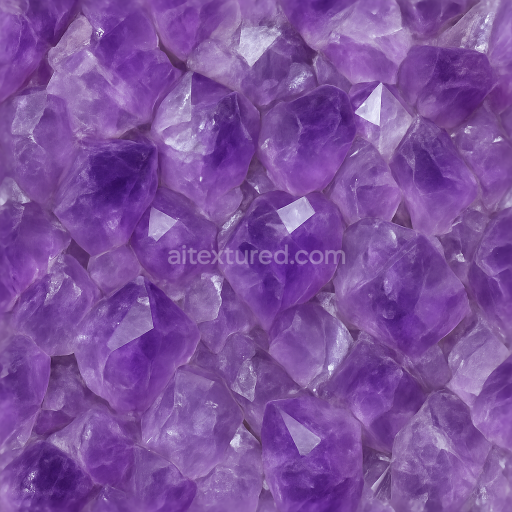
This seamless 3D texture captures the intricate surface of raw kunzite crystal, characterized by its distinctive cleavage planes and translucent qualities. The material’s base substrate is naturally formed lithium aluminum silicate, presenting a crystalline lattice with subtle internal fractures that create planar breaks known as cleavage. These planes contribute to the texture’s geometric form, resulting in an irregular, yet repeating, multifaceted pattern that mimics natural crystallization. The overall structure displays moderate porosity due to micro fissures within the crystal, lending to a nuanced interplay of light transmission and reflection.
The surface finish exhibits a natural gloss with a lustrous, semi-polished appearance typical of raw kunzite, where some areas retain a matte, frosted look due to microscopic surface weathering. Color zoning is a hallmark of this texture, with delicate gradients of pale pink to violet hues occurring unevenly across the substrate. These pigments arise from trace manganese content and are faithfully represented in the BaseColor (Albedo) map. The Normal map enhances the perception of sharp cleavage edges and fine surface irregularities, while the Roughness map balances the glossy and matte regions, creating realistic light diffusion. The Metallic channel remains near zero, reflecting the non-metallic nature of the gemstone, whereas the Ambient Occlusion map accentuates shadowing within the cleavage planes and recesses. Height and Displacement maps provide subtle depth variations to emphasize the crystal’s faceted relief.
Rendered at an impressive 8K resolution, this PBR texture is optimized for use in Blender, Unreal Engine, and Unity, ensuring high fidelity in close-up views without visible tiling artifacts. Its seamless design allows for continuous pattern repetition, ideal for large-scale surface applications or detailed gemstone visualizations. The translucency and reflective surface qualities are accurately simulated to capture the complex optical behavior of kunzite, including light scattering within the crystal and specular highlights on its natural gloss.
For practical use, adjusting the UV scale to a finer level can enhance the perception of the cleavage planes’ granularity when applied to smaller models or close-up renders. Additionally, tuning the Roughness map slightly higher can help mimic a less polished, more natural raw crystal surface if desired. Blending the Height map subtly with the Normal map improves parallax effects, enhancing the three-dimensional realism of the texture without excessive geometry complexity.
Import the texture maps into Blender with sRGB color space for albedo/base color and Non-Color for normal, roughness, metallic, AO, height, and ORM maps. Connect normal maps through a Normal Map node, then adjust UV scale with a Mapping node so the material repeats naturally on your model.
For the full step-by-step setup, see How to Use Seamless Textures in Blender. Browse related material examples in wood, concrete, and metal.
Yes. This texture is designed as a seamless tileable PBR material, so it can repeat across large surfaces without visible borders.
Use the download controls on this page: they expose the available PNG, WEBP or engine ZIP choices and supported resolutions for this asset.
Use the engine ZIP choices to package compatible source maps for Blender, Unreal Engine or Unity, then verify the imported material in the target application.
Commercial-use permission is not verified for this record. Confirm the original source and license before production use.
Generate maps from existing images, preview materials, convert channels, and package compatible inputs for Blender, Unity, and Unreal Engine.
Choose a verified workflow for generating maps, previewing tiling, converting channels, or starting from the texture catalog.
Derive Normal, Roughness, AO, Metallic, Height and optional ORM maps from one or more source images, then review the results.
Instant WebGL viewer: inspect materials on a sphere, plane, and cube. Check tiling and lighting in real time.
Re-packages maps per engine: Unreal (BaseColor + ORM), Unity (Mask/MetallicSmoothness), Blender (separate channels).
PNG ↔ JPG ↔ SVG: fast convert, SVG rasterize, embed/trace options, quality & background controls.