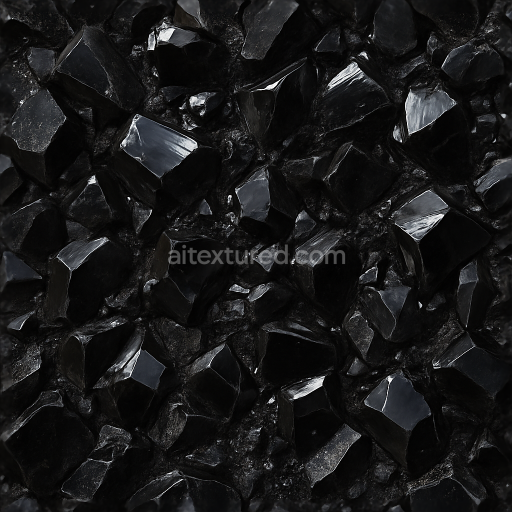
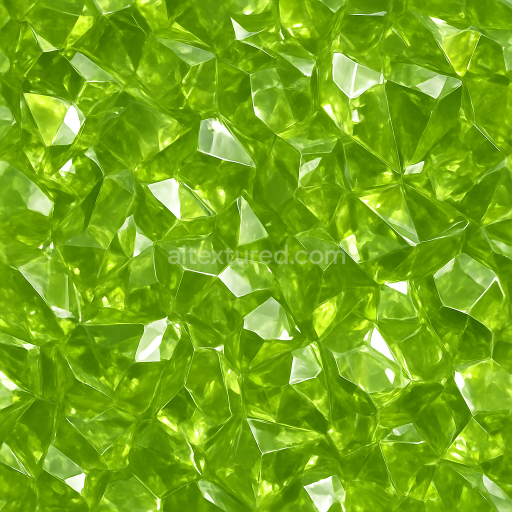
Obsidian Fused Crystals With Rough Crystal Surfaces And Crystal Dust Reflective Finish
Seamless texture (tileable) · PNG, WEBP, PBR ZIP. License: AITextured Free Commercial License (FCL) v1.1. Free personal and commercial use. Raw resale, standalone redistribution, mirroring/scraping, competing asset packs, and AI/ML training are not allowed without written permission. Attribution is not required, but appreciated..
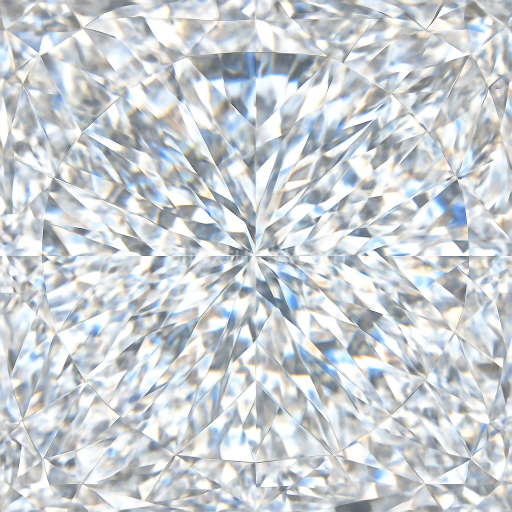
| ID | seamless-3d-texture-pbr-8k-of-polished-diamond-faceted-gem-exhibiting-brilliant-crystal-refractions-and-sparkling-gemstone-fire |
|---|---|
| Category | Crystals |
| Formats | PNG, WEBP, PBR ZIP |
| Size | 1k (1024x1024px), 2k (2048x2048px), 4k (4096x4096px), 8k (8192x8192px) |
| Color | sRGB |
| Tileable | Yes |
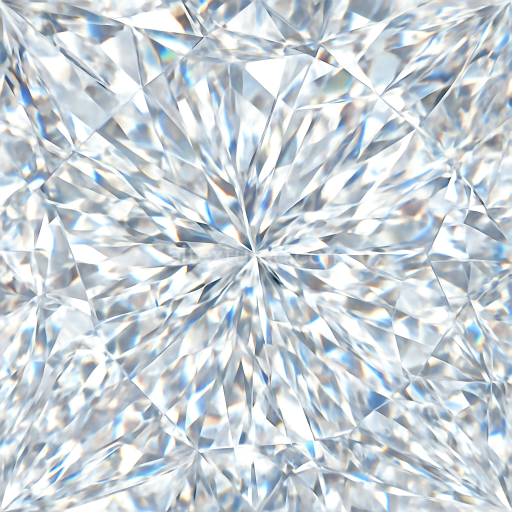
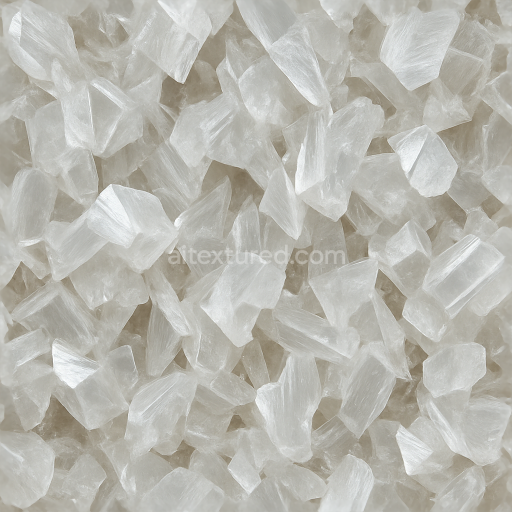
This seamless 3D PBR 8K texture captures the intricate geometry and optical properties of a polished diamond faceted gem, showcasing its multifaceted crystalline structure with exceptional detail. The base material is pure carbon in its crystalline form, represented here as a transparent, high-refractive-index substrate with sharply defined, angular facets arranged in a traditional brilliant cut pattern. These facets form a complex tessellation of triangular and kite-shaped planes that reflect and refract light to create vivid dispersion effects known as gemstone fire. The texture’s surface finish is flawlessly polished, emphasizing a glassy, mirror-like quality that enhances reflections and light play across the diamond’s surface.
The composition of this texture includes a virtually non-porous crystalline lattice with minimal inclusions, which is critical to achieving the diamond’s renowned clarity and brilliance. The optical dispersion is simulated through the texture’s BaseColor (Albedo) channel, which remains predominantly colorless yet subtly tinted with internal spectral highlights. The Normal map encodes the precise angular geometry of the faceted planes, allowing for sharp light transitions and realistic surface detail during rendering. Roughness values are very low and finely graded to mimic the polished surface, ensuring crisp reflections and specular highlights. The Metallic channel is effectively zero, reflecting the non-metallic nature of diamond, while Ambient Occlusion subtly enhances the shadowed recesses between facets, adding depth without compromising transparency. Height and Displacement maps articulate the micro-variations in facet edges and slight bevels, enhancing realism especially in close-up renders.
This texture is optimized at an 8K resolution, providing ultra-high-definition detail ideal for close-range views in photorealistic jewelry visualizations, architectural accents, or any assets requiring authentic diamond materials. It is fully compatible and ready for use in Blender, Unreal Engine, and Unity, supporting physically based rendering workflows and real-time applications alike. The seamless nature allows for infinite tiling across surfaces without visible repetition, making it versatile for both static and animated projects.
For practical application, it is recommended to carefully adjust UV scale to preserve the natural size and proportion of the diamond facets, avoiding distortion that could disrupt light reflection accuracy. Additionally, fine-tuning roughness values can help simulate variations between freshly polished and slightly worn gems, while blending height and normal maps can enhance perceived depth and edge sharpness, adding to the overall realism of the rendered diamond material.
Import the texture maps into Blender with sRGB color space for albedo/base color and Non-Color for normal, roughness, metallic, AO, height, and ORM maps. Connect normal maps through a Normal Map node, then adjust UV scale with a Mapping node so the material repeats naturally on your model.
For the full step-by-step setup, see How to Use Seamless Textures in Blender. Browse related material examples in wood, concrete, and metal.
Yes. This texture is designed as a seamless tileable PBR material, so it can repeat across large surfaces without visible borders.
You can download PNG/WEBP versions and use 1K, 2K, 4K and 8K download options when available on the page.
Yes. The download options and engine-mapped ZIP workflow are designed for Blender, Unreal Engine, Unity Standard, URP and HDRP material pipelines.
Yes. The texture is available under the AITextured free commercial license. Review the license page for redistribution and AI-training restrictions.
Build, preview, and export seamless PBR materials. Generate full map sets from a single image, inspect them in a real-time WebGL viewer, and re-package maps for Unreal, Unity, and Blender—directly in your browser.
AI text-to-texture: type a prompt and get a seamless, tileable base image ready for PBR workflows (great starting point for materials).
Create a full PBR set (Normal, Roughness, AO, Metallic, etc.) from a single image. Seamless and tiling-friendly.
Instant WebGL viewer: inspect materials on a sphere, plane, and cube. Check tiling and lighting in real time.
Re-packages maps per engine: Unreal (BaseColor + ORM), Unity (Mask/MetallicSmoothness), Blender (separate channels).
PNG ↔ JPG ↔ SVG: fast convert, SVG rasterize, embed/trace options, quality & background controls.