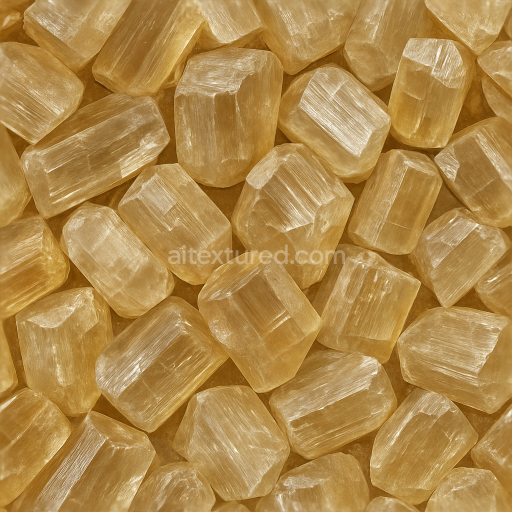
Topaz Rough Crystal With Cleavage Planes And Sparkle Highlights
Seamless texture (tileable) · PNG, WEBP, PBR ZIP.
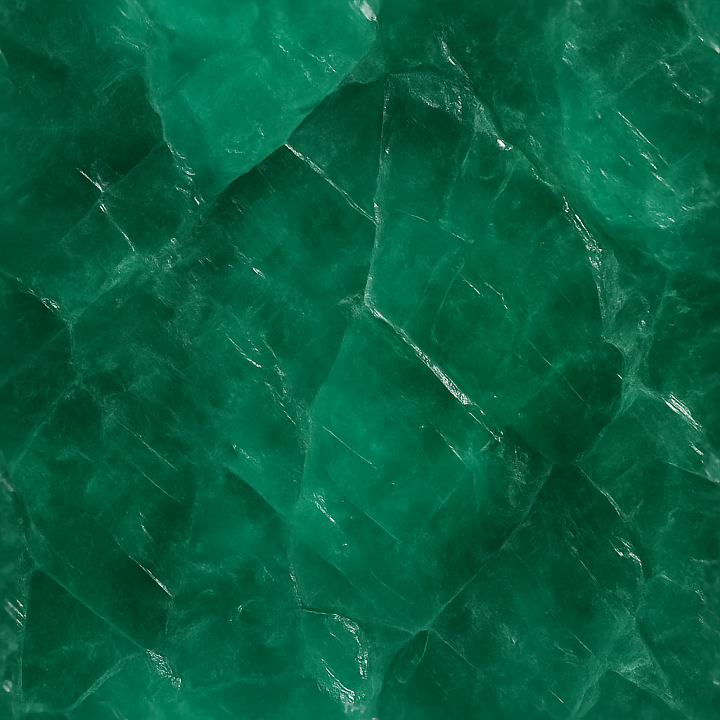
| ID | seamless-3d-texture-pbr-8k-emerald-raw-crystal-with-cleavage-planes-and-diffuse-translucency-effects |
|---|---|
| Category | Crystals |
| Formats | PNG, WEBP, PBR ZIP |
| Size | 1k (1024x1024px), 2k (2048x2048px), 4k (4096x4096px), 8k (8192x8192px) |
| Tileable | Yes |
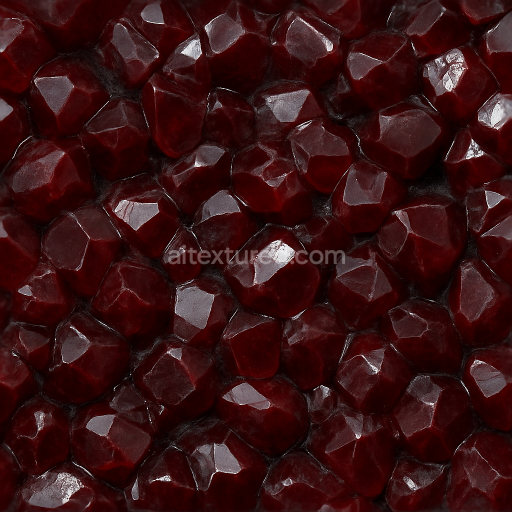
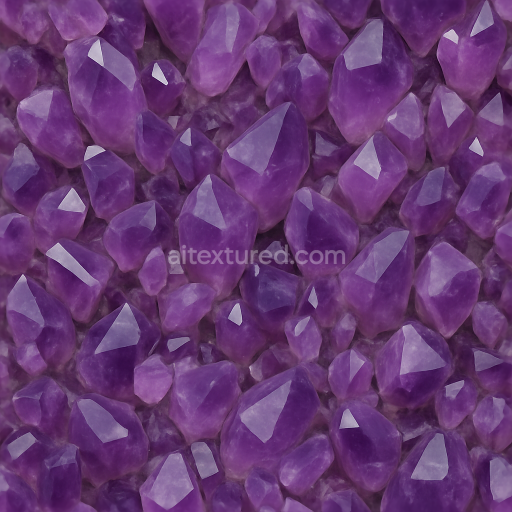
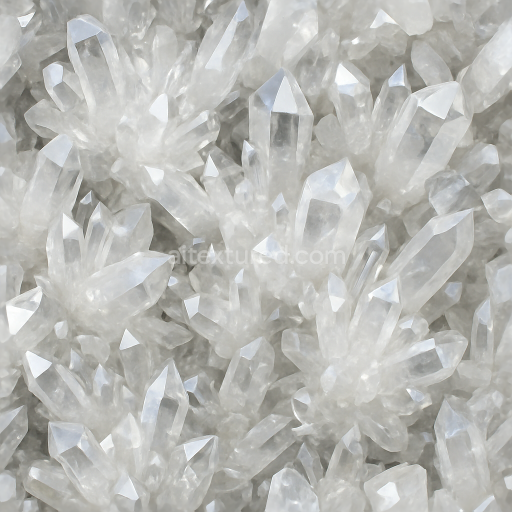
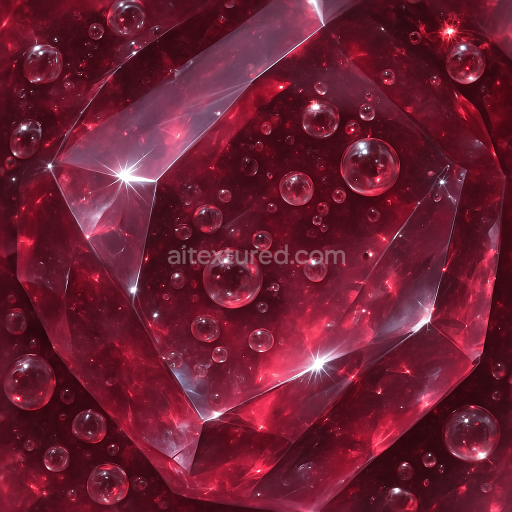
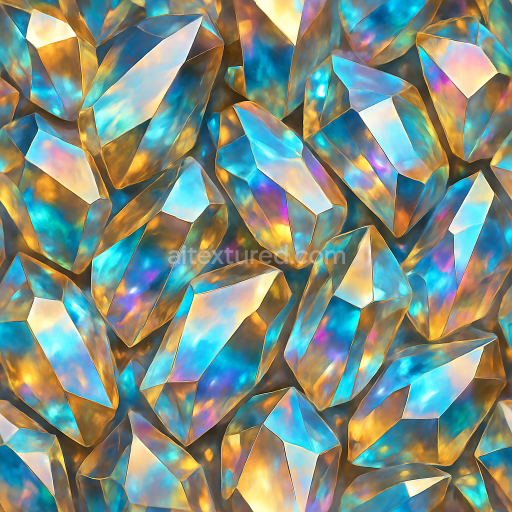
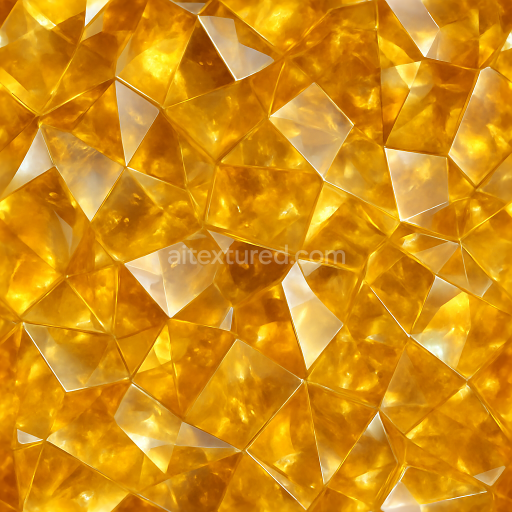
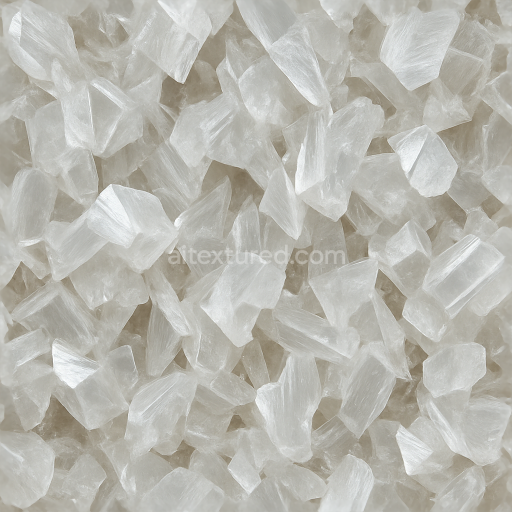
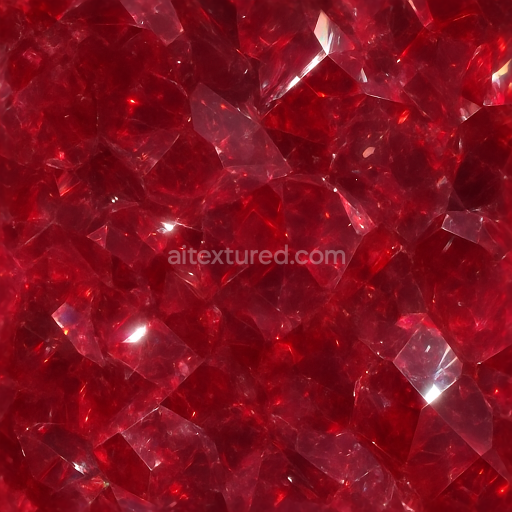
This seamless 3D PBR texture depicts a raw emerald crystal characterized by its intricate cleavage planes and diffuse translucency, rendered in ultra-high 8K resolution to capture every fine detail. The material replicates the natural crystalline structure of emeralds, composed primarily of beryllium aluminum silicate, with a complex internal lattice that creates distinct planar fractures—cleavage planes—evident in the texture’s geometric form. These planar breaks lend the pattern a subtle faceted appearance, which is further enhanced by the delicate color zoning typical of emeralds, where varying intensities of rich green hues transition smoothly across the surface, reflecting natural mineralogical variations and trace amounts of chromium and vanadium colorants embedded within the crystal matrix.
The texture’s base color (Albedo) channel accurately represents the translucent green tones with nuanced gradations, while the Normal map emphasizes the finely detailed cleavage planes and microfacet geometry, giving the surface a believable three-dimensional relief. The Roughness map balances the natural gloss and lustrous finish of emeralds, showing areas of polished smoothness interrupted by slightly rougher fracture edges, enabling realistic light scattering and subtle specular highlights. The Metallic channel remains minimal, as emerald is a non-metallic gemstone, but the Ambient Occlusion map adds depth to crevices and fissures, enhancing the perception of volume and internal complexity. The Height/Displacement map is finely tuned to accentuate the planar fractures and subtle undulations of the crystal surface, facilitating convincing parallax effects in real-time renderers.
This texture’s seamless tiling capability ensures it can be applied continuously over large 3D models or environments without visible repetition, ideal for gemstone visualization, realistic mineral formations, or environmental elements requiring natural crystalline detail. The diffuse translucency effect is carefully designed to simulate subsurface scattering within the gemstone, providing a soft glow that modulates light transmission and reflection, which is critical for photorealistic rendering in physically based rendering workflows.
Optimized for use in Blender, Unreal Engine, and Unity, this 8K texture supports advanced shader setups including PBR workflows that rely on accurate material response to lighting. For practical application, it is advisable to adjust the UV scale carefully to maintain the crystal’s natural geometric proportions and to fine-tune the roughness values in conjunction with scene lighting to achieve the desired balance between gloss and diffuse reflection. Additionally, blending height and normal maps can enhance depth perception without excessive computational cost, making this texture both visually rich and performance-friendly for real-time applications.
Import the texture maps into Blender with sRGB color space for albedo/base color and Non-Color for normal, roughness, metallic, AO, height, and ORM maps. Connect normal maps through a Normal Map node, then adjust UV scale with a Mapping node so the material repeats naturally on your model.
For the full step-by-step setup, see How to Use Seamless Textures in Blender. Browse related material examples in wood, concrete, and metal.
Yes. This texture is designed as a seamless tileable PBR material, so it can repeat across large surfaces without visible borders.
Use the download controls on this page: they expose the available PNG, WEBP or engine ZIP choices and supported resolutions for this asset.
Use the engine ZIP choices to package compatible source maps for Blender, Unreal Engine or Unity, then verify the imported material in the target application.
Commercial-use permission is not verified for this record. Confirm the original source and license before production use.
Generate maps from existing images, preview materials, convert channels, and package compatible inputs for Blender, Unity, and Unreal Engine.
Choose a verified workflow for generating maps, previewing tiling, converting channels, or starting from the texture catalog.
Derive Normal, Roughness, AO, Metallic, Height and optional ORM maps from one or more source images, then review the results.
Instant WebGL viewer: inspect materials on a sphere, plane, and cube. Check tiling and lighting in real time.
Re-packages maps per engine: Unreal (BaseColor + ORM), Unity (Mask/MetallicSmoothness), Blender (separate channels).
PNG ↔ JPG ↔ SVG: fast convert, SVG rasterize, embed/trace options, quality & background controls.