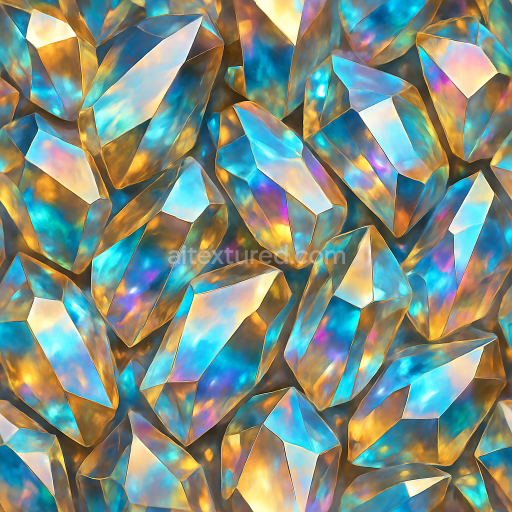
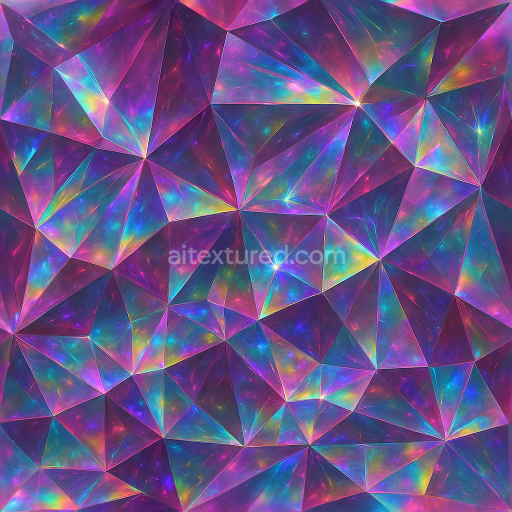
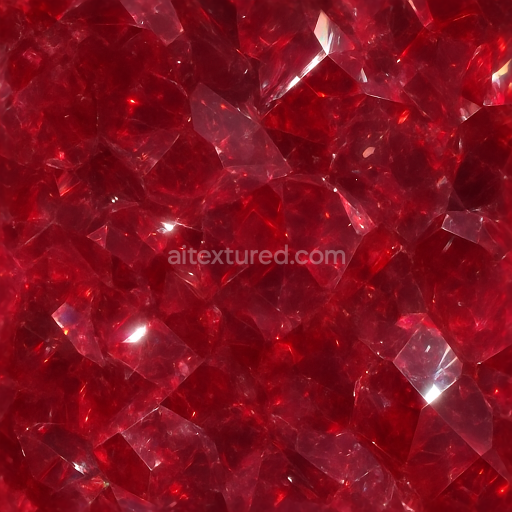
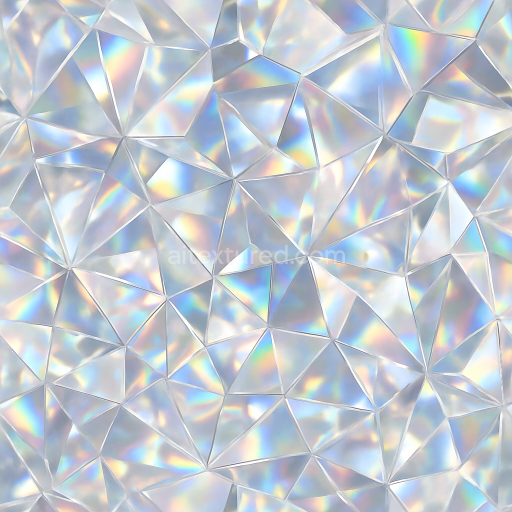
Topaz Crystal Shard With Multicolor Crystals And Crystal Shimmer Reflective Surface
Seamless texture (tileable) · PNG, WEBP, PBR ZIP.
| ID | seamless-3d-texture-pbr-8k-agate-banded-crystal-with-translucent-layers-and-glossy-finish-reflective-surfaces |
|---|---|
| Category | Crystals |
| Formats | PNG, WEBP, PBR ZIP |
| Size | 1k (1024x1024px), 2k (2048x2048px), 4k (4096x4096px), 8k (8192x8192px) |
| Tileable | Yes |
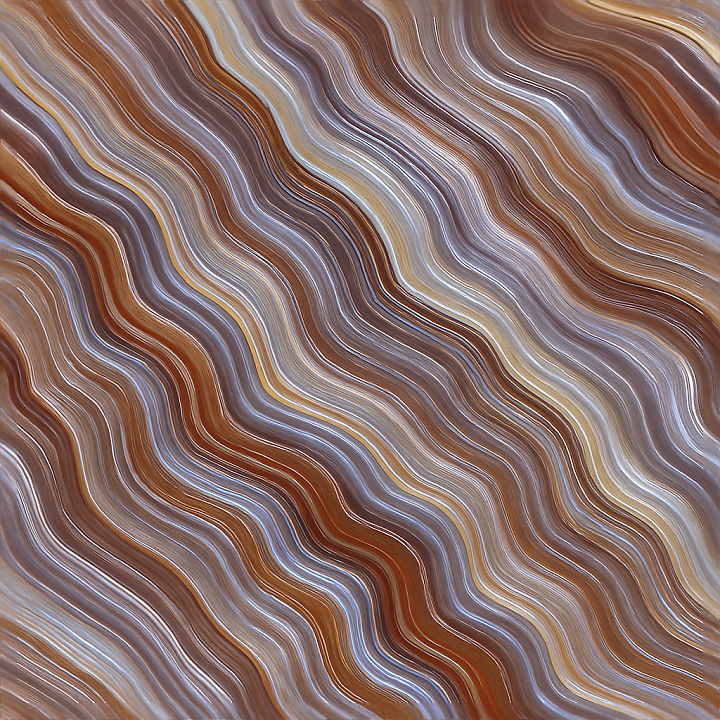
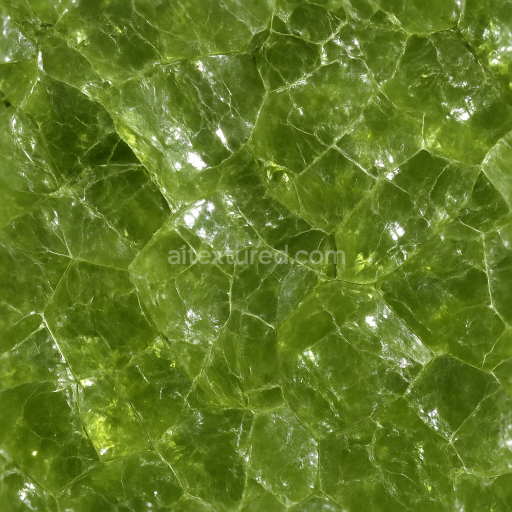
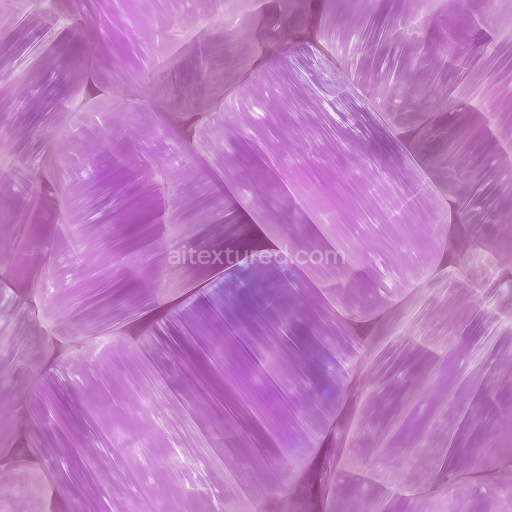
This seamless 3D texture presents a meticulously crafted agate banded crystal surface, rendered in ultra-high 8K resolution to capture every intricate detail of its natural formation. The material base emulates the fine-grained silica structure typical of agate, characterized by concentric banding patterns formed through successive layers of mineral deposition. These bands alternate between translucent and opaque strata, creating subtle depth variations enhanced by the texture’s translucent layers. The overall geometric form features smoothly undulating, laminar bands with faceted edges resembling natural crystal growth, reinforcing the organic complexity of the stone. This layered, laminated structure is faithfully reproduced through PBR channels, ensuring realistic light interaction and surface intricacy.
The surface finish reflects the polished, glossy nature of cut agate, with reflective properties that simulate the interaction of light on smooth mineral surfaces. The PBR material setup includes a BaseColor map that captures the warm earth tones and subtle color gradations from creamy whites to soft browns and muted grays intrinsic to agate. The Normal map provides finely detailed micro-facets and banded relief, emphasizing the crystal’s subtle surface undulations and boundary edges between translucent layers. Roughness maps are calibrated to depict a predominantly smooth, high-gloss finish with minor variations for natural imperfections, while the Metallic channel remains minimal to simulate the non-metallic silica composition. Ambient Occlusion enhances the perception of depth within the banded layers, and Height/Displacement maps give realistic dimensionality to the layered strata and faceted contours.
Structurally, the texture conveys a compact, low-porosity mineral substrate, typical of agate, with tightly bonded silica grains forming the crystalline bands. The natural adhesive properties of the silica gel during agate formation are represented through seamless transitions between layers, avoiding visible tiling artifacts. The translucent layers simulate partial light transmission characteristic of thin mineral slices, contributing to the authentic appearance of depth and internal reflection. The glossy finish is achieved through a simulated polished surface, enhancing reflectivity and subtle specular highlights that respond dynamically to environmental lighting conditions.
This texture is optimized for seamless tiling and is fully compatible with Blender, Unreal Engine, and Unity, making it suitable for photorealistic rendering in architectural visualization, game environments, and 3D product design. For best results, it is recommended to fine-tune the roughness values to adjust the glossiness depending on the scene lighting and material context. Additionally, when using displacement or parallax effects, blending these with the normal map can create a more convincing illusion of depth across the banded layers without excessive geometry complexity. UV scaling should be carefully managed to maintain the natural proportions of the banded pattern and avoid distortion on larger surfaces.
Import the texture maps into Blender with sRGB color space for albedo/base color and Non-Color for normal, roughness, metallic, AO, height, and ORM maps. Connect normal maps through a Normal Map node, then adjust UV scale with a Mapping node so the material repeats naturally on your model.
For the full step-by-step setup, see How to Use Seamless Textures in Blender. Browse related material examples in wood, concrete, and metal.
Yes. This texture is designed as a seamless tileable PBR material, so it can repeat across large surfaces without visible borders.
Use the download controls on this page: they expose the available PNG, WEBP or engine ZIP choices and supported resolutions for this asset.
Use the engine ZIP choices to package compatible source maps for Blender, Unreal Engine or Unity, then verify the imported material in the target application.
Commercial-use permission is not verified for this record. Confirm the original source and license before production use.
Generate maps from existing images, preview materials, convert channels, and package compatible inputs for Blender, Unity, and Unreal Engine.
Choose a verified workflow for generating maps, previewing tiling, converting channels, or starting from the texture catalog.
Derive Normal, Roughness, AO, Metallic, Height and optional ORM maps from one or more source images, then review the results.
Instant WebGL viewer: inspect materials on a sphere, plane, and cube. Check tiling and lighting in real time.
Re-packages maps per engine: Unreal (BaseColor + ORM), Unity (Mask/MetallicSmoothness), Blender (separate channels).
PNG ↔ JPG ↔ SVG: fast convert, SVG rasterize, embed/trace options, quality & background controls.