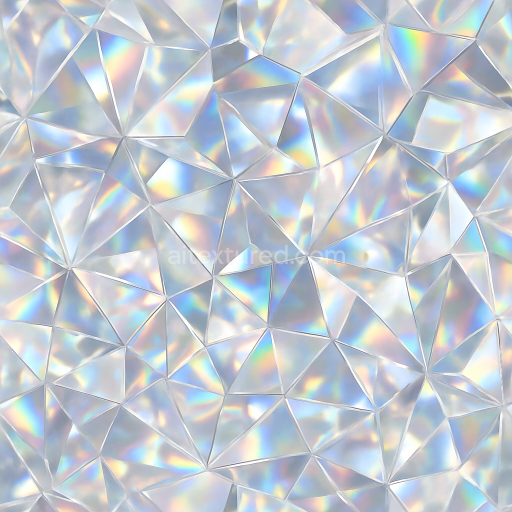
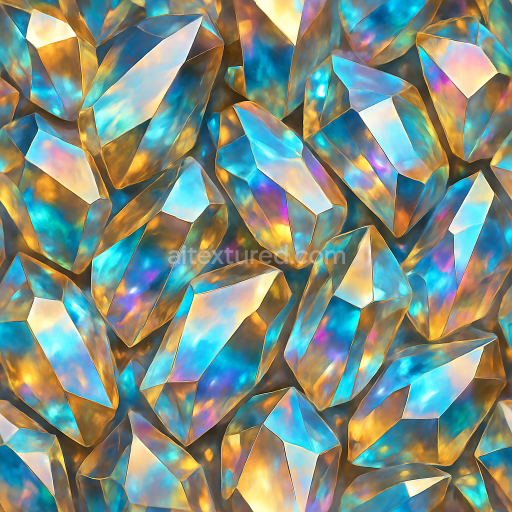
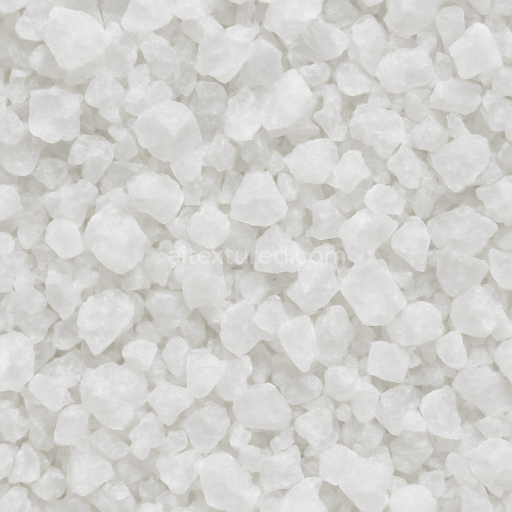
Kristall Prismatic Facets With Crystal Shimmer And Light Dispersion Sparkle Effect
Seamless texture (tileable) · PNG, WEBP, PBR ZIP.
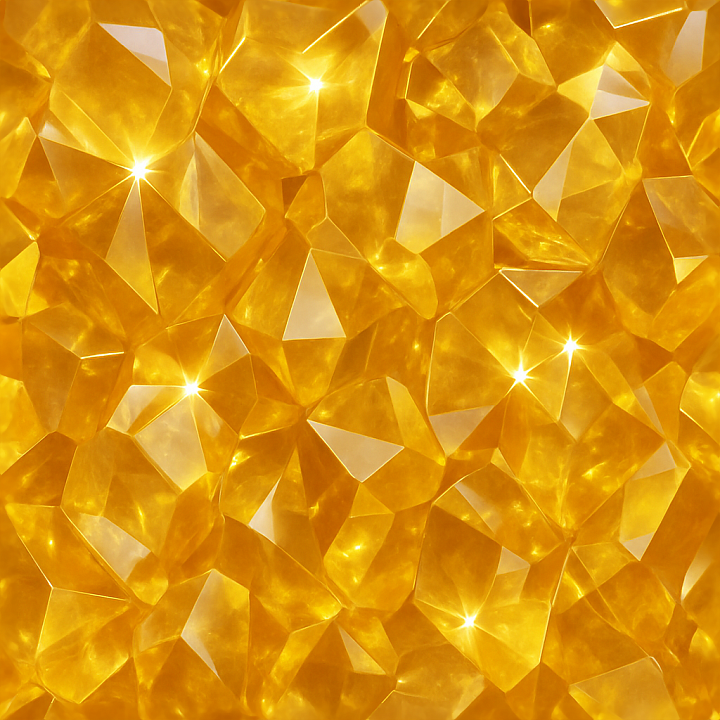
| ID | seamless-3d-texture-pbr-8k-citrine-crystal-lattice-with-glowing-crystal-aura-and-reflective-surface-finish |
|---|---|
| Category | Crystals |
| Formats | PNG, WEBP, PBR ZIP |
| Size | 1k (1024x1024px), 2k (2048x2048px), 4k (4096x4096px), 8k (8192x8192px) |
| Tileable | Yes |
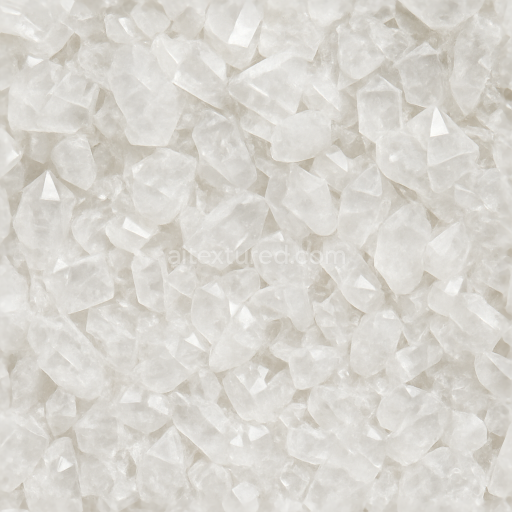
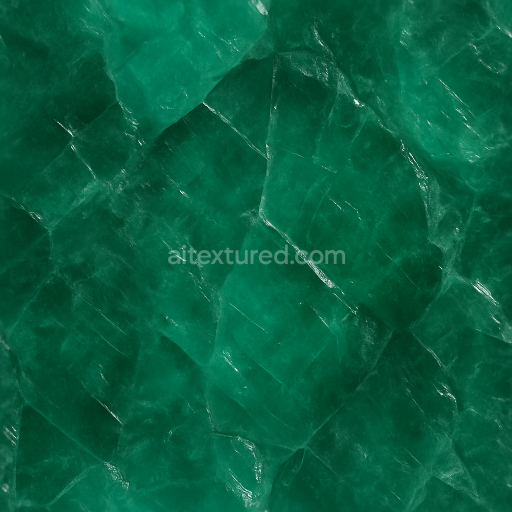
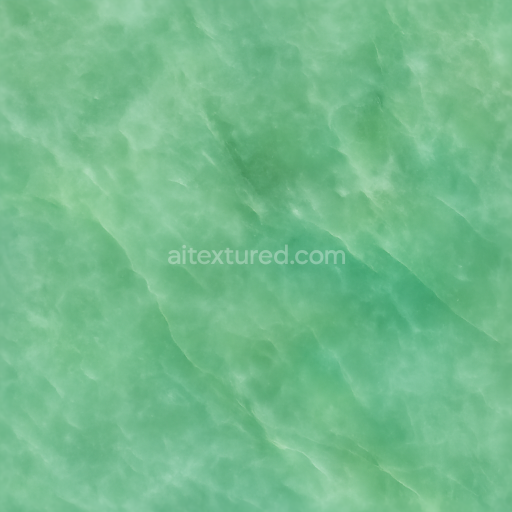
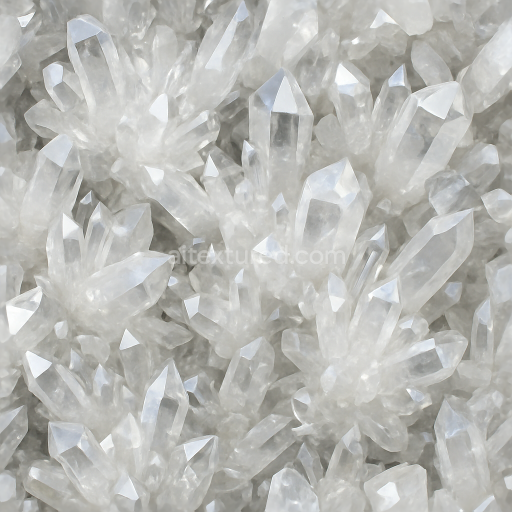
The Seamless 3D Texture PBR 8K Citrine Crystal Lattice showcases a meticulously detailed material inspired by natural citrine gemstones. At its core, this texture replicates the unique crystal lattice structure typical of citrine, characterized by tightly interlocking facets forming a regular geometric pattern. The base material emulates transparent to semi-translucent quartz with subtle internal color zoning that manifests as warm golden-yellow hues, achieved through layered pigment inclusions within the crystalline matrix. The substrate simulates a dense, highly refractive mineral with minimal porosity, capturing the inherent clarity and slight turbidity found in natural citrine stones. The composite effect is a complex interplay of light transmission and reflection, enhanced by a finely tuned glowing crystal aura that gently diffuses around the edges of each facet, simulating internal luminescence and subtle scattering within the crystal body.
This texture features a reflective surface finish designed to mimic polished gemstone facets, combining high specular intensity with low roughness values to create crisp highlights and sharp reflections. The PBR workflow channels are carefully constructed to replicate these material properties: the BaseColor (Albedo) map captures the warm amber tones with natural color gradients and subtle inclusions; the Normal map defines the precise angular geometry of the crystal lattice facets, accentuating depth and sharp edges; Roughness values are kept low and variable across the surface to simulate the contrast between smooth polished planes and minor surface imperfections; the Metallic channel remains minimal or zero, reflecting the non-metallic nature of quartz; Ambient Occlusion enhances the perception of depth within the lattice crevices; and Height/Displacement maps contribute to realistic surface relief and micro-facet detail, adding dimensionality to the model under dynamic lighting. The seamless tile pattern ensures flawless repetition without visible borders, suitable for extensive surface coverage in 3D environments.
Rendered at an ultra-high resolution of 8K, this texture provides exceptional clarity and detail, making it ideal for use in modern 3D software such as Blender, Unreal Engine, and Unity. The 8K resolution allows for close-up inspection in high-quality renders and real-time applications, preserving the intricate facet geometry and nuanced light interactions essential to photorealistic crystal materials. The seamless nature facilitates scalable UV mapping without the risk of pattern distortion or repetition artifacts, supporting flexible asset creation from small objects to large environmental elements.
For practical implementation, it is recommended to adjust the UV scale to balance the size of the crystal facets relative to the model surface, ensuring the lattice pattern appears natural and coherent. Additionally, fine-tuning the roughness map can help achieve the desired level of glossiness, ranging from softly polished to highly reflective surfaces depending on the lighting context. When combining this texture with height or normal maps, blending them carefully enhances the perception of micro-faceting and surface depth without exaggerated distortion, preserving realism in both close-up and distant views.
Import the texture maps into Blender with sRGB color space for albedo/base color and Non-Color for normal, roughness, metallic, AO, height, and ORM maps. Connect normal maps through a Normal Map node, then adjust UV scale with a Mapping node so the material repeats naturally on your model.
For the full step-by-step setup, see How to Use Seamless Textures in Blender. Browse related material examples in wood, concrete, and metal.
Yes. This texture is designed as a seamless tileable PBR material, so it can repeat across large surfaces without visible borders.
Use the download controls on this page: they expose the available PNG, WEBP or engine ZIP choices and supported resolutions for this asset.
Use the engine ZIP choices to package compatible source maps for Blender, Unreal Engine or Unity, then verify the imported material in the target application.
Commercial-use permission is not verified for this record. Confirm the original source and license before production use.
Generate maps from existing images, preview materials, convert channels, and package compatible inputs for Blender, Unity, and Unreal Engine.
Choose a verified workflow for generating maps, previewing tiling, converting channels, or starting from the texture catalog.
Derive Normal, Roughness, AO, Metallic, Height and optional ORM maps from one or more source images, then review the results.
Instant WebGL viewer: inspect materials on a sphere, plane, and cube. Check tiling and lighting in real time.
Re-packages maps per engine: Unreal (BaseColor + ORM), Unity (Mask/MetallicSmoothness), Blender (separate channels).
PNG ↔ JPG ↔ SVG: fast convert, SVG rasterize, embed/trace options, quality & background controls.